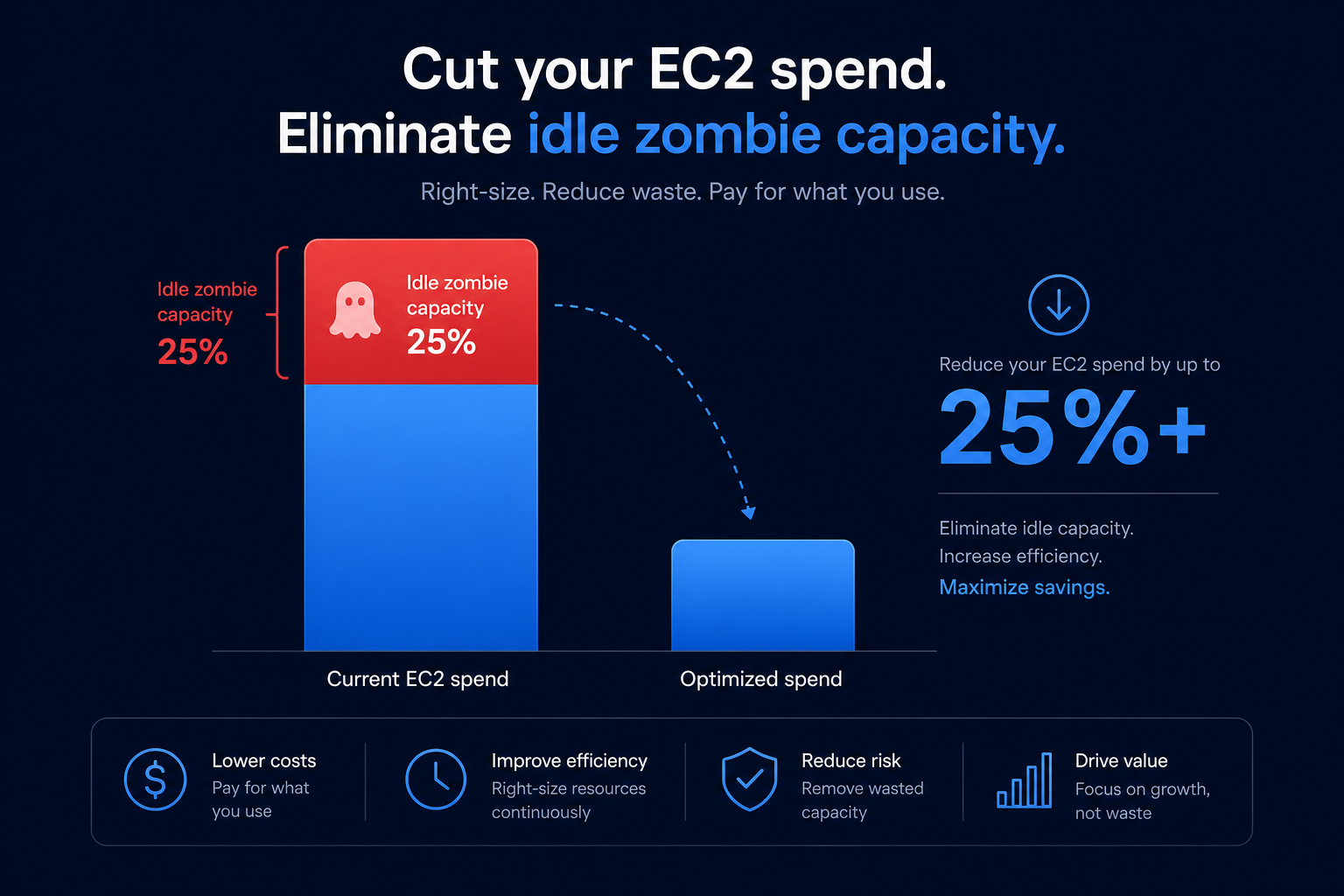
Are you paying for “zombie” capacity that never runs a single line of code? Most organizations waste 20% to 30% of their EC2 spend on idle resources, but selecting the right family and size can slash your bill by 40% without compromising performance.
Understanding AWS EC2 instance families
AWS categorizes EC2 instances into specialized families to meet different workload demands. Choosing the wrong family often leads to expensive over-provisioning where you pay for resources – like excessive RAM or high-clock speed CPUs – that your application does not actually utilize.
- General Purpose (M, T, Mac): These provide a balance of compute, memory, and networking. M7g instances, powered by AWS Graviton processors, are ideal for web servers and small databases. T-family instances are “burstable,” meaning they provide a baseline CPU performance with the ability to spike during high demand using CPU credits.
- Compute Optimized (C): Best for compute-bound applications like batch processing, high-concurrency web servers, and video encoding. The C7g family offers up to 25% better performance over previous generations, making it a staple for high-performance needs.
- Memory Optimized (R, X, U): Designed for workloads that process massive datasets in memory, such as SAP HANA or high-performance databases like Redis.
- Storage Optimized (I, D, H): Built for high sequential read/write access and low-latency local storage, these are often used for data warehousing or distributed file systems.
- Accelerated Computing (P, G, Inf): These utilize hardware accelerators, such as GPUs or FPGAs, for machine learning, graphics rendering, and complex data pattern matching.
Choosing the right processor architecture
The choice between Intel, AMD, and AWS Graviton processors is one of the most effective levers for AWS rate optimization. Selecting the right chip can drastically alter your price-to-performance ratio before you even consider commitment-based discounts.
AWS Graviton (ARM-based) instances typically offer up to 40% better price-performance than their x86 counterparts. Hykell’s automated platform can identify Graviton-ready workloads on autopilot, ensuring you move to the most efficient architecture without manual engineering effort. While Intel remains necessary for legacy x86-specific dependencies, AMD instances are often 10% cheaper than Intel for general x86 compatibility, providing a middle ground for modernization.
Sizing criteria: The 40% rule
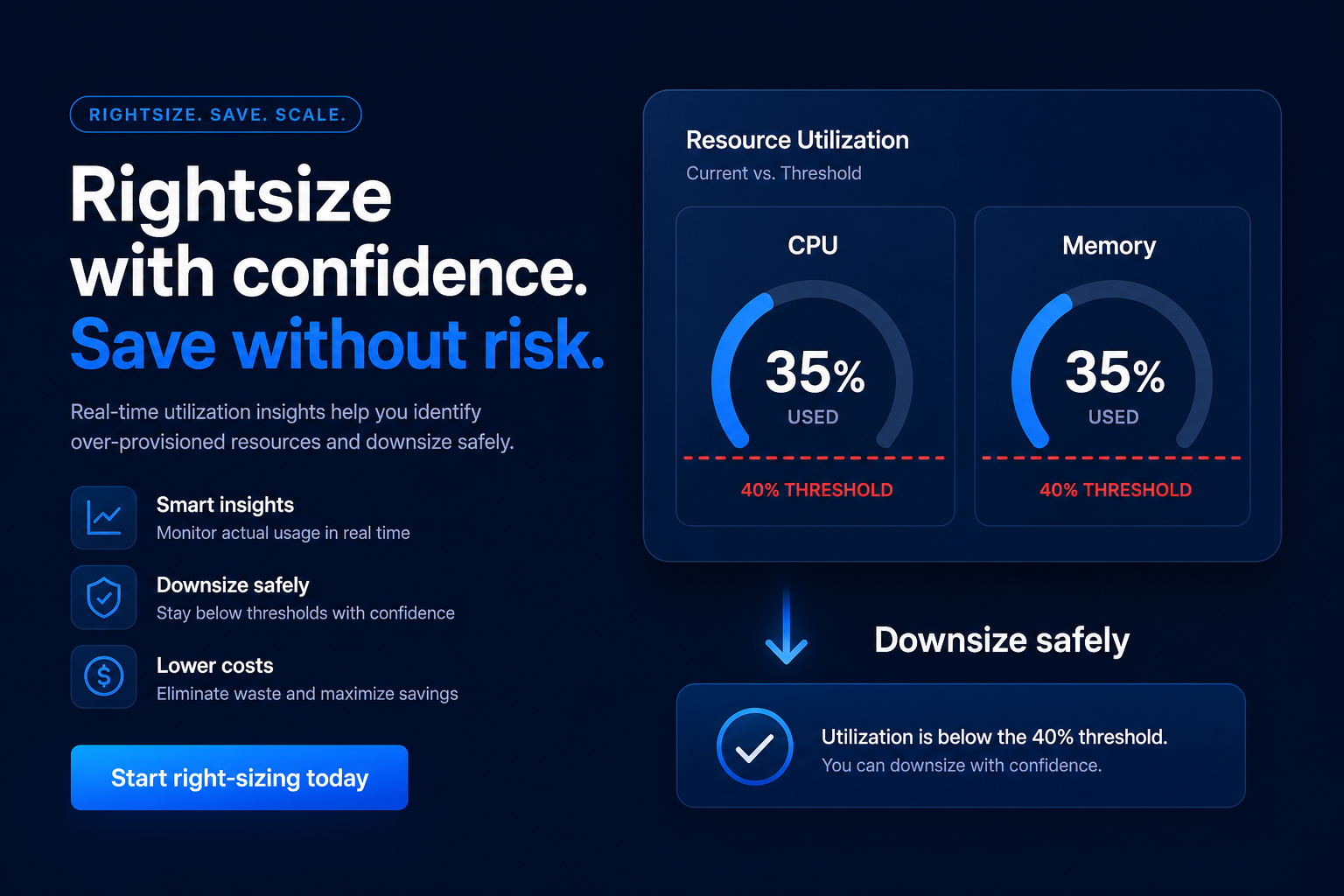
Right-sizing is the process of matching instance types and sizes to your actual workload requirements at the lowest possible cost. Treat this as an ongoing process rather than a one-time setup. According to AWS guidance, if an instance’s maximum CPU and memory usage are both consistently below 40% over a four-week period, you can likely reduce the instance size by half to save costs immediately.
To successfully right-size, you must monitor four key metrics:
- CPU Utilization: Look for idle cycles or constant “bursting” on T-instances that might indicate you need a larger baseline.
- Memory Usage: This often requires the CloudWatch agent to track accurately, as standard metrics do not always report memory internals.
- Network Throughput: Ensure your instance size supports the required bandwidth to prevent networking bottlenecks from slowing down your application.
- EBS Performance: An expensive storage volume is wasted if the EC2 instance lacks the dedicated EBS throughput required to handle the I/O.
Optimizing storage and networking
Selection does not end with the instance family; the underlying storage configuration can drastically impact your monthly spend. For example, migrating from gp2 to gp3 volumes can reduce storage costs by up to 20% while providing better baseline performance and the ability to provision IOPS independently of volume size.
Furthermore, you should always check the instance-level limits for your chosen type. Smaller instances, like the t3.medium, have significantly lower baseline throughput than larger ones, such as the m7i.large. If your application feels sluggish despite low CPU usage, you may be hitting networking or EBS limits rather than compute caps. You can track these metrics and identify performance anomalies in real-time through Hykell’s observability tools.
Purchase models and rate strategies
Once you have selected the correct instance type and size, the final step is choosing a purchasing model. You should never pay On-Demand prices for steady-state workloads that run 24/7.
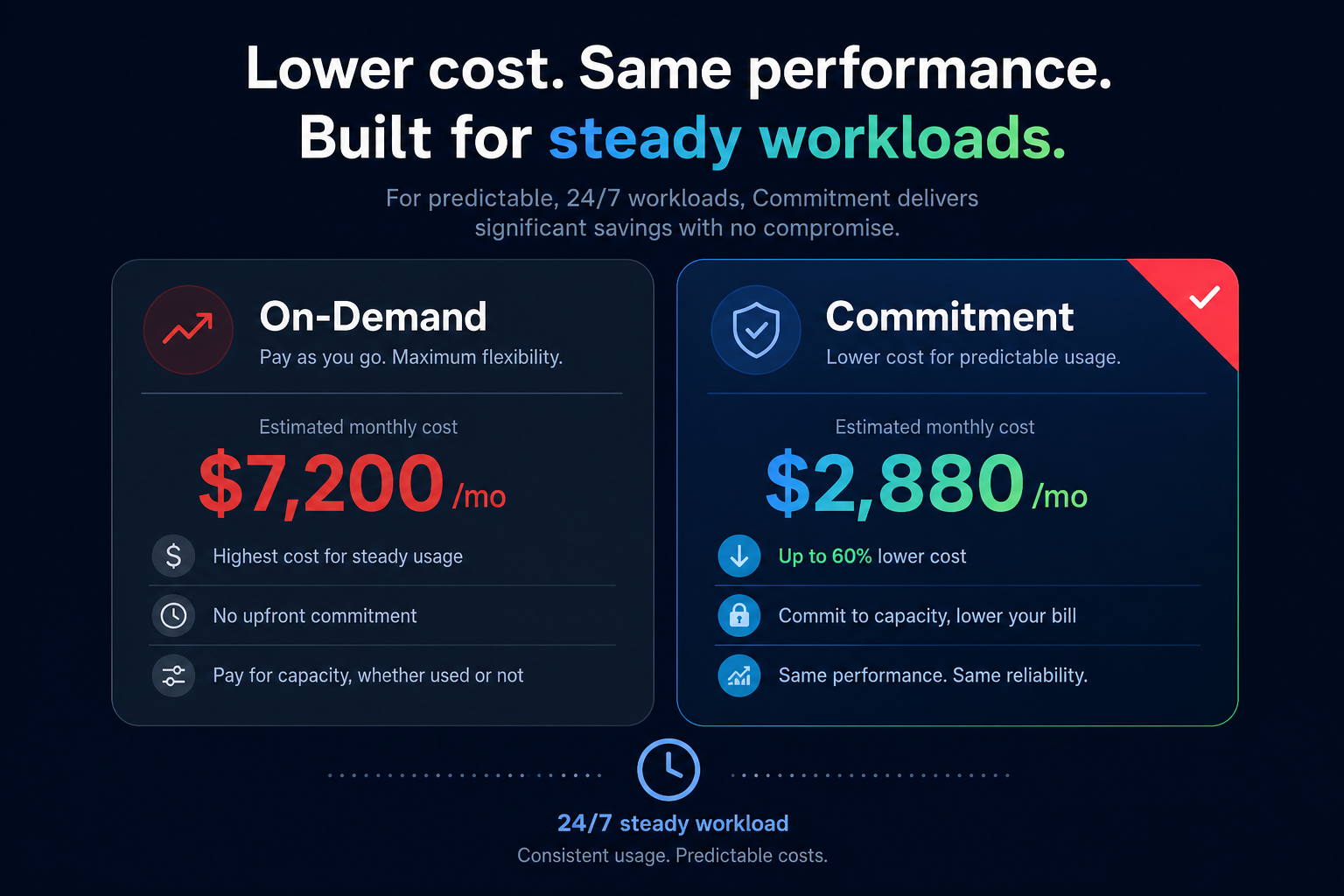
- Savings Plans: These offer up to 72% discounts in exchange for a commitment to a consistent amount of usage. Compute Savings Plans are the most flexible, covering various instance families and regions even as your architecture evolves.
- Spot Instances: For fault-tolerant workloads like CI/CD or batch processing, Spot instances can save you up to 90% compared to On-Demand rates by utilizing unused AWS capacity.
- Reserved Instances (RIs): While Savings Plans are generally preferred for flexibility, RIs remain useful for specific regional or zonal capacity reservations.
Hykell manages a blended portfolio of these commitments for you, achieving an Effective Savings Rate (ESR) of 50–70% or higher. By automating the purchase and conversion of these instruments, Hykell removes the risk of commitment lock-in while maximizing your available discounts.
Automate your EC2 optimization
Manually reviewing hundreds of instance types and thousands of metrics is an impossible task for most DevOps teams. Hykell bridges this gap by operating on autopilot, identifying underutilized resources, and automatically rightsizing your infrastructure based on real-time data.
The platform integrates directly with your environment to terminate zombie resources and tune EBS volumes without requiring manual engineering hours. Because we only take a slice of what you save, there is no financial risk to starting your optimization journey – if you do not save, you do not pay.
Ready to see how much you could be saving on your EC2 fleet? Use the AWS cost savings calculator to get an instant estimate, or contact us for a detailed audit of your cloud infrastructure.