
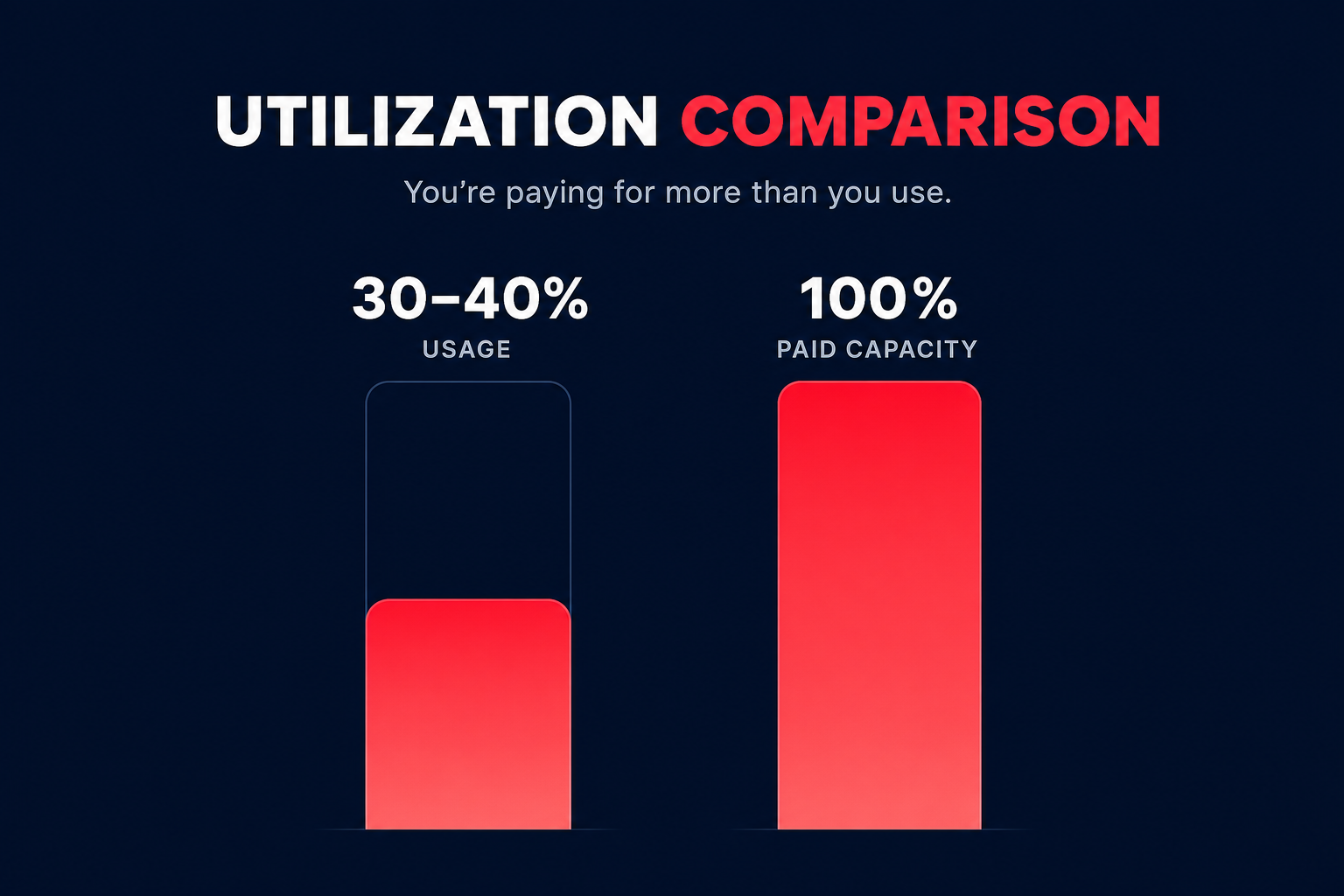
Did you know that most AWS environments run at a meager 30–40% utilization? This means you are likely paying for twice the capacity you actually need, leaving significant budget on the table while your engineering team manually manages safety buffers.
How AWS Compute Optimizer analyzes your environment
AWS Compute Optimizer uses machine learning algorithms to analyze the configuration and utilization of your resources. By evaluating CloudWatch metrics such as CPU utilization, memory, network throughput, and storage I/O, the service identifies specific usage patterns and recommends changes to align capacity with demand.
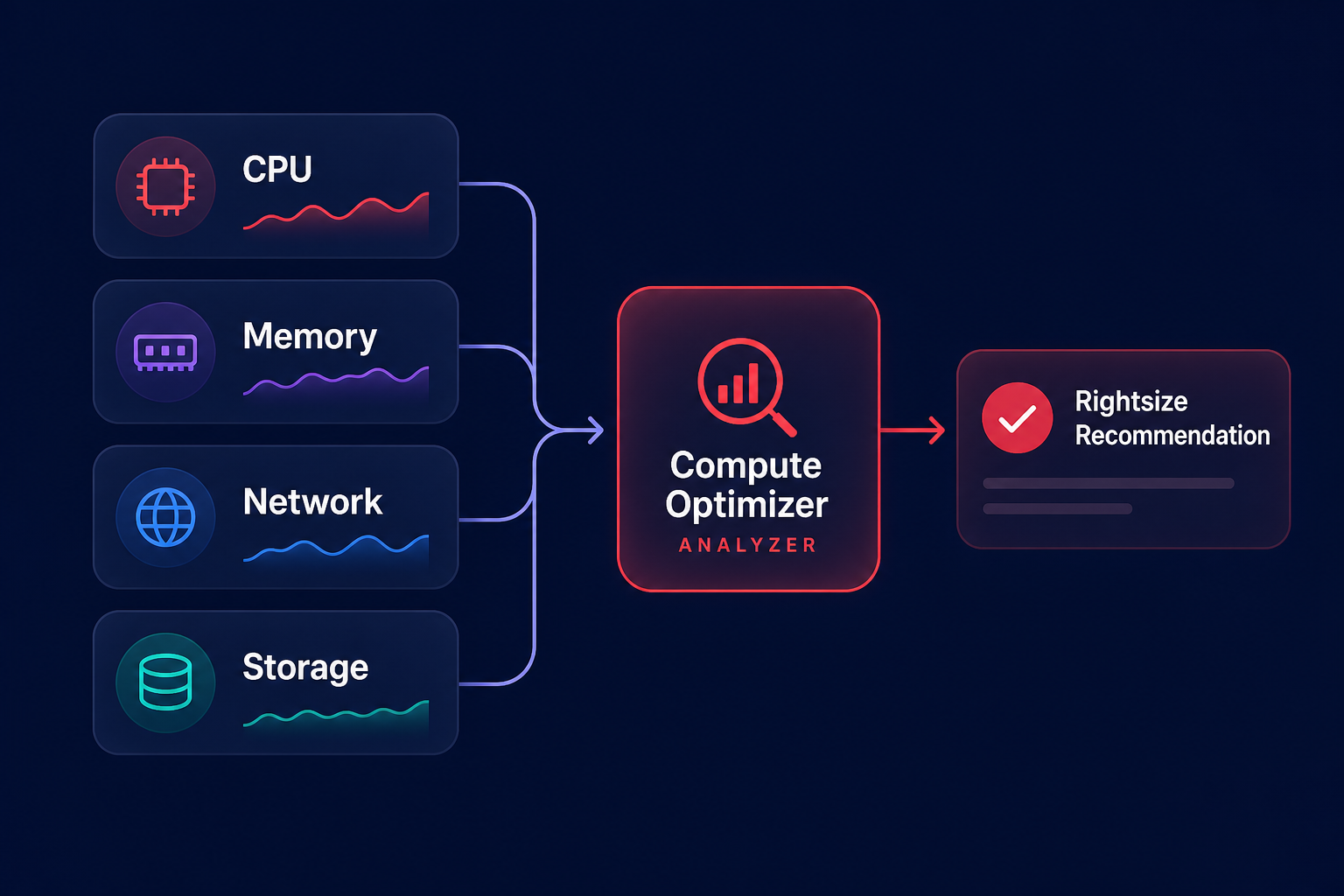
The service classifies your resources into three primary finding classes:
- Optimized: The resource is correctly sized for the workload.
- Over-provisioned: The resource is larger than necessary, leading to wasted spend.
- Under-provisioned: The resource is too small, which creates a performance risk for your application.
For EC2 instances, the tool suggests up to three alternative instance types. These are ranked by a confidence score that indicates how well the recommended type is expected to handle your historical load based on the analysis of your data.
Getting started with the opt-in process
To begin generating recommendations, you must opt-in to the service via the AWS Management Console. If you manage multiple accounts through AWS Organizations, you can enroll all member accounts simultaneously from your management account to provide a centralized dashboard across your entire cloud footprint.
Once enabled, it typically takes up to 12 hours for the service to populate its initial findings. By default, it analyzes the last 14 days of data. However, you can configure rightsizing recommendation preferences to extend the lookback period to 32 days or even 93 days with Enhanced Infrastructure Metrics, which costs approximately $0.25 per instance per month.
Optimizing EC2 and Auto Scaling groups
EC2 rightsizing is often your most significant lever for immediate cost reduction. When you review recommendations, Hykell suggest looking at instance family switches rather than just downsizing within the same family. Moving from a general-purpose instance to a compute-optimized type might provide better performance at a lower price point if your memory utilization is consistently low.
The Graviton advantage
One of the most effective strategies identified by Compute Optimizer is migrating to AWS Graviton instances. These ARM-based processors offer up to 40% better price-performance than comparable x86-based instances. Hykell helps identify which workloads are ready for Graviton migration and ensures these savings stack on top of your existing Reserved Instances or Savings Plans.
Enabling memory monitoring
By default, Compute Optimizer does not see into your instance RAM. To receive memory-aware recommendations, you must install the CloudWatch agent on your instances. Without memory data, a recommendation to downsize could inadvertently lead to “Out of Memory” (OOM) errors if your application is memory-intensive but CPU-light.
Rightsizing EBS and Lambda resources
Beyond compute, the service provides critical insights into your storage and serverless functions to ensure holistic efficiency:
- Amazon EBS: The service analyzes IOPS and throughput usage against provisioned limits for various volume types. A common win is migrating from gp2 to gp3, which is approximately 37–40% cheaper per GB and allows you to provision throughput independently of storage size.
- AWS Lambda: Because CPU power scales linearly with memory in Lambda, increasing memory can actually reduce execution time. Compute Optimizer helps you find the sweet spot where you achieve the lowest total cost per invocation.
From manual insights to automated execution
While AWS Compute Optimizer provides excellent data, it does not execute changes for you. Manual rightsizing often fails at scale because workload needs change frequently, and engineers tend to keep large safety buffers that lead to waste. To achieve automated AWS rightsizing, you need a system that turns observability insights into immediate execution.
Hykell bridges this gap by operating on autopilot. Instead of relying on static rules, we use continuous automation to adjust your resources in real-time, targeting an Effective Savings Rate (ESR) of 50–70% or more. This ensures you aren’t just identifying waste but actively eliminating it without ongoing engineering effort.
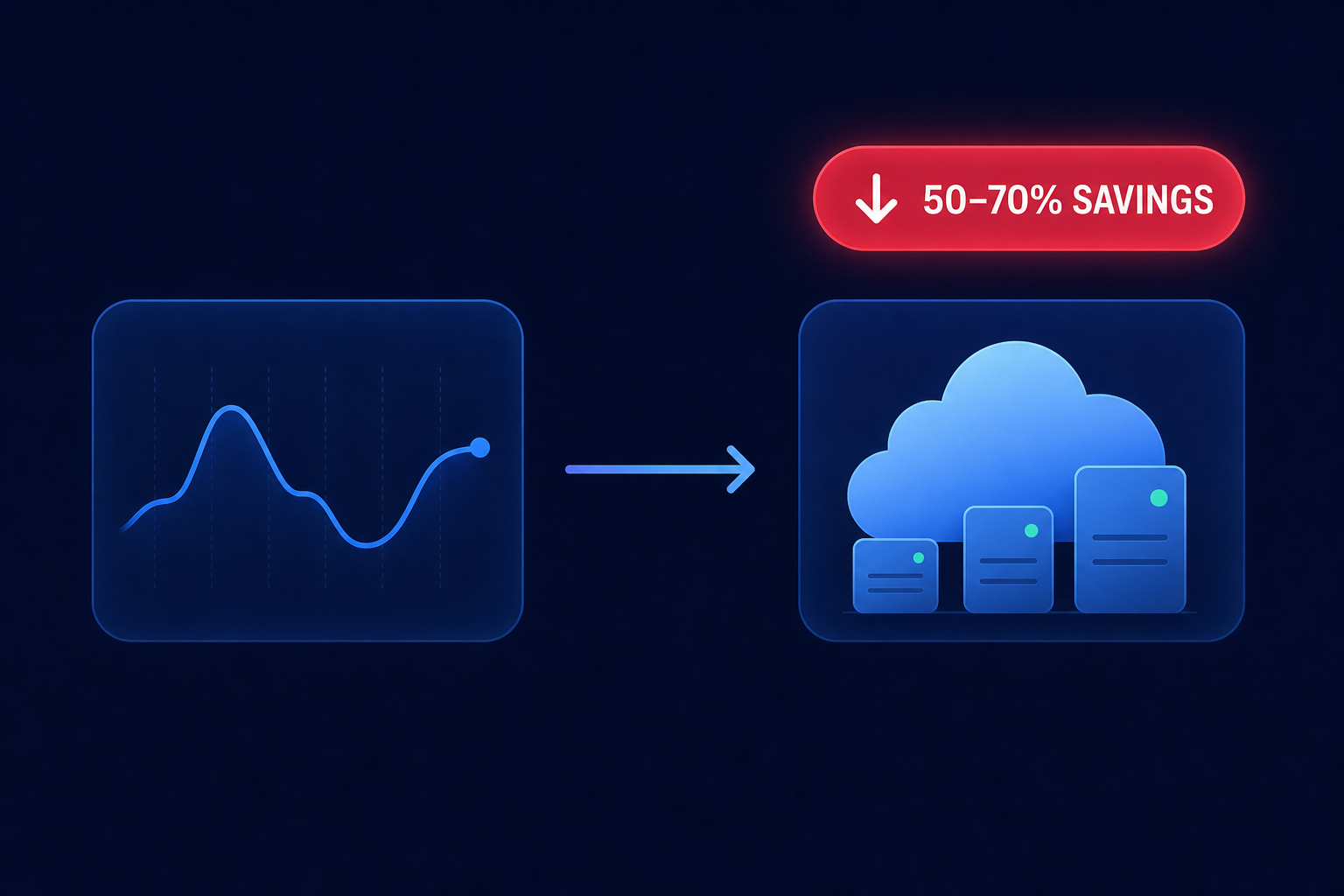
By combining the ML-powered recommendations of AWS Compute Optimizer with a strategy of rightsizing before applying commitments, you can reclaim up to 40% of your AWS budget. To see exactly how much you could save by putting your AWS optimization on autopilot, use our AWS cost savings calculator or contact the Hykell team for a detailed audit.

