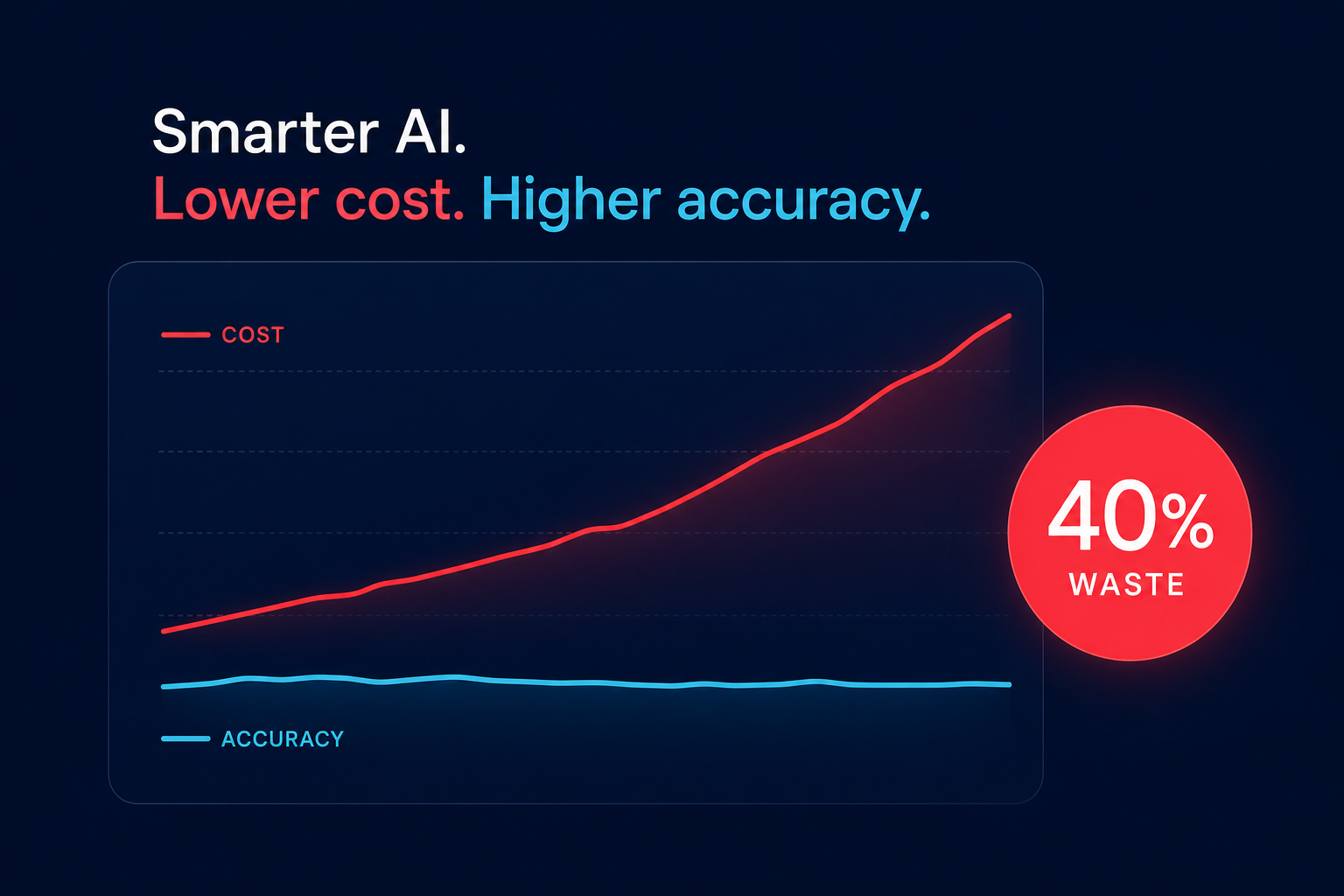
Is your Amazon Aurora bill growing faster than your database? While Aurora offers massive performance benefits, its pay-as-you-go model can quickly spiral into a major expense if you aren’t managing I/O and instance types with surgical precision.
Rightsizing compute with precision and Graviton
The first step in any cost-reduction effort is ensuring your instance classes match your actual workload demands. While you might be tempted to over-provision to handle potential spikes, you are often paying for idle CPU and memory that never gets used. To solve this, AWS Compute Optimizer now supports Amazon Aurora, providing data-backed recommendations by analyzing CloudWatch metrics like CPU utilization, network throughput, and memory pressure.
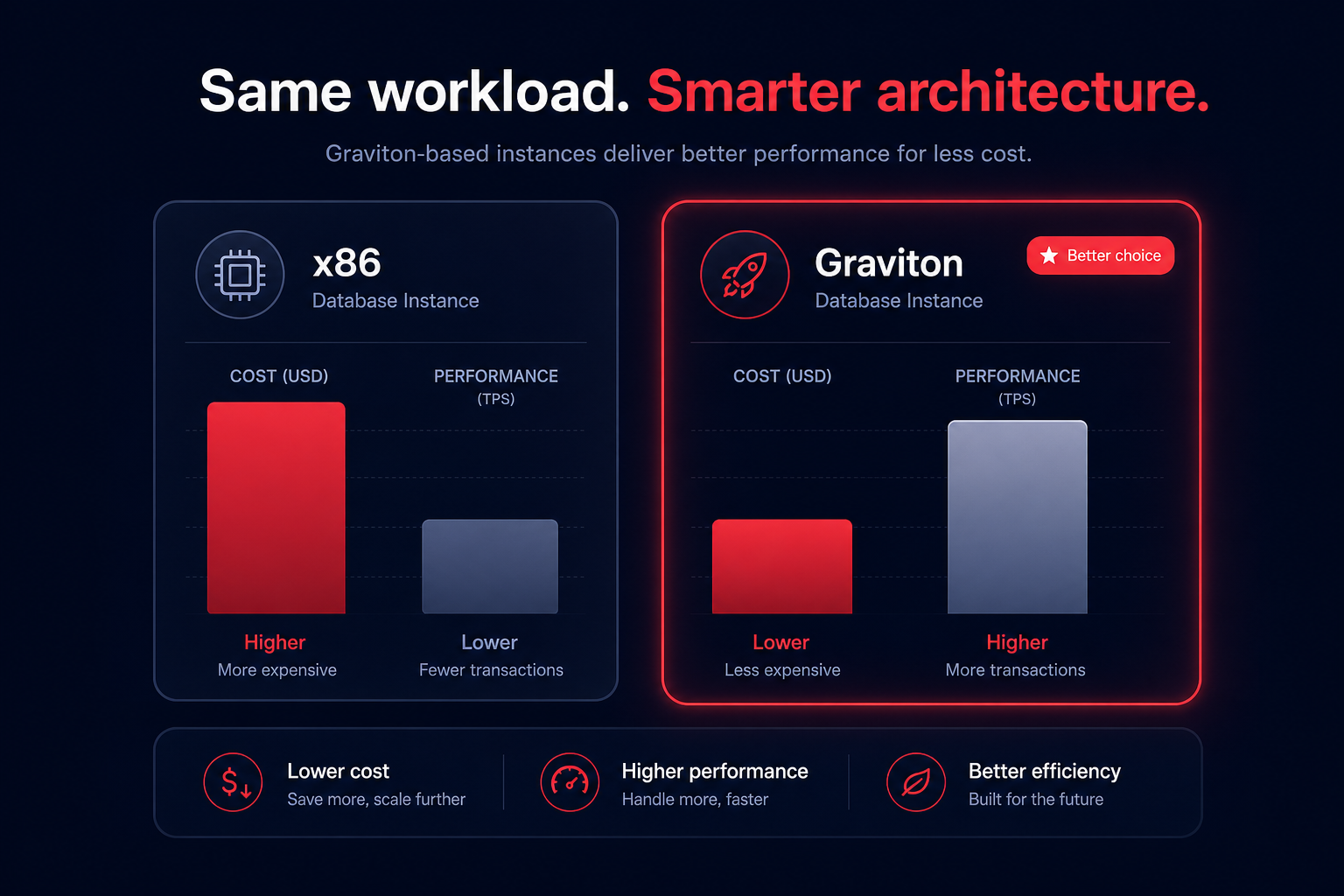
For many teams, the most effective technical lever is migrating to AWS Graviton instances. Graviton-based instances typically offer a price point that is 20% lower than comparable x86 counterparts while delivering up to 40% better performance. This shift allows you to either downsize your instance tier or gain a significant performance buffer for the same price. Hykell can help you accelerate your Graviton gains by identifying which clusters are ready for the switch without requiring manual engineering effort or code modifications.
For workloads with highly variable or unpredictable traffic, Aurora Serverless v2 offers a granular way to manage capacity. It can scale in increments as small as 0.5 ACUs and now supports scaling down to 0 capacity during periods of complete inactivity. This is particularly useful for development and staging environments that often sit idle outside of business hours.
Navigating storage and I/O configurations
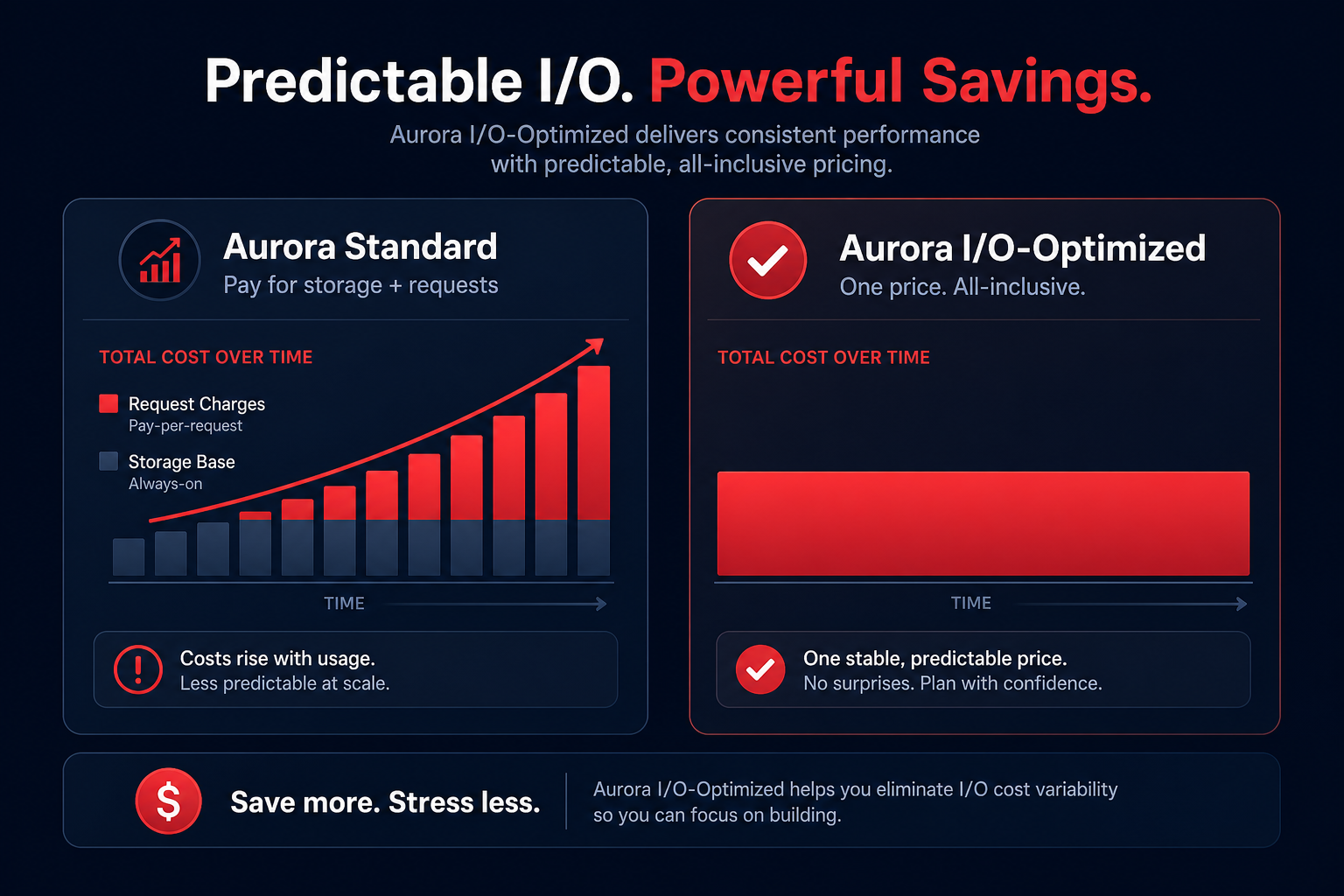
Aurora’s storage pricing model differs significantly from standard RDS. You are charged based on the actual data stored rather than a pre-provisioned volume size. A critical decision point for your budget is choosing between Aurora Standard and Aurora I/O-Optimized configurations.
In the Standard tier, you pay for storage plus a rate per million I/O requests. This is cost-effective for applications with moderate I/O. However, if your application is I/O-intensive, your hidden I/O costs can quickly eclipse the base storage fee. Switching to the I/O-Optimized tier eliminates these request charges entirely, providing a predictable bill and improved price performance for heavy workloads. To understand how these operations impact your bottom line, reviewing a detailed explanation of AWS IOPS can help you determine the right threshold for a tier switch.
You should also implement a rigorous cleanup strategy. Because Aurora now automatically scales billed storage down when data is removed, dropping unused tables or finding idle resources results in immediate savings. Regularly auditing your snapshots and implementing lifecycle policies ensures you aren’t paying $0.095 per GB-month for data you no longer need.
Mastering reserved capacity and rate optimization
Once your infrastructure is technically sound, the next layer of savings comes from AWS rate optimization. For steady-state production workloads, Amazon Aurora Reserved Instances provide a significant discount – often up to 69% – compared to on-demand pricing in exchange for a one- or three-year commitment.
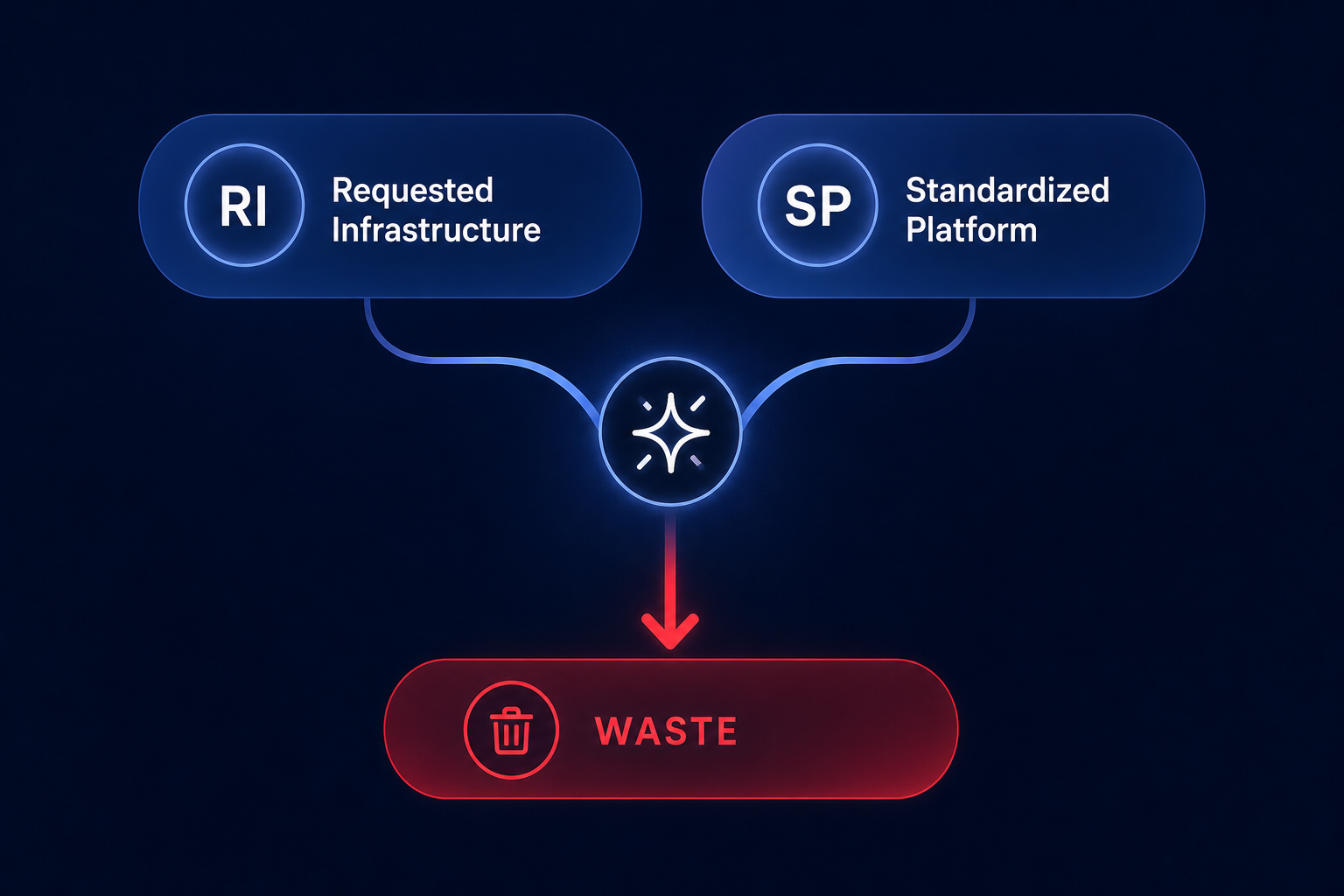
Managing these commitments manually is risky. If your instance type changes or you migrate regions, a rigid reservation can become wasted spend. Effective management requires a blended portfolio of Reserved Instances and Savings Plans. Hykell automates this process by using AI to forecast your usage and purchase commitments dynamically, aiming for an Effective Savings Rate (ESR) of 50–70%. This ensures you get deep discounts without being locked into a configuration that no longer serves your technical needs.
Leveraging read replicas and performance tuning
Scaling vertically isn’t always the most cost-efficient answer to performance bottlenecks. Instead of moving to a larger, more expensive primary instance, consider using RDS read replicas to offload traffic. Aurora’s shared storage architecture means replicas have near-zero replication lag, allowing you to scale read capacity horizontally and shut it down during low-traffic periods.
Combining horizontal scaling with Aurora performance tuning prevents wasteful scaling events. By optimizing slow queries and improving your Buffer Cache Hit Ratio, you reduce the CPU load and I/O requests that often trigger expensive upgrades. Keeping your database efficient at the code level remains the ultimate long-term cost control strategy.
If managing these technical and financial levers feels like a full-time job for your engineering team, Hykell can put your cloud savings on autopilot. We identify inefficiencies and implement rate optimizations automatically, saving our customers up to 40% on their AWS bill. To see exactly how much you could be saving without any engineering effort, use our AWS cost savings calculator today.