
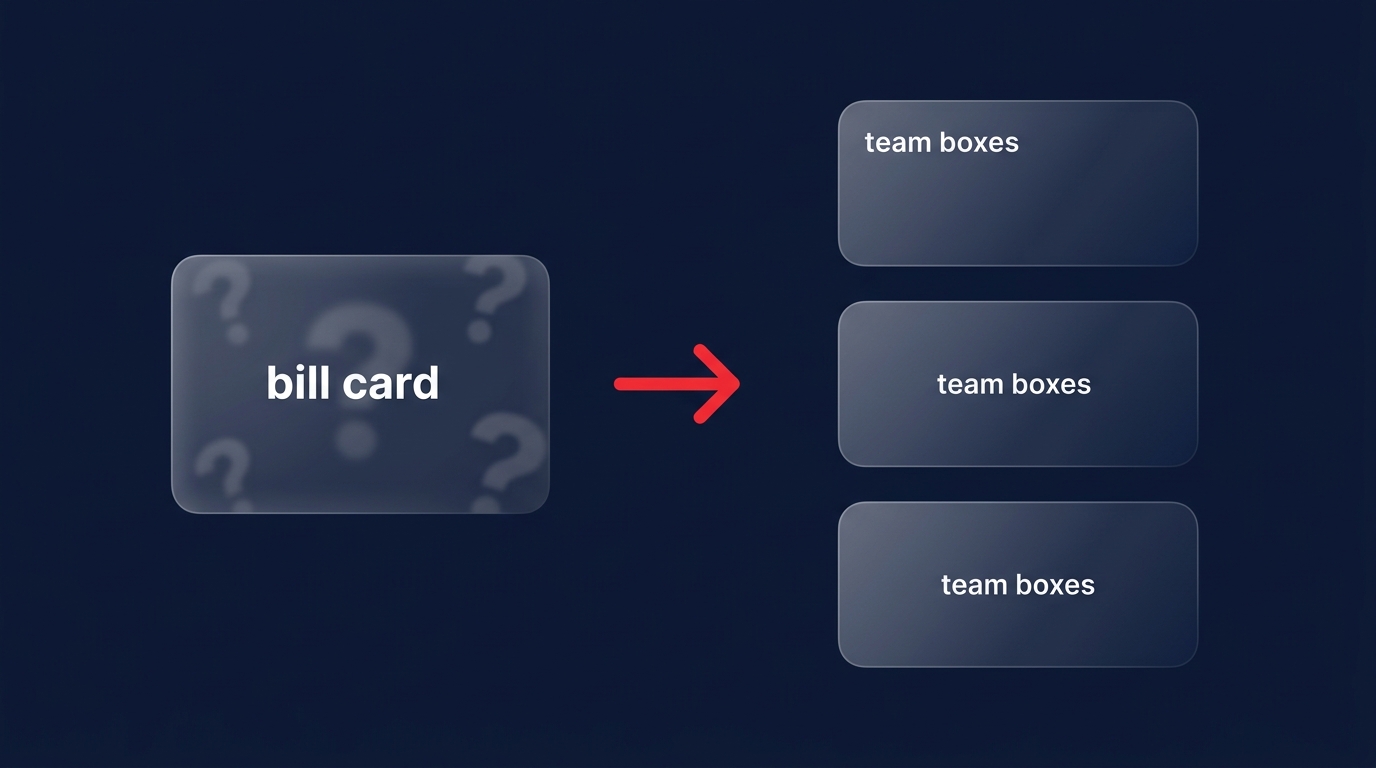
Is your monthly AWS invoice a “black box” of shared costs? Organizations typically waste 30–50% on cloud infrastructure because they cannot attribute spend to the teams driving it. Moving to a granular chargeback model is the only way to ensure true financial accountability.
Why your FinOps strategy needs chargeback
In many companies, the cloud bill becomes a “tragedy of the commons.” Engineering teams launch resources to meet immediate deadlines, while Finance is left to reconcile a ballooning, monolithic invoice at the end of the month. A chargeback model shifts this dynamic by treating cloud spend like any other departmental budget. By directly billing departments or projects for their actual consumption, you foster a cultural shift where engineers treat cost as a first-class architectural requirement rather than an afterthought.
Before moving to full chargeback, many organizations utilize cloud showback and showback strategies. Showback provides visibility into costs without the internal transfer of funds, acting as an educational “crawl” phase. It allows teams to see the financial weight of their decisions before they are held formally responsible. Once your data is sufficiently audited and reliable, you can transition to a “walk” or “run” phase with a rigorous chargeback process that aligns costs with business value.
The technical foundation: tags and AWS Organizations
You cannot charge back what you cannot track. The bedrock of any AWS chargeback model is a multi-account strategy powered by AWS Organizations. By grouping accounts into Organizational Units (OUs) based on business units or specific environments, you create natural boundaries for cost isolation. This structural approach ensures that the “blast radius” of a specific project’s spending is contained and easily identifiable at the account level.
However, account-level separation is rarely granular enough for modern microservices. You must implement a strict automated tagging policy to capture resource-level data. Every resource should carry mandatory metadata like CostCenter, ProjectID, and Owner. Research indicates that chargeback accuracy below 85% usually signals significant gaps in tagging compliance. To reach a target of 95% accuracy, use Service Control Policies (SCPs) to deny the creation of any resource that lacks these required tags.
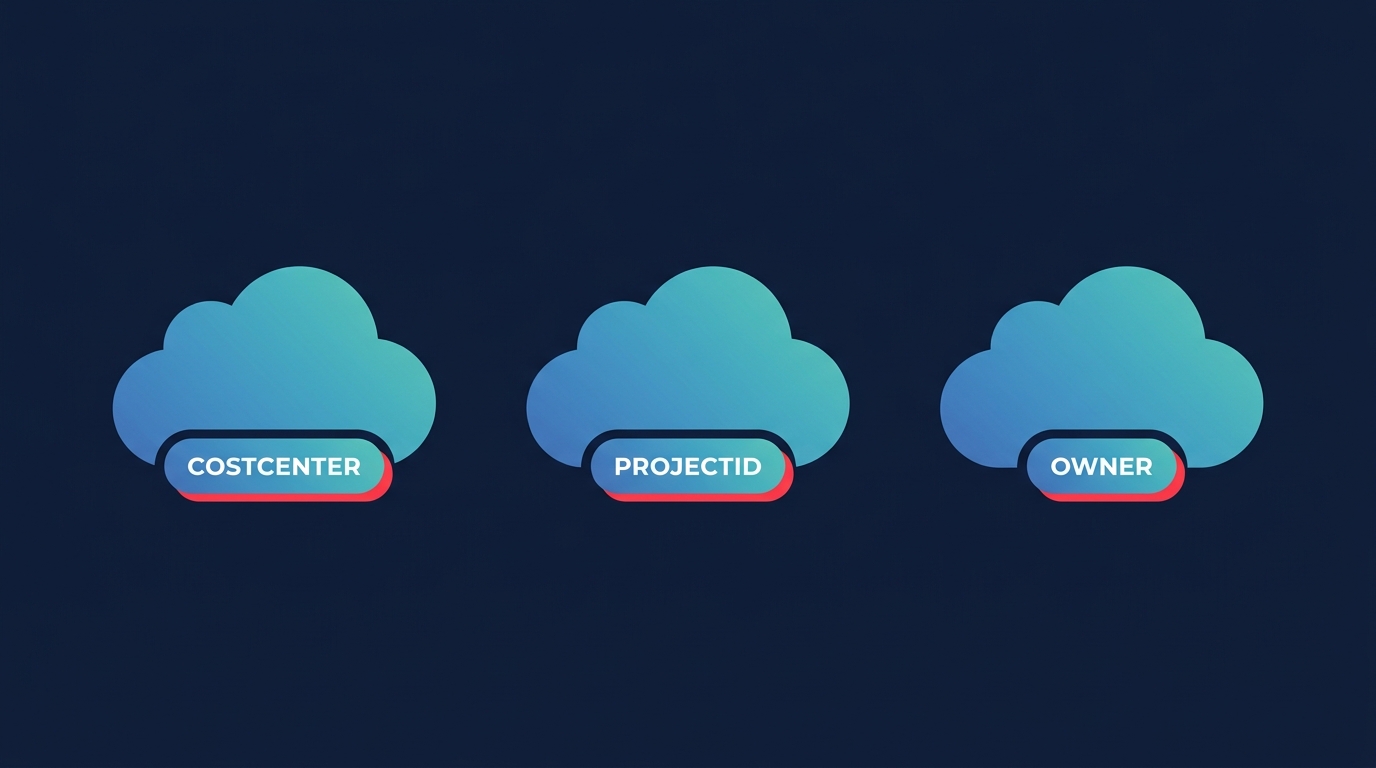
Once your taxonomy is defined, you must manually activate them in the AWS Billing console. Remember that cost allocation tags are not retrospective; they only begin tracking spend from the moment of activation, and it can take up to 24 hours for them to appear in your financial reports.
Designing your allocation logic
The most complex part of a chargeback model is handling shared costs. Services like AWS Support, NAT Gateways, and shared networking often represent a significant portion of the bill but do not belong to a single team. You have several methodologies for distributing these costs fairly:
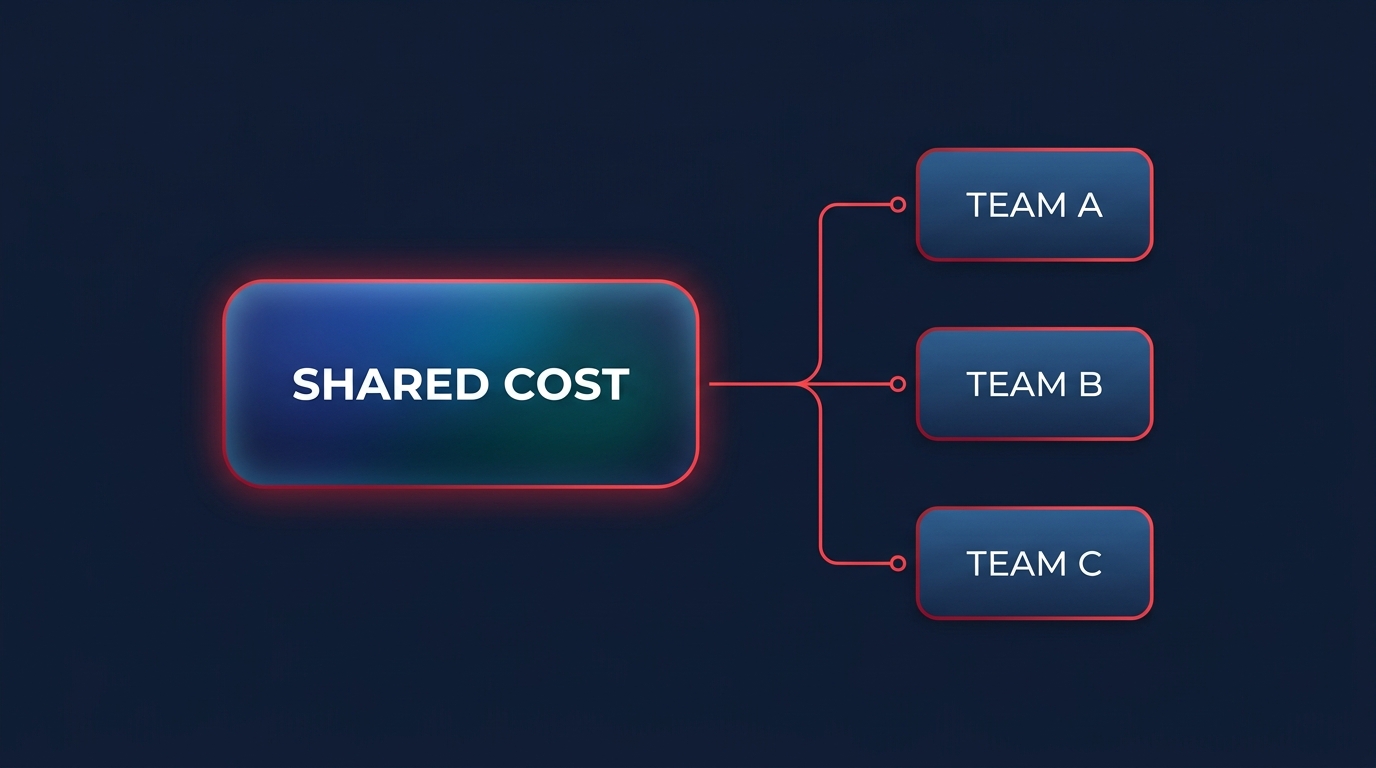
- Proportional Usage: You split shared costs based on each team’s percentage of the total direct spend, which is often the fairest method for general infrastructure.
- Fixed Percentage: This works well for stable environments where you can accurately predict how much of a shared resource each department consumes.
- Split-Charge Rules: You can use AWS cost allocation categories to create rules that automatically distribute shared costs across your business units based on predefined logic.
For more complex organizational structures, AWS Billing Conductor allows you to generate pro forma invoices. This is particularly useful if you need to apply custom markups, internal discounts, or shared fees to “customers” or business units before they receive their final internal bill.
Operationalizing the data
With your tagging and allocation rules defined, you need a way to present this data to stakeholders. While AWS Cost Explorer provides a solid baseline for visualization, mature teams often rely on the AWS Cost and Usage Report (CUR). The CUR delivers hourly, resource-level data that can be ingested into BI tools to provide the granular detail needed for financial audits and deep-dive analysis.
This transparency allows teams to identify orphaned resources, such as unattached EBS volumes or obsolete snapshots, that are still accruing costs. When a team sees their own budget being drained by “zombie” resources, they are far more likely to take ownership of the cleanup. This visibility converts the cloud invoice from a mysterious expense into a tool for proactive optimization.
Closing the loop with automation
Visibility is the first step toward efficiency, but it does not actually save you money – it only reveals where the waste is occurring. To truly maximize your cloud ROI, you should combine your chargeback model with automated rate optimization. While chargeback identifies who is spending what, automation ensures that every dollar spent is optimized at the most efficient rate possible without requiring constant manual intervention.
Hykell works alongside your chargeback efforts by taking the heavy lifting of cost reduction off your engineering team’s plate. We use AI-driven commitment planning to manage Savings Plans and Reserved Instances, boosting your Effective Savings Rate (ESR) to 50–70% or more. This allows your developers to focus on building features while the underlying infrastructure is automatically optimized for cost.
By implementing a rigorous chargeback model, you create the accountability needed for a healthy cloud culture. Hykell then steps in to automate the savings, reducing your total AWS bill by up to 40% without requiring a single line of code change. If you are ready to stop guessing where your cloud budget is going and start reclaiming your spend, calculate your potential savings or contact the Hykell team for a detailed cloud cost audit.

