
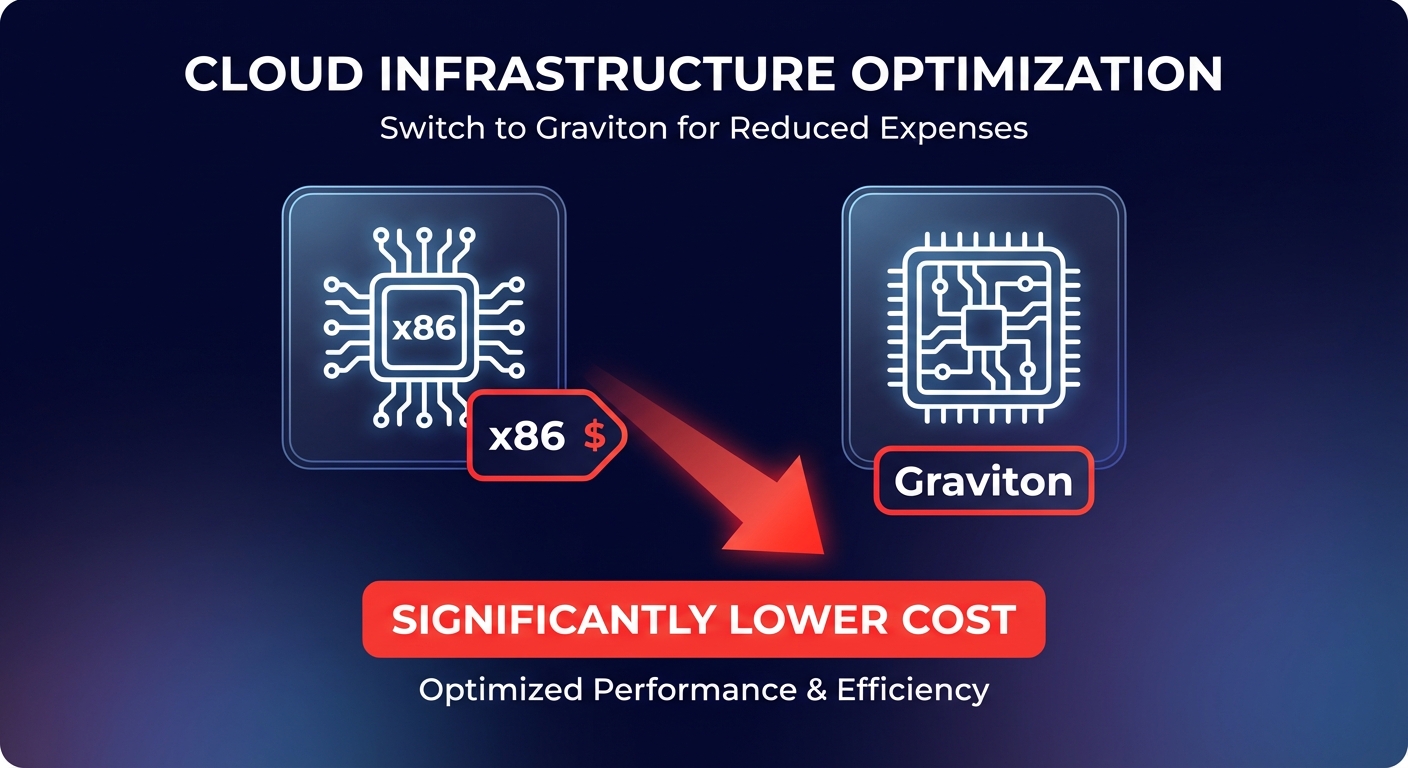
Are you still paying the “x86 tax” on your cloud bill? Migrating to AWS Graviton instances can slash compute costs by 40% while boosting performance. Realizing these gains, however, requires precise monitoring and attribution to ensure you aren’t leaving money on the table.
Tracking Graviton spend with AWS Cost Explorer
AWS Cost Explorer serves as your primary dashboard for tracking Graviton expenses in real time. By filtering the dashboard by instance family, you can isolate specific ARM-based generations such as M7g, C7g, or R7g and compare their hourly costs directly against your legacy x86 fleet. This visibility is crucial for validating that the cost comparison between Graviton and Intel favors your specific workloads.
Because AWS Cost Explorer provides up to 38 months of historical data, you can visualize the downward trend in unit costs as your migration progresses. Note that billing data typically has a 24-hour delay, making it a retrospective tool rather than a real-time one. To bridge this gap, Hykell’s observability platform provides real-time tracking that automatically maps spend to specific business units, removing the manual burden of console filtering.
Leveraging the Graviton Savings Dashboard
The Graviton Savings Dashboard (GSD) is a specialized tool within the Cloud Intelligence Dashboards framework that visualizes current usage and estimates unrealized savings. Unlike general billing tools, the GSD provides dedicated modules for four key services: EC2, RDS, ElastiCache, and OpenSearch. To use the GSD effectively, you must have AWS Cost and Usage Reports (CUR) enabled and the Data Collection Lab module active.
Once configured, the dashboard allows you to track monthly coverage to see what percentage of your fleet has moved to ARM. It also tracks unit cost trends per vCPU and generates eligibility reports to identify engines ready for accelerated Graviton gains. This level of detail helps engineering teams prioritize which RDS engines or ElastiCache clusters to migrate based on potential ROI rather than guesswork.
Mastering cost attribution through tagging
Effective AWS cost allocation is impossible without a robust tagging taxonomy. Finance teams should enforce tags like `Architecture` (ARM64 vs. x86_64) and `CostCenter` to ensure that Graviton savings are credited to the correct engineering pods. Because Graviton maps 1 vCPU to 1 physical core – unlike x86 instances that use hyperthreading – accurate tagging is essential to track the true density and cost-efficiency of your compute fleet.
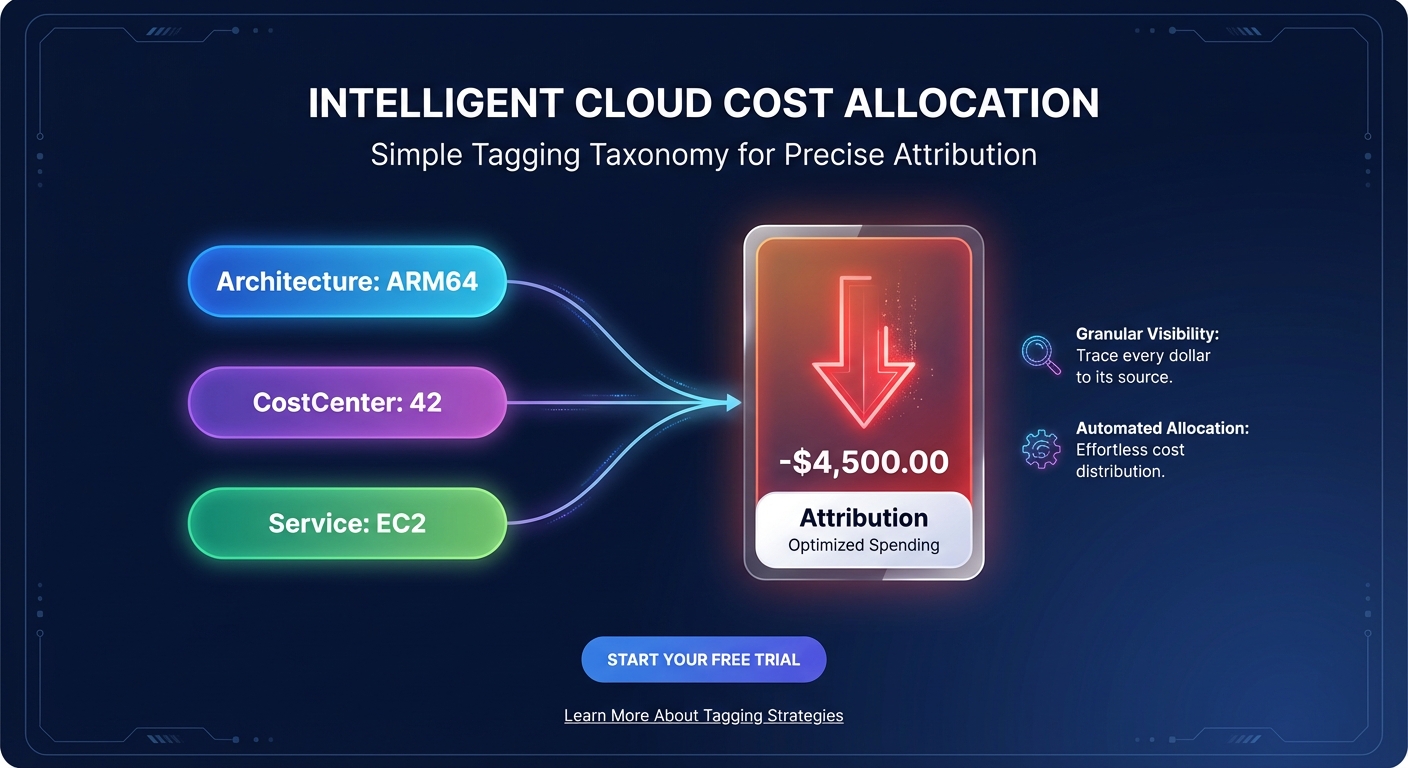
When implementing cost allocation tags, keep in mind that they are not retrospective; they only begin tracking data once activated in the Billing and Cost Management console. By using these tags in tandem with AWS Budgets, you can set proactive alerts for specific Graviton families. This setup ensures that any cost anomalies are caught before they impact your quarterly forecast or exceed planned limits.
Validating price-performance gains
The core promise of Graviton is a 40-60% better price-performance ratio compared to x86 equivalents. To validate this, you need to track specific performance indicators that go beyond the raw dollar amount on your invoice. Monitoring these metrics ensures that the lower hourly rate of Graviton is translating into genuine business efficiency.
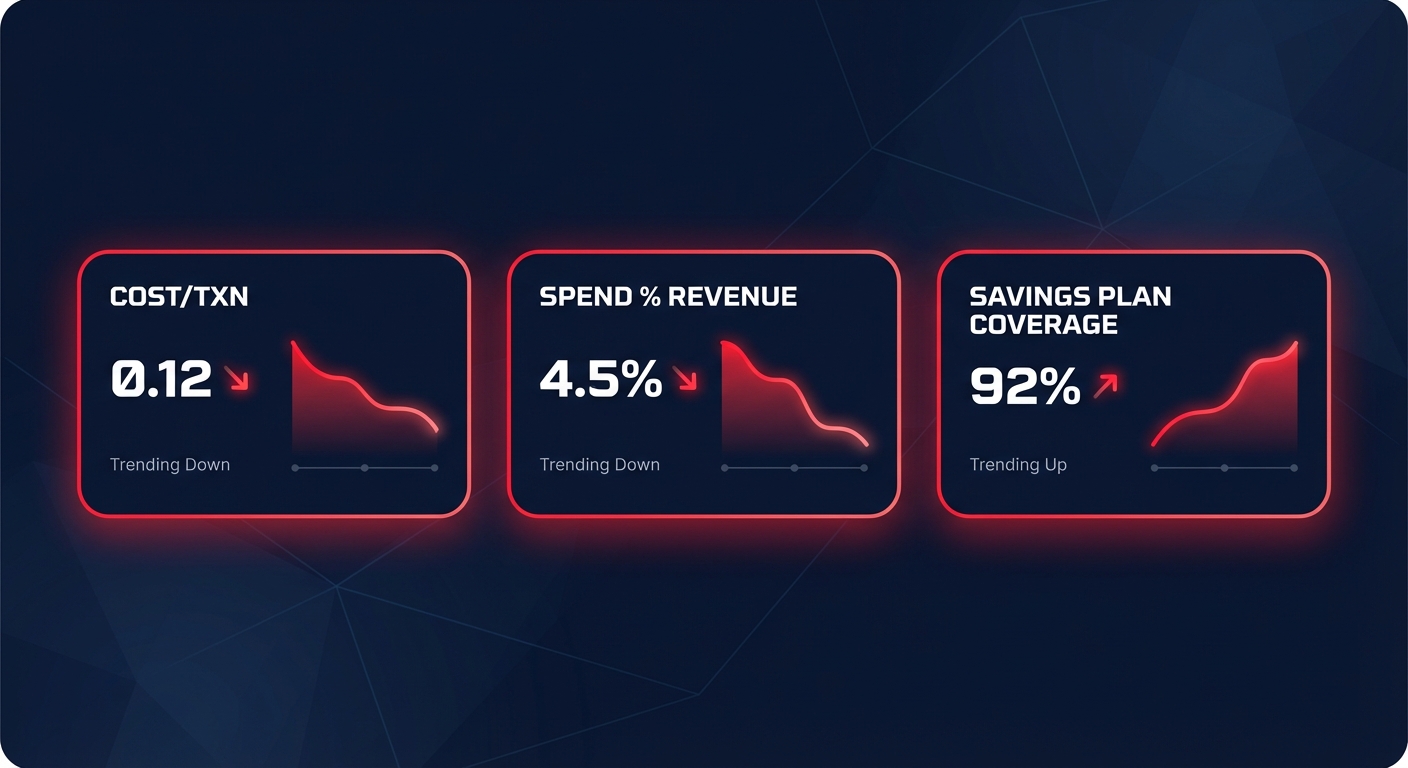
- Cost per transaction: Determine if your application processes more requests per dollar on ARM compared to your previous x86 baseline.
- Infrastructure spend as a percentage of revenue: A declining ratio indicates that your migration is successfully decoupling compute costs from business growth.
- Savings Plan coverage: Ensure your AWS rate optimization strategies account for Graviton’s lower base price. These discounts stack on top of the architectural savings, potentially reaching up to 72% for committed usage.
Automating Graviton optimization with Hykell
While native AWS tools provide the data, they still require your engineering team to manually identify, test, and migrate workloads. This manual overhead often consumes the very savings Graviton is intended to provide, particularly in complex environments with hundreds of instances. Hykell removes this friction by automating the entire lifecycle of Graviton optimization.
Our platform identifies compatible workloads using machine learning, benchmarks performance to ensure no degradation, and executes the transition on autopilot. We help you accelerate your Graviton gains by layering architectural savings with automated EBS and EC2 optimization. With Hykell’s performance-based model, you only pay a slice of what you actually save. Stop guessing which instances to migrate and start saving up to 40% on your AWS bill today by scheduling a detailed cost audit.

