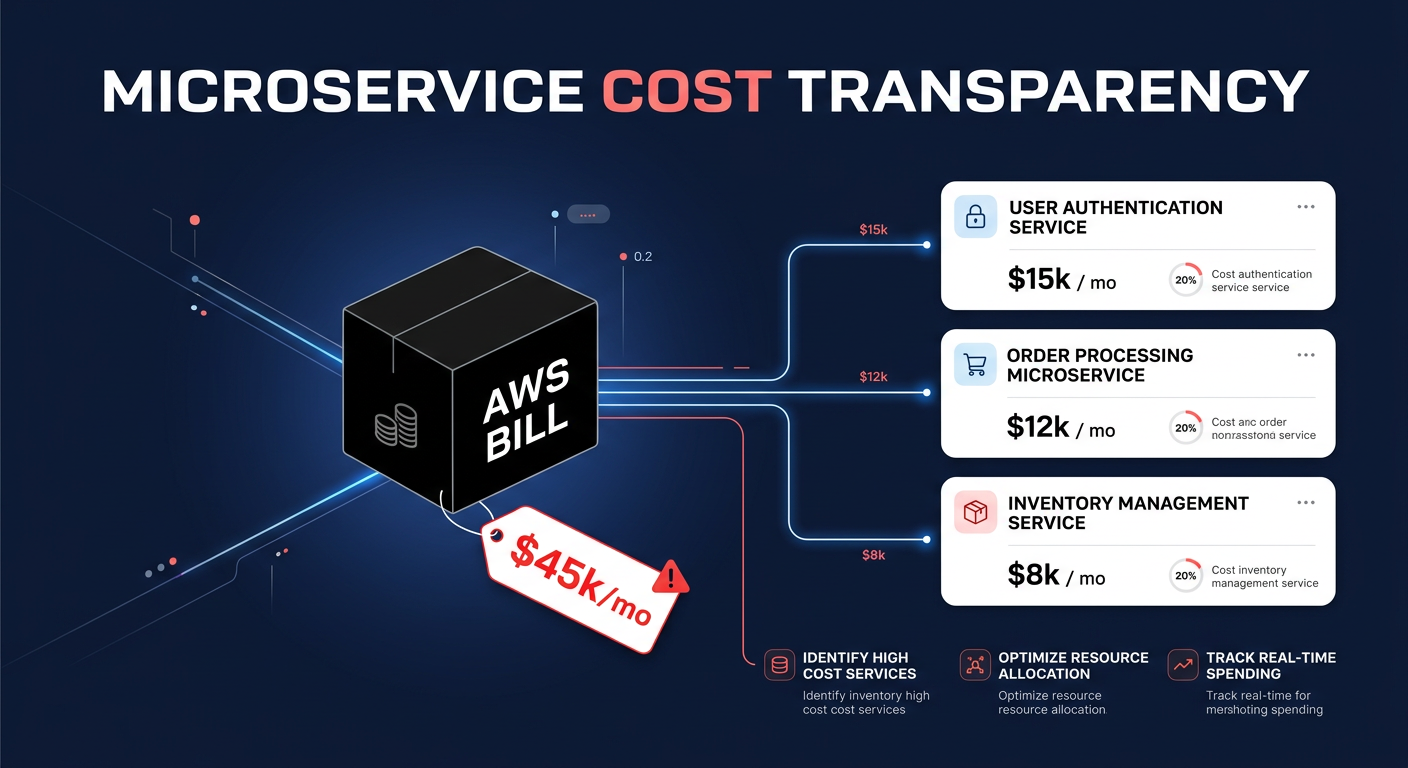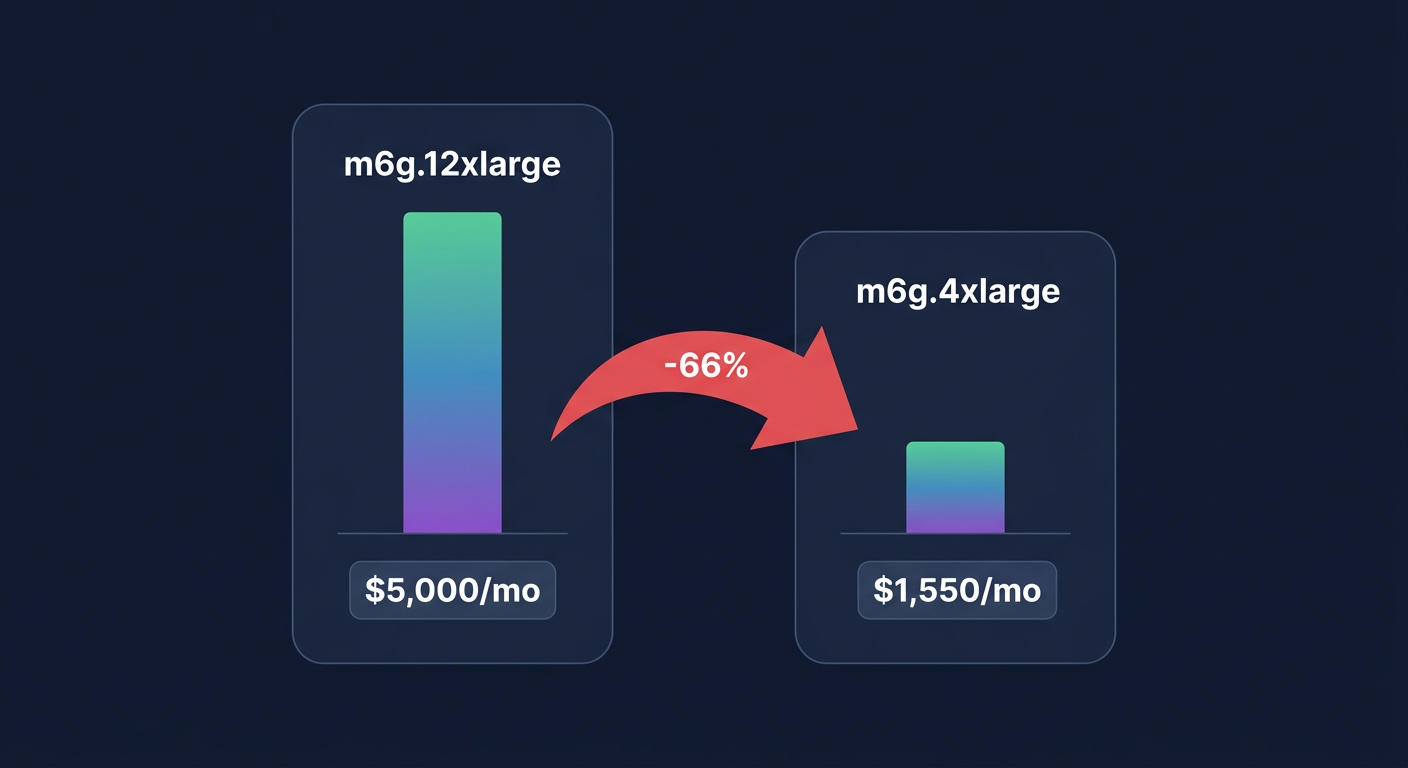
Did you know that overprovisioned resources cause roughly 30% to 50% waste in EKS clusters? If your pods are configured with “just in case” resource settings, you are paying for idle capacity while still risking application performance degradation.
Configuring Kubernetes resource requests and limits is a high-stakes balancing act for technical managers. Set them too high, and you inflate your AWS bill with unused overhead. Set them too low, and your applications face Out of Memory (OOM) kills or CPU throttling. Mastering these settings is the most direct path to achieving Kubernetes cost optimization without compromising the stability your users expect.
Understanding the distinction between requests and limits
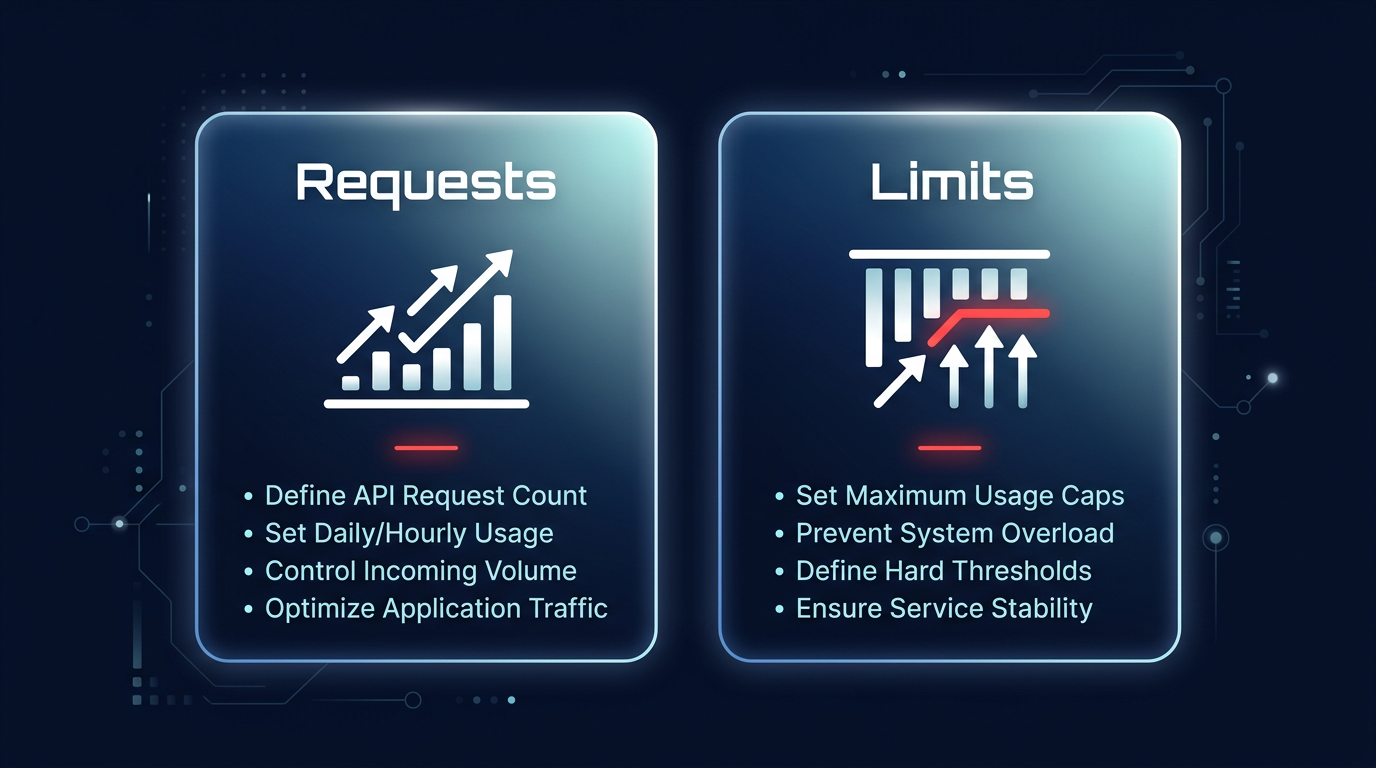
Kubernetes manages container resources through two primary metrics: requests and limits. While they appear similar in your YAML files, they serve entirely different roles in the orchestration lifecycle and are the foundation of effective cloud resource right-sizing.
Resource requests represent the “floor” for your application’s performance. The kube-scheduler uses this value to decide which node can accommodate the pod. If a container requests 2Gi of memory, Kubernetes guarantees that the pod will only be placed on a node with at least that much unallocated capacity. Conversely, resource limits act as the “ceiling.” They define the absolute maximum amount of resources a container can consume. According to the official Kubernetes documentation, exceeding a memory limit leads to the container being terminated, a process known as OOMKill, while hitting a CPU limit triggers throttling.
How misconfiguration destabilizes your cluster
When resource settings are misaligned with actual workload behavior, your cluster becomes unpredictable. Technical decision-makers often struggle with “noisy neighbor” issues, where a single rogue pod consumes all available resources on a node and starves surrounding services. Memory management is particularly critical because memory is a non-compressible resource. When a pod exceeds its limit, the Linux kernel terminates the process to protect the host system, leading to disruptive crash loops. Research into Kubernetes OOM scenarios suggests these errors are frequently the result of static configurations that fail to account for application growth or traffic spikes.
CPU is a compressible resource, meaning Kubernetes manages excess demand by slowing down the container rather than killing it. While this prevents immediate crashes, it introduces latency spikes that can degrade the user experience. Furthermore, underprovisioning CPU requests can lead to node pressure evictions, forcing workloads to bounce between nodes and creating a ripple effect of instability across your environment.
Quality of service classes and scheduling priority
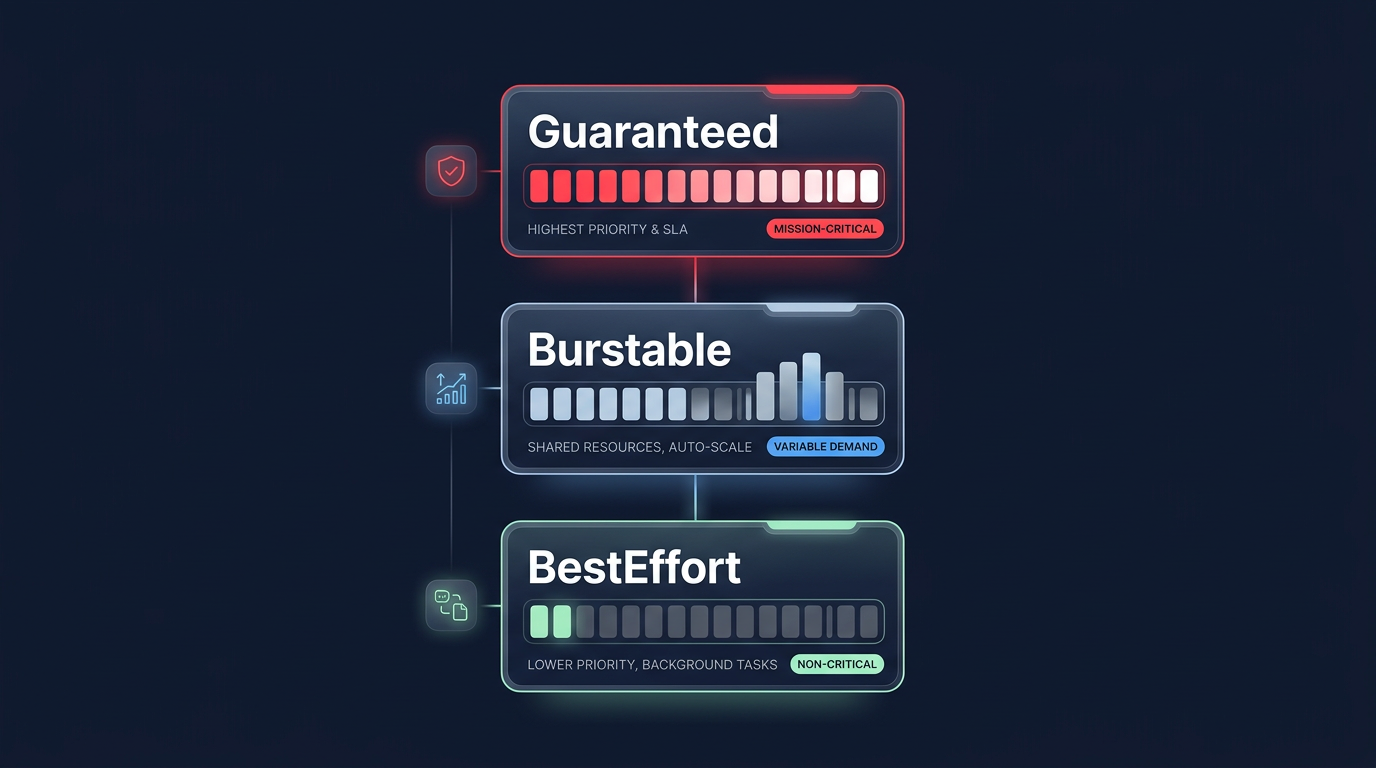
The specific relationship between your requests and limits determines the Quality of Service (QoS) class Kubernetes assigns to your pod. These classes dictate how the cluster behaves during resource contention and which pods are prioritized for eviction when a node runs out of memory or disk space.
A Guaranteed QoS class is the gold standard for production environments and mission-critical applications. You achieve this by setting requests and limits to the exact same value for both CPU and memory. This ensures the pod is never evicted to make room for others. The Burstable class applies when your requests are lower than your limits, allowing the pod to use spare node capacity when available. However, Burstable pods are the first to be throttled or evicted during periods of high contention. Finally, BestEffort pods have no requests or limits defined; they run on whatever is left over and are the first candidates for termination. For production stability, leveraging EKS cost management strategies involves utilizing Guaranteed classes for SLO-critical services while using Burstable settings for less critical dev or test environments to improve node density.
Data-driven heuristics for setting pod resources
Tuning these values requires moving away from guesswork toward data-driven heuristics. A reliable starting point is setting your resource requests at the observed 95th percentile (p95) of your historical usage plus a small buffer. This provides enough headroom for normal fluctuations without creating massive financial waste.
Workload-specific tuning is also essential for common stacks. For example, Java applications require precise memory coordination. A proven rule of thumb is to set your memory request so the JVM heap accounts for roughly 80% of the total allocation. If you configure a 1Gi memory request, your heap should be limited to approximately 800Mi to account for non-heap overhead. Latency-sensitive applications often perform best when CPU limits are omitted or set very high, as CNCF best practices suggest that strict CPU limits can cause unnecessary throttling even when the node has idle cycles. In these cases, you should focus on setting high CPU requests to ensure the scheduler places the pod on a sufficiently powerful node.
Bridging the gap between stability and cost efficiency
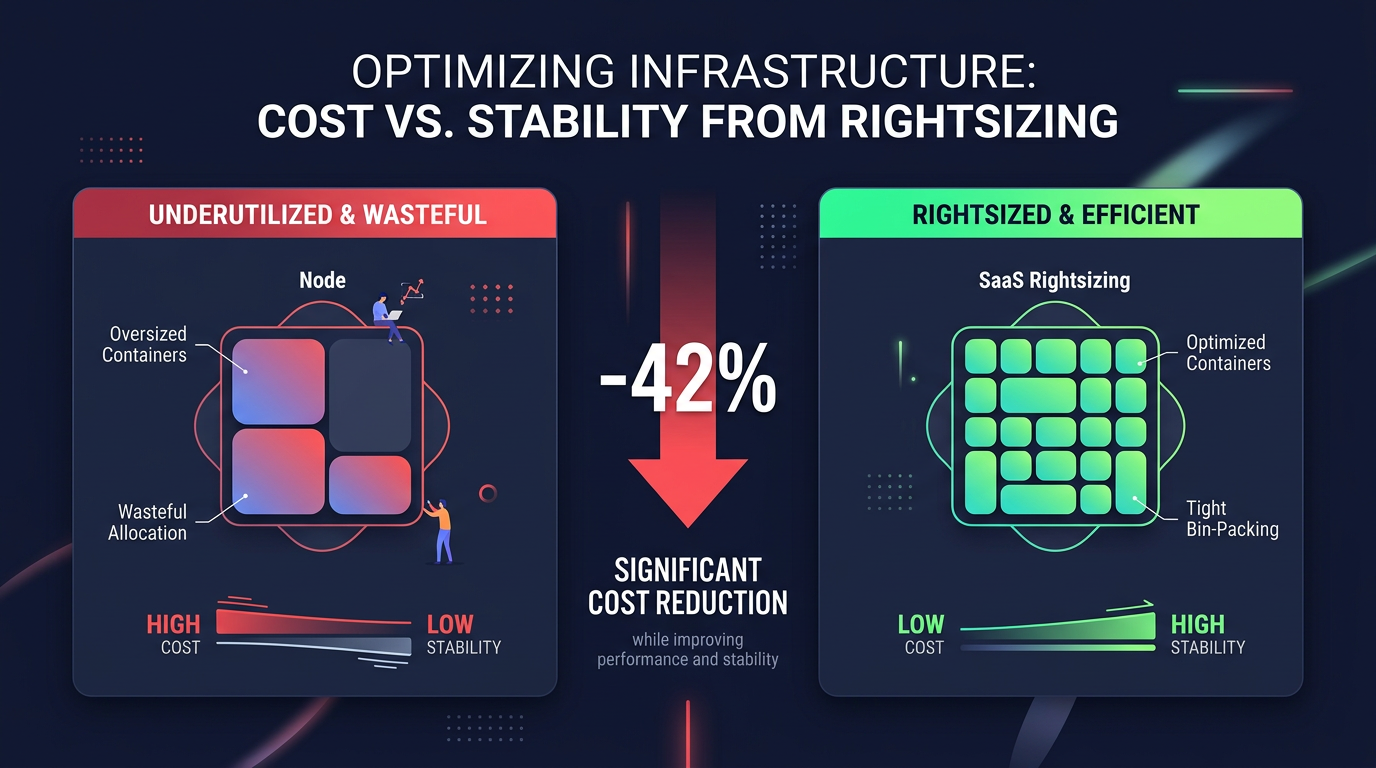
Misconfigured pod resources are a leading cause of “cloud bloat.” In AWS environments, over-provisioning at the pod level forces automatic cloud resource scaling mechanisms to spin up more EC2 instances than you actually need. By rightsizing pod requests, you improve bin-packing – the ability to fit more containers onto a single node. This shift can reduce your compute costs by as much as 42% within just four weeks for some SaaS environments.
Implementing granular monitoring allows you to see the financial impact of these technical decisions in real time. Tools like the Vertical Pod Autoscaler (VPA) can help automate the adjustment of requests based on actual usage, while Hykell observability provides the role-specific visibility needed to identify which teams or namespaces are driving up costs through inefficient resource settings.
Navigating the trade-offs of automated optimization
While manual tuning is a necessary first step, it rarely scales as microservices grow. Automation tools like Karpenter for node provisioning or Goldilocks for resource recommendations help bridge the gap. However, automation requires a robust cloud-native monitoring strategy to ensure that automated scaling actions aren’t masking underlying inefficiencies, such as memory leaks or inefficient code.
Hykell helps engineering teams manage this complexity by automating the heavy lifting of cloud cost optimization. By analyzing your actual usage patterns and executing optimizations on your behalf, we ensure your EKS clusters are always running at peak efficiency without requiring constant manual intervention from your DevOps team.
If you are ready to see how much you could save by rightsizing your Kubernetes environment, use our savings calculator or contact us for a free audit today.