Are you paying for an idle server just to keep an SFTP endpoint alive? While AWS Transfer Family eliminates the operational headache of managing legacy protocols, its hourly billing structure can quietly inflate your cloud bill if you aren’t monitoring how charges accumulate.
Hourly endpoint costs and protocol variations
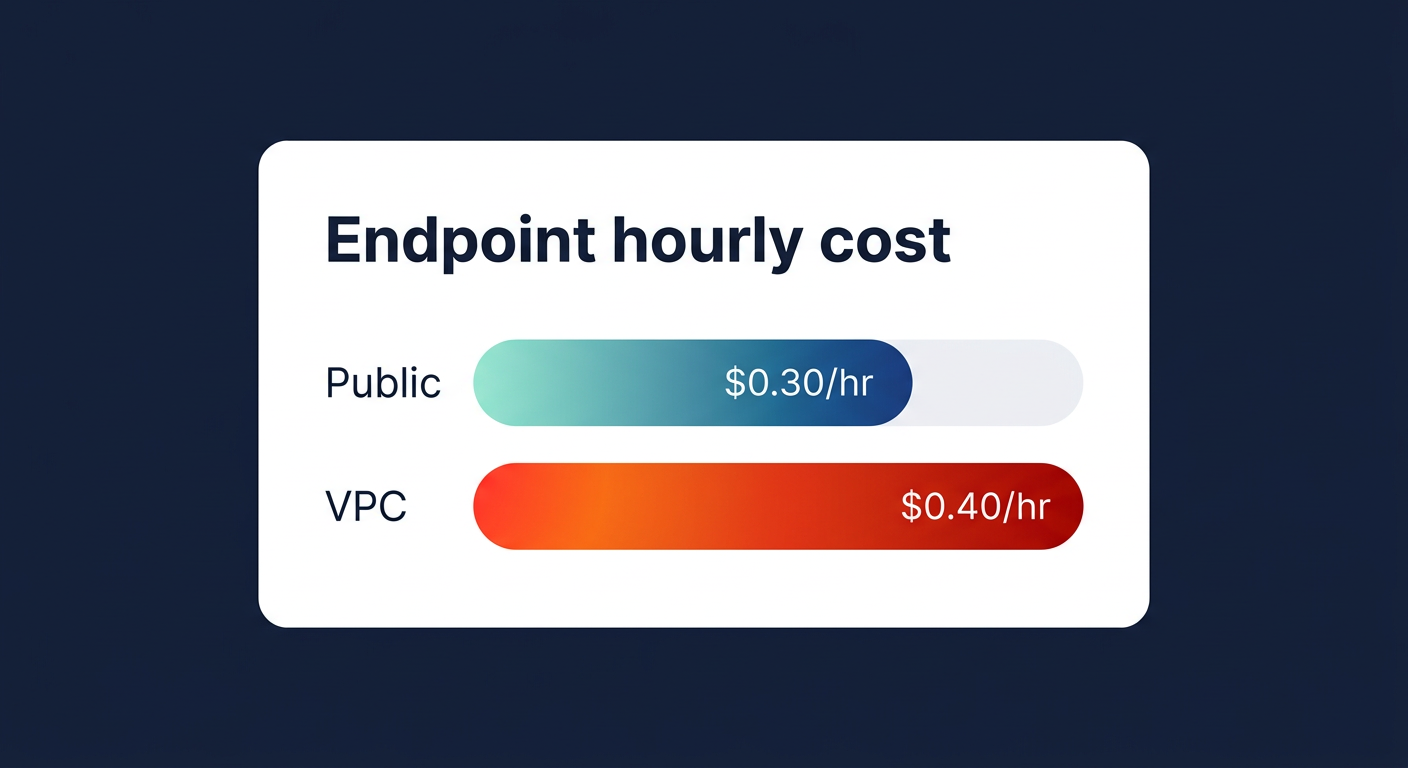
Understanding the AWS Transfer Family billing model requires looking past the simple hourly rate. The service charges you for every hour an endpoint is active, regardless of whether you transfer a single byte. Think of it like a parking garage fee; you pay for the space whether the car is moving or stationary. For a standard SFTP, FTPS, or FTP public endpoint in the US East (N. Virginia) region, you will pay $0.30 per hour. If you opt for a VPC endpoint to enhance security, that rate increases to $0.40 per hour.
These costs are additive if your business requires multi-protocol support. For instance, enabling both SFTP and AS2 on the same server means paying for both protocols simultaneously. Since AS2 carries a higher base rate of $1.00 per hour plus a charge of $0.40 per million requests, a dual-protocol setup can quickly exceed $1,000 per month before accounting for any data movement. For a standard, single-protocol SFTP setup that remains “always-on,” you can expect a baseline cost of approximately $216 per month.
Data processing and network transfer fees
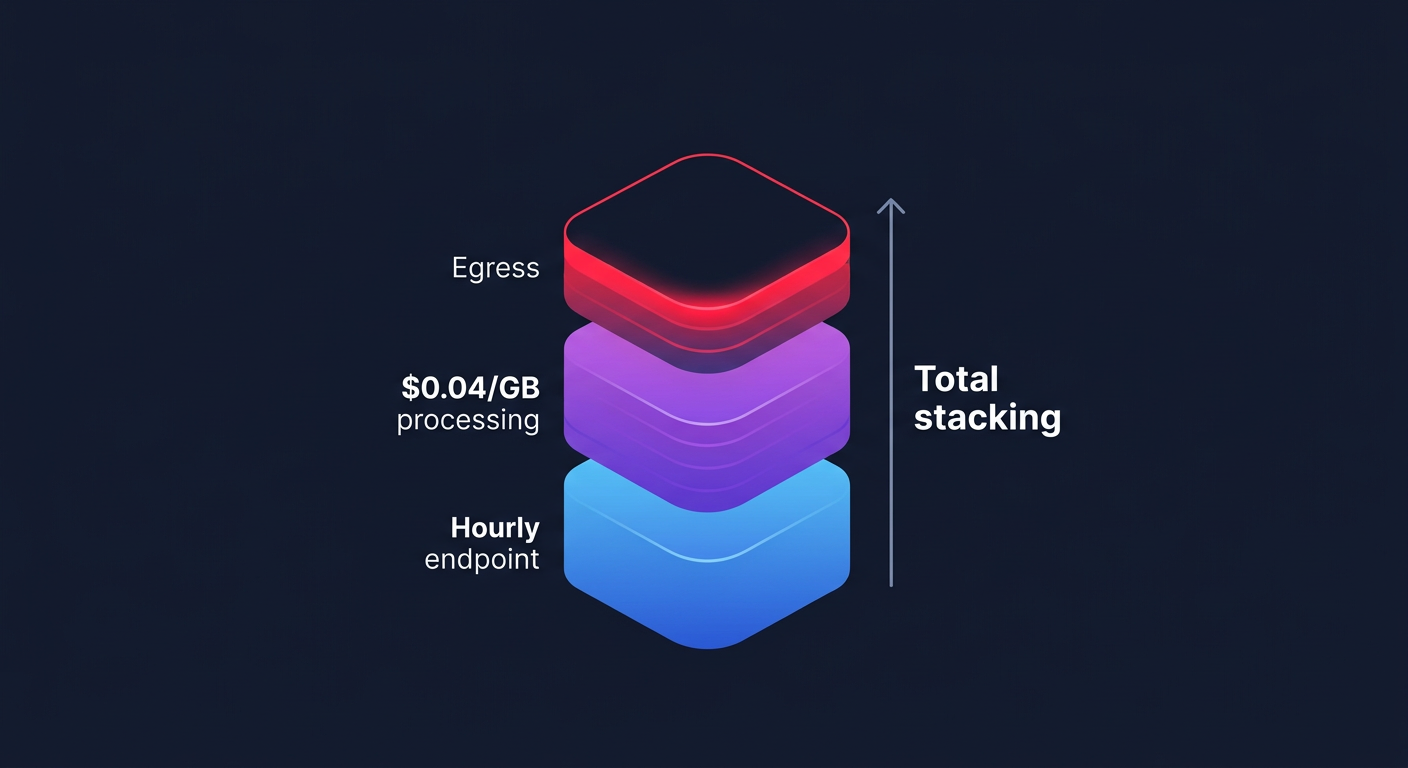
Beyond the fixed hourly endpoint fee, AWS applies a usage-based data processing rate of $0.04 per GB for all uploads and downloads across SFTP, FTPS, and FTP. A common misconception is that this fee covers the entire journey of your data. In reality, this processing fee is billed in addition to standard AWS egress costs when moving data out to the internet or across different regions.
Network architecture significantly influences these secondary costs. Data transferred from your Transfer Family endpoint to an Amazon S3 bucket or Amazon EFS system within the same region is generally free, provided you utilize VPC endpoints to keep traffic internal. However, if your traffic routes through a Public endpoint and crosses availability zones, you may incur inter-AZ fees or unexpected AWS NAT Gateway cost optimization challenges. For high-volume users moving 10TB of data per month, the $0.04 per GB processing fee alone adds $400 to the bill, illustrating how quickly usage charges can eclipse the base hourly rate.
Comparing managed services to self-hosted infrastructure
When deciding between a managed service and a self-hosted alternative, you must weigh the scale of your workload against your internal engineering capacity. For a small operation managing roughly 100GB of data daily, AWS Transfer Family costs approximately $300 per month. A self-managed EC2 instance running an SFTP server might cost closer to $150 in raw compute and storage, but this “savings” ignores the hidden costs of manual patching, scaling, and maintaining high availability.
As workloads grow, the price gap between these models becomes more pronounced:
- Medium workloads: An operation transferring 1TB per day may pay $2,500 monthly for the managed service, whereas a self-hosted setup using an EC2 instance type selection guide for cost efficiency could keep infrastructure costs under $1,000.
- Large workloads: Enterprises transferring 10TB per day often see bills exceeding $20,000. While a self-hosted environment using AWS Graviton instance types would be cheaper on paper, many organizations justify the premium for the built-in compliance.
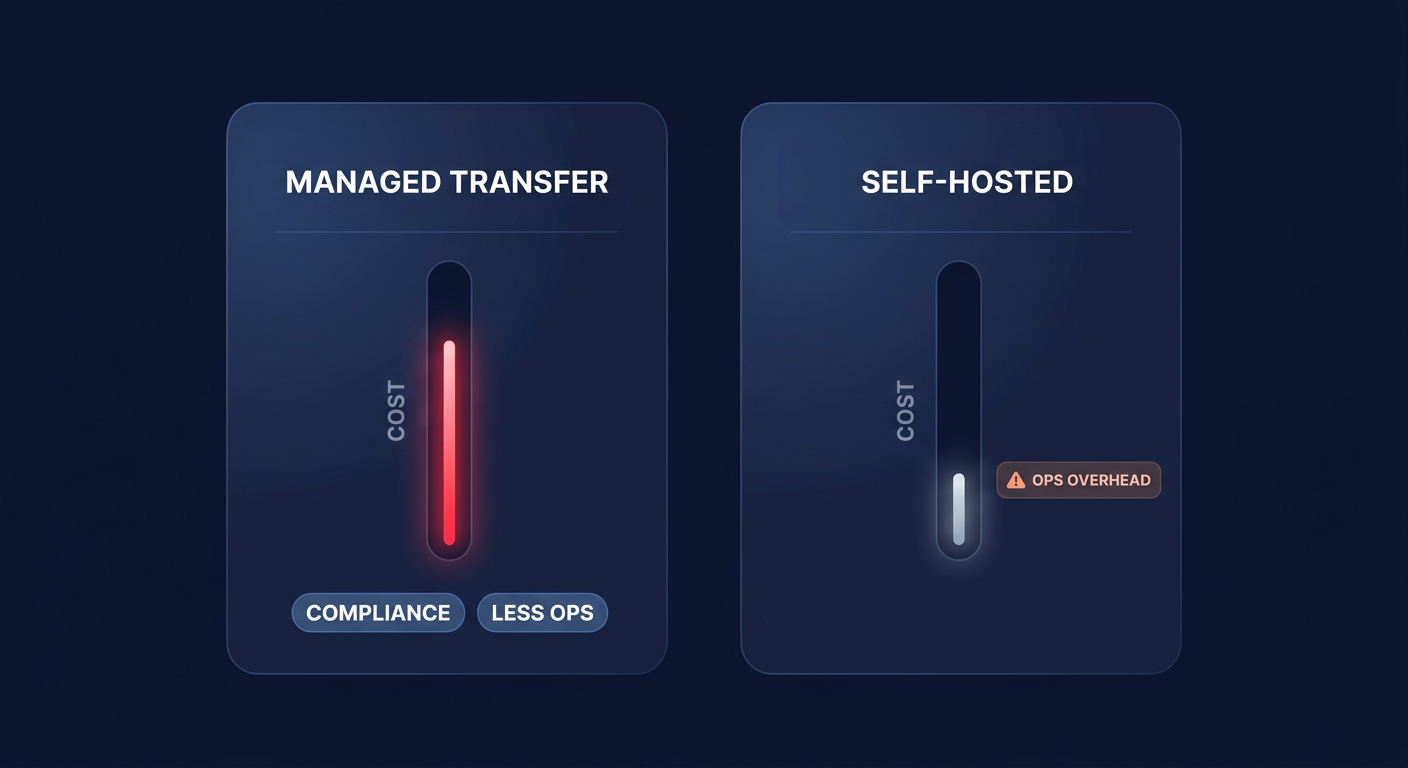
The AWS Transfer Family pricing page highlights that the “true” cost of self-hosting includes significant operational risks. Managed services provide built-in SOC, PCI, and HIPAA compliance, which reduces the massive overhead of security audits and specialized engineering hours.
Strategies for reducing your monthly transfer bill
The most effective way to optimize your spend is to eliminate idle endpoints. Because AWS bills from the moment an endpoint is created until it is deleted, keeping a staging or test environment active 24/7 is a common source of waste. If your file transfer needs are “bursty,” you might consider automating the creation and deletion of endpoints to match your actual traffic windows, though this requires a more sophisticated DevOps workflow.
For many organizations, the complexity of overlapping charges – hourly protocol fees, per-GB processing, and egress – makes it difficult to pinpoint where money is being lost. Utilizing professional AWS cost monitoring tools can help you track these metrics in real-time and alert you to spikes in processing fees.
If your monthly AWS bill is becoming a source of stress, Hykell can provide a detailed audit of your infrastructure. We specialize in uncovering hidden savings in services like Transfer Family and EC2, often reducing total cloud spend by up to 40% without sacrificing performance. Stop guessing how your data transfer protocols are affecting your bottom line. Use our cost savings calculator to see how much you could save, or contact Hykell today for a performance-based audit where you only pay if we find savings.