
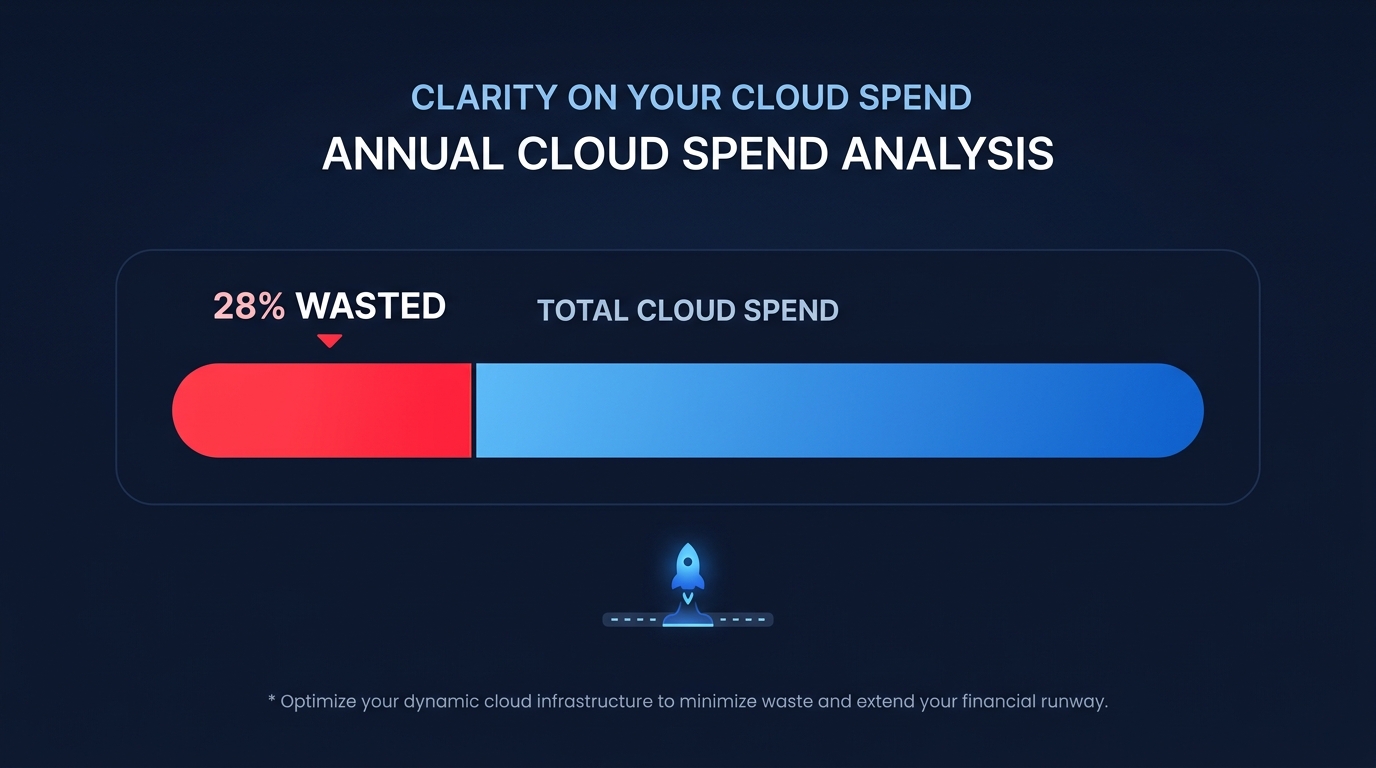
Did you know that organizations waste an average of 28% of their cloud spend on preventable mistakes like oversized or idle resources? For a startup, this “cloud tax” is lost runway that could have funded your next key hire instead of padding your AWS bill.
Managing AWS costs often feels like a zero-sum game between engineering velocity and financial discipline. However, by implementing foundational AWS cost-optimization tactics, you can reclaim significant portions of your budget without compromising application performance. Most waste stems from a “provision for the peak” mindset that no longer serves modern, elastic architectures. To stop the leak, you must move from static provisioning to a dynamic, data-driven approach.
Rightsizing compute before committing to discounts
The most frequent mistake startups make is purchasing Savings Plans or Reserved Instances for an infrastructure that is already bloated. Rightsizing your resources should always be your first move because roughly 40% of EC2 instances run at least one size larger than necessary for their actual workload. To identify candidates for downsizing, you should monitor your instances over a trailing two-to-four-week period using tools like AWS Compute Optimizer, which flags over-provisioned resources if CPU utilization remains below 40% during this window.
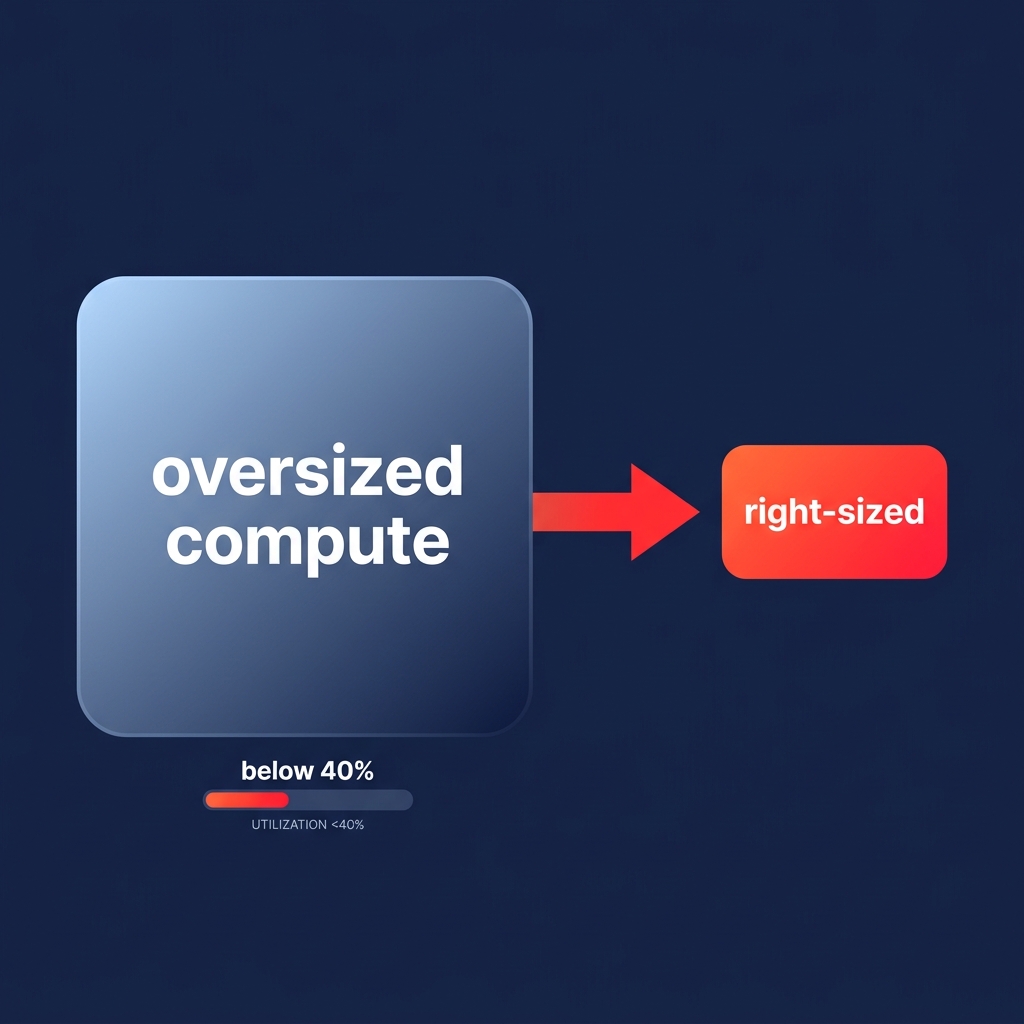
Analyzing averages alone is dangerous, so you must look at P99.5 utilization thresholds to ensure your new instance size can still handle peak traffic spikes without latency. Shifting workloads to more efficient options like AWS Graviton offers up to 40% better price-performance, which effectively lowers your baseline spend. For teams that cannot spare the engineering hours for manual audits, automated AWS rightsizing can handle these adjustments on autopilot, maintaining a target 60–70% utilization rate to ensure you only pay for the capacity you actually use.
Choosing the right commitment: Savings Plans vs. RIs
Once your infrastructure is lean, you can layer on rate-based optimizations. AWS offers massive discounts – up to 72% off On-Demand rates – in exchange for a commitment to a consistent amount of usage over a one- or three-year term. For most startups, Compute Savings Plans are the gold standard because they offer the highest level of flexibility, applying automatically to usage across EC2, AWS Lambda, and AWS Fargate, regardless of region or instance family. This is critical for early-stage companies whose tech stacks often evolve rapidly; if you migrate your backend from EC2 to Fargate or switch regions to be closer to new customers, your Savings Plan moves with you.
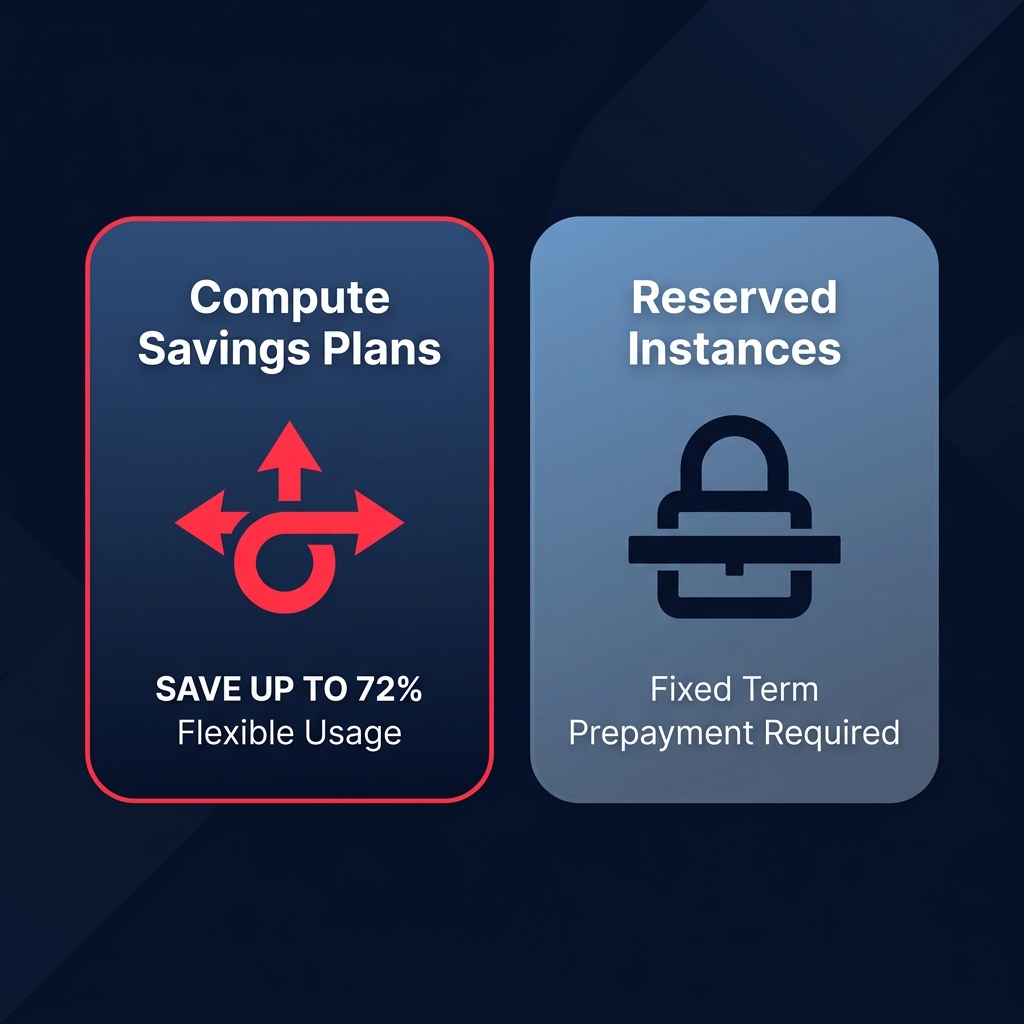
In contrast, Reserved Instances (RIs) are often better suited for stable, predictable workloads like core databases. While Standard RIs can offer slightly deeper discounts, they lock you into specific instance families and regions. A common strategy for high-growth teams is to cover 60–80% of their baseline spend with a Compute Savings Plan and leave the remaining “burst” usage to On-Demand or Spot instances. This prevents over-commitment during periods of rapid architectural change.
Tuning storage and lifecycle policies
Storage is often a silent killer because it accumulates quietly; EBS volumes and S3 buckets frequently outlive the projects they were designed to support. You can start reclaiming this budget by auditing your EBS volumes for “zombies” – orphaned volumes that continue to incur charges even after their associated instances have been terminated. Beyond simple cleanup, upgrading from gp2 to gp3 volumes represents a massive win, as gp3 is approximately 37–40% cheaper per GB while allowing you to provision IOPS and throughput independently of storage capacity.
For your S3 environment, implementing S3 Intelligent-Tiering can automatically reduce storage costs by 50% or more by shifting data that hasn’t been accessed in 30 days to more cost-effective infrequent access tiers. These automated lifecycle policies ensure you are not paying premium rates for logs, snapshots, or historical data that are rarely touched. Small networking wastes, such as unattached Elastic IPs and idle load balancers, also add up to thousands in unnecessary spending if they are not audited monthly.
Leveraging visibility and automation
You cannot optimize what you do not track, which is why visibility is the cornerstone of any cloud strategy. Native tools like AWS Trusted Advisor provide a high-level view of idle resources and unattached Elastic IPs that should be addressed immediately. Setting up AWS Budgets with alerts at 80% and 100% of your expected spend also ensures that a misconfigured script or a runaway Lambda function doesn’t exhaust your funding before you can intervene.
While manual reviews are a great starting point, they rarely scale as your infrastructure grows in complexity. This is where AWS rate optimization through automation becomes essential. By using AI-driven tools to manage your mix of Savings Plans and RIs, you can achieve a higher Effective Savings Rate (ESR) without the risk of over-committing to capacity you might not need in six months. Hykell helps teams operate these optimizations on autopilot, reducing the engineering effort required to maintain a lean cloud environment.
Controlling your AWS spend is not a one-time event but a continuous process of matching supply to demand. By prioritizing rightsizing, choosing flexible commitment models, and automating the heavy lifting, you ensure your capital is spent on growth rather than idle silicon. If you want to see exactly how much your startup could save through automated optimization, use the Hykell AWS savings calculator to evaluate your potential cost reduction in minutes.

