
Have you ever logged into your AWS console only to find a five-figure surprise waiting on your billing dashboard? Most organizations waste 30–45% of their cloud spend because they lack real-time visibility into cost spikes before they snowball.
Enable billing alerts at the source
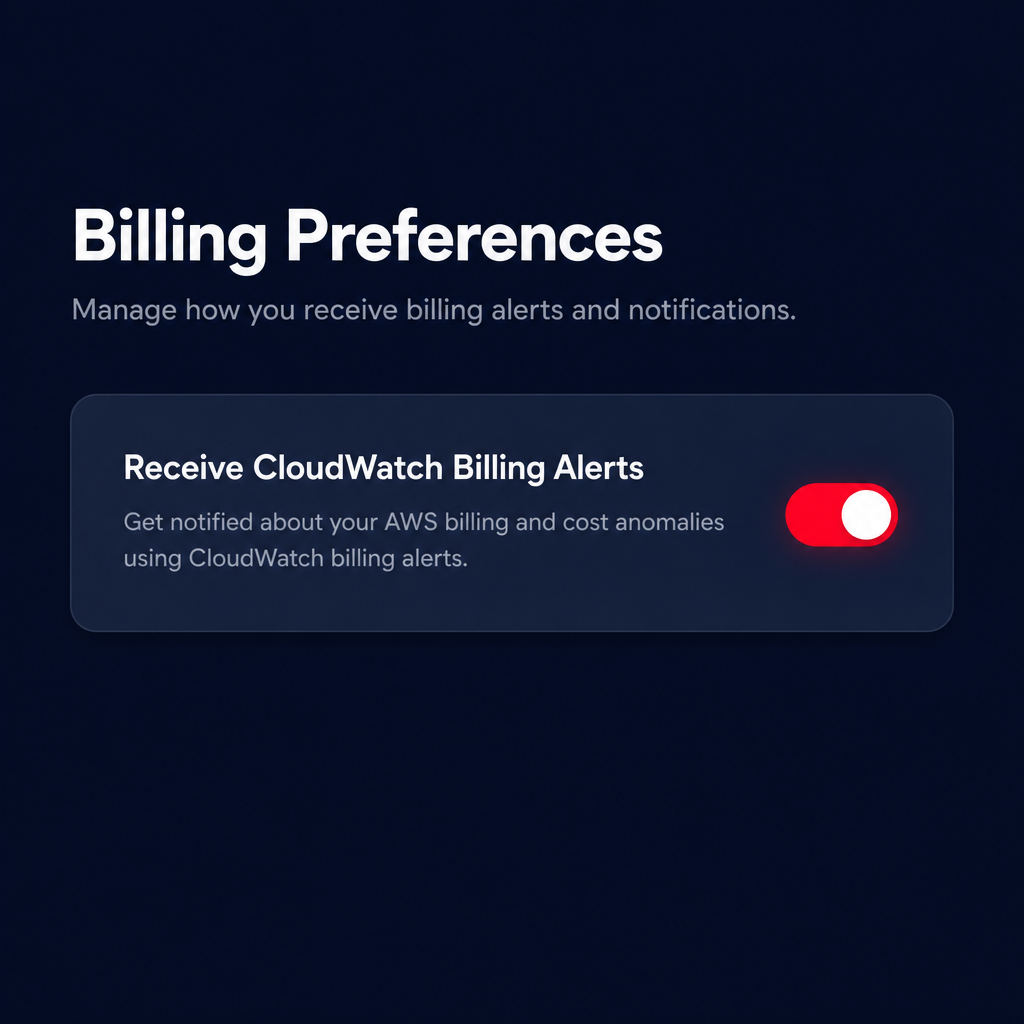
Before you can configure a single alarm, you must explicitly grant AWS permission to send billing data to CloudWatch. This is a common stumbling block for technical managers who assume these metrics are available by default. You must navigate to the Billing and Cost Management console and, under Billing Preferences, select “Receive CloudWatch Billing Alerts.”
Once enabled, AWS requires approximately 15 minutes to populate the initial data points. It is also critical to remember that <a href="https://docs.aws.amazon.com/AmazonCloudWatch/latest/monitoring/gsmonitorestimatedchargeswith_cloudwatch.html”>estimated charge metrics are stored exclusively in the US East (N. Virginia) Region (us-east-1), regardless of where your actual resources are deployed. If you attempt to find these metrics in a different region, the `AWS/Billing` namespace will not appear.
Identifying key billing-related metrics
Effective monitoring requires more than just watching the total bill; you need to map specific metrics to your architectural components. The primary metric you will use is `EstimatedCharges`, which represents the total cost incurred so far in the current billing cycle. While this is a trailing indicator rather than a forecast, it is updated several times daily to provide a near-term view of your financial liability.
To gain more granular control, you should monitor the `EstimatedCharges` metric across several dimensions:
- ServiceName: This allows you to isolate spend by specific AWS products. If your CloudWatch logs pricing is spiraling, this dimension will flag the increase in `AmazonCloudWatch` charges before the end of the month.
- LinkedAccount: In a consolidated billing environment, the management account can see spend across all sub-accounts. This is vital for identifying which specific development or production environment is responsible for a spike.
- Currency: While most users monitor in USD, AWS allows you to track these metrics in multiple currencies depending on your billing configuration.
Hykell’s observability dashboard takes this further by providing role-specific views that correlate these billing dimensions with actual resource utilization. This helps you determine if a cost spike is tied to legitimate scaling or underutilized resources that should be decommissioned.
Configuring the cost-threshold alarm
Once your metrics are flowing, you can create the alarm. AWS recommends using the `Maximum` statistic with a `6-hour` period. Because billing data is not emitted as frequently as CPU or memory metrics, a shorter period often results in “Insufficient Data” states that can trigger false positives or miss spikes entirely.
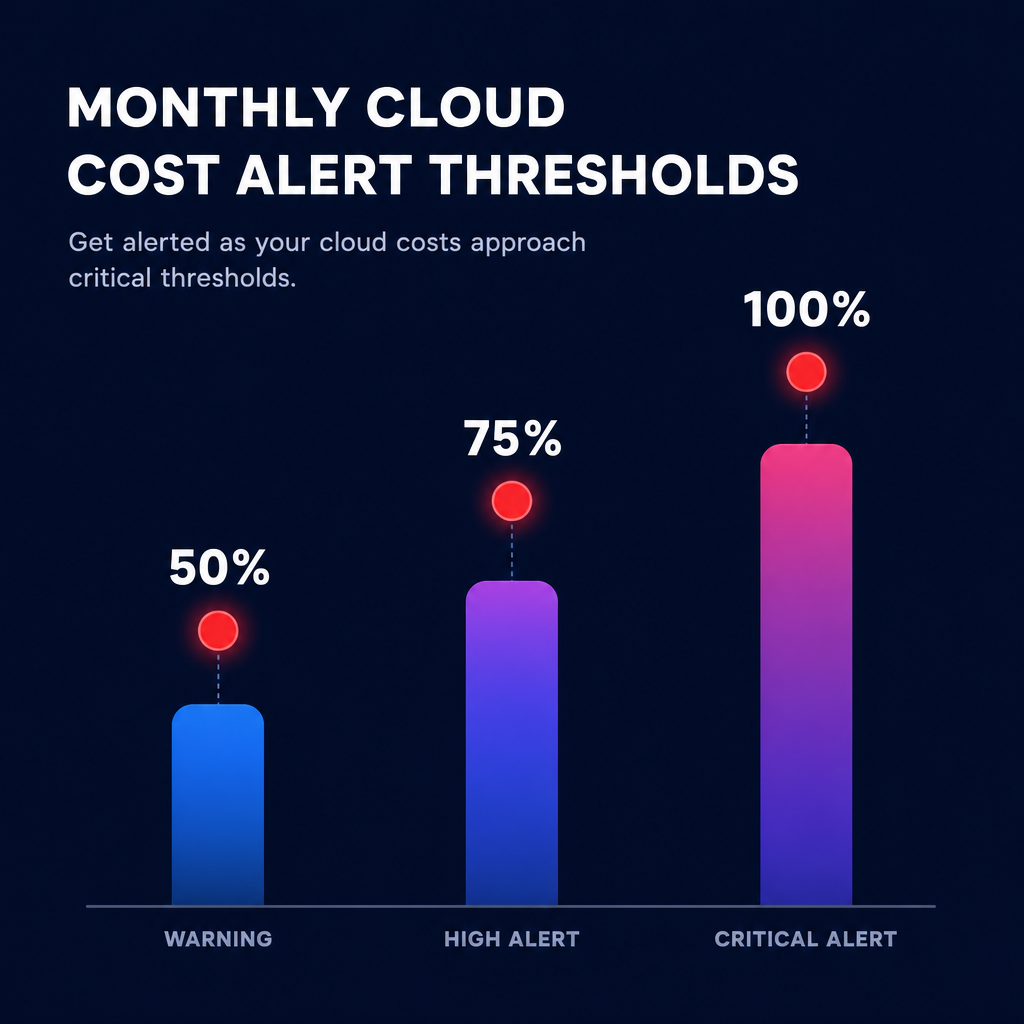
When setting your thresholds, avoid the mistake of only setting an alarm at your hard budget limit. Proactive teams implement progressive alerts at 50%, 75%, and 100% of their expected monthly spend. If you create an alarm for a threshold that you have already exceeded, the alarm will transition to the `ALARM` state immediately, providing an instant audit of your current financial standing.
For teams managing massive infrastructures, manually creating these alarms for every service is inefficient. You can use Terraform to implement cost anomaly detection and billing monitors across hundreds of accounts simultaneously. This ensures that no new project starts without financial guardrails in place from day one.
Moving from reactive alerts to automated optimization
CloudWatch alarms are an excellent defensive tool, but they only tell you that you are spending money – they do not stop the waste. An alarm might alert you that your EC2 costs have crossed a specific threshold, but it will not tell you that a significant portion of that spend could be eliminated through AWS rate optimization or by switching to Graviton-based instances.
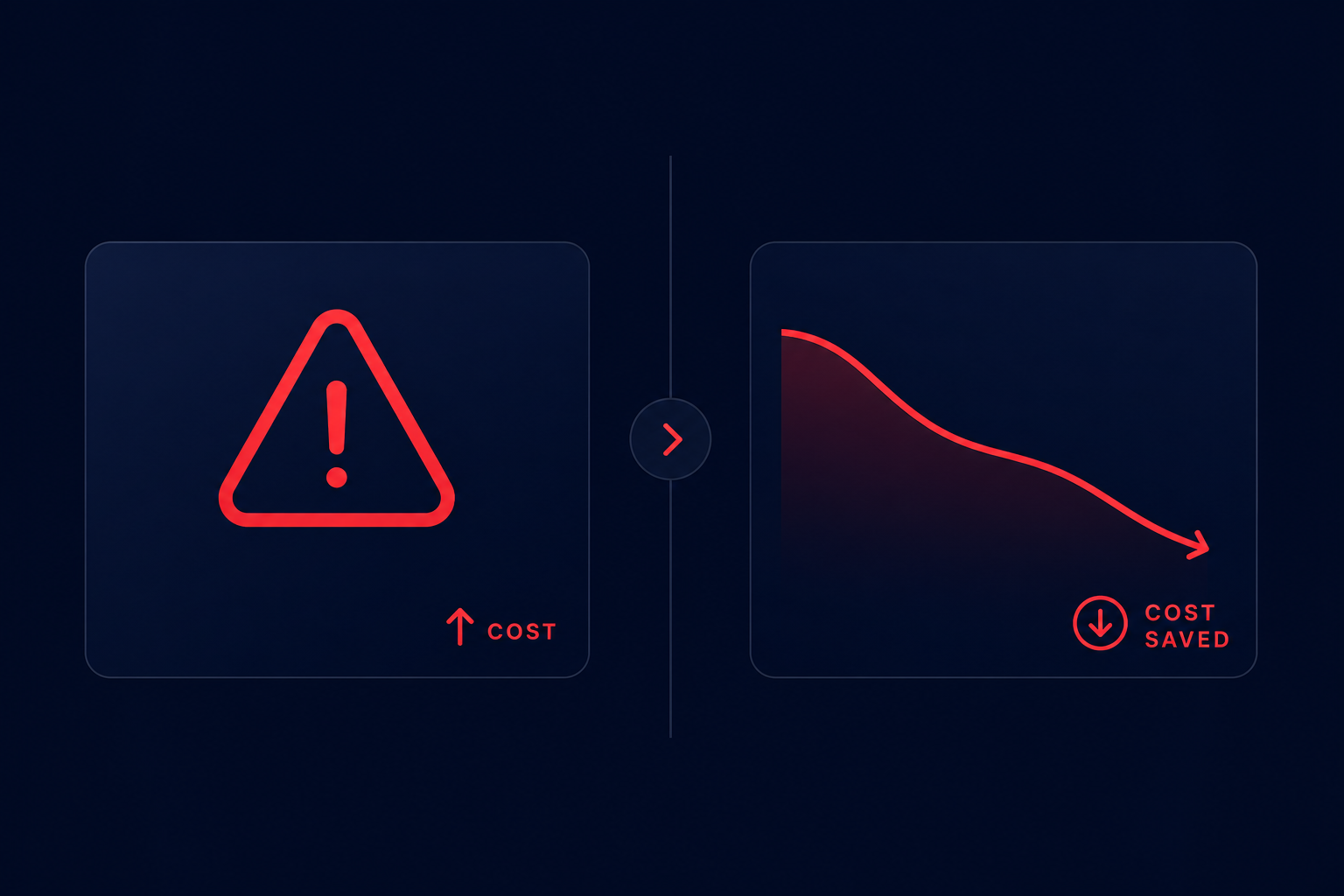
While native tools like AWS Billing Conductor help organize pro forma invoices for different business units, they still require significant engineering effort to turn those insights into tangible savings. To truly control costs, you need a system that does not just watch the threshold but actively manages the underlying commitments and resource sizing.
Hykell provides an autopilot solution that deep-dives into your cloud costs to uncover hidden savings. By automating the management of Savings Plans and Reserved Instances, Hykell can reduce your total AWS bill by up to 40% without requiring ongoing internal engineering lift. We operate on a performance-based model where we only take a slice of what you save – if you don’t save, you don’t pay.
See how much you can save with our AWS cost calculator or book a discovery call today to put your cloud optimization on autopilot.

