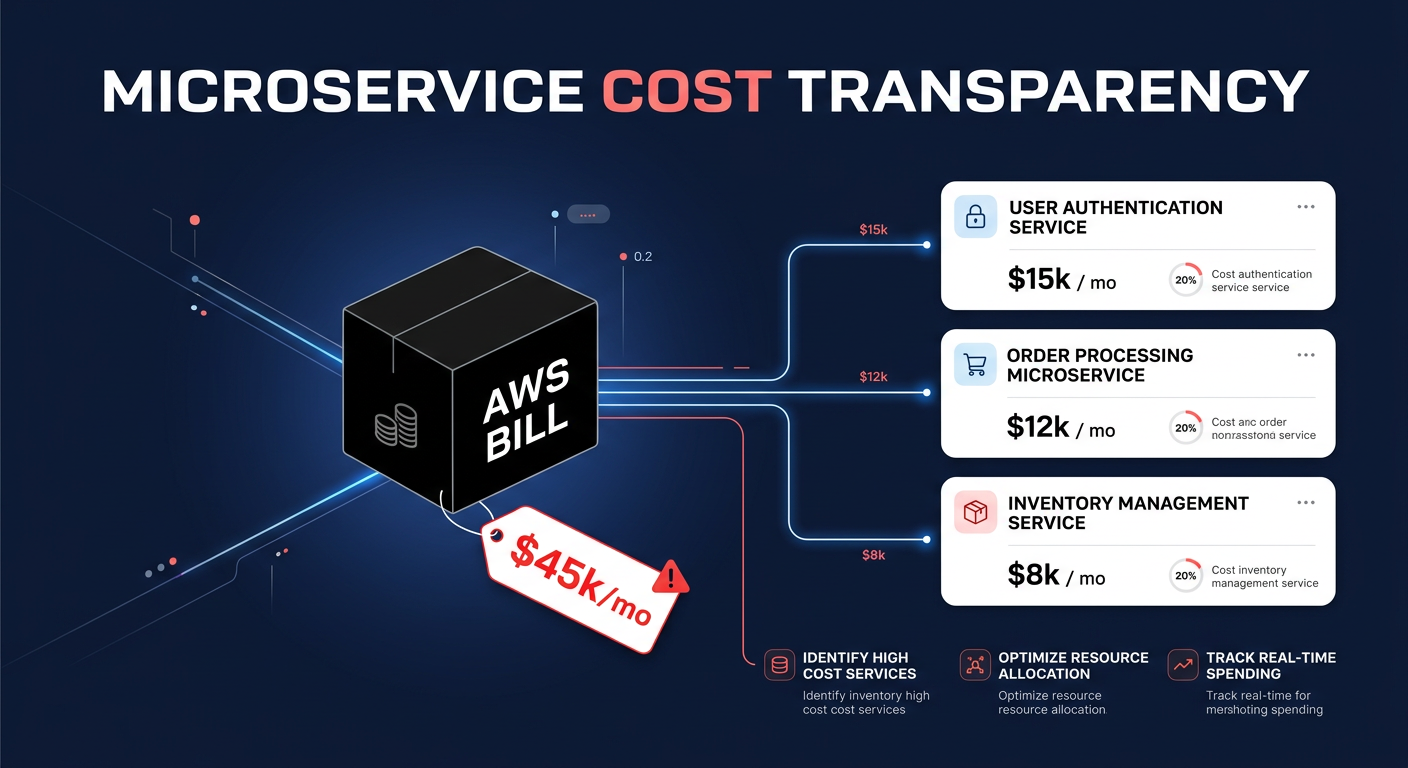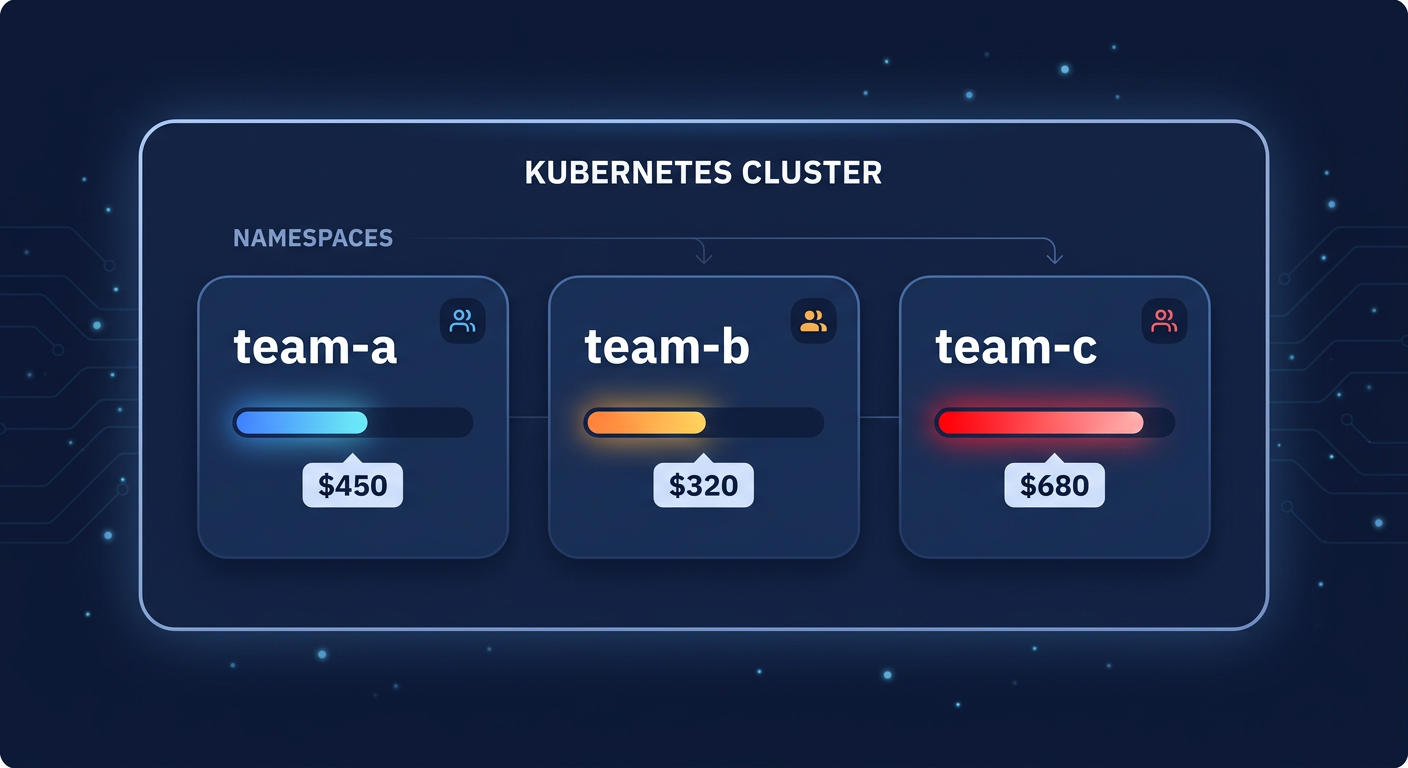
Are you flying blind when it comes to your Amazon EKS bill? Most engineering teams overspend by 30–50% because they lack pod-level visibility. Kubecost bridges this gap by attributing every cent of your cluster spend to the specific namespaces and teams driving it.
Mastering cost attribution at the namespace level
Kubecost functions as a financial X-ray for your Kubernetes clusters. While native AWS tools provide a high-level view of your EC2 and EKS spending, they cannot naturally “see” inside the cluster to identify which microservice or development team is responsible for a sudden spike in costs. By deploying Kubecost, you can break down expenses at the pod, namespace, and node levels, gaining granular tracking of CPU, memory, storage, and network costs.
For AWS administrators, the primary goal is often achieving namespace-level cost allocation, which allows you to map spending directly to business units or projects. This level of granularity forms the foundation of a successful cloud chargeback and showback strategy. By aligning costs with the way your organization actually operates, you transform a generic cloud bill into an actionable financial roadmap.
Technical prerequisites for AWS EKS deployment
Before you can start generating reports, your environment must meet specific technical requirements to ensure data integrity and persistence. Your Amazon EKS cluster should be running version 1.23 or newer, and you should use Helm 3.9 or later to manage the deployment via the Kubecost AWS-optimized bundle. Because historical cost data is vital for trend analysis, the Amazon EBS CSI driver must be deployed to handle persistent storage for the internal database.
Security is equally important during the setup phase. You should implement a least-privilege IAM policy using IAM Roles for Service Accounts (IRSA). This role requires specific permissions to execute Athena queries and fetch results from your S3 buckets to reconcile usage data. Once these prerequisites are met, you can deploy Kubecost on Amazon EKS using standard Helm commands. This installation typically includes a dedicated buffer of 2 vCPUs and 4GB RAM to run core components like Prometheus and the cost-model without impacting your production workloads.
Integrating with AWS Billing for maximum accuracy
By default, Kubecost estimates costs using public on-demand pricing, but for true financial reconciliation, you must integrate it with your AWS Cost and Usage Report (CUR). This integration allows the platform to account for your specific AWS rate optimization strategies, including Reserved Instances (RIs), Savings Plans, and real-time Spot Instance fluctuations. Without this data, your namespace reports will miss the significant discounts you may have already negotiated with AWS, leading to inaccurate chargeback figures.
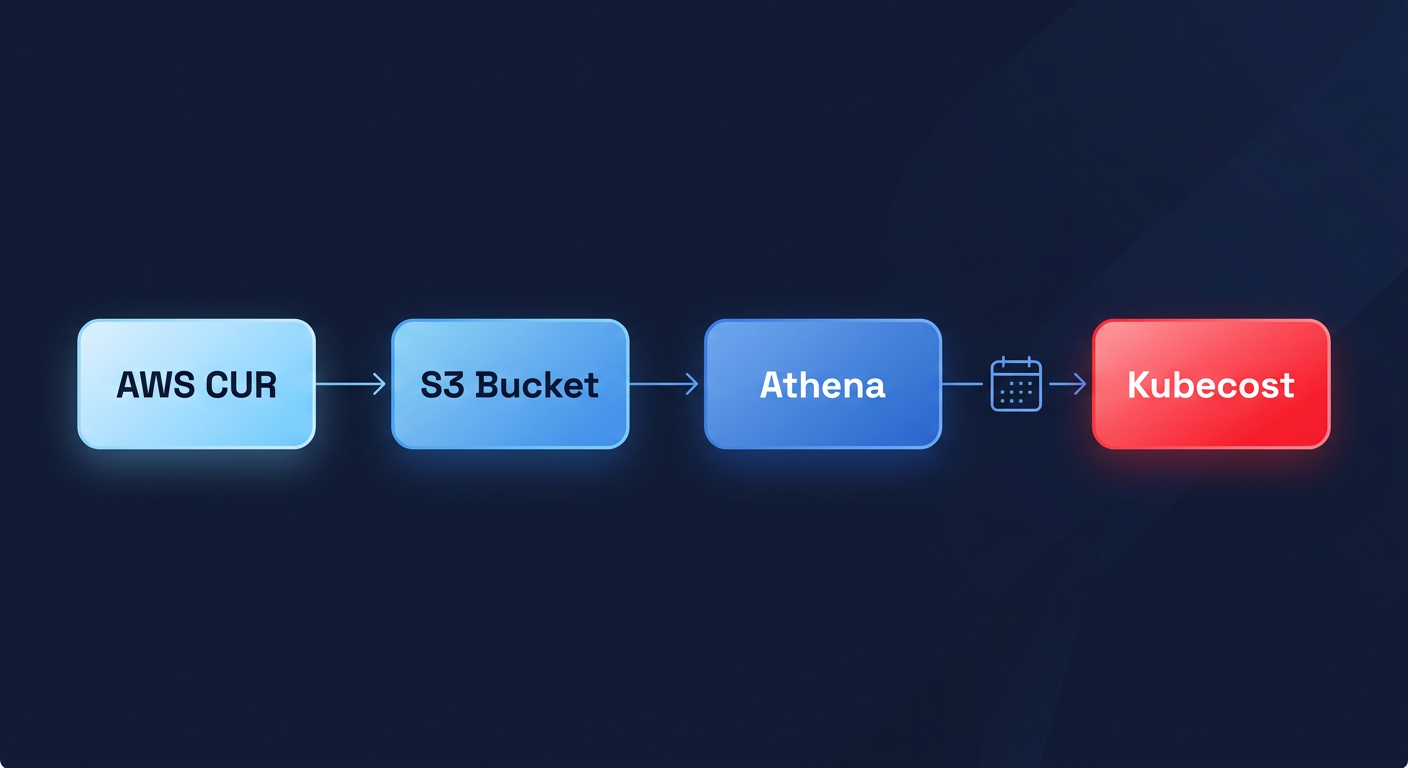
The integration process involves creating a CUR in the AWS Billing Console with Athena partitioning enabled and pointing Kubecost to the S3 bucket where your reports are delivered. You then configure the Kubecost architecture to trigger daily reconciliation between real-time Prometheus metrics and your actual AWS invoices. This ensures that when a team views their namespace cost, they see the effective rate after all enterprise discounts and commitment-based savings are applied.
Implementing showback and chargeback workflows
Once Kubecost is pulling accurate billing data, you can use the Allocations Dashboard to organize spend by namespace. This is the point where you transition from simple Kubernetes cost monitoring to active financial governance.
The showback phase
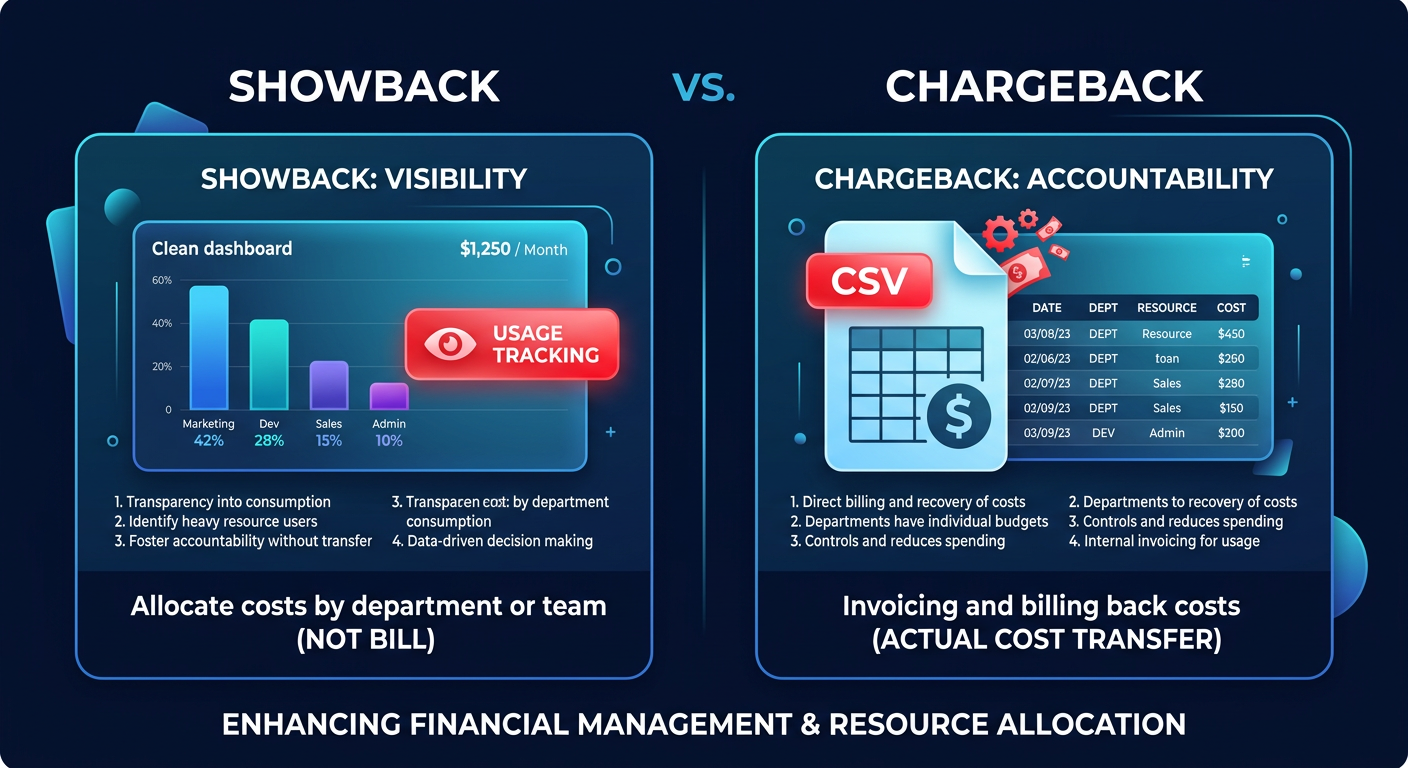
Most organizations begin with a showback approach to build a culture of cost awareness. You can provide teams with self-service observability dashboards that highlight their namespace’s monthly spend, efficiency scores, and idle resource waste. To make these reports meaningful, you should use automated tagging for AWS cost allocation to ensure that Kubernetes labels – such as team, environment, or application – align perfectly with your broader AWS tagging strategy. This creates a unified language between engineering and finance.
The chargeback phase
Once your data is validated and teams have had time to respond to the initial showback reports, you can move to a full chargeback model. Kubecost enables you to generate CSV or API-driven reports that feed directly into your company’s financial systems for internal billing. This enforces strict budget adherence and ensures that the total cost of running a cluster is shared proportionally based on actual resource consumption. This includes the fair distribution of shared overhead, such as EKS control plane fees and cluster-wide networking costs.
Driving efficiency with actionable insights
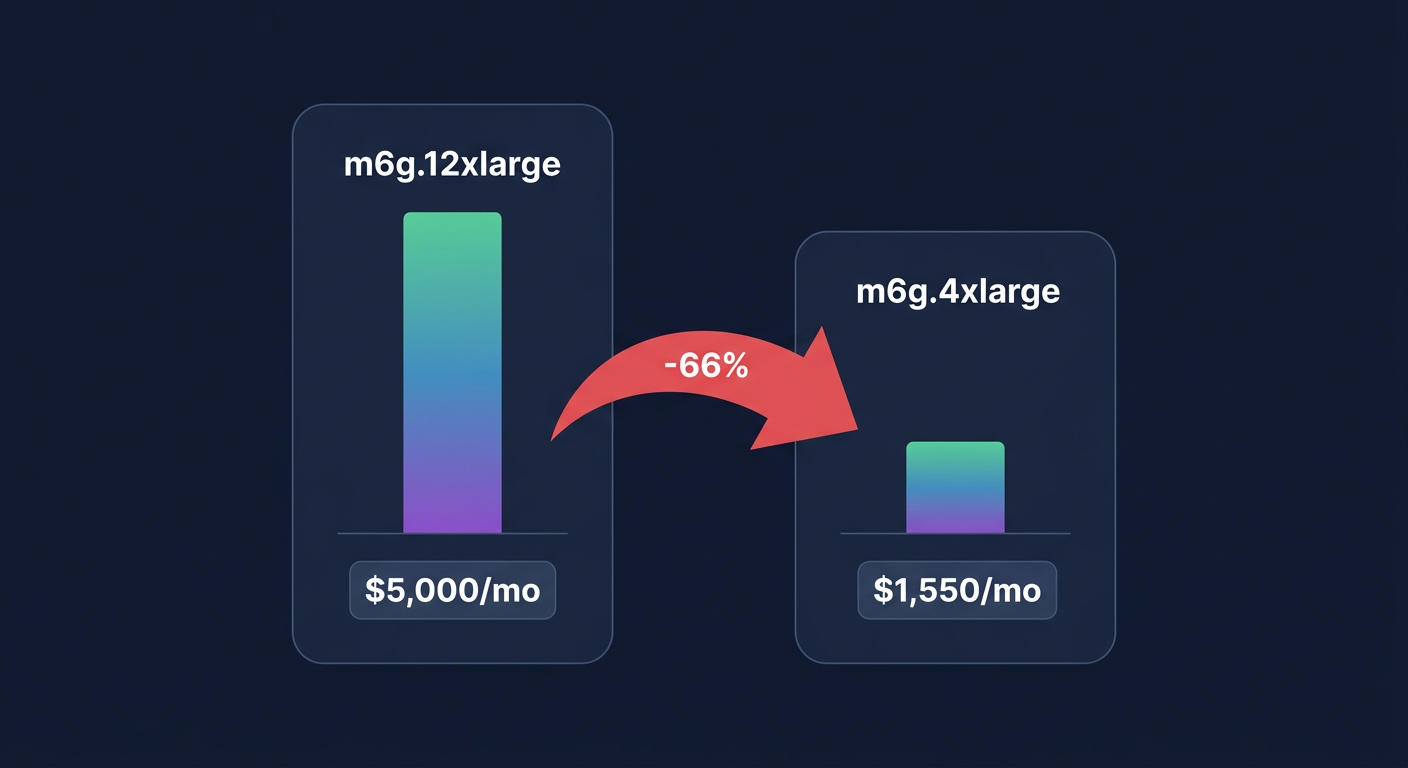
Visibility is a powerful motivator, but the ultimate goal of namespace allocation is to reduce your overall cloud bill. Kubecost is particularly effective at identifying idle capacity – the resources you pay for but do not use – which often accounts for 15–30% of total cloud spend. By analyzing the gap between your pod resource requests and actual usage, the platform provides cost management strategies such as rightsizing recommendations for your workloads.
Implementing these rightsizing suggestions can lead to savings of up to 40% on your Kubernetes infrastructure. For example, a telecommunications company recently used these insights to identify a single microservice causing 40% of their data transfer costs, allowing them to refactor the service and cut $45,000 from their monthly bill. Hykell can further enhance these results by automating these optimizations on autopilot, ensuring your EKS environment stays lean without requiring constant manual intervention from your DevOps team.
If you are ready to stop guessing and start saving, use our cost savings calculator to see how much of your EKS spend can be recovered through better allocation and optimization. For a tailored audit of your infrastructure and to see how automated management can lower your bill, contact the Hykell team today.