Is your monthly AWS bill a “black box” of mysterious line items and surprise spikes? AWS Cost Explorer demystifies these expenses, providing the visibility needed to move from reactive firefighting to proactive FinOps management and long-term cost control.
Core features of AWS Cost Explorer
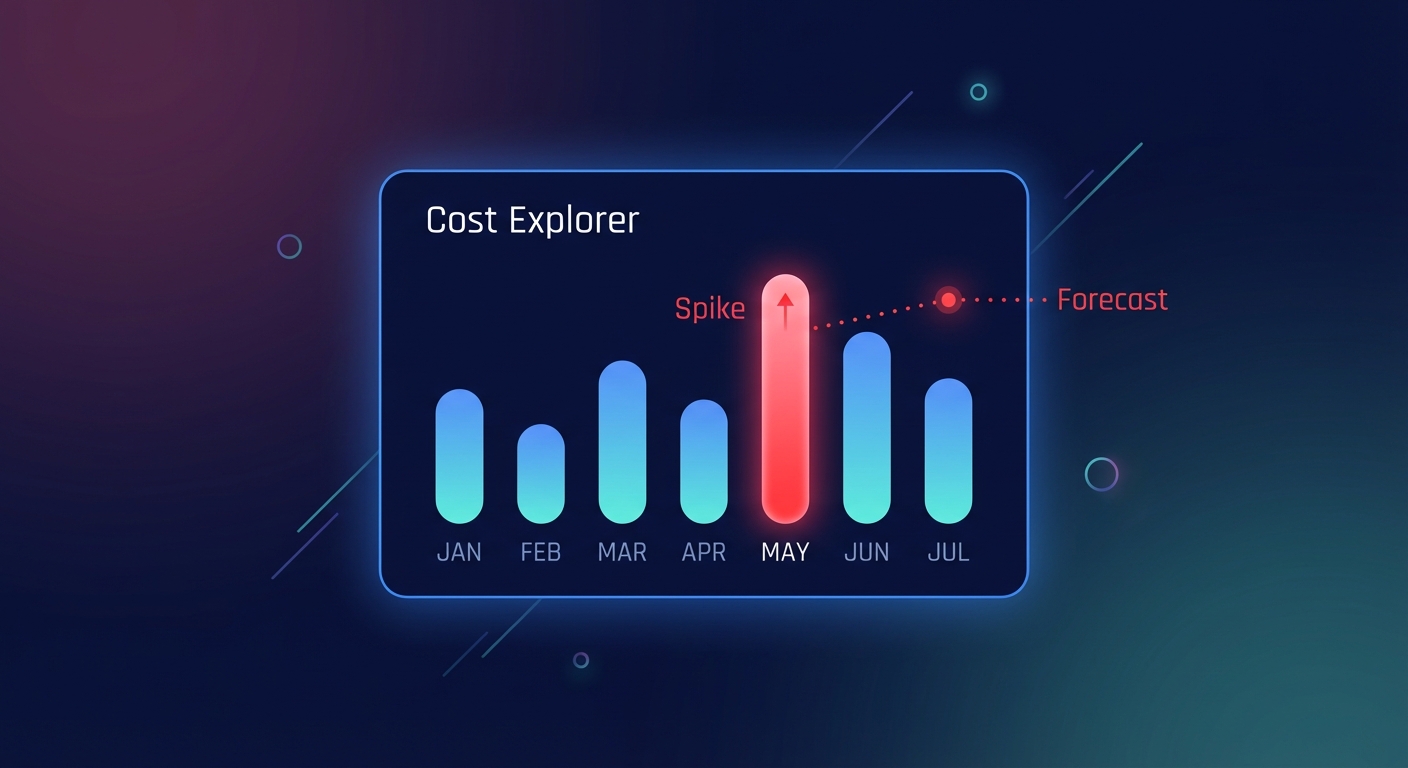
AWS Cost Explorer functions as the comprehensive financial statement for your cloud infrastructure. While AWS Budgets focuses on future spending with alerts to prevent overruns, Cost Explorer is engineered for deep retrospective analysis. It grants access to up to 38 months of historical data at a monthly granularity, which is vital for spotting long-term growth patterns or seasonal usage spikes. For more immediate investigations, the tool provides hourly and resource-level granularity for the past 14 days. This high-resolution view allows you to determine if your Savings Plans and Reserved Instances effectively cover your baseline usage or if you are overpaying for on-demand spikes.
Beyond simple visualization, the platform offers analytical capabilities like AI-powered forecasting and cost comparison. The machine learning models analyze up to 36 months of spending history to project costs up to 18 months into the future, providing transparency through AI-powered forecast explanations. When expenses jump, the cost comparison feature automatically isolates the top cost drivers – such as specific services, regions, or instance types – so you can pinpoint exactly why a month-over-month increase occurred. You can further refine these views by filtering across 18 dimensions, ensuring that every dollar spent is accounted for in your reporting.
Practical workflows for cost optimization
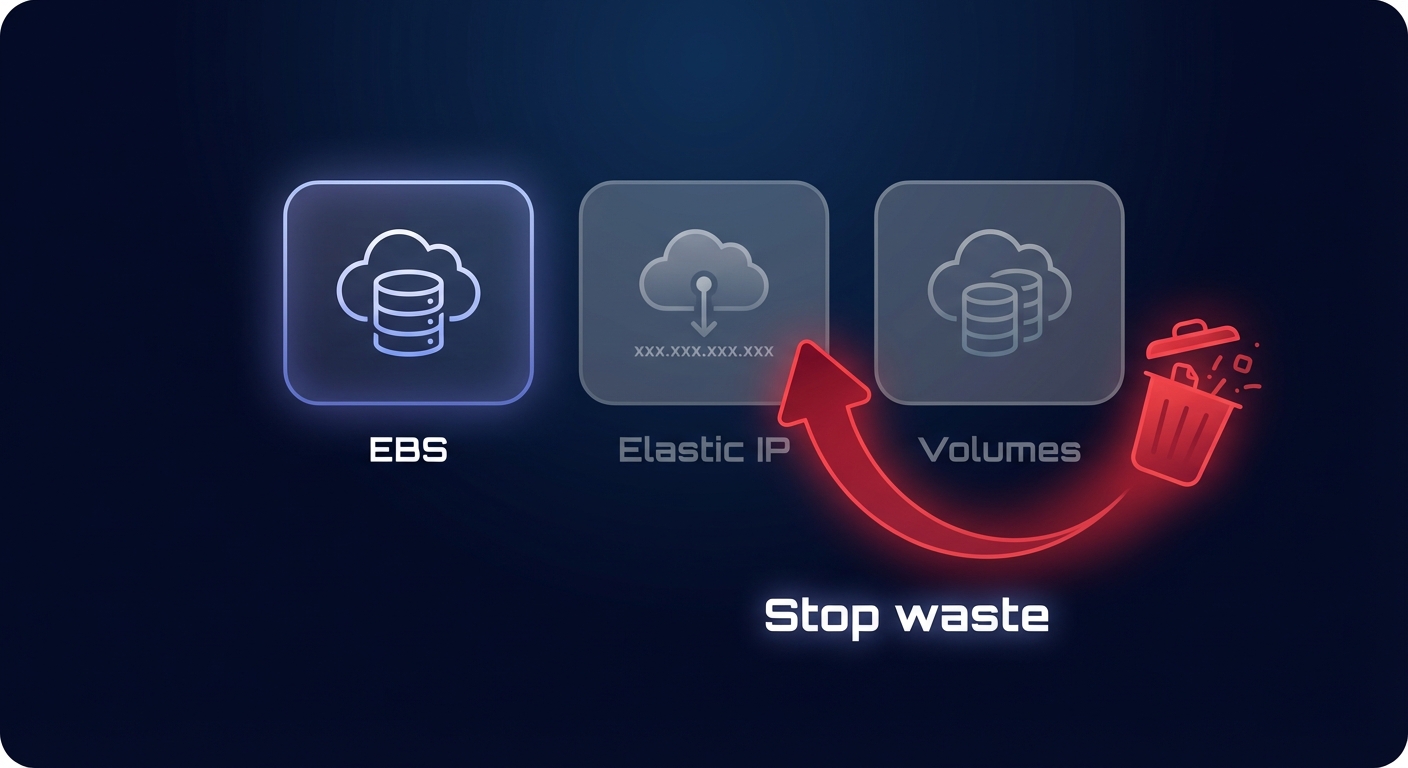
Turning data into savings requires repeatable operational workflows. One of the most immediate opportunities involves identifying “zombie” resources. By filtering reports by service, you can isolate high spend in Amazon EBS cost optimization or unassociated Elastic IP addresses. These idle components often represent a significant portion of cloud waste. For example, some organizations have recovered as much as $45,000 in annual spend simply by auditing orphaned volumes. Once identified, your team can use Cost Explorer to track the impact of cleanup efforts and ensure that unattached volumes do not continue to inflate the bill.
You can also leverage automated AWS rightsizing data to ensure your compute fleet matches actual demand. Cost Explorer integrates with performance metrics to suggest where you can downsize over-provisioned instances. Moving a development environment from an m5.xlarge to a t3.medium, for instance, can often reduce specific compute costs by 40% without impacting performance. To make these insights actionable at scale, you must implement AWS cost allocation tags best practices. Robust tagging transforms a generic invoice into a granular map, enabling chargeback and showback strategies that foster financial accountability across different engineering teams. Finally, regularly reviewing your commitment coverage ensures that your utilization rates remain high, preventing you from paying for unused capacity while maximizing your available discounts.
Understanding the limitations of native AWS tools
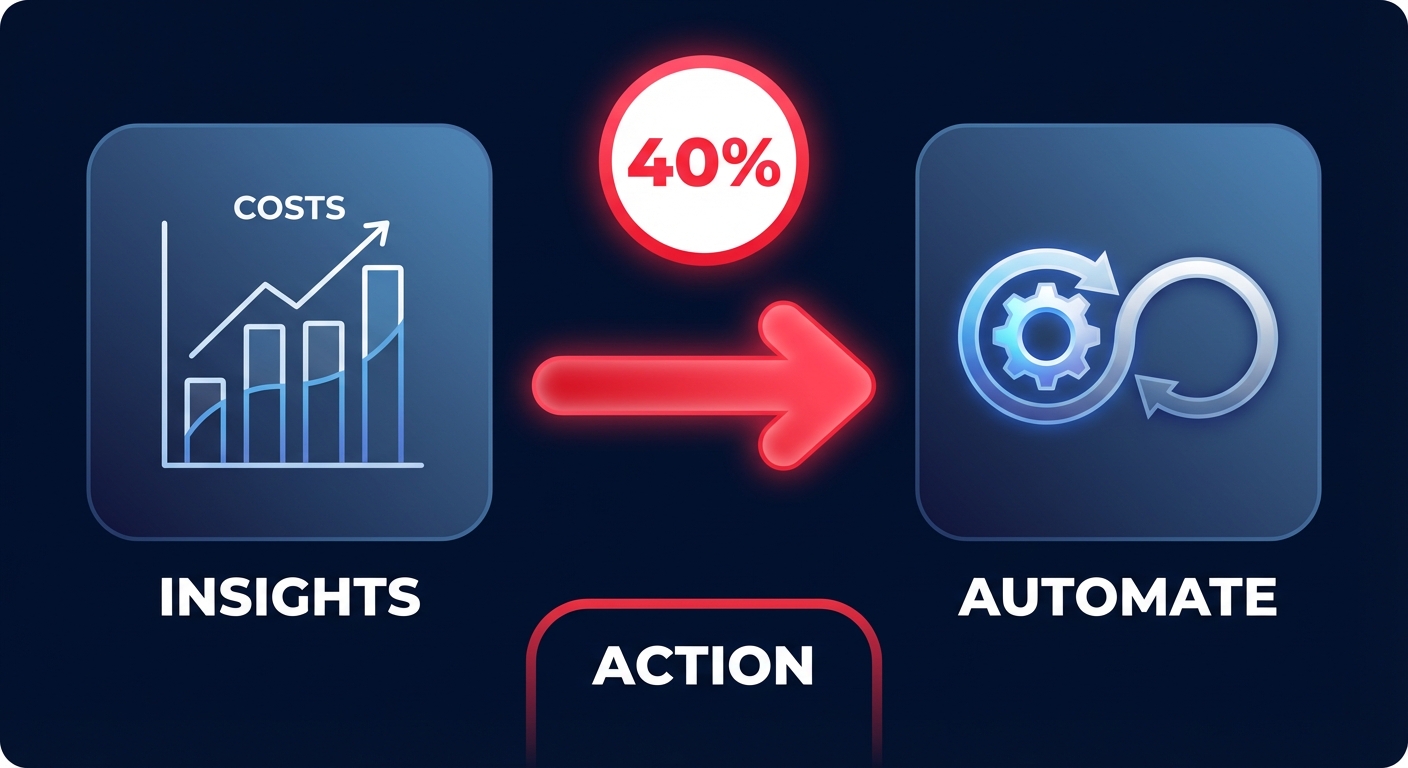
Despite its utility, native AWS tools present specific challenges for rapidly scaling organizations. A primary hurdle is data latency, as cost information typically refreshes only once every 24 hours. This delay means that a misconfigured service or a runaway Lambda function could generate substantial costs before it ever appears in your dashboard. Furthermore, while Cost Explorer identifies where you are overspending, it does not actually fix the issues. This “action gap” requires manual engineering effort to implement rightsizing recommendations or manage complex commitment lifecycles.
For teams that require programmatic access, the AWS Cost Explorer API charges $0.01 per paginated request, which can lead to unexpected costs when building custom internal reporting. Additionally, while the tool supports AWS Organizations, rolling up data from hundreds of individual accounts into a single, clear view often requires extensive manual configuration. This complexity often leaves engineering leaders spending more time on spreadsheets and manual audits than on building new features.
Bridging the gap with automated cloud optimization
Many organizations find that identifying savings is easy, but executing them is difficult. Hykell bridges this gap by providing an automated layer that complements native AWS insights. By integrating directly with AWS APIs, the platform converts the data found in Cost Explorer into immediate action without requiring manual intervention from your DevOps team. This autopilot approach allows you to manage the entire lifecycle of your Savings Plans and Reserved Instances in real-time, adjusting commitments as your workloads shift to ensure maximum coverage at the lowest possible rate.
The transition from visibility to automated execution can help companies reduce their total AWS bill by up to 40% while freeing up valuable engineering resources. Instead of spending 15 hours a month on manual cost audits, your team can rely on role-specific observability dashboards that provide tailored KPIs for CFOs and granular resource tracking for SREs. By automating the heavy lifting of cloud financial management, you ensure that your infrastructure remains cost-efficient even as it grows. You can calculate your potential savings today to see exactly how much of your AWS budget can be reclaimed for high-impact business initiatives.