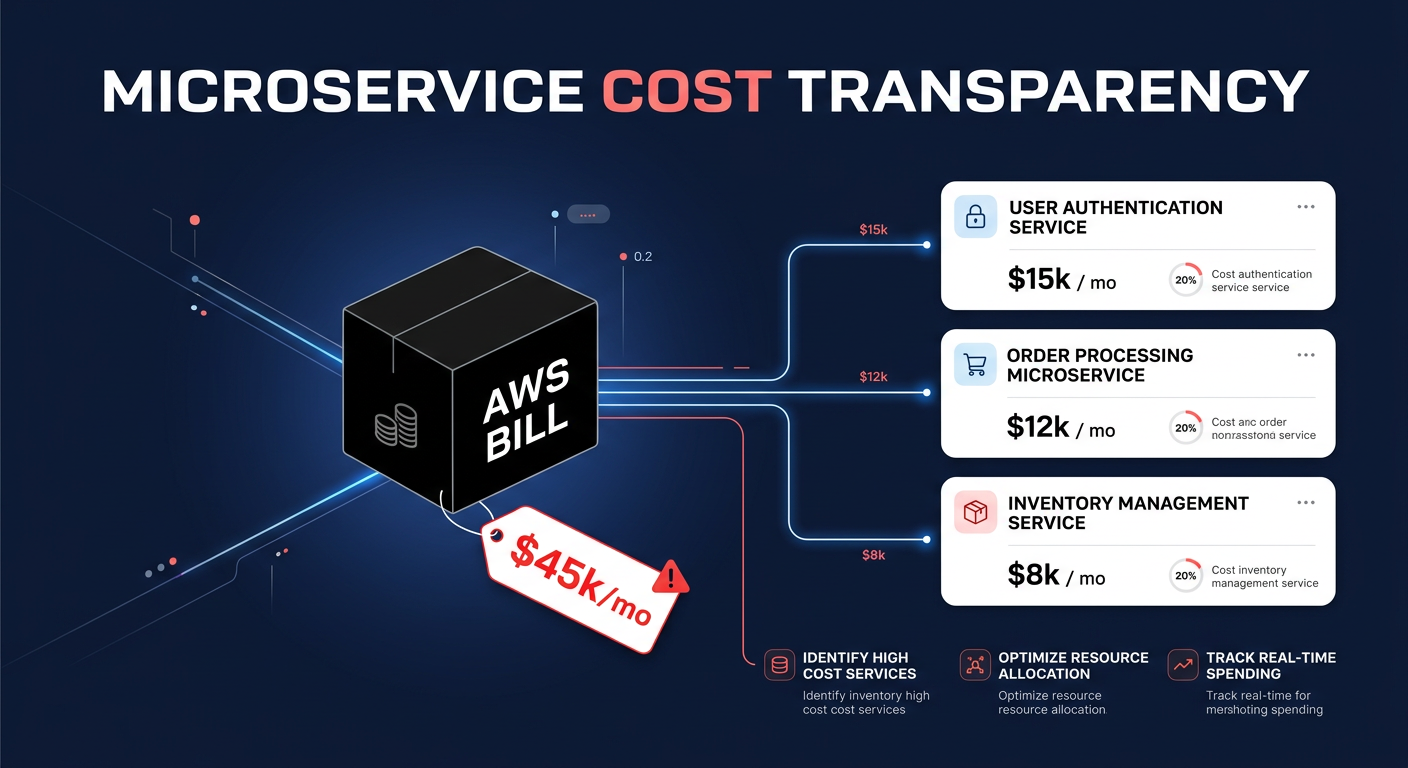
Does your AWS bill feel like a puzzle where the pieces change shape every month? Managing multi-account environments makes translating raw usage into departmental invoices difficult, often sparking friction between finance and engineering teams over spend ownership.
AWS Billing Conductor addresses this pain point by providing a customizable billing layer on top of your standard billing data. It allows you to organize accounts into logical groups, apply custom pricing rules, and generate pro forma Cost & Usage Reports (CURs) that reflect your internal financial logic rather than just public AWS rates.
How AWS Billing Conductor works within your environment
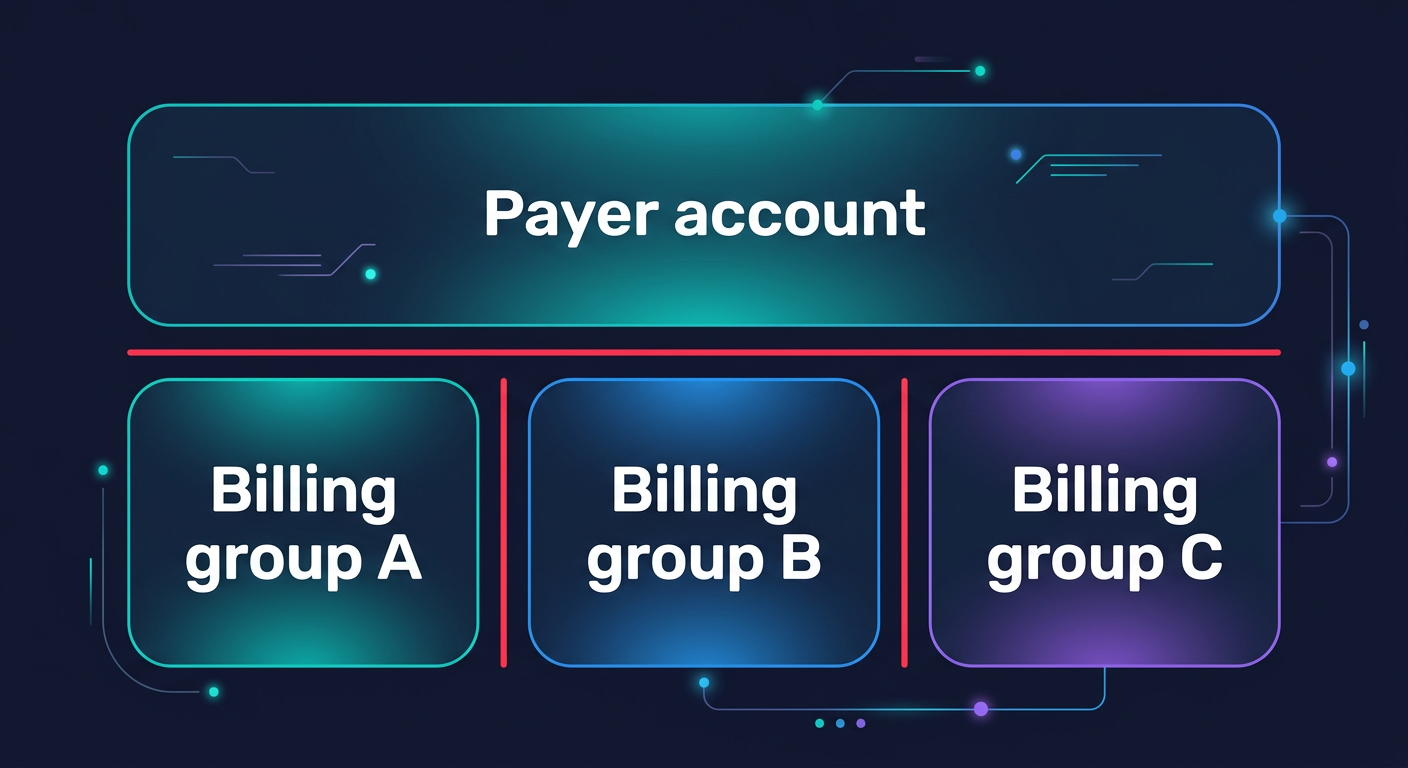
Billing Conductor functions as a processing engine that sits between your management (payer) account and your final billing reports. It integrates with your organization’s account structure to map member accounts or entire Organizational Units (OUs) into mutually exclusive billing groups. This ensures that every account is accounted for without risk of overlapping costs.
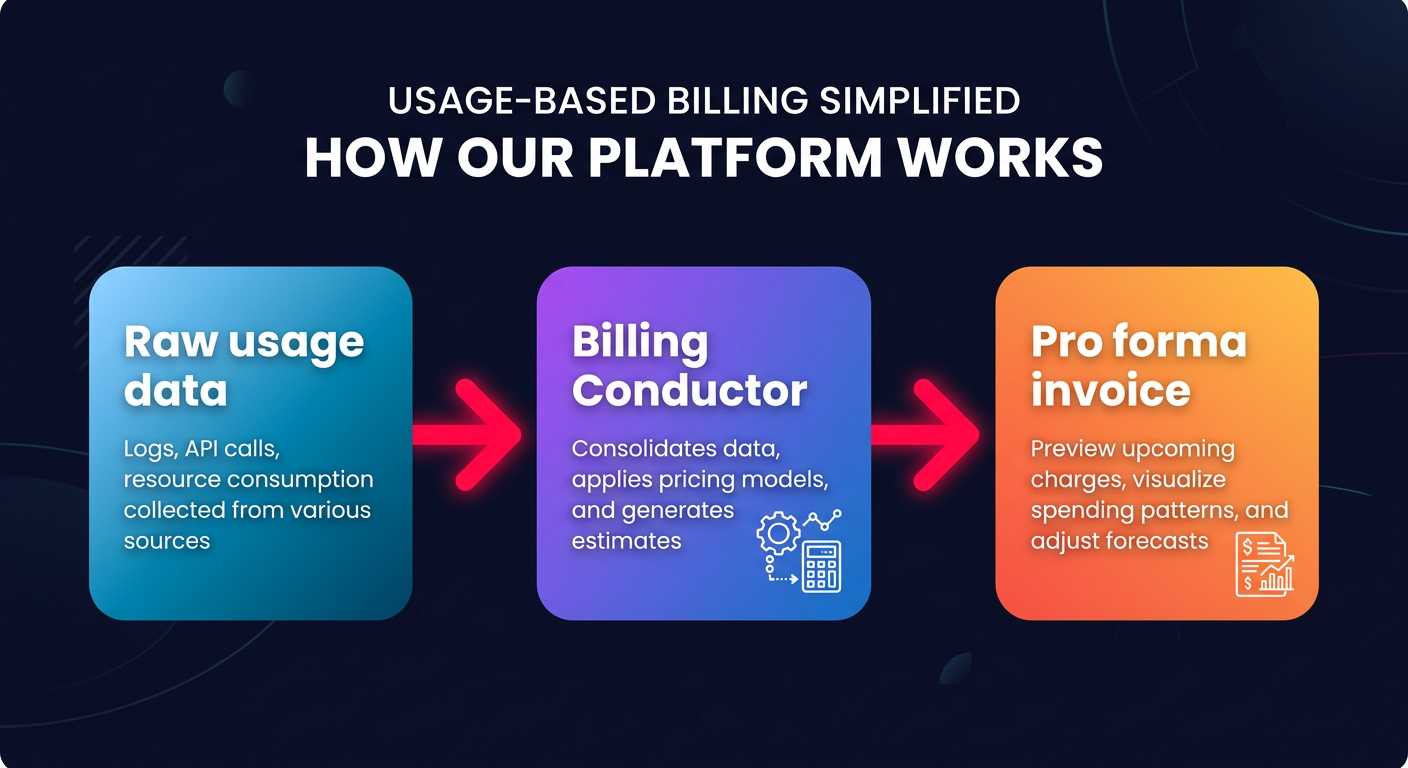
The process begins by ingesting raw usage data. Unlike standard billing, which applies public pricing and global discounts, Billing Conductor allows you to intercept this data to apply your own pricing logic. Within 24 hours of resource usage, the service generates a pro forma invoice. This version of your bill exists alongside your official AWS invoice but is designed specifically for cloud chargeback and showback strategies that require internal departmental alignment.
The core constructs of technical implementation
To implement Billing Conductor effectively, you must understand the relationship between its primary components. These constructs allow you to move beyond simple AWS cost allocation and into sophisticated financial modeling that mimics your business hierarchy.
Billing groups
A billing group is a collection of accounts representing a single financial entity, such as a business unit, a specific project, or an external client in a multi-tenant setup. Because each account can only belong to one billing group at a time, you eliminate the risk of double-counting costs when you distribute your pro forma reports to various stakeholders.
Pricing plans
Pricing plans act as containers for your pricing rules. You associate a pricing plan with a billing group to define how that specific group should perceive its costs. For instance, you might apply a “Standard Pricing Plan” for internal research and development while using a different plan for customer-facing production accounts that requires a specific margin or overhead calculation.
Pricing rules
Pricing rules are where the technical customization happens. You can create pricing rules that apply a percentage-based markup or discount to specific AWS services, billing entities, or granular SKUs. These rules follow a hierarchy where the most granular rules take precedence. A critical technical advantage is the ability to deactivate the AWS Free Tier for specific billing groups, ensuring that internal teams see the true cost of their resources without the temporary “cushion” of trial credits.
Custom line items
Standard AWS bills often miss the “hidden” costs of doing business, such as internal support overhead, third-party software licenses, or shared managed service fees. You can use custom line items to inject these costs into the pro forma CUR as one-time charges or recurring flat or percentage-based fees. This ensures that the final report shared with a department head represents the true total cost of ownership for their infrastructure.
Service limits and technical constraints
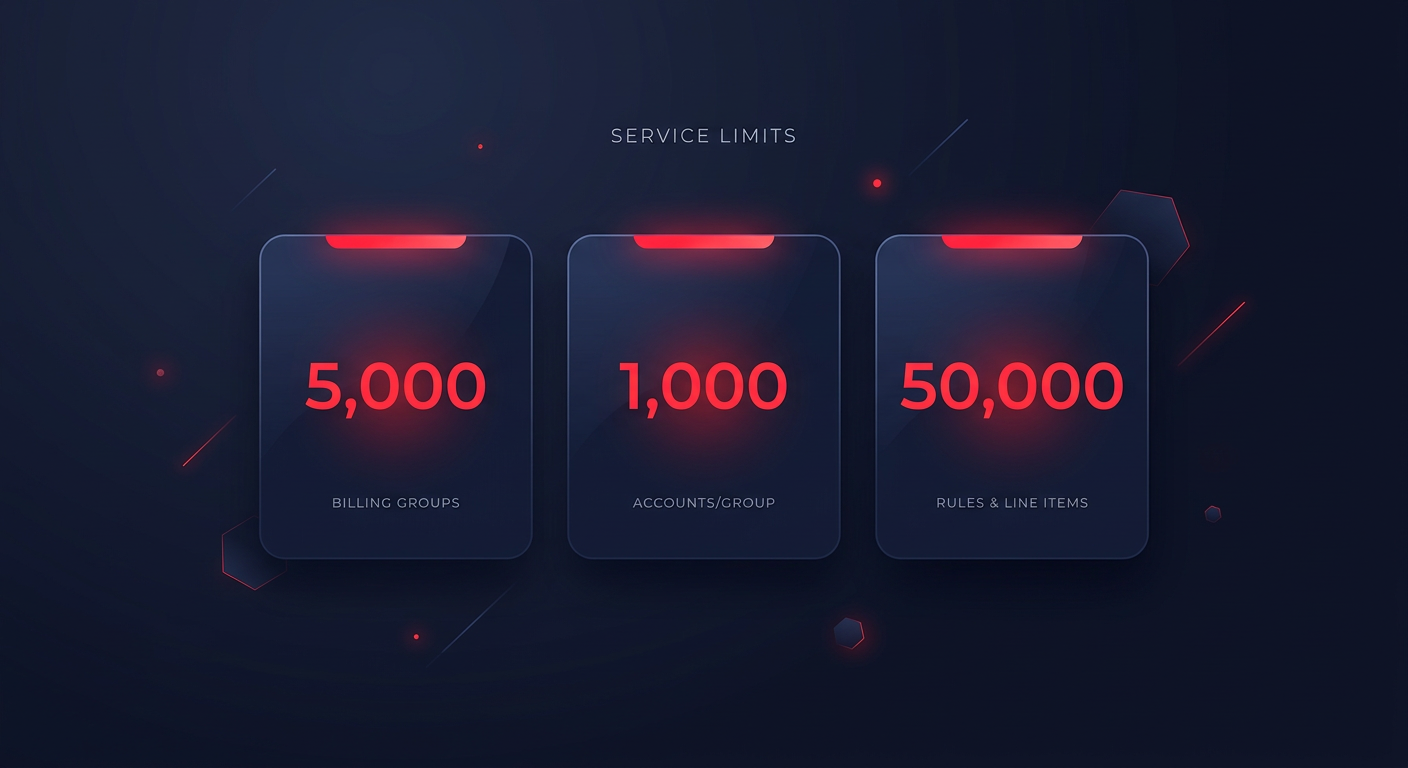
While Billing Conductor is a robust tool, it operates within specific service limits that you must account for during your cloud cost audit. Currently, AWS allows up to 5,000 billing groups per payer account and 1,000 accounts per billing group. You can define a total of 50,000 pricing rules or line items across your entire environment.
There are also functional exclusions to keep in mind regarding how data is processed. Pro forma invoices generated by the service typically exclude taxes, AWS credits, and certain non-public discounts. Furthermore, while Savings Plans and Reserved Instances are shared within a billing group based on your preferences, the pro forma bill will default to public on-demand rates unless you specifically configure rules to reflect your AWS rate optimization strategies.
Implementing chargebacks and showbacks
The ultimate goal of using Billing Conductor is to automate the flow of data into your FinOps workflows. By generating group-specific pro forma CURs, you can provide department heads with a dashboard that shows exactly what they owe based on your internal agreements.
For a successful implementation, you should centralize your governance by using the payer account as the primary hub for all configurations. This maintains a single source of truth across the organization. For large enterprises, manual grouping is often inefficient; instead, you should use the Billing Conductor API to dynamically associate new accounts with billing groups based on automated tagging strategies. Once your pro forma CURs are delivered to S3, you can use Amazon Athena to query the data and compare it against your standard AWS billing best practices to ensure no usage is slipping through the cracks.
Moving from billing visibility to actual savings
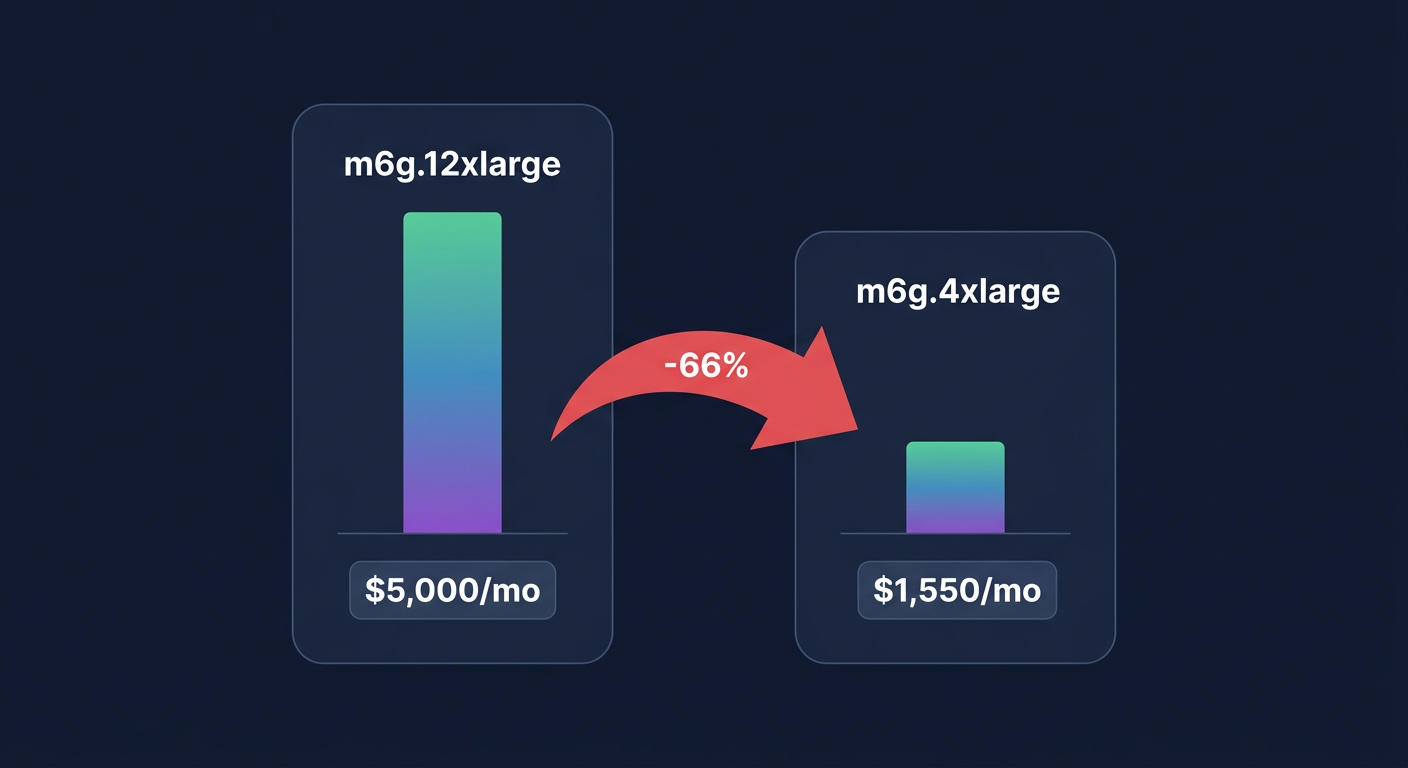
AWS Billing Conductor is an essential tool for organizing how you see your costs, but visibility is only half the battle. While it helps you allocate spend to the right departments, it does not inherently lower the total amount you owe AWS at the end of the month. To truly optimize your environment, you need to combine sophisticated allocation with active resource management.
Hykell bridges this gap by offering automated cloud cost optimization that functions on autopilot. While you use Billing Conductor to report on your spending, Hykell works in the background to reduce that spend by up to 40% through continuous rate optimization and the elimination of underutilized resources. By integrating detailed showback reports with automated optimization, you ensure that every department is not only accountable for their spend but is also operating at peak financial efficiency.
Calculate your potential AWS savings with Hykell to see how much you could be saving while your billing groups handle the reporting.