Why continue paying an “x86 tax” when your workloads could run 40% more efficiently on arm64? Migrating to AWS Graviton is a strategic move that requires mastering the container lifecycle to unlock maximum ROI.
While the raw price-performance benefits of Graviton are well-documented, realizing those gains requires a precise approach to building, deploying, and tuning your containerized applications. By aligning your CI/CD pipelines with arm64 architectures and layering automated AWS rate optimization, you can significantly reduce your compute footprint without sacrificing stability.
Building efficient multi-architecture container images
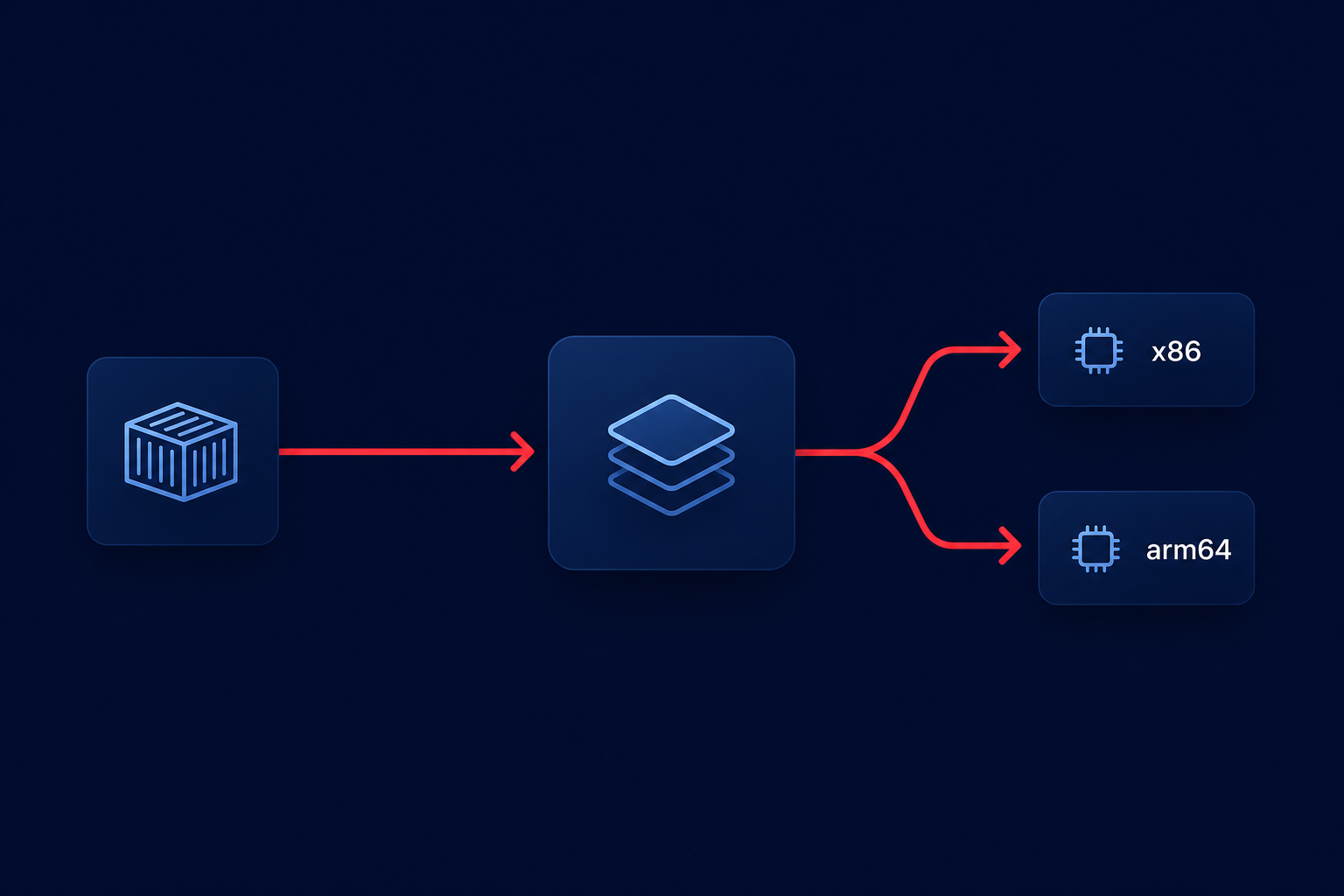
The foundation of a successful Graviton migration is a robust multi-architecture build strategy. Because an image built for x86_64 cannot run on an arm64 host, you must verify that your compatibility of software with AWS Graviton is confirmed before shifting production traffic.
The most effective way to handle this is through Docker Buildx, which allows you to build and push images for multiple architectures simultaneously. By creating a manifest list during your Amazon ECR cost optimization workflow, your container orchestrator will automatically pull the correct image version based on the host’s architecture. This approach eliminates the need for separate tags and simplifies your deployment logic across mixed environments.
When building these images, you should prioritize multi-stage builds to keep your final image lean. Smaller images not only reduce storage costs but also improve startup times on AWS Fargate, where you are billed for every second of resource utilization. However, keep in mind that Amazon ECR image scanning currently has limited support for arm64. You may need to integrate third-party security scanners into your pipeline to maintain compliance and identify vulnerabilities effectively.
Orchestrating arm64 workloads on ECS and EKS
Deploying arm64 containers requires awareness of how AWS orchestrators handle heterogeneous clusters. If you are running Amazon EKS, you can leverage AWS EKS node group cost optimization by running x86 and Graviton instances side-by-side. Use the built-in `kubernetes.io/arch` label to ensure your pods land on the correct hardware.
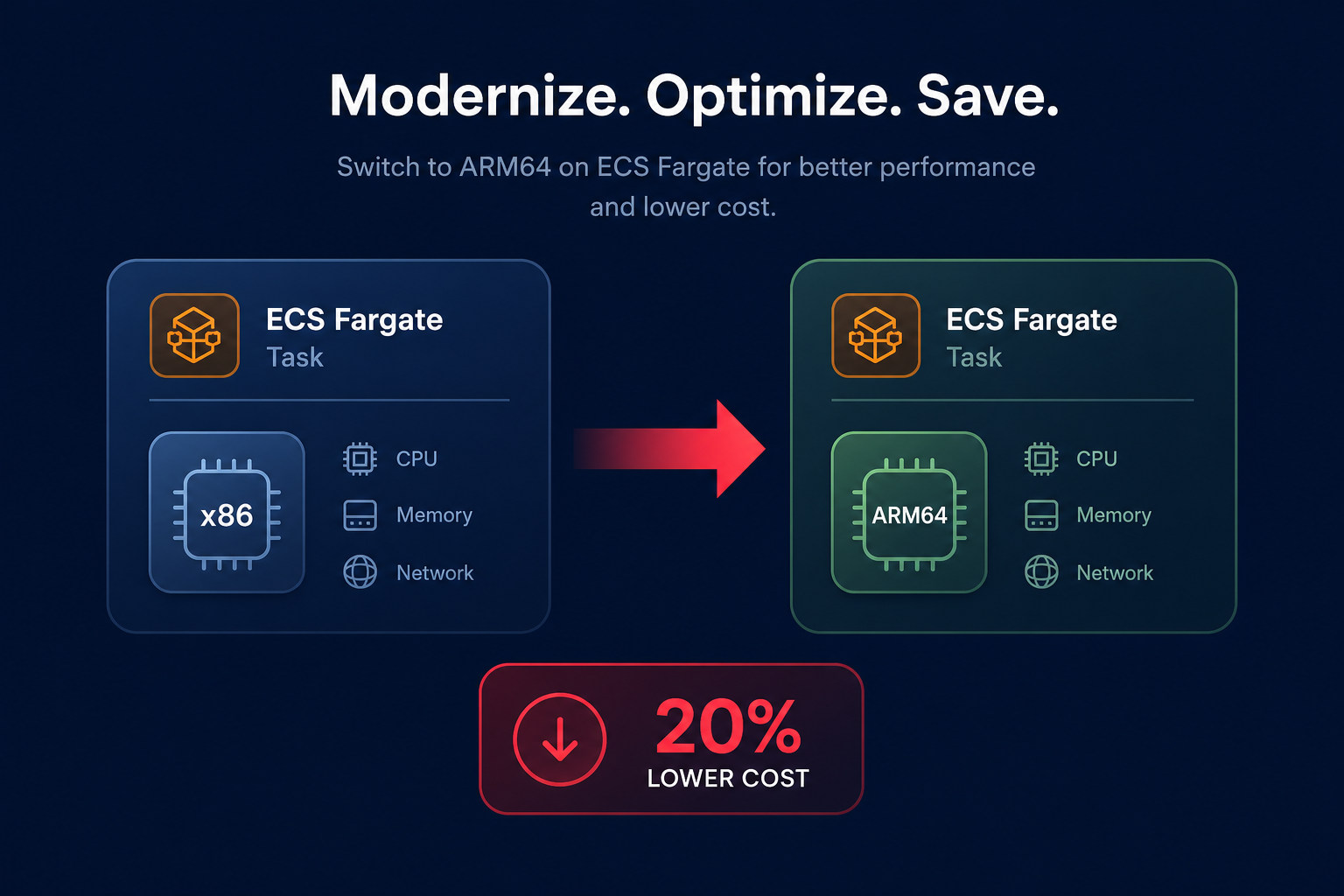
For those using Amazon ECS, Graviton support is available for both EC2 and Fargate launch types. Switching to Graviton on Fargate is often as simple as updating the `cpuArchitecture` parameter in your task definition to `ARM64`. This move alone can cut your compute costs by up to 20% compared to x86-based Fargate tasks. To avoid scheduling issues, remember that certain regions and specific Availability Zones – such as `use1-az3` in US East (N. Virginia) – do not currently support arm64 Fargate workloads.
Managing these multi-architecture support challenges with Graviton can be complex, especially when dealing with sidecars and DaemonSets that must also be arm-compatible. If you are transitioning a large cluster, consider using taints and tolerations to prevent incompatible x86 workloads from being scheduled on your high-efficiency Graviton nodes. Hykell can help you navigate these transitions by identifying the best candidates for migration and ensuring your AWS Fargate cost optimization tips are implemented correctly.
Tuning for peak arm64 performance
Simply recompiling your code for arm64 is rarely enough to capture the full performance upside. To truly implement best practices for Graviton instances, you must tune your application for the specific characteristics of the arm architecture.
- Compiler Optimization: Use modern compilers like GCC 10+ or LLVM 11+ and apply flags such as `-march=armv8.2-a` or `-mcpu=neoverse-n1` to take advantage of Graviton-specific instructions.
- Memory Management: Arm64 benefits significantly from Large System Extensions (LSE) for atomic operations. Additionally, enabling Transparent Huge Pages (THP) can reduce TLB miss rates in memory-intensive applications like databases or large-scale Java runtimes.
- Concurrency Handling: Graviton’s memory consistency model differs from x86. Workloads with heavy synchronization or fine-grained locks may see performance degradation unless they are optimized for arm’s weakly ordered memory model.
Regular performance benchmarking for AWS Graviton instances is essential during this phase. Use tools like AWS CloudWatch alongside Hykell’s cloud observability platform to establish a baseline on x86 and compare it against your Graviton results. If your application is CPU-bound, you will likely see immediate gains; if it relies on legacy x86-only libraries, you may need further refactoring to avoid performance regressions.
Maximizing the Graviton gain with automation
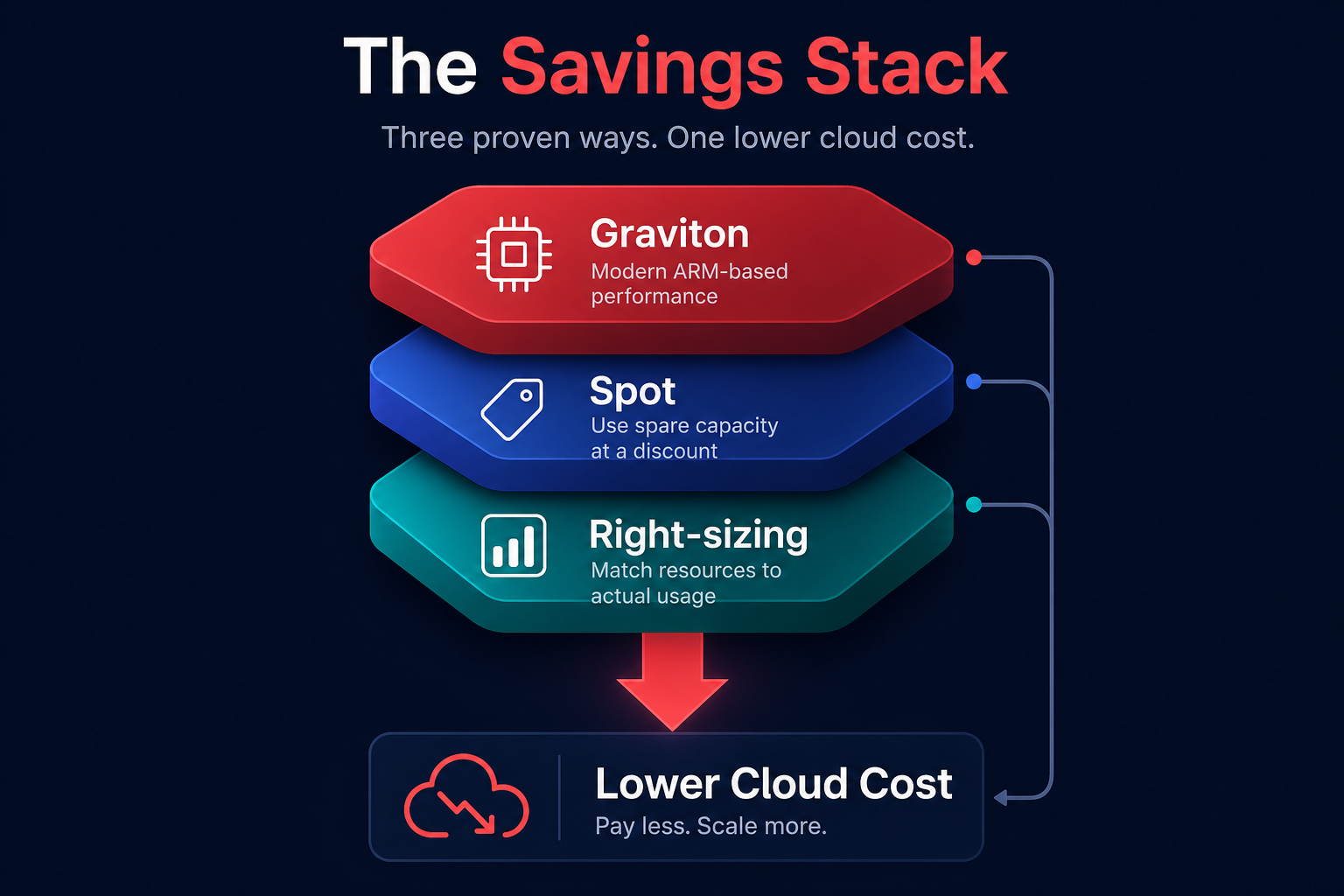
Migrating to Graviton provides a one-time step-function improvement in price-performance, but the most efficient teams do not stop there. By combining the architectural efficiency of Graviton with automated rate optimization, you can stack discounts to achieve even deeper savings.
Hykell helps you accelerate your Graviton gains by managing the complex interplay between Reserved Instances, Savings Plans, and Spot instances. While Graviton instances are already cheaper than their x86 counterparts, Hykell’s AI-driven approach ensures you are always paying the lowest possible rate for your arm64 capacity. This “autopilot” approach allows your engineering team to focus on building features rather than managing commitment lifecycles.
For stateless or fault-tolerant container workloads, combining Graviton with Fargate Spot or EC2 Spot can lead to cost reductions of up to 90%. When these techniques are layered with precise pod right-sizing and impactful Kubernetes workload optimization, the total savings often exceed 40% of the initial cloud spend.
The transition to arm64 is a fundamental part of modern AWS cost management. By refining your build processes, optimizing your orchestration logic, and employing automated rate management, you can transform your infrastructure into a high-performance, low-cost engine. To see exactly how much your organization can save by modernizing your architecture and automating your commitments, use the Hykell savings calculator to get a detailed breakdown of your potential ROI.