

Are you paying for AWS capacity you never actually use? Most AWS environments operate at a meager 30–40% utilization, meaning nearly two-thirds of your cloud spend essentially subsidizes idle hardware.
AWS Compute Optimizer is a machine learning-powered service that analyzes your historical utilization metrics to identify over-provisioned resources. By right-sizing your EC2 instances, EBS volumes, and Lambda functions, you can align your infrastructure with actual demand and significantly reduce your monthly bill. However, simply having the recommendations is only half the battle – implementing them without impacting performance requires a strategic approach.
Getting started with AWS Compute Optimizer setup
To begin generating recommendations, you must opt-in to the service. Compute Optimizer is available at no additional charge, though it relies on Amazon CloudWatch metrics to function. For a single account, you can navigate to the Compute Optimizer console in the `us-east-1` region and select “Get Started.” Your IAM identity will require the `compute-optimizer:UpdateEnrollmentStatus` permission and the service-linked role will be auto-created to access your performance data.
If you manage a complex environment, it is best practice to enable the service at the AWS Organization level. From your management account, you can enroll all member accounts simultaneously, providing a centralized dashboard for your entire cloud footprint. Once enabled, the engine requires a 14-day lookback period of CloudWatch data to provide accurate findings. It analyzes CPU utilization, memory residency, and I/O throughput to categorize your resources. While the default 14-day window is sufficient for many, you can extend this to a 93-day lookback by enabling enhanced infrastructure metrics for more granular seasonal analysis.
Interpreting EC2 and Auto Scaling recommendations
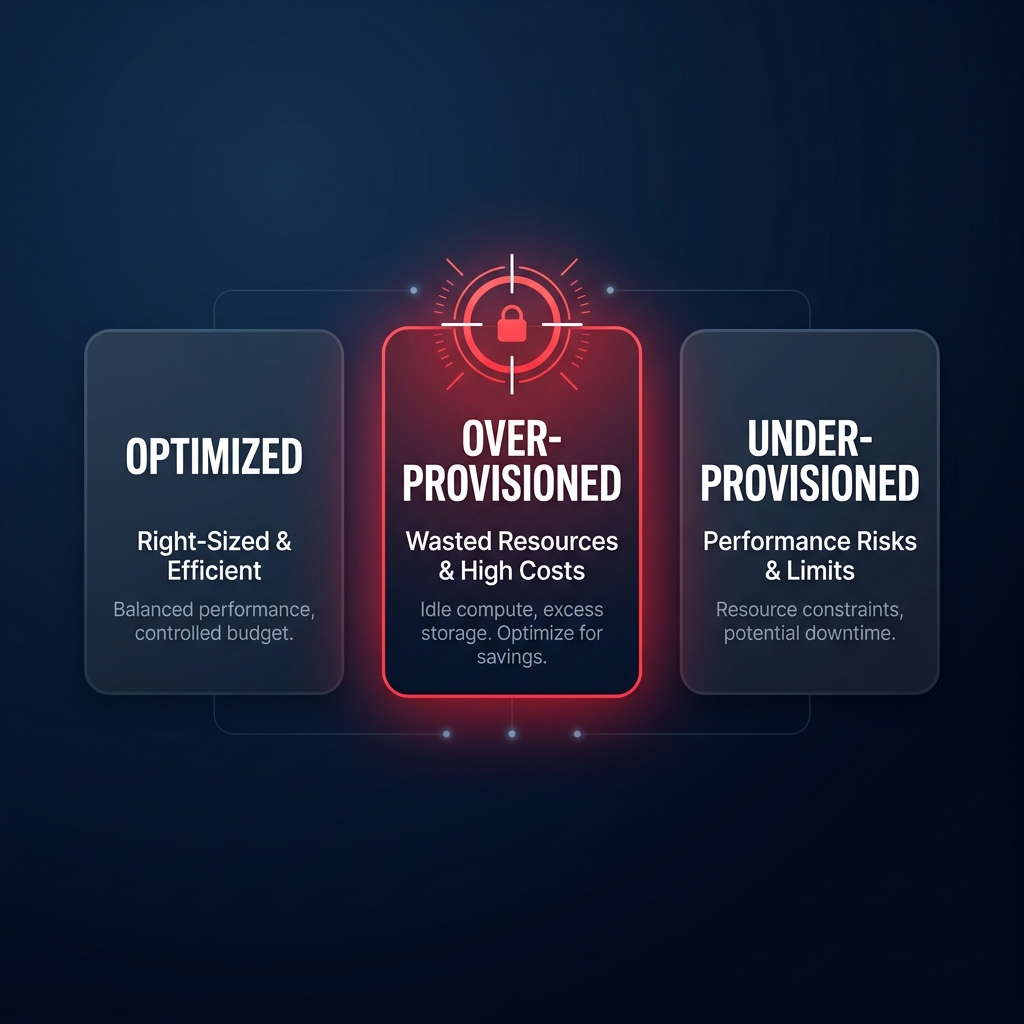
Compute Optimizer classifies EC2 instances into three primary finding classes: Optimized, Over-provisioned, or Under-provisioned. An “Over-provisioned” finding is your primary target for cloud resource right-sizing. The tool typically suggests up to three alternative instance types, ranked by a confidence score that indicates how likely the new type is to meet your performance needs.
For instance, moving a memory-heavy workload from a `t3.xlarge` to an `r6g.large` can yield savings of up to 40% while providing better price-performance via AWS Graviton processors. When reviewing these suggestions, pay close attention to the “performance risk” metric. A “Very Likely” confidence score indicates that the projected utilization of the new instance type is well within safe thresholds. If you are managing Auto Scaling Groups, ensure you evaluate the group as a whole rather than individual instances to maintain the necessary headroom for scaling events. You can explore deeper strategies for managing these trade-offs in our guide to AWS EC2 auto scaling best practices.
Choosing the right instance family is often more impactful than simply downsizing. Using a specialized EC2 instance type selection guide for cost efficiency helps you identify when to switch from generic M-series instances to compute-optimized C-series or memory-optimized R-series based on the specific bottlenecks Compute Optimizer identifies.
Optimizing EBS volumes and Lambda functions
Cost leakage extends beyond compute power; storage and serverless functions often hide significant waste as well. For EBS, the service analyzes IOPS and throughput usage against provisioned limits. A frequent recommendation involves migrating from `gp2` to `gp3` volumes. Because `gp3` decouples performance from storage size, it is approximately 20% cheaper per GB and allows you to provision only the throughput you actually need. Compute Optimizer identifies volumes that are “Not Optimized,” helping you strip away excess provisioned performance that isn’t being utilized.
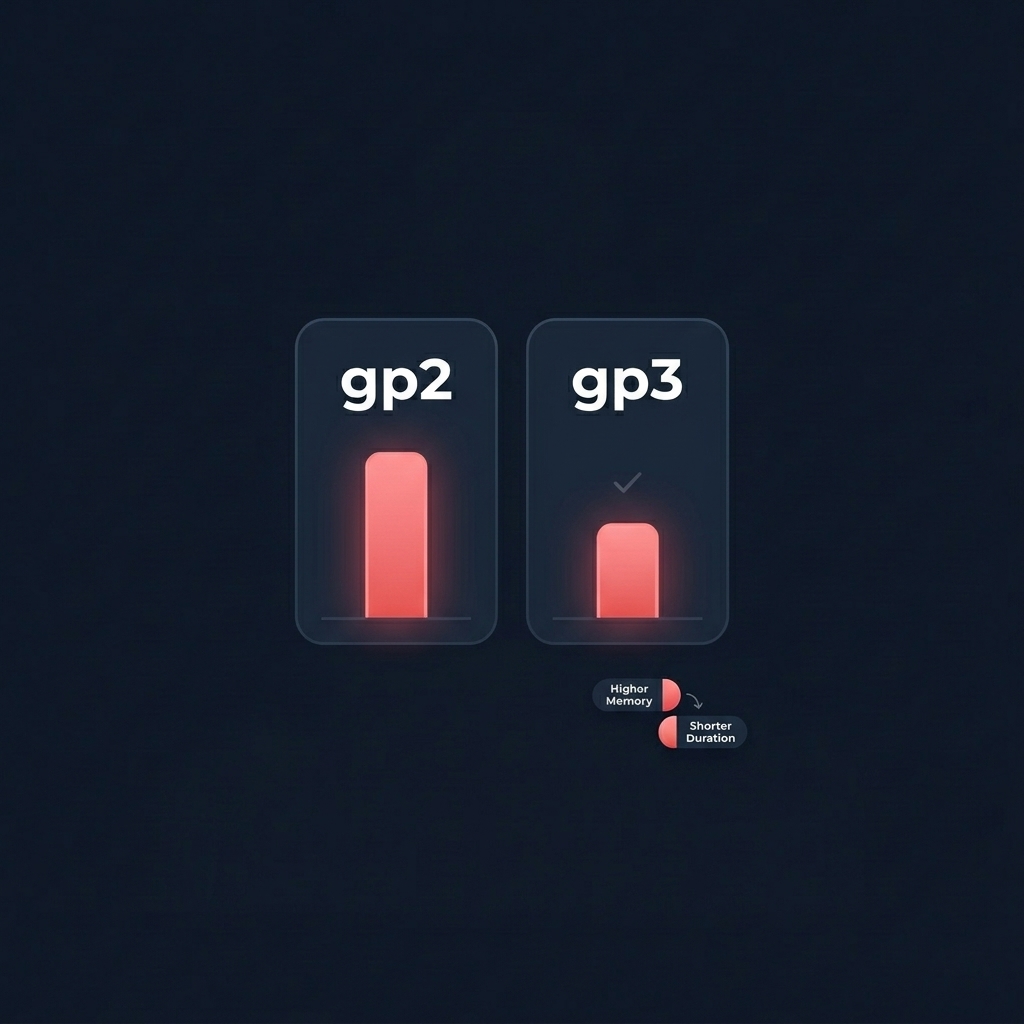
Lambda optimization focuses on the memory-to-duration tradeoff. Because CPU power scales linearly with memory in Lambda, increasing your memory allocation can actually reduce execution time, sometimes resulting in a lower total cost per invocation. Compute Optimizer identifies “Compute-intensive” or “Over-provisioned” functions, recommending the “sweet spot” configuration to balance Lambda cost reduction techniques with execution speed. For example, a function that runs for 10 seconds at 128 MB might cost the same as a 512 MB function that completes in 2.5 seconds, but the latter provides a much better user experience.
Best practices for production implementation
While AWS Compute Optimizer provides the map, your engineering team must still drive the car. Implementation is often the most significant hurdle in any FinOps initiative because manual changes carry inherent risks.
- Validate via CloudWatch metrics before making changes in production to verify the recommendation against the last 30 days of data. This ensures that peak traffic periods, such as end-of-month processing or seasonal spikes, are fully accounted for.
- Prioritize Graviton migrations when a recommendation suggests a move to `g` suffix instances, such as the `m7g` family. Moving to AWS Graviton often offers better performance per vCPU at a lower price point than Intel or AMD equivalents.
- Always deploy right-sizing changes to staging or UAT environments first and monitor them for 24–48 hours to ensure that “Under-provisioned” warnings do not emerge under load.
- Check your CPU credit balance for burstable `T3` or `T4g` instances. An “Optimized” recommendation might look different if your workload relies on frequent bursts that exhaust your credit bank, leading to performance cliffs.
Put your AWS savings on autopilot
The primary limitation of AWS Compute Optimizer is that it is a diagnostic tool, not a remediation tool. It tells you what is wrong but leaves the manual effort of migration, testing, and monitoring to your overstretched engineering team. This “action gap” is why many businesses see their cloud costs continue to climb despite having access to free optimization data. Manual audits become obsolete the moment your traffic patterns shift or your code is updated.
At Hykell, we turn these insights into automated action. Our platform operates on autopilot, continuously right-sizing your EC2, EBS, and Lambda resources to ensure you never pay for idle capacity. By combining deep architectural right-sizing with AWS rate optimization, we typically reduce our clients’ AWS bills by up to 40% without compromising performance or reliability.
Our model is entirely performance-based, meaning we only take a slice of what we save you – if you don’t save, you don’t pay. There is zero financial risk to seeing exactly how much your infrastructure is over-provisioned. Calculate your potential savings or contact the Hykell team today to start optimizing your AWS environment.

