
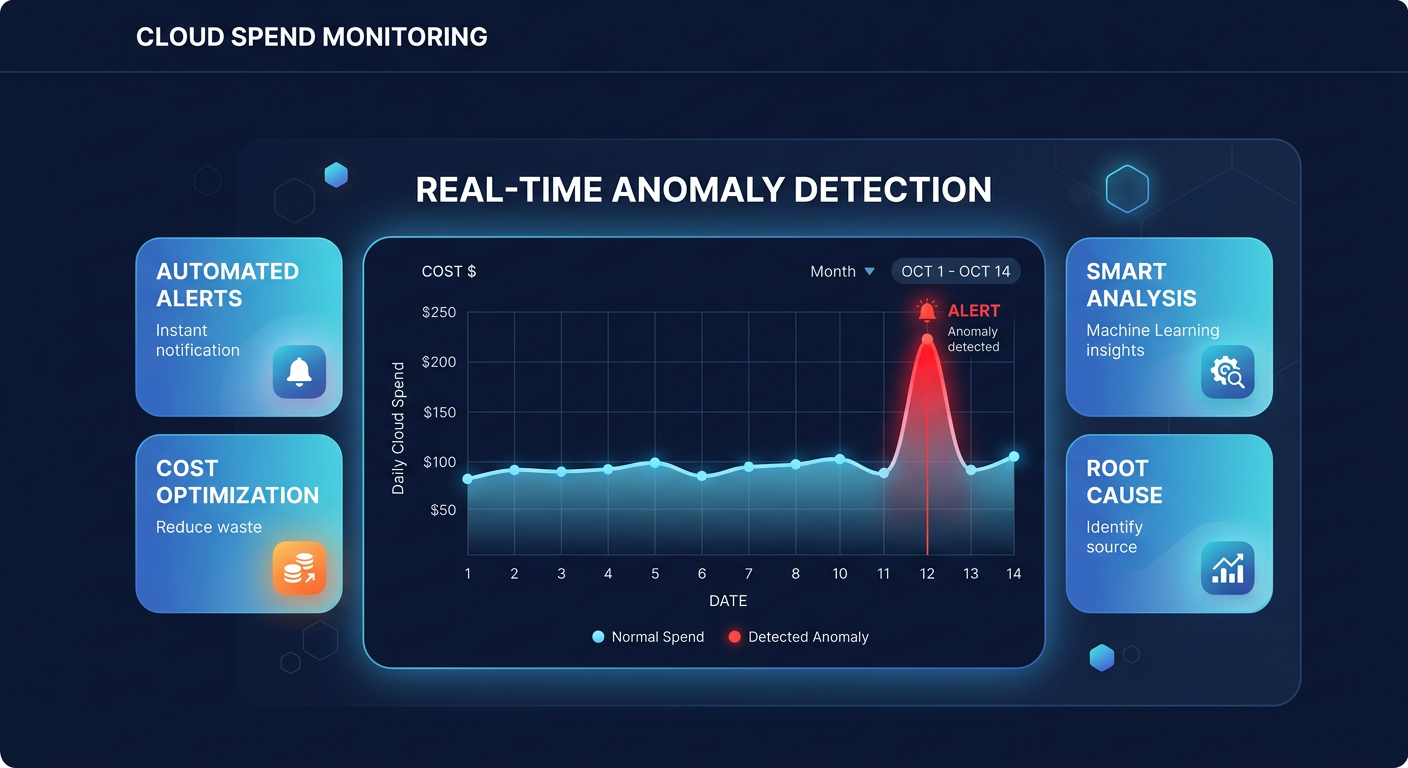
Did you know that 62% of organizations exceeded their cloud budgets in 2024? A single misconfigured Lambda function or an accidental data egress surge can wreck your monthly forecast in hours if you rely solely on manual billing reviews.
While an AWS Cost Explorer guide provides excellent visibility for retrospective analysis, it cannot stop a runaway bill in real-time. AWS Cost Anomaly Detection fills this gap by using machine learning to establish spending baselines and flag deviations before they become five-figure surprises. Because cloud waste accounts for nearly 28% of public cloud spending, implementing automated alerts is a critical step toward a mature FinOps strategy.
Understanding the AWS Cost Anomaly Detection engine
Unlike traditional budget alerts that trigger when you hit a static dollar amount, anomaly detection is dynamic. It analyzes your historical spending patterns – accounting for seasonality and business growth – to identify “unusual” behavior. This means the system can catch a $500 spike in S3 costs even if your total account budget has not been reached yet. This capability is vital for detecting AWS cost anomalies that would otherwise fly under the radar during a standard month-end review.
The system processes your billing data approximately three times a day. While there is a typical 24-hour delay in billing data visibility, this machine learning-driven approach is significantly faster than waiting for an invoice to discover a leaked API key or a forgotten GPU instance. By the time a manual review would have caught the error, the financial damage is often already done.
How to configure your first cost monitor
Setting up detection begins in the AWS Billing and Cost Management console where you create a “Monitor.” This defines the scope of what AWS should watch. For most businesses, the AWS Services monitor is the best starting point because it automatically tracks every service you use, from EC2 to Bedrock, without requiring manual updates as your infrastructure scales.
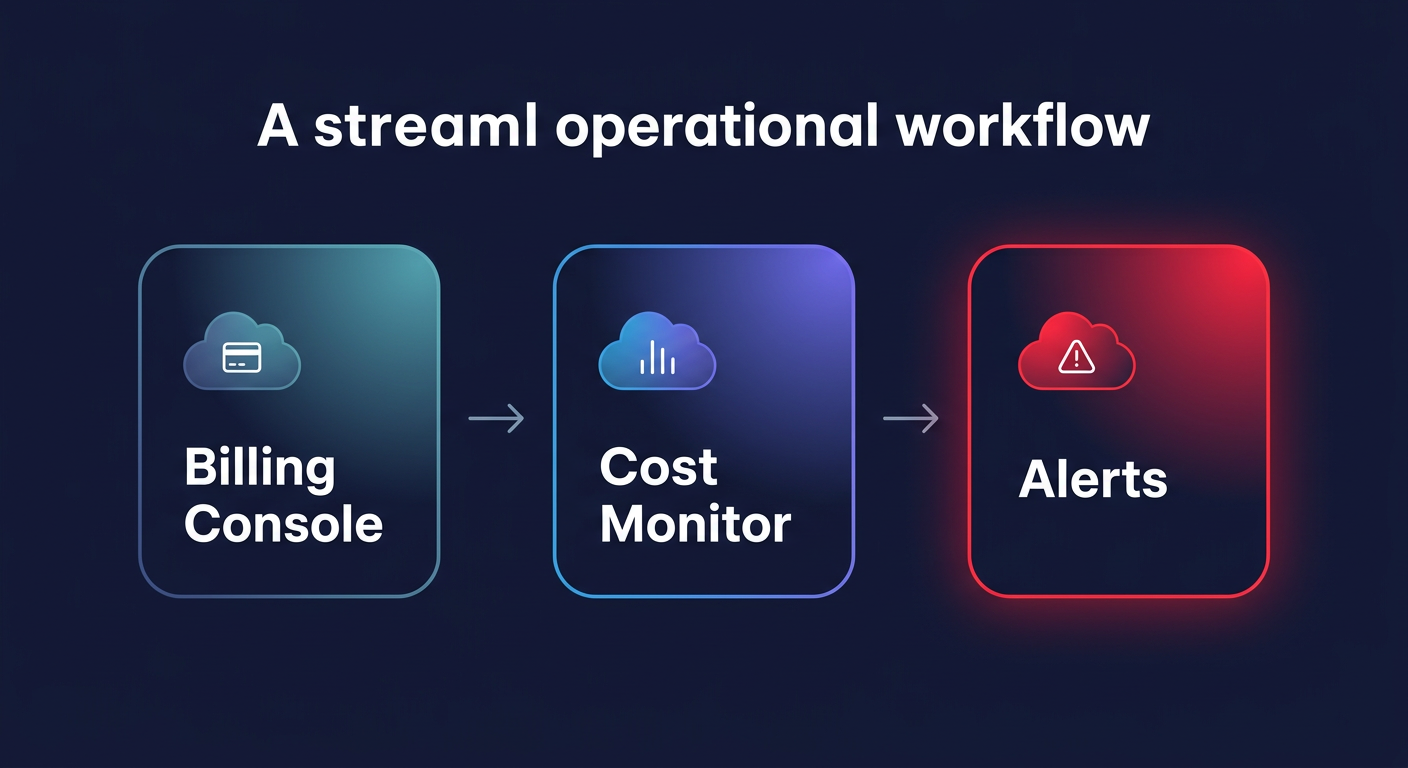
If you manage a multi-account environment or specific product teams, you might prefer Linked Account or Cost Allocation Tag monitors. These options allow you to segment alerts by department or environment, ensuring the correct engineer receives the notification for their specific workload. For those managing infrastructure at scale, implementing AWS Cost Anomaly Detection via Terraform ensures consistency across dozens of accounts and allows you to integrate cost governance directly into your CI/CD pipelines.
Setting alert thresholds and notification channels
Once your monitor is active, you must define a subscription to tell AWS when to notify you. Many teams fail here by setting thresholds too tight, which leads to alert fatigue and ignored emails. When you are first starting, it is best to apply cost anomaly detection automation strategies that involve setting a percentage-based threshold of roughly 30% above expected spend. As the machine learning model matures over 60–90 days, you can tighten this to 10% or 15% for production environments.
You can choose between immediate individual alerts or aggregated daily and weekly summaries. For production workloads, individual alerts via Amazon SNS are essential. These can be integrated with Slack or Microsoft Teams through the AWS Chatbot, allowing your DevOps team to triage spikes in the same channels where they manage deployments. For non-critical development environments, a daily email summary is usually sufficient to catch “zombie” resources left running over a weekend without cluttering your real-time communication channels.
Moving from detection to automated remediation
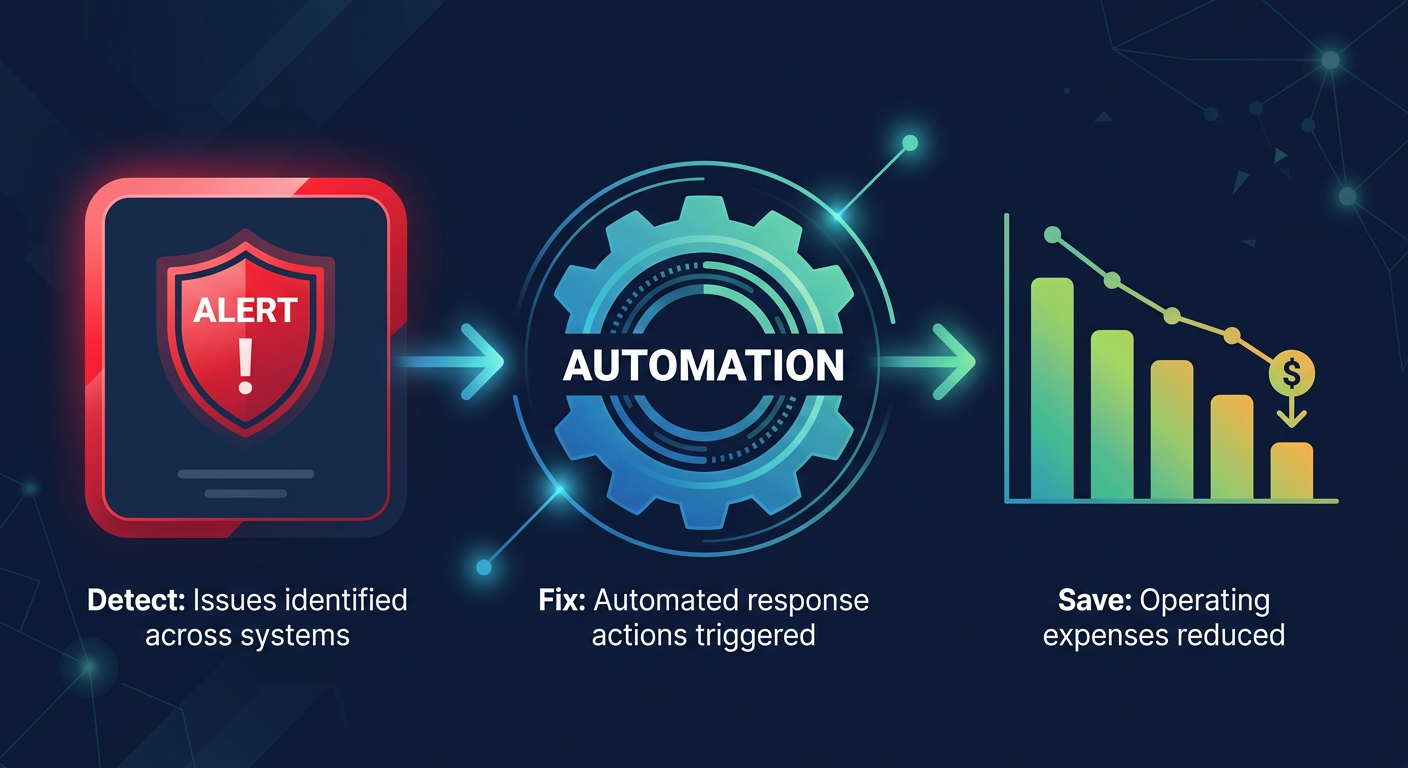
Detecting an anomaly is only half the battle; the real value lies in how fast you can stop the financial bleeding. When an alert hits your inbox, AWS provides a root cause analysis that ranks contributors by service, account, and region. You can then use a real-time observability dashboard to drill down from a high-level spend spike to the specific resource ID in seconds, providing the context needed for immediate action.
Common root causes often include unattached EBS volumes, over-provisioned IOPS, or idle EC2 instances that were never terminated. While native AWS tools tell you what happened, they rarely fix the problem for you. This is where automated cost visibility and intelligent optimization become critical. By layering anomaly detection with automated right-sizing, you move from reactive firefighting to a proactive “autopilot” state.
Scaling your FinOps governance
As your infrastructure grows, manual intervention becomes a bottleneck that prevents true efficiency. Organizations that achieve the highest ROI – often using automated cloud cost optimization to reduce their AWS bill by up to 40% – do so by combining native AWS alerts with automated optimization engines. This ensures that your team is only alerted to true anomalies rather than predictable waste that should have been optimized away.
AWS Cost Anomaly Detection provides the “early warning system,” while AI-powered rate optimization ensures your baseline spend is as lean as possible through algorithmic Savings Plans and Reserved Instance management. This multi-layered approach ensures that even when anomalies occur, they are measured against an infrastructure that is already highly optimized.
If you are ready to see how much you could be saving beyond just alerting, use our cloud cost savings calculator to get a tailored estimate of your optimization potential. Hykell only takes a slice of what you save – if you don’t save, you don’t pay. Contact us today to start your audit and put your AWS savings on autopilot.

