
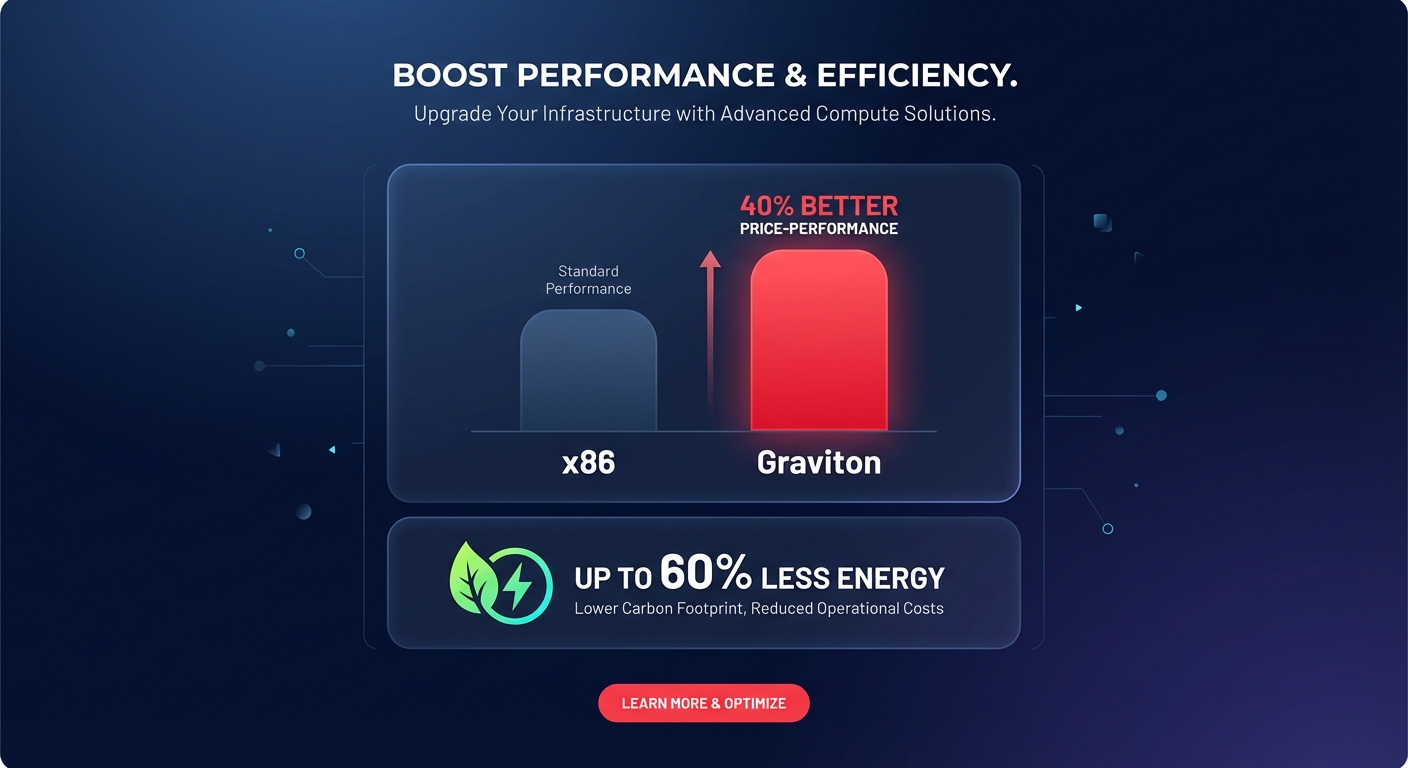
Most AWS environments burn 20–40% of their compute budget on legacy x86 architectures simply due to inertia. Transitioning to Graviton modernizes your stack while slashing your energy footprint by up to 60%. But how do you migrate mission-critical workloads without breaking production?
The challenge for platform engineers is rarely deciding if Graviton is better, but rather determining how to execute the move systematically. While AWS custom silicon offers a significant cost comparison between Graviton and Intel instances, moving live applications requires a data-backed approach to benchmarking, tuning, and automated rollout.
Why Graviton is the gold standard for cloud-native engineering
AWS Graviton processors, particularly the Graviton3 and Graviton4 generations, are built specifically for cloud-native demands. Unlike x86 instances that utilize hyperthreading to present virtual cores, Graviton maps one vCPU to one physical core. This architectural shift eliminates common “noisy neighbor” issues within the processor itself, providing more predictable performance for multi-threaded applications.
For compute-intensive tasks, Graviton3 delivers up to 25% better performance than its predecessor. The leap to Graviton4 is even more pronounced, showing a 73% improvement in specific workloads like video encoding compared to Graviton2. If you are running containers, microservices, or large-scale databases, analyzing the shift to ARM vs x86 pricing reveals the single most impactful lever for reducing your cloud spend while gaining a performance edge.
Systematic benchmarking: Establishing the baseline
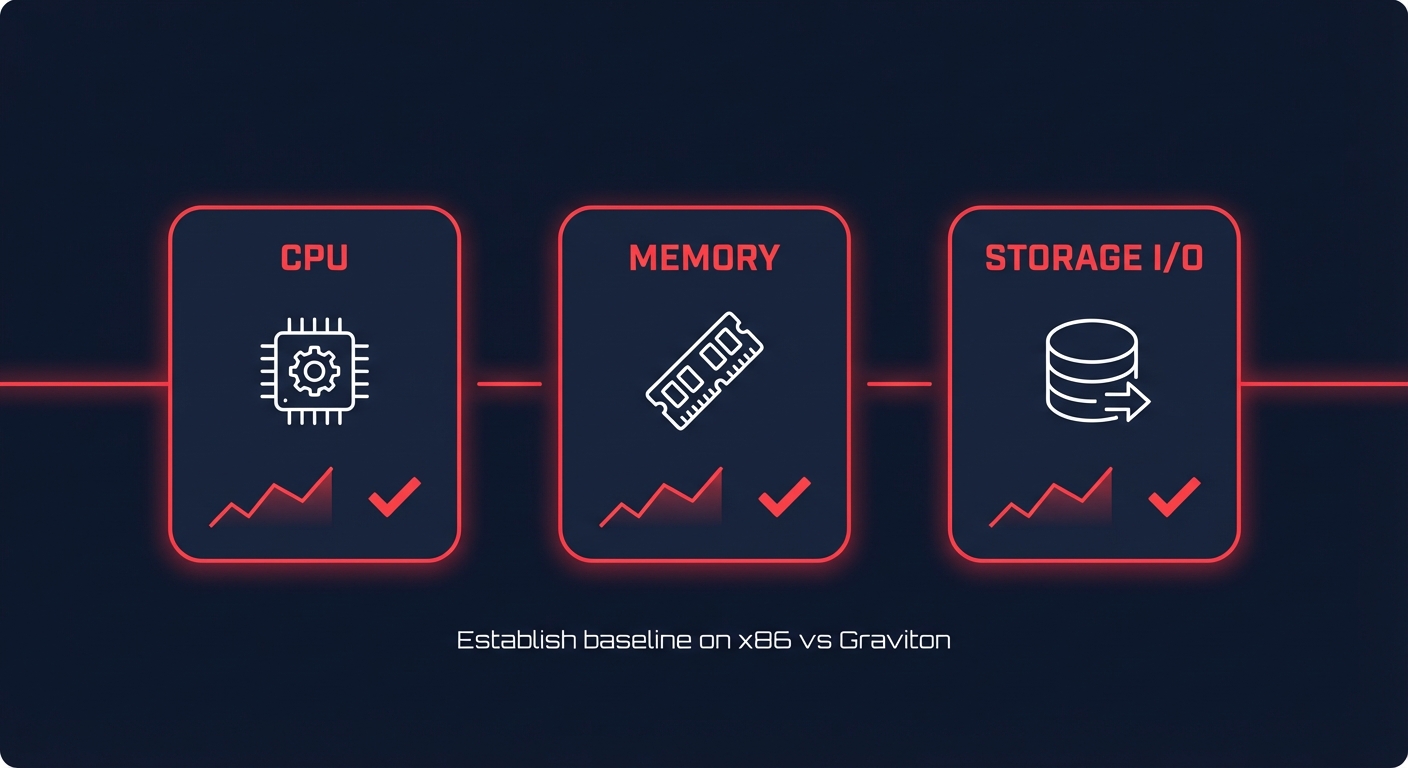
Before initiating a migration, you must establish technical parity. A successful transition begins with performance profiling that measures more than just basic CPU utilization. You need to evaluate instruction efficiency and memory bandwidth to understand how your application behaves on ARM silicon.
CPU and memory benchmarking
You can use industry-standard tools like `sysbench` to compare raw compute and memory throughput between your current x86 targets and Graviton targets. For example, comparing a c6i (Intel) to a c7g (Graviton) provides a clear picture of the per-core performance gains.
“`bash
sysbench –test=cpu –cpu-max-prime=20000 run
sysbench –test=memory –memory-block-size=1K –memory-total-size=10G run
“`
Because Graviton3 utilizes DDR5 memory, you will likely observe a 50% increase in memory bandwidth compared to Graviton2. This is a critical metric for performance-sensitive applications like in-memory databases or real-time analytics platforms.
Storage I/O and bandwidth
If your workload is I/O bound, ensure your EBS performance benchmarking is current. Graviton instances are EBS-optimized by default, but you must verify that your instance’s maximum throughput aligns with your volume’s provisioned capacity. Migrating to Graviton provides the perfect opportunity to upgrade gp2 to gp3 volumes, which often compounds your architectural savings with additional storage cost reductions.
Tuning your software for ARM architecture
While interpreted languages like Python, Node.js, and Java often run with zero code changes, compiled languages require specific optimizations to unlock the full performance of ARM NEON and SVE instructions. To achieve the best results, utilize the latest versions of compilers like GCC or LLVM. For those utilizing Graviton3, employing specific flags such as `-march=armv8.5-a+sve+sve2` allows your application to take full advantage of Scalable Vector Extensions.
Java workloads also see significant benefits from modern JVMs. Using Amazon Corretto or OpenJDK 17+ ensures your environment is heavily optimized for ARM64, often yielding up to 40% performance gains over legacy versions. Finally, your container strategy must evolve to support this shift. Update your CI/CD pipelines to build multi-architecture images using tools like `docker buildx`. This allows you to push a single manifest to Amazon ECR that supports both architectures, facilitating a gradual migration path within your Kubernetes clusters.
The migration roadmap: A phased approach
Risk mitigation is the priority during any architecture shift. We recommend a phased process to ensure production stability:
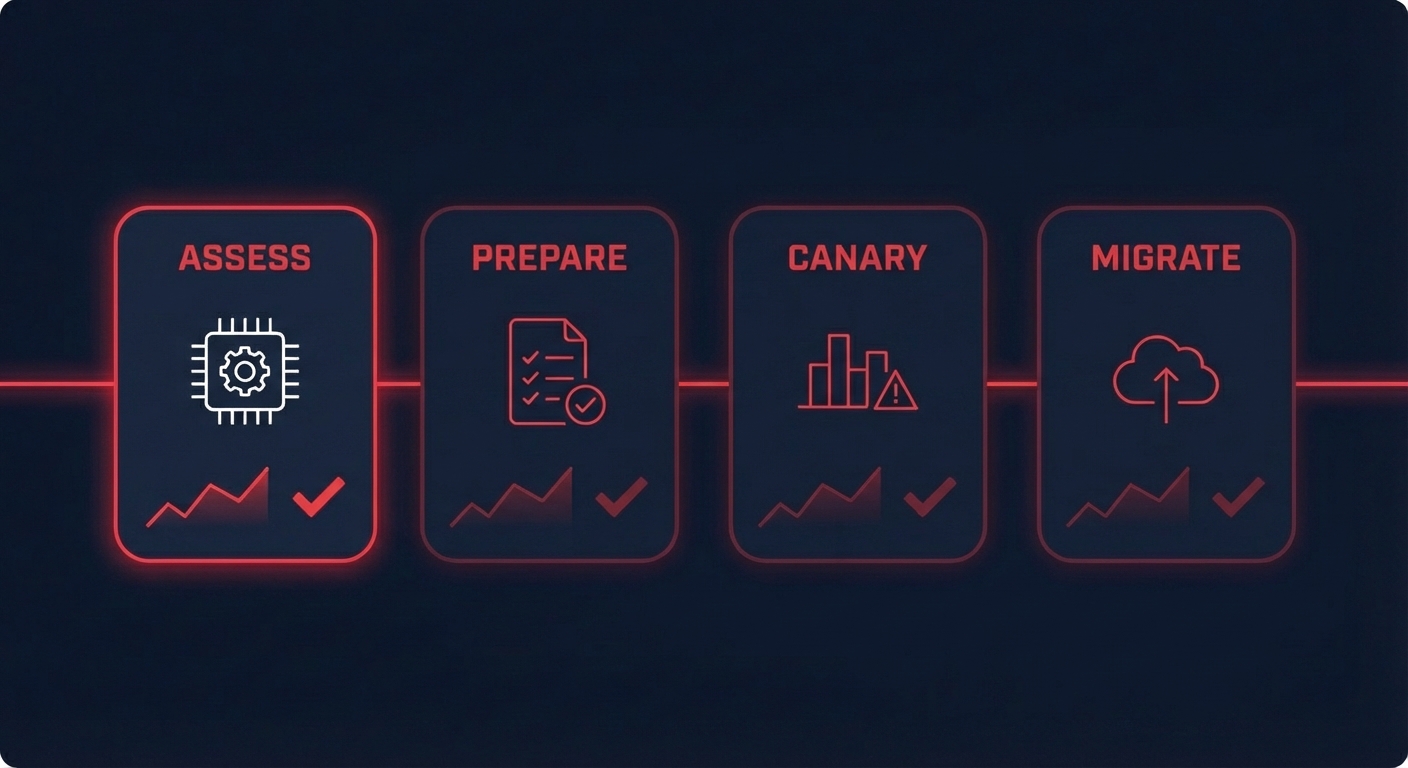
- Workload Assessment: Identify stateless applications first. These are the easiest to migrate as they do not hold persistent data and allow for immediate rollbacks if issues arise.
- Environment Preparation: Update your Launch Templates to support Graviton AMI IDs. If you are using Graviton instances in Auto Scaling Groups, implement mixed instance policies to introduce ARM nodes into your fleet gradually.
- Canary Rollouts: Route 5–10% of production traffic to your new Graviton instances. Monitor CloudWatch metrics specifically for P99 latency and error rates to validate performance against your x86 baseline.
- Database Migration: For managed services like RDS and Aurora, switching to Graviton is often as simple as a few clicks in the AWS Console. However, these changes should be scheduled during maintenance windows to account for the brief failover period.
Automating optimization with Hykell
Manual migration across hundreds of instances is time-consuming and prone to configuration drift. Hykell transforms this complex engineering project into a seamless background operation. The platform doesn’t just suggest instance changes; it automates the identification and conversion of Graviton-ready workloads.
By utilizing a program to accelerate your Graviton gains, you can stack these architectural savings on top of your existing Reserved Instances and Savings Plans. While your internal team focuses on high-value features, Hykell’s automated intelligence performs side-by-side benchmarking and live monitoring to ensure every migration delivers the promised price-performance improvements. This integration extends into your Kubernetes optimization workflows, where the system identifies underutilized resources and right-sizes them specifically for ARM architecture.
Unlocking the next level of cloud efficiency
Systematically moving to Graviton is no longer an optional “extra” for high-growth companies; it is a fundamental requirement for maintaining competitive unit economics. By combining technical tuning – such as optimized compilers and multi-arch container images – with the power of automated platforms, you can slash your AWS bill without adding to your engineering team’s backlog.
If you are ready to stop leaving 40% of your compute budget on the table, start with a comprehensive audit of your current x86 footprint. Use a data-backed approach to identify your best migration candidates today and begin reaping the performance and sustainability rewards of AWS custom silicon.
Ready to see how much you could save on autopilot? Calculate your potential AWS savings and start your transition to a faster, cheaper, and greener infrastructure.

