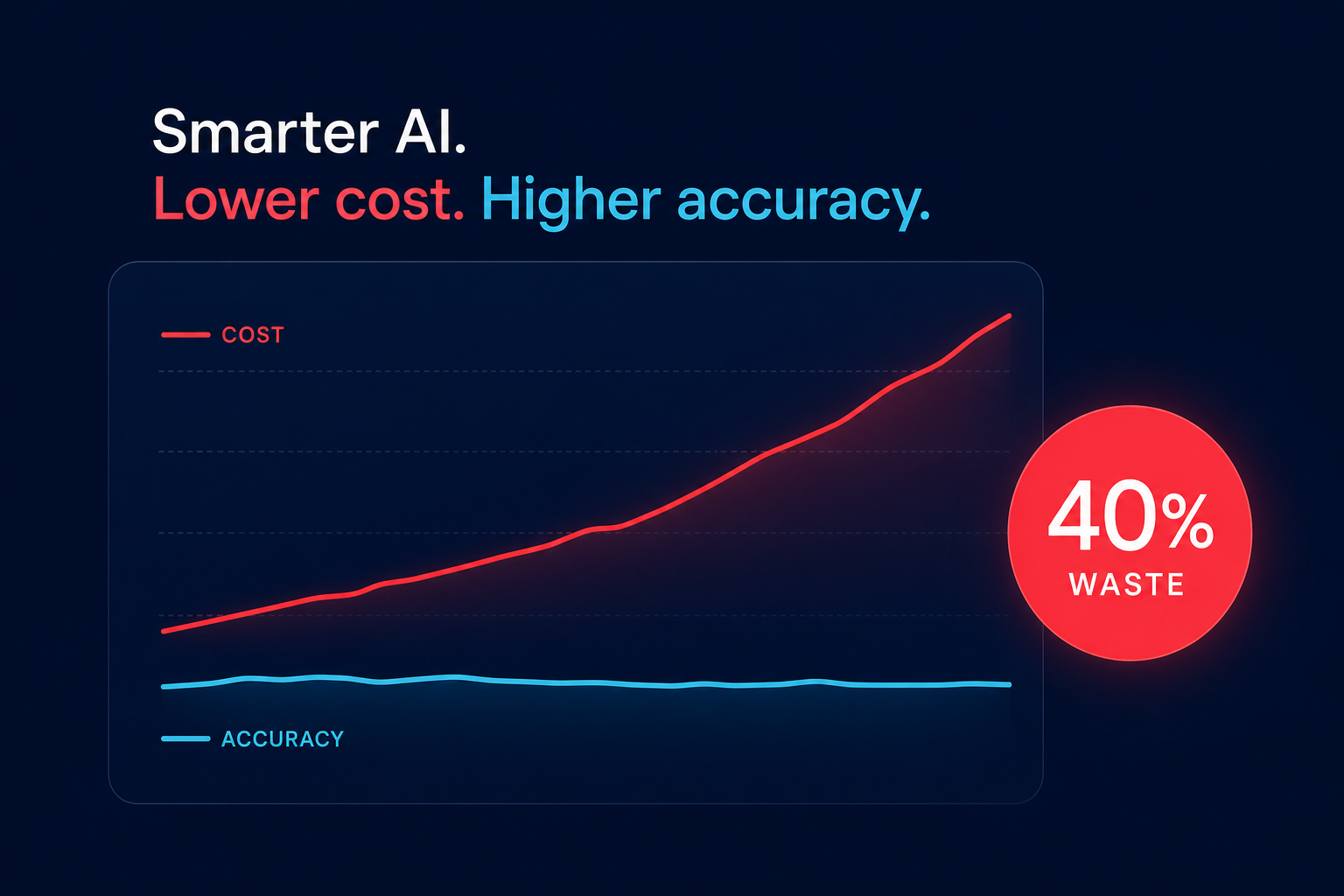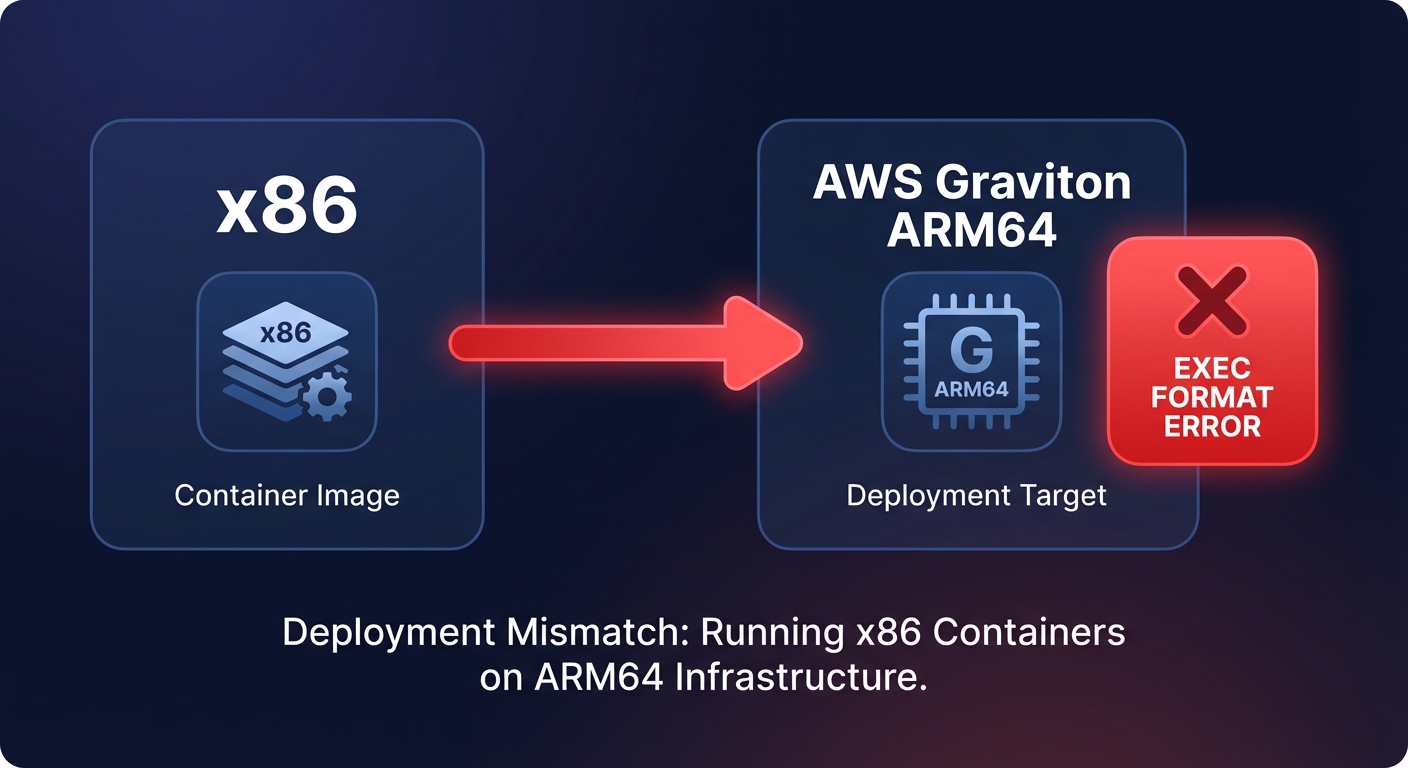
Have you ever deployed a container to a Graviton instance only to watch it crash with a cryptic `exec format error`? While migrating to Arm-based instances offers up to 40% cost savings, architectural shifts introduce friction that can stall your engineering velocity.
Why multi-architecture deployments fail in production
The most common reason for deployment failure in mixed-architecture environments is the missing binary problem. AWS Graviton runs on the ARM64 architecture, which means any software compiled for x86 (Intel or AMD) simply will not run natively. While most high-level languages like Python, Node.js, and Java are portable, they often rely on native C/C++ extensions or third-party libraries that lack ARM64 builds. Legacy binaries that cannot be recompiled present a hard architectural barrier, and Windows Server workloads remain entirely unsupported on Graviton, forcing those applications to stay on x86.
When your CI/CD pipeline pushes an image, you must ensure you are using multi-architecture container images. Tools like `docker buildx` allow you to create a manifest list that automatically serves the correct image to the instance based on its architecture. Without this, an x86-only image pulled onto a Graviton node will fail immediately upon execution.
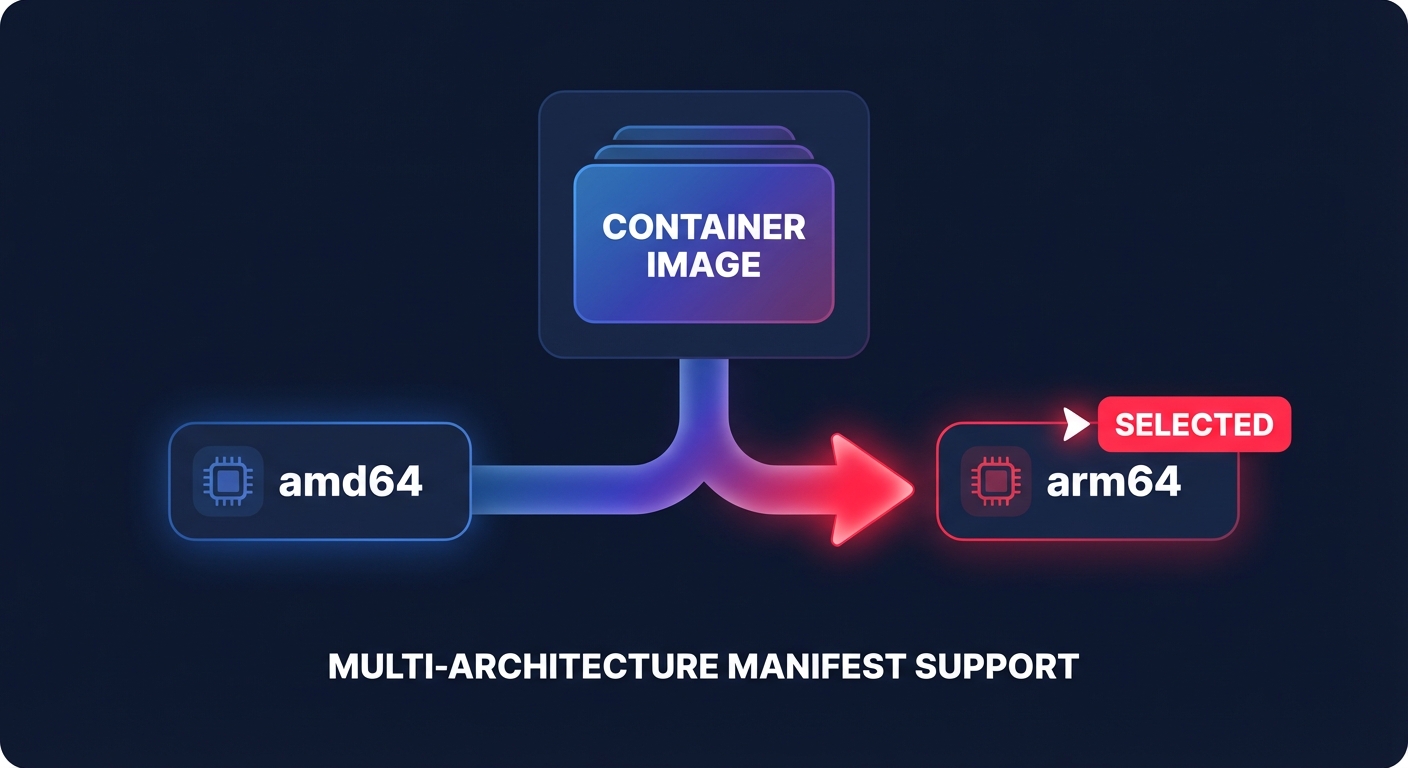
Beyond the binary itself, infrastructure components can become silent blockers. A single x86-only DaemonSet or sidecar container in a Kubernetes cluster can prevent a pod from scheduling on a Graviton node. Monitoring agents, security scanners, and logging drivers must all have ARM64 variants verified before you begin a migration to Graviton instances.
Diagnosing performance discrepancies between Arm and x86
Sometimes an application runs, but it performs significantly worse than its x86 predecessor. This often stems from the fundamental difference in core design: Graviton maps one vCPU to one physical core, whereas x86 instances typically use simultaneous multithreading (hyperthreading) to present two virtual cores for every physical one. This shift can drastically change how your application handles thread contention and cache management.
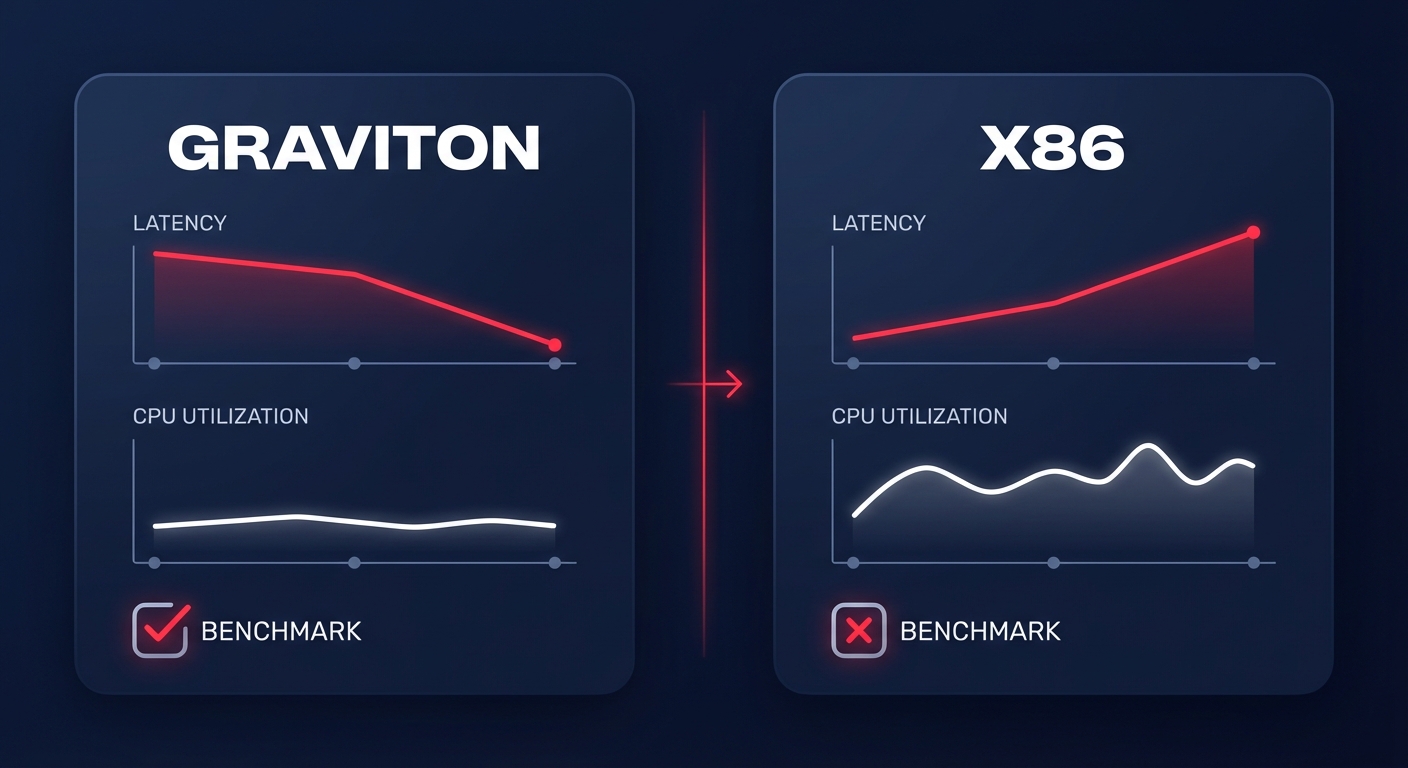
If you notice high latency on Graviton despite lower CPU utilization, you may be facing a single-threaded bottleneck. While Graviton excels at highly parallelized, multi-threaded workloads, some legacy applications or unoptimized database queries may still favor the high base clock speeds of Intel or AMD chips. You can verify these bottlenecks by using AWS CloudWatch application monitoring to track p99 latency alongside per-vCPU utilization.
Dependency management is another common performance culprit. If your application uses x86 emulation through tools like QEMU to bridge compatibility gaps, you will likely lose the price-performance benefit that Graviton is known for. Emulation introduces significant overhead that can negate the 20–40% savings typically associated with Arm. The solution is almost always to rebuild the library from the source for ARM64 or find a modern, compatible alternative.
Practical steps to debug failing EC2 deployments
When a Graviton-based workload is degraded, start by verifying the IAM and security configurations. A common mistake for engineering teams is copying x86 IAM roles to Arm workloads without updating resource permissions. For example, a deployment pipeline might fail on Graviton because the IAM role lacks permissions to pull specific ARM64 container images from ECR, even if it has access to the x86 versions.
Next, evaluate your storage and network throughput. When optimizing EC2 workloads with Graviton, teams often overlook that EBS bandwidth and network limits scale differently across instance generations. If you have moved from an older x86 family to a newer Graviton3 or Graviton4 instance, you should ensure you are utilizing gp3 volumes to match the increased throughput capabilities of the new silicon.
If the issue persists, conduct a parallel benchmark to isolate the root cause:
- Deploy identical workloads on both Graviton and x86 instances using the same instance generation (such as m7g vs m7i).
- Implement feature flags or gradual rollout mechanisms to route a small percentage of traffic to the Graviton instances.
- Monitor both environments using real-time observability tools to identify architectural failures versus environmental configuration issues.
- Verify that your monitoring agents and sidecars are running the correct ARM64 variants to avoid scheduling failures.
Stabilizing your mixed-architecture environment with Hykell
Managing the transition between architectures does not have to be a manual burden for your DevOps team. Hykell helps you accelerate your Graviton gains by identifying which of your current x86 workloads are the best candidates for migration based on real-time performance data and compatibility assessments. This data-driven approach removes the guesswork from architecture selection and prevents common deployment failures.
Once you have made the switch, Hykell provides continuous, automated monitoring to ensure your Graviton instances are right-sized and performing as expected. By layering Graviton’s inherent cost advantages on top of Hykell’s automated rate optimization, you can stabilize your cloud spend while your engineers focus on building software rather than debugging architecture mismatches.
Instead of guessing which instances will save you money, let Hykell audit your infrastructure to uncover exactly how much you can save with a smarter, multi-architecture strategy. You can start by using the Hykell savings calculator to see your potential 40% reduction in AWS costs today.