
Is your application suffering from “I/O wait” despite provisioning high IOPS? You likely face a hidden throughput bottleneck where your EC2 instance capacity or volume configuration is mismatched, leading to wasted spend and sluggish performance.
EBS performance is rarely about the virtual disk alone; it is a delicate balance of volume specifications, instance-level throughput, and network orchestration. To achieve peak efficiency, you must benchmark your specific workload and align it by choosing the correct EBS volume type for your technical requirements.
Understanding the performance primitives that drive efficiency
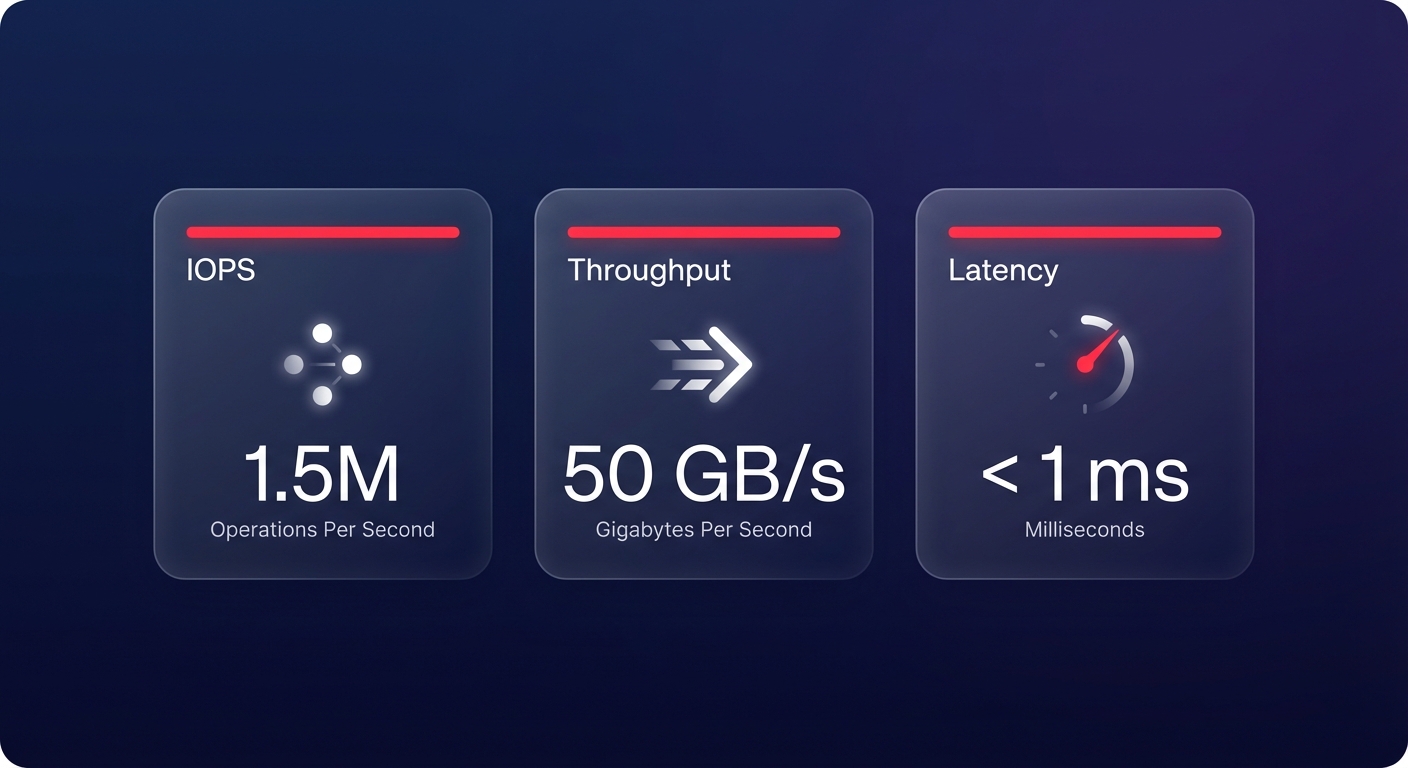
Before running a benchmark, you must distinguish between the three primary metrics that define EBS performance. IOPS (Input/Output Operations Per Second) measures the number of read and write operations, serving as the critical metric for low-latency applications and transaction-heavy databases. Conversely, throughput measures the volume of data transferred in MB/s or MiB/s. High throughput is vital for large sequential workloads, such as log processing, ETL pipelines, or data warehousing.
Latency represents the time between an I/O request and its completion. While standard gp3 volumes typically offer single-digit millisecond latency, advanced options like io2 Block Express can achieve sub-millisecond performance for mission-critical tasks. Failing to account for these primitives often leads to the “cost-performance dilemma,” where you either overprovision resources and waste budget or underprovision and suffer from application timeouts.
The instance bottleneck and EBS optimization
A frequent mistake in AWS architecture is provisioning a high-performance volume on an instance that physically cannot support that level of traffic. Your EBS performance is always bounded by whichever is smaller: the EC2 instance type limits or the aggregated volume performance. Think of the EBS volume as a high-capacity firehose and the EC2 instance as the faucet; if the faucet is partially closed, the size of the hose is irrelevant.
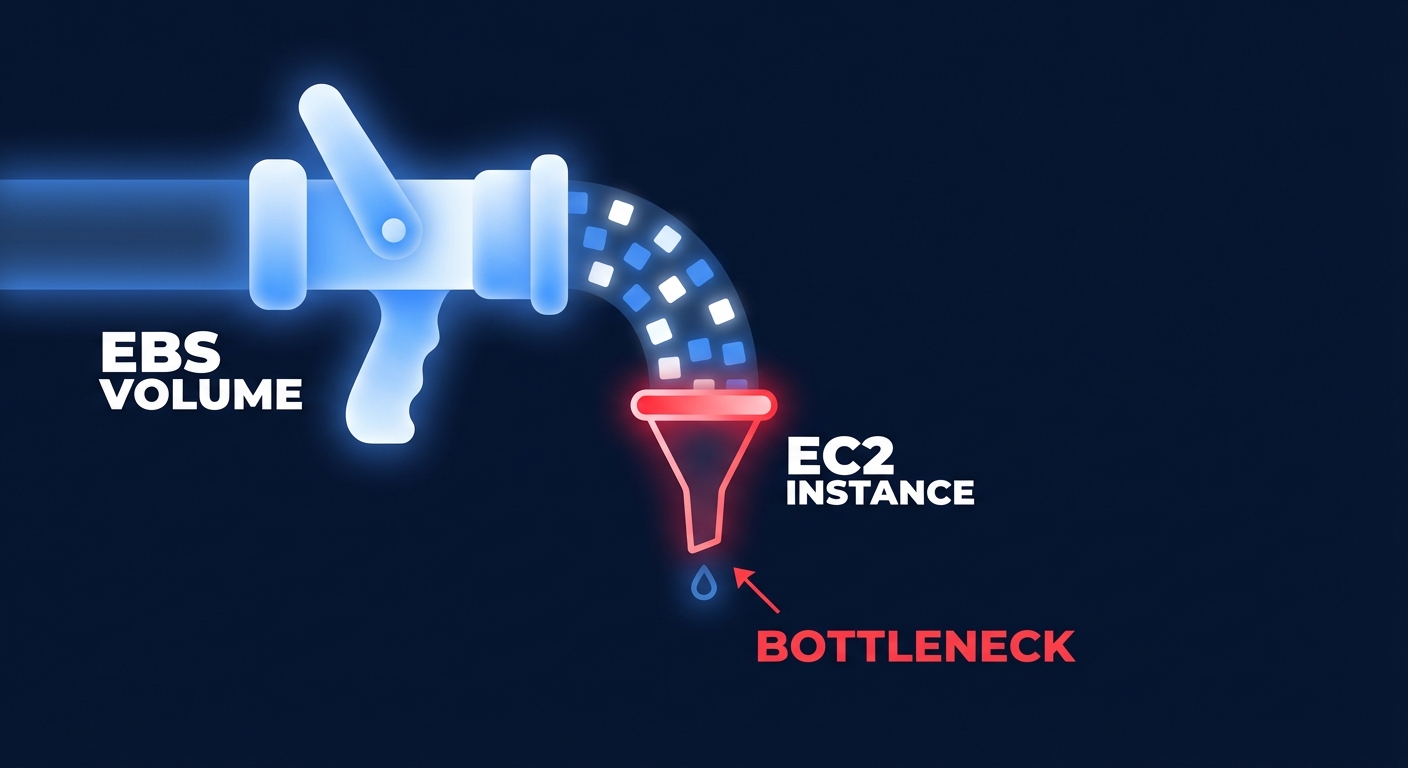
For example, a `t3.medium` instance caps at roughly 260 MiB/s (2,085 Mbps). If you attach a gp3 volume provisioned for 1,000 MiB/s, the instance will bottleneck the storage. In this scenario, you are paying for performance you cannot physically access. To avoid this, always verify that your instance family is “EBS-Optimized” and that its dedicated throughput matches your storage requirements.
Step-by-step benchmarking procedure with fio
The industry standard for validating EBS performance is the Flexible I/O Tester, commonly known as `fio`. This tool allows you to simulate specific workload patterns, such as random reads for databases or sequential writes for logging.
To begin, install the tool via your distribution’s package manager. On Amazon Linux or RHEL, you can use `sudo yum install fio -y`, while Ubuntu or Debian users should run `sudo apt-get install fio -y`. Once installed, you can execute targeted tests to find your volume’s breaking point.
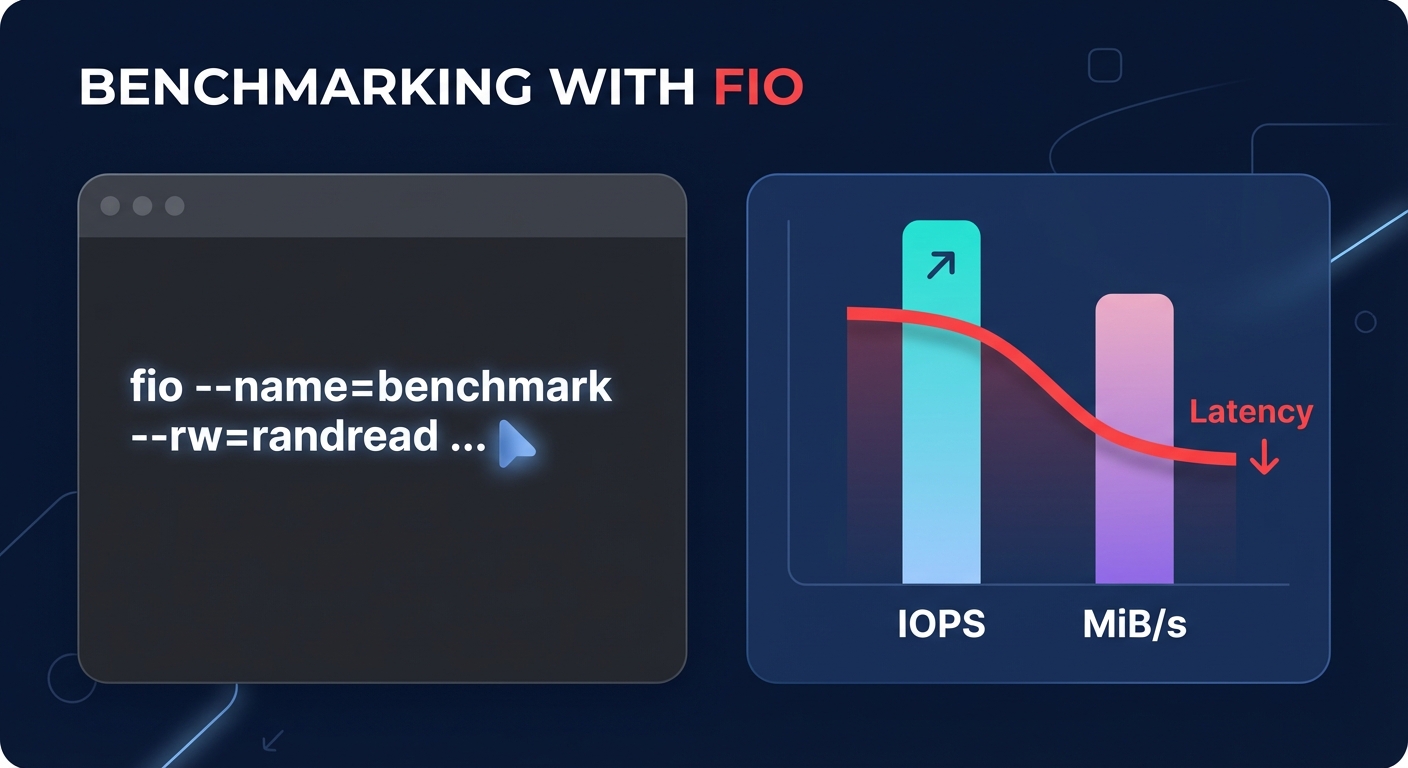
Executing a random read/write test
To measure IOPS, use a 4KB block size to simulate a standard database workload. This test helps identify how many small operations your volume can handle before latency begins to climb.
“`bash
fio –name=random-readwrite –ioengine=libaio –rw=randrw –bs=4k –numjobs=1 –size=1G –iodepth=64 –runtime=60 –timebased –doverify=0 –direct=1 –group_reporting –filename=/dev/xvdf
“`
Executing a sequential throughput test
To measure MiB/s, increase the block size to 1024KB. This larger block size tests the volume’s ability to move massive amounts of data sequentially.
“`bash
fio –name=sequential-test –ioengine=libaio –rw=write –bs=1024k –numjobs=1 –size=1G –iodepth=32 –runtime=60 –timebased –doverify=0 –direct=1 –group_reporting –filename=/dev/xvdf
“`
Interpreting benchmark results and identifying limits
When evaluating your results, pay close attention to the relationship between queue depth and latency. If your latency spikes while IOPS remain flat, you have likely hit a provisioned ceiling or an instance bandwidth limit. If you are still using older gp2 volumes, you must monitor your `BurstBalance` in CloudWatch. Once these credits deplete, gp2 volumes under 1 TiB drop to a baseline of only 3 IOPS per GB, causing sudden performance “cliffs” that can take down a production environment.
For environments requiring the highest possible reliability, io2 Block Express offers up to 256,000 IOPS and 4 GiB/s throughput per volume. However, achieving this level of performance requires the use of Nitro-based instances to ensure the hardware can keep up with the storage.
Strategic optimizations for cost and speed
Once you have established a performance baseline, you can apply several AWS EBS best practices to refine your environment. The most immediate win is migrating from gp2 to gp3. This move typically offers a 20% discount per GB and allows you to provision IOPS and throughput independently of the volume’s size. This decoupling ensures you only pay for the speed you need without being forced to buy more storage capacity than necessary.
Right-sizing is another critical lever for cost control. By using CloudWatch to monitor your 95th percentile usage, you can identify volumes where you are overpaying for idle capacity. If you are consistently using only 60% of your provisioned IOPS, downsizing can yield significant monthly savings. For extreme performance needs, you can leverage RAID 0 to stripe multiple volumes together. Note that RAID configurations larger than 8 volumes often yield diminished returns due to the overhead of coordinating I/O across so many devices.
Finally, you must be mindful of the AWS modification limits. You are restricted to 8 modification requests per volume within a 6-hour window. This is a hard limit that cannot be increased, so you should plan your scaling events carefully to avoid being locked out of making changes during a performance crisis.
Automating EBS optimization with Hykell
Manually benchmarking and adjusting hundreds of volumes is an operational burden that most DevOps teams cannot sustain. Hykell provides an autopilot solution that removes this manual effort. By continuously monitoring your actual IOPS and throughput usage in real-time, Hykell identifies underutilized resources and orphaned snapshots that inflate your bill.
Using Hykell allows you to reduce your EBS spend by up to 40% without ongoing engineering work. The platform automates the migration from gp2 to gp3 and dynamically right-sizes provisioned performance to match your workload’s “vital signs.” This ensures your storage is always optimized for both speed and cost, even as your application demands fluctuate.
Beyond storage, the observability tools from Hykell provide a unified view of your entire cloud spend. This clarity allows you to correlate performance improvements with cost savings across your infrastructure, ensuring that every dollar spent on AWS contributes to your bottom line.
Achieving the perfect balance between storage speed and cost is a continuous cycle of measurement and adjustment rather than a one-time task. While tools like `fio` and CloudWatch provide the raw data, automation ensures you never pay for performance you aren’t using. You can see how much your organization could save on storage and compute by using the Hykell cost savings calculator to analyze your environment today.

