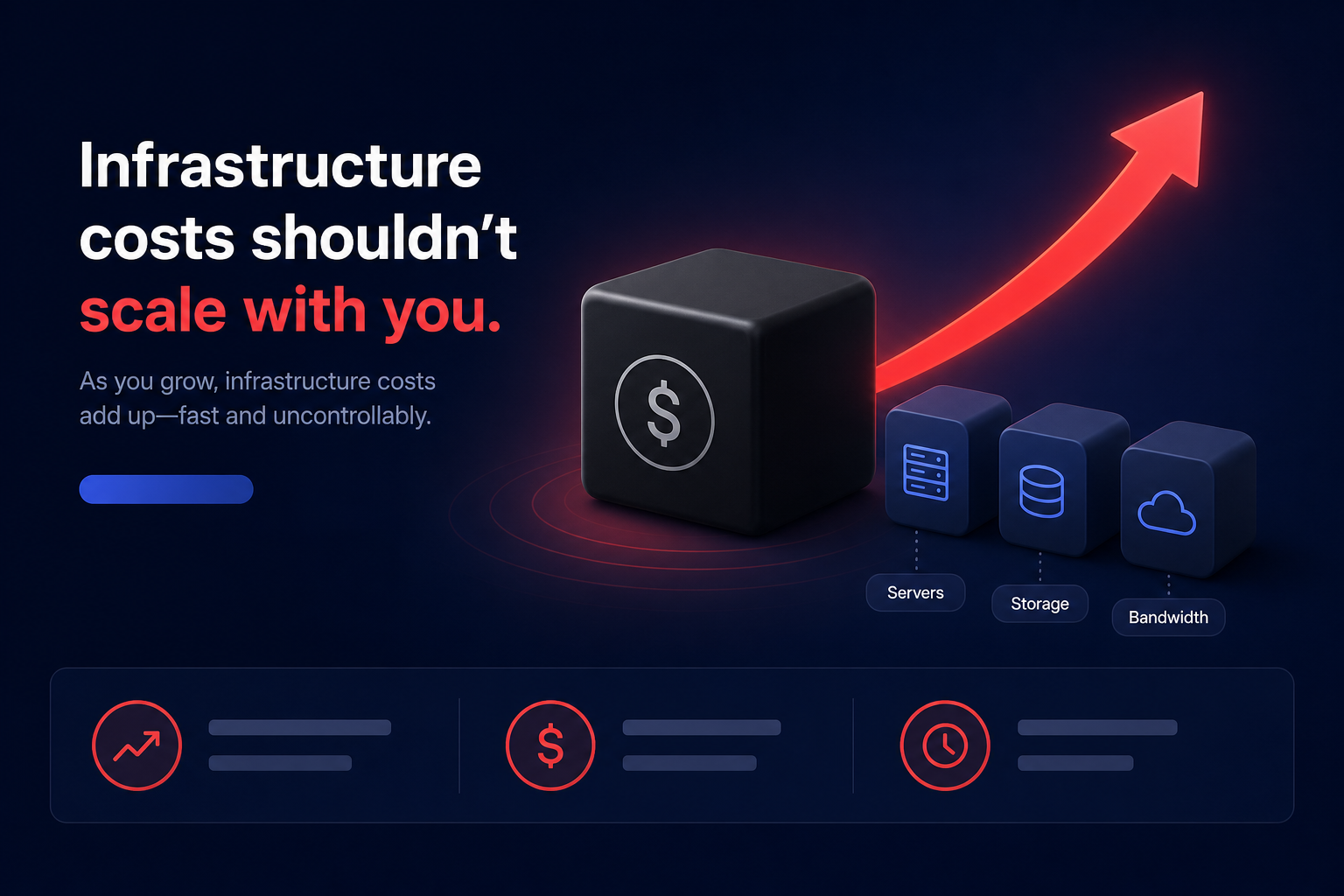
Does your Amazon CloudWatch bill feel like a “black box” expanding faster than your actual infrastructure? Mastering the granular components of observability pricing is the only way to prevent monitoring from becoming your largest monthly AWS expense.
Monitoring is essential for maintaining cloud performance, but without a clear strategy, the cost of observing your systems can easily rival the cost of running them. For technical managers, understanding the CloudWatch consumption model is the first step toward reclaiming infrastructure margins.
The core pillars of CloudWatch pricing
CloudWatch follows a consumption-based model where you pay for what you use across several distinct dimensions. While the AWS Free Tier provides a baseline – including 10 custom metrics, 10 standard-resolution metric alarms, 1,000,000 API requests, and 5 GB of log ingestion – production environments almost always exceed these limits immediately.
The primary drivers of your CloudWatch invoice include:
- Metrics: Charges for custom metrics, high-resolution metrics, and API requests like `PutMetricData`.
- Logs: Costs for data ingestion, archival storage, and Amazon CloudWatch Logs Insights queries.
- Alarms: Per-alarm monthly fees based on resolution and type.
- Dashboards: A flat monthly fee per dashboard after the initial free tier.
Deciphering metrics and the high-cardinality trap
Custom metrics are billed based on the number of unique metric-dimension combinations. In the US East (N. Virginia) region, CloudWatch metrics pricing typically starts at $0.30 per metric-month for the first 10,000 metrics before tiering down for higher volumes.
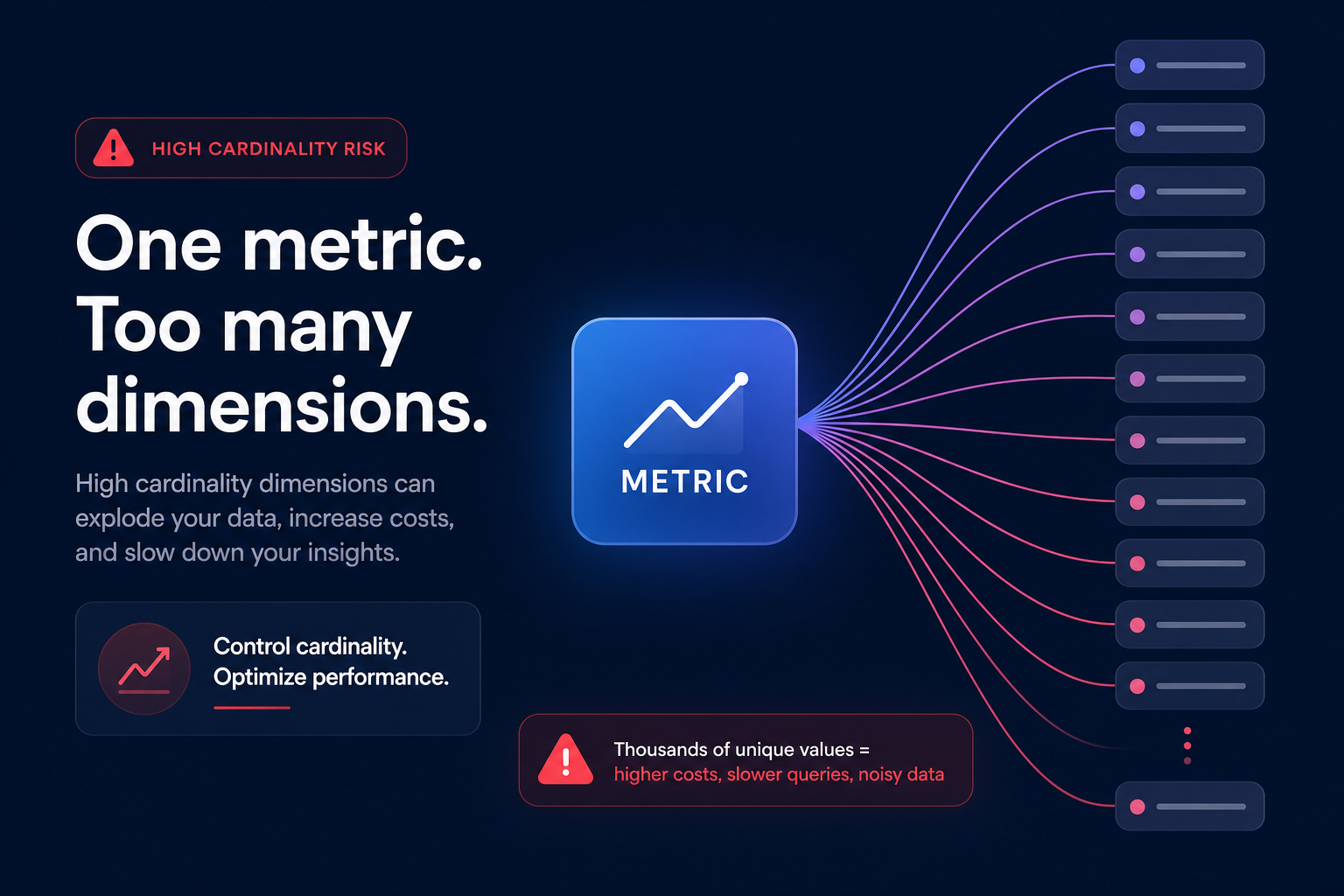
The most common cause of cost spikes in this category is high cardinality. If you include unique identifiers like `UserID` or `RequestID` as dimensions, you are not just creating a few metrics; you are potentially creating thousands of unique combinations, each incurring a monthly charge. To keep costs manageable when performing AWS CloudWatch application monitoring, utilize the Embedded Metric Format (EMF). EMF allows you to ingest metrics as logs, which CloudWatch then extracts automatically, often proving significantly more cost-effective than standard API calls at scale.
Managing logs: Ingestion, storage, and tiering
Logs are frequently the single largest expense within CloudWatch, often accounting for up to 51% of billing spikes. In standard regions like US East (N. Virginia), AWS charges $0.50 per GB of data collected.
Recent updates have introduced tiered pricing for Lambda logs. Under this model, the first 10 TB of ingestion costs $0.50/GB, but the rate decreases for higher volumes, dropping as low as $0.05/GB for usage over 50 TB.
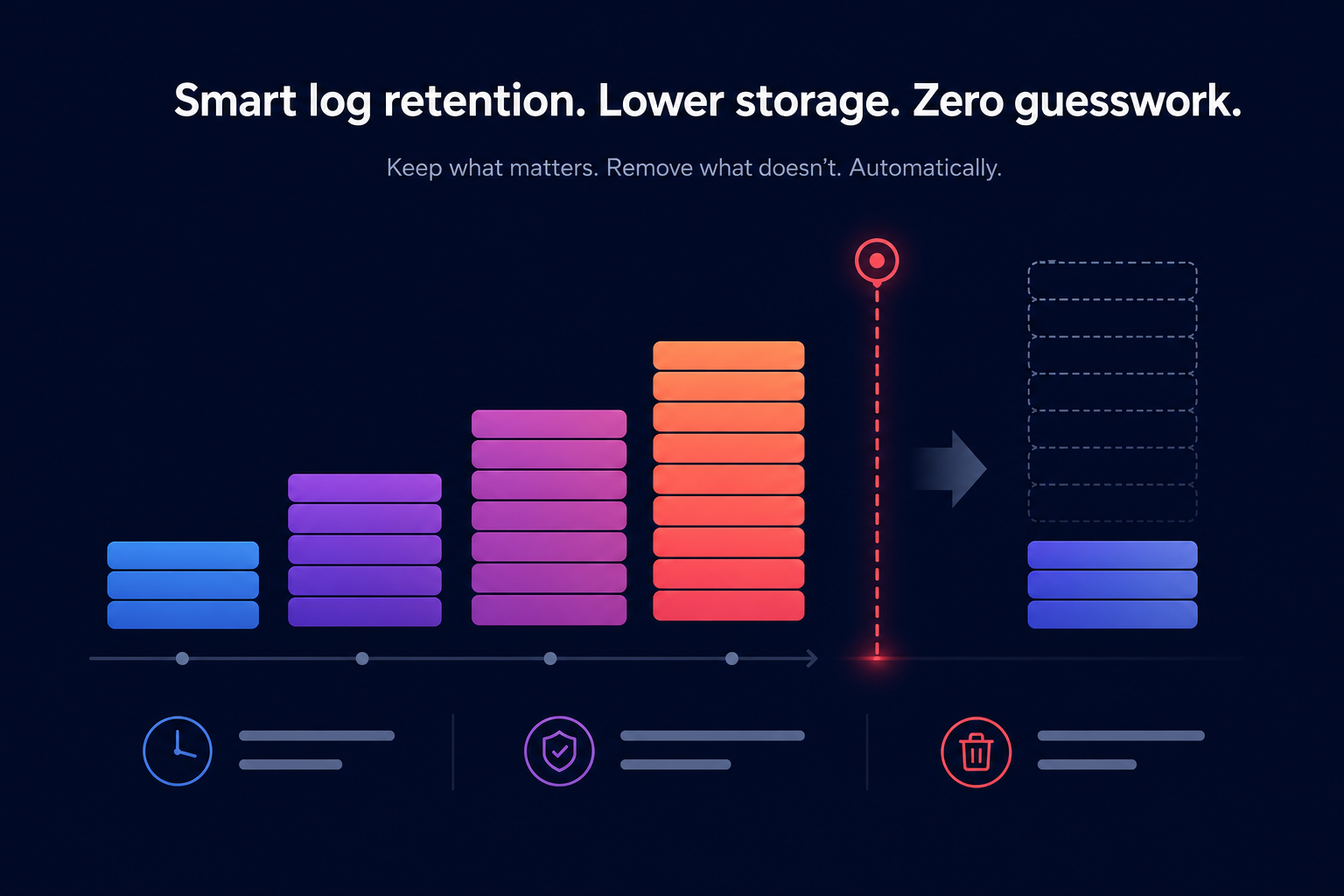
However, ingestion is only one part of the total cost. Many teams fall into the “never expire” trap where logs are stored indefinitely by default. At an archival rate of $0.03 per GB per month, storage costs can become a “zombie” expense that grows every month. Implementing aggressive retention policies – such as 7 days for application logs and 30 days for audit logs – is one of the fastest ways to manage Amazon CloudWatch logs pricing and stop the budget spiral.
Alarms and dashboards: The “set and forget” expense
Alarms and dashboards are often overlooked during cost audits, yet they contribute steadily to the monthly bill. In the US East (N. Virginia) region, standard resolution alarms cost $0.10 per month, while high-resolution alarms (with 10-second or 30-second periods) cost $0.30. Composite alarms, designed to reduce alert fatigue by aggregating multiple metrics, cost $0.50 per month.
Regularly auditing your environment to delete idle alarms in the `INSUFFICIENT_DATA` state can stop unnecessary budget bleed. Similarly, CloudWatch dashboards are billed at $3.00 per dashboard per month after the first three free units. Large organizations with hundreds of “orphaned” dashboards from decommissioned projects can find themselves paying thousands of dollars for data that no one is actually monitoring.
How to estimate and optimize your spend
To accurately estimate future costs, use the Amazon CloudWatch pricing calculator or analyze trends in AWS Cost Explorer by filtering for the CloudWatch service and grouping by usage type. Look specifically for `DataProcessing-Bytes` to identify log ingestion issues and `MetricStorage-MetricCount` for metric-related spikes.
Hykell takes this further by providing cloud observability, reimagined. Instead of manually digging through complex billing files, Hykell provides a role-based dashboard that adapts to your specific needs – whether you are a CFO tracking high-level cost KPIs or a DevOps lead identifying compute anomalies.
Effective cost management starts with robust visibility. By aligning your monitoring strategy with your actual performance needs, you can ensure you aren’t overpaying for data that doesn’t drive action. While CloudWatch provides the telemetry, Hykell’s automated rate optimization ensures your entire AWS environment stays lean. Hykell typically reduces total AWS costs by up to 40% on autopilot, and because they operate on a performance-based model, you only pay a slice of what you actually save.
Observability should empower your engineering team, not drain your budget. By auditing log retention, monitoring metric cardinality, and utilizing automated optimization tools, you can maintain high-performance infrastructure without the excessive “observability tax.”
To see exactly how much you could save on your AWS bill, use the Hykell cost savings calculator today.