
Is half of your monthly AWS bill still showing up as “unallocated”? For many US enterprises, messy tagging isn’t just an administrative headache – it is a direct leak in the cloud budget that hides up to 30–50% in waste that could otherwise be optimized.
Design a high-impact tagging taxonomy
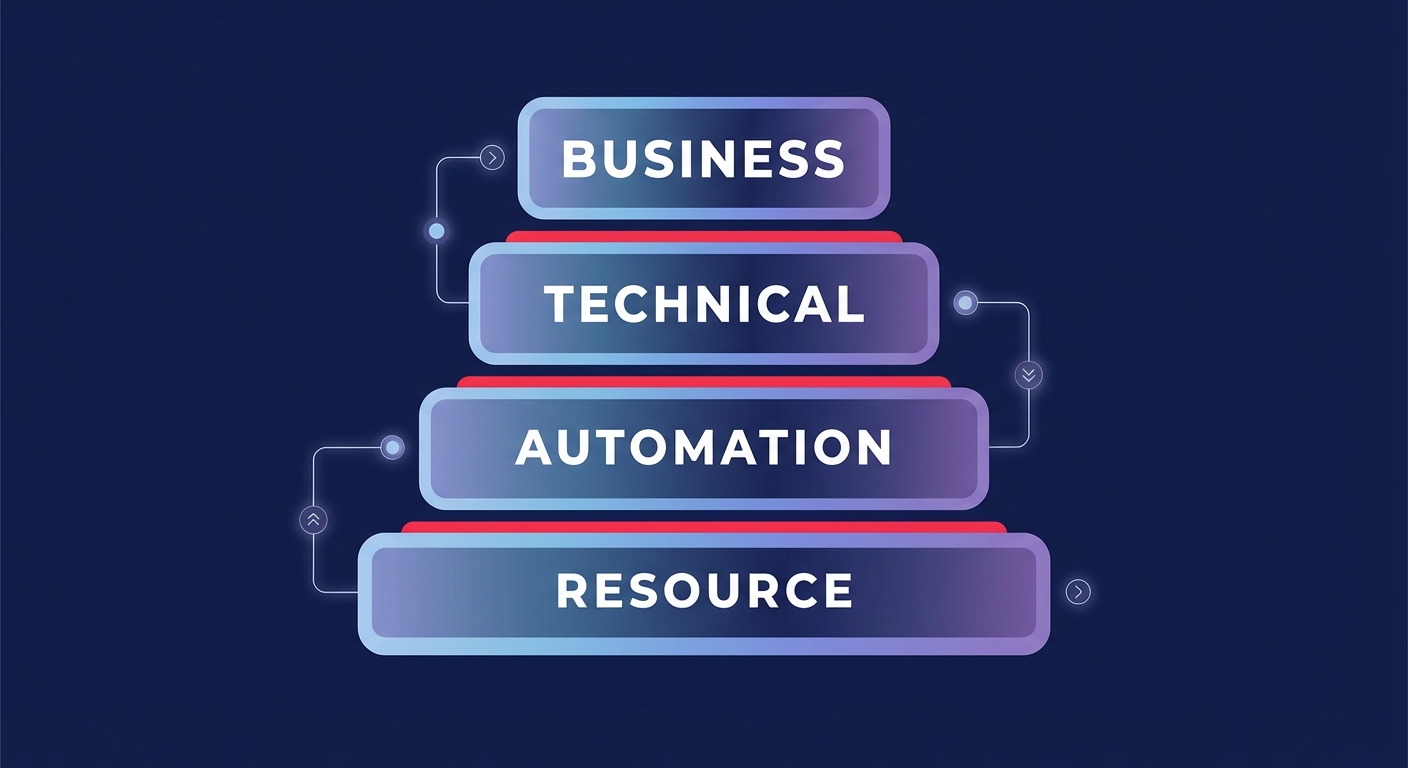
Effective cost allocation begins with a “Goldilocks” taxonomy: a strategy that is detailed enough to provide granular visibility but simple enough for DevOps teams to maintain without friction. You should categorize tags into distinct layers to ensure every dollar is accounted for across your AWS cost allocation framework. A multi-level hierarchy, moving from department and project down to environment and resource type, organizes resources effectively and allows for detailed cost breakdowns.
Business tags like `CostCenter`, `BusinessUnit`, and `Project` serve as the foundation for cloud chargeback and showback strategies, allowing finance teams to attribute spend to specific profit centers with high accuracy. Technical tags such as `Environment` (Production, Staging, Dev) and `ApplicationID` help engineers identify which specific workloads are driving spikes in AWS Cost Explorer. Finally, automation tags like `ScheduledStop` or `AutoOptimize` enable tools to take direct action on resources. For instance, scheduling non-production resources to turn off during off-hours can reduce compute costs by as much as 76% in organizations with heavy development footprints.
Avoid the non-retrospective tagging trap
One of the most common pitfalls for AWS engineers is assuming that applying a tag today will fix yesterday’s billing data. User-defined tags are not retrospective. They only appear in your AWS billing best practices reports and automated cost dashboards after they have been explicitly activated in the Billing and Cost Management console. Because activation can take up to 24 hours to reflect and only applies to future spend, delaying your tagging rollout essentially guarantees a period of invisible costs.
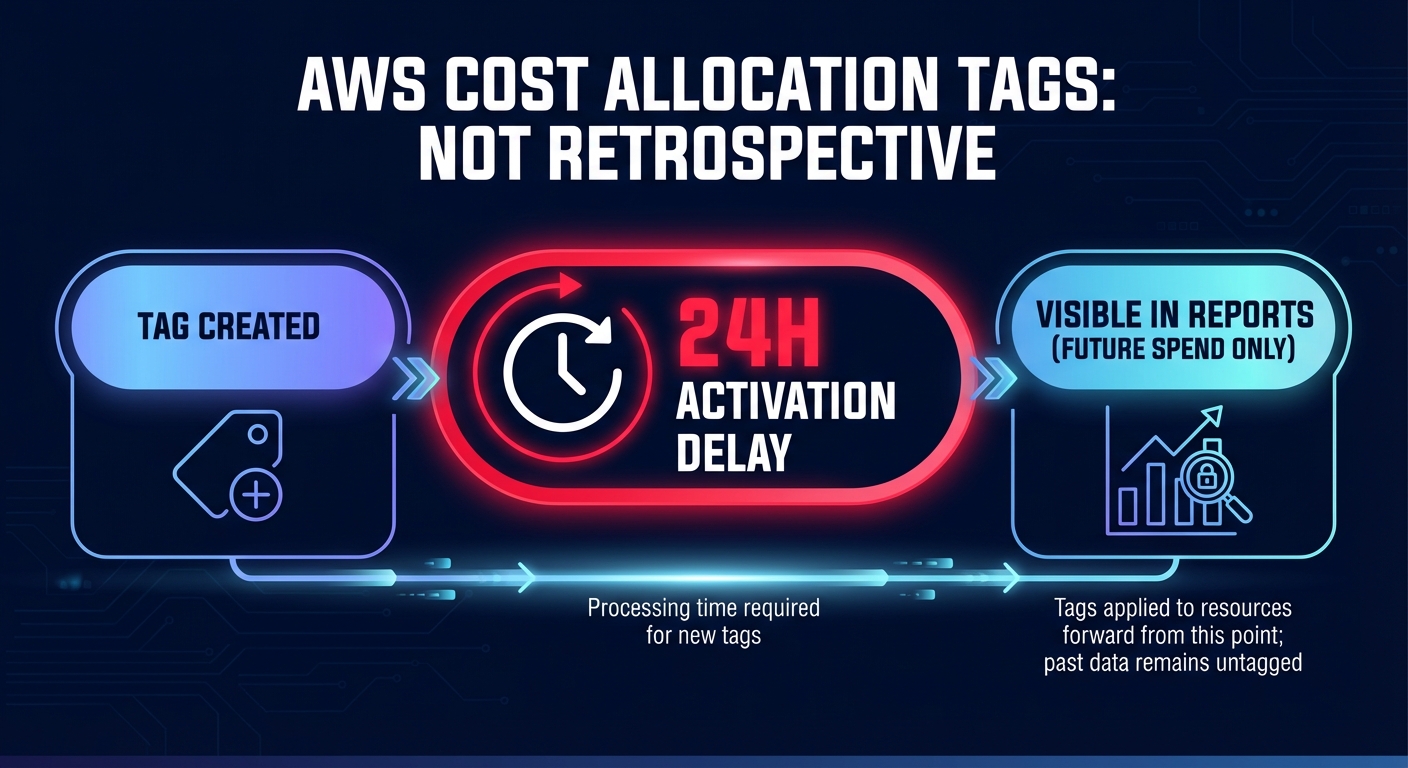
This lack of retroactivity makes it critical to standardize naming conventions across all departments from day one. AWS tags are case-sensitive; if one team uses `costcenter` and another uses `CostCenter`, your FinOps reporting will be fragmented. This fragmentation requires manual data cleanup that stalls optimization efforts and undermines the accuracy of your financial roadmap. To simplify tracking, you should also leverage AWS-generated tags, such as those created by CloudFormation, which provide immediate attribution for deployed resources as a safety net.
Automate tag hygiene and enforcement
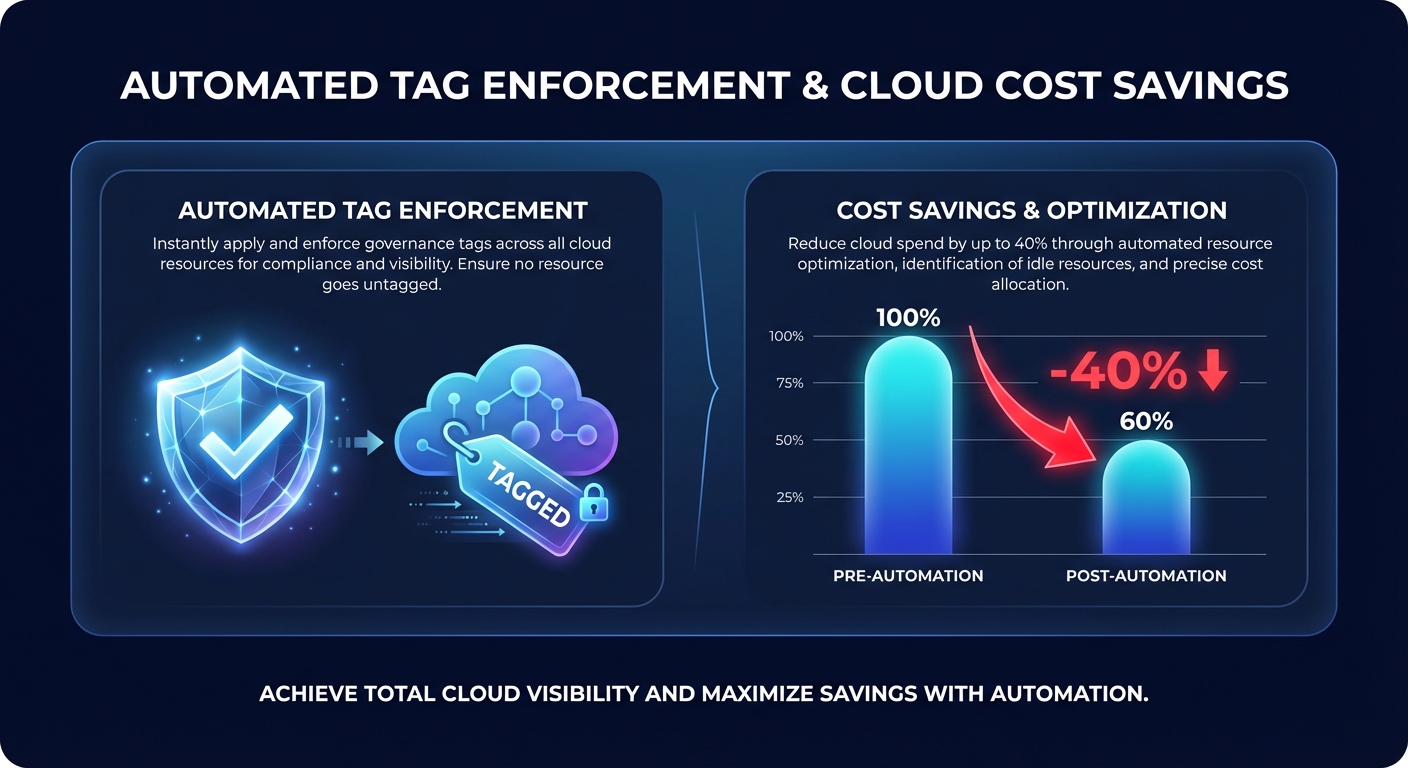
Manual tagging is a failed strategy at enterprise scale because it collapses under the weight of rapid deployments and distributed teams. To maintain high tag compliance, you must move from simple detection to proactive prevention by using layered governance controls. Automated tagging for AWS cost allocation starts with Service Control Policies (SCPs) that deny the creation of expensive resources – like EC2 instances or RDS clusters – if mandatory tags are missing at the API layer.
These preventive blocks should be complemented by AWS Tag Policies to enforce standardized capitalization and allowed values. For resources that slip through the cracks or require post-creation checks, you can use AWS Config rules paired with Lambda functions. These functions can automatically notify owners, apply default tags, or even quarantine non-compliant resources after a grace period. This automated hygiene ensures your cloud cost governance framework stays intact as your infrastructure scales, preventing the tag sprawl that typically complicates AWS cost audits.
Turn metadata into measurable cost optimization
Once your resources are correctly tagged, the metadata becomes a roadmap for radical savings. By filtering by `Owner` or `Project`, teams can quickly identify orphaned EBS volumes or unattached snapshots that are no longer serving a business purpose. One financial services organization, for example, recovered $45,000 in annual spend simply by auditing orphaned volumes revealed through a standardized AWS cost allocation tags best practices initiative.
Beyond simple cleanup, tags allow for sophisticated AWS rate optimization that balances commitment risk with potential discounts. By analyzing spend trends by tag, you can identify stable workloads that are perfect for long-term Savings Plans while keeping experimental projects on On-Demand or Spot instances. This visibility allows organizations to reach an Effective Savings Rate (ESR) of 50% or more by ensuring that discounts are applied exactly where they provide the most value.
Building a robust tagging strategy transforms your AWS bill from a black box into a strategic asset. While native tools provide the visibility, the real value lies in taking action on those insights to eliminate waste and improve performance. Hykell can accelerate this journey by conducting a detailed cost audit and implementing automated cloud cost optimization that reduces your total AWS spend by up to 40%. Our performance-based model means you only pay if you save, turning tagging data into actual capital for your next big project.

