
Are you overspending on your Kubernetes clusters by 30% to 50%? Most EKS users are, simply because AWS-native tools often hide the pod-level waste and cross-AZ data transfer costs that quietly inflate your monthly cloud bill.
Why AWS Cost Explorer isn’t enough for Kubernetes
While AWS Cost Explorer is a reliable starting point for high-level service trends, it suffers from a significant “visibility gap” when managing containers. It accurately reports how much your EC2 nodes cost, but it cannot identify which specific microservice, team, or namespace is driving that spend. This lack of granularity makes it nearly impossible to implement fair cloud chargeback and showback strategies across your organization.
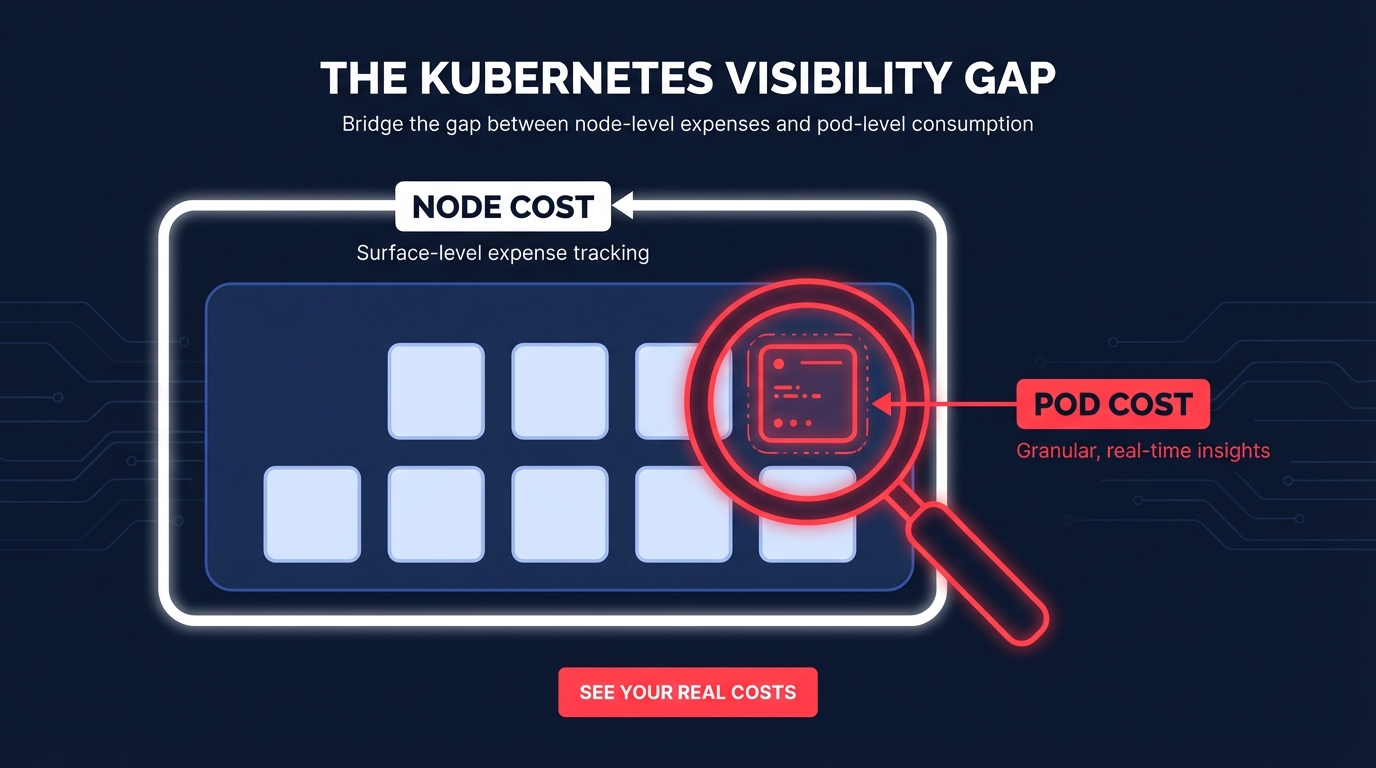
Without a “financial microscope” for your clusters, your engineers may miss critical waste hotspots. For example, a development namespace might consume 40% of cluster resources for idle tests, or oversized pod requests could prevent efficient Kubernetes binpacking, forcing you to pay for more nodes than your actual workload requires.
Top Kubernetes cost monitoring tools for AWS
Choosing a monitoring stack involves weighing the flexibility of open-source projects against the convenience and scalability of enterprise SaaS.
Open-source visibility with OpenCost and Kubecost
For teams prioritizing vendor neutrality, OpenCost is a CNCF-backed project that offers real-time cost allocation. It integrates seamlessly with Prometheus and Grafana, making it a favorite for engineers who want to build their own dashboards without licensing fees. The open-source core of Kubecost is built on this foundation, offering a more intuitive UI and basic suggestions for storage class optimization. While these tools are excellent for establishing a baseline, they often require significant manual effort to maintain as your infrastructure scales.
Enterprise management for mid-market and enterprise teams
For organizations managing complex environments, Kubecost Enterprise provides essential features like multi-cluster federation and SSO support. One of its most critical advantages is the advanced Kubecost AWS integration, which reconciles Kubernetes metrics with your actual AWS Billing and Cost Management data. This includes Savings Plans and Reserved Instance discounts, ensuring your cost reports are accurate to the penny rather than based on estimated on-demand rates.
Automation engines and intelligent scaling
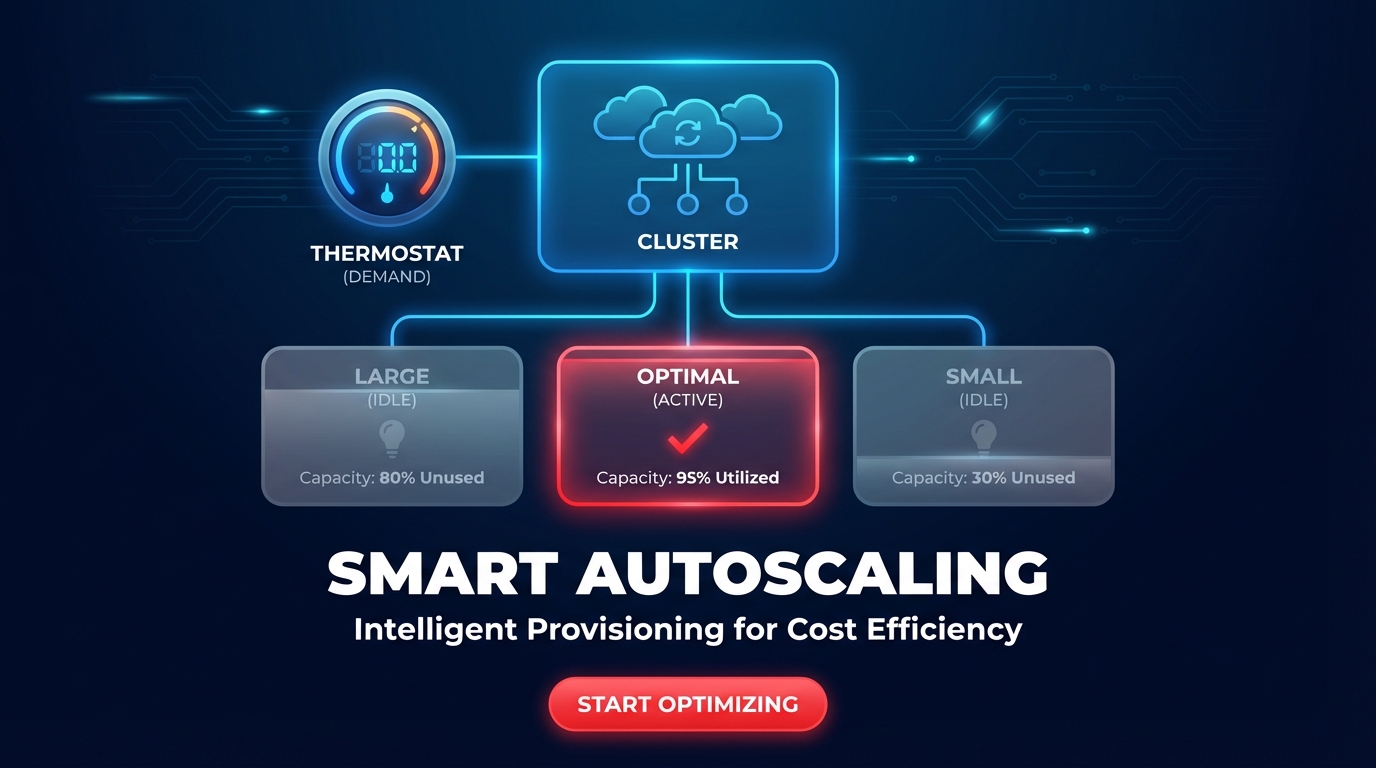
While visibility is the first step, modern cost management requires tools that act on those insights. Karpenter serves as a “smart thermostat” for your cluster, dynamically provisioning the most cost-effective EC2 instances based on real-time pod demands. By automating node provisioning and instance selection, it helps eliminate the idle capacity that typically accounts for 15% to 30% of total cloud spend.
Key features for a high-performance Kubernetes cost stack
To successfully reduce your Kubernetes spend, your chosen platform must move beyond simple graphs and provide actionable data. It should offer granular pod-level allocation to attribute CPU, memory, and network costs to specific labels. This data becomes even more powerful when linked to out-of-cluster services like Amazon RDS or S3 through robust AWS cost allocation tags.
Proactive management also requires real-time anomaly detection. Instead of waiting for a monthly bill, these systems should send alerts the moment a misconfigured deployment or rogue process causes a cloud cost spike. Finally, the tool should offer data-backed right-sizing recommendations that compare historical usage against pod requests, allowing you to reclaim wasted resources without risking application performance.
Pricing models and total cost of ownership
Kubernetes cost tools generally follow a few distinct pricing structures. Open-source options have no licensing fees but come with high “human capital” costs for hosting, patching, and dashboard building. SaaS solutions often use node-based or vCPU-based pricing, which is predictable but can scale rapidly alongside your infrastructure. Some platforms use a percentage-of-spend model, aligning their costs with your total cloud footprint. When evaluating these, consider the engineering hours required for maintenance versus the potential ROI of automated optimization.
Moving from visibility to autopilot with Hykell
Monitoring identifies the problem, but it doesn’t solve it. Knowing you are wasting money on oversized instances won’t save you a dime until an engineer actually adjusts the configuration – a task that often sits at the bottom of the DevOps backlog. Hykell solves this by moving from the “X-ray” of monitoring to the “automated surgery” of optimization.
We integrate with your environment to automatically optimize your infrastructure by handling AWS rate optimization and right-sizing tasks on your behalf. By combining the granular visibility of deploying Kubecost on Amazon EKS with Hykell’s automated cloud cost optimization, you can eliminate manual toil and ensure your clusters are always running at peak efficiency.
Hykell operates on a performance-based model where we only take a slice of what we save you. If you don’t save, you don’t pay. Calculate your potential AWS savings today to see how much of your Kubernetes budget you can reclaim without adding to your team’s workload.

