
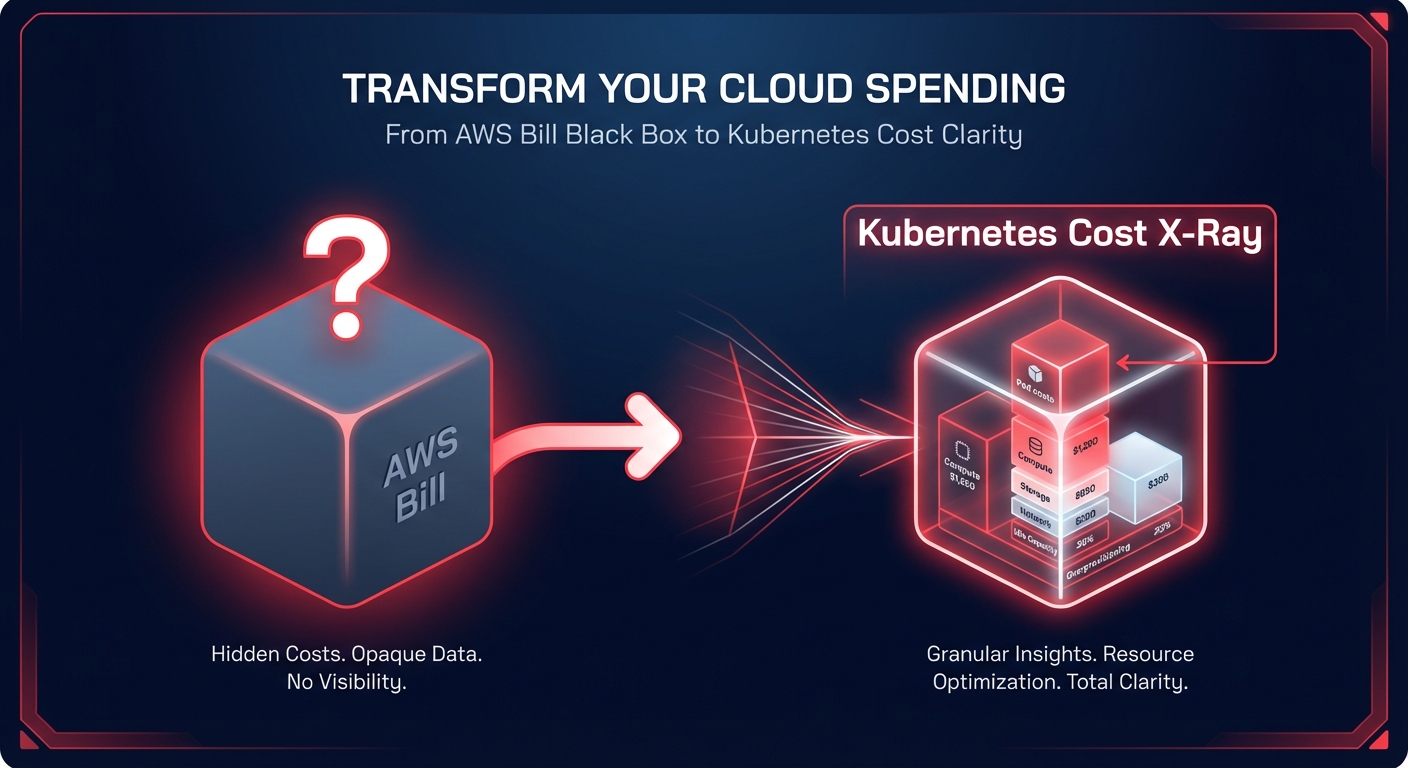
Is your Kubernetes spend a “black box” on your AWS bill? Most engineering teams overspend by 30–50% on EKS because they lack pod-level visibility. Integrating Kubecost with your AWS Cost and Usage Report (CUR) transforms raw billing data into an actionable financial X-ray for your clusters.
Why Kubecost needs AWS-level integration
By default, Kubecost estimates your expenses using public AWS pricing. While this provides a basic baseline, it completely ignores the nuances of your specific financial agreement with AWS. Without direct integration, the platform cannot account for your unique enterprise discounts, AWS rate optimization and Savings Plans, Reserved Instances, or real-time Spot market fluctuations.
To generate auditable data that finance teams can trust for accurate chargeback, you must bridge the gap between Kubernetes telemetry and the AWS billing engine. This connection ensures that every vCPU and GiB of memory is priced exactly as it appears on your monthly invoice, moving you from rough estimates to a defensible financial source of truth.
Technical prerequisites for production environments
A production-ready environment begins with an Amazon EKS cluster running version 1.23 or newer. This version specifically requires you to deploy Kubecost on Amazon EKS with the Amazon EBS CSI driver to handle persistent storage for historical cost data. You will also need Helm 3.9 or later to manage the deployment and an enabled IAM OIDC provider for your cluster to support IAM Roles for Service Accounts (IRSA).
Resource allocation is equally critical for stability. You should ensure there is a dedicated buffer of at least 2 vCPUs and 4GB of RAM for the core Kubecost components, which include Prometheus, kube-state-metrics, and the Kubecost cost-model. Without these baseline resources, the integration may suffer from data gaps or latency during periods of high cluster activity.
Configuring IAM permissions for billing access
Kubecost requires specific access to your billing data stored in S3 to reconcile cluster usage with actual costs. You should implement a least-privilege IAM policy associated with a Kubernetes service account via the `sts:AssumeRoleWithWebIdentity` action. This role enables Kubecost to securely read the necessary billing files without requiring long-lived static credentials.
Specifically, your IAM policy must grant permissions to retrieve bucket locations and list contents for the S3 bucket hosting your billing data. It also requires the ability to get objects and, if you are leveraging Amazon Athena for high-performance reconciliation in massive environments, the rights to execute queries and fetch results. Many teams use Terraform for AWS cost automation to deploy these IAM resources, ensuring the service account is correctly annotated and ready for the Kubecost deployment.
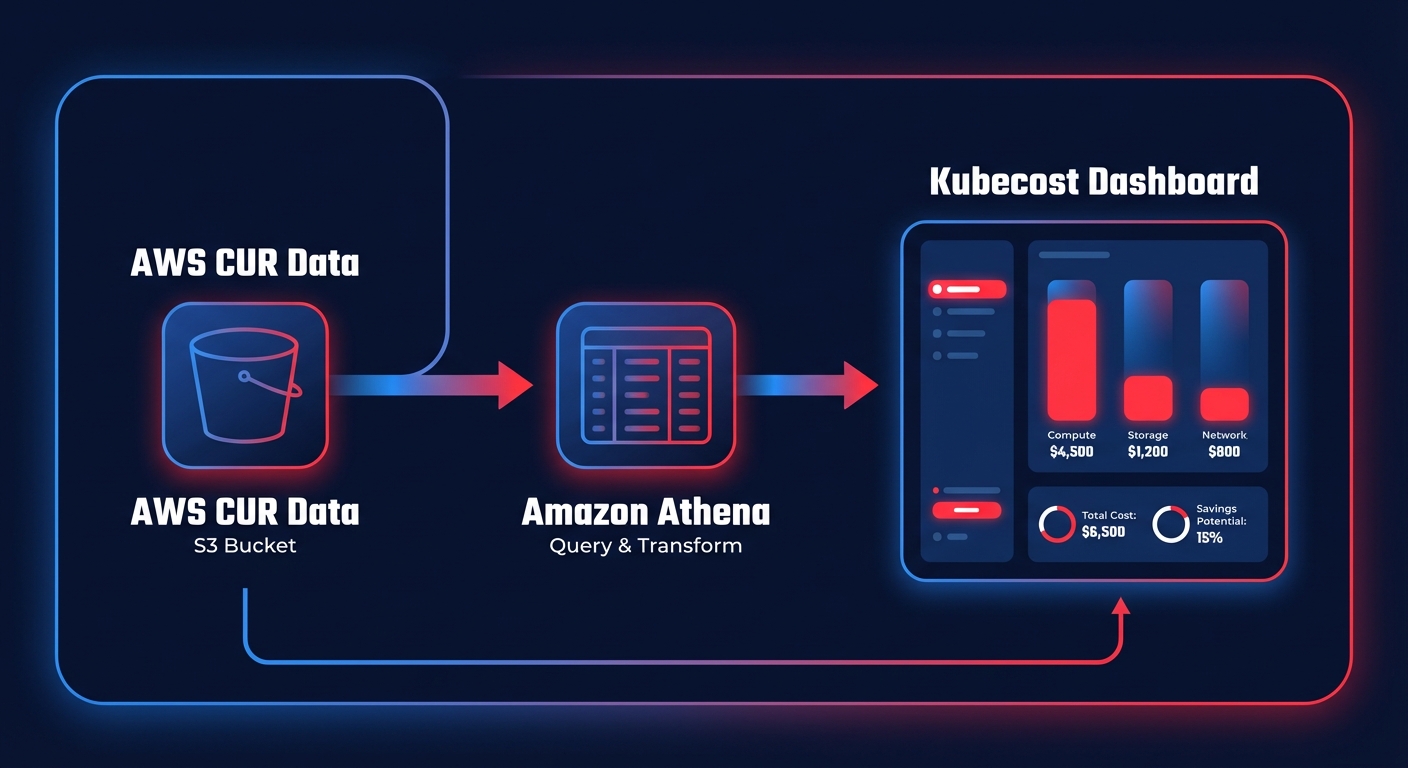
Integrating the AWS Cost and Usage Report (CUR)
The Cost and Usage Report is the single source of truth for all AWS spend. Without this link, Kubecost cannot account for AWS billing best practices like Enterprise Discount Programs (EDP) or cross-account shared commitments. To set this up, you must create a new report in the AWS Billing Console, ensuring you select the option to overwrite previous reports and enable support for Athena partitioning.
Once the CUR is delivering data to your S3 bucket, you must update your Kubecost configuration values to include the bucket name, the report region, and the specific path to your files. This deep integration allows the system to identify Kubernetes cost monitoring gaps, such as idle resources that often account for 15–30% of total cloud spend.
Deploying the AWS-optimized Kubecost bundle
AWS and Kubecost provide a verified, AWS-optimized bundle that streamlines the installation process for EKS users. This bundle is reviewed by both organizations to ensure it follows security and performance best practices. You can initiate the deployment using a standard Helm command directed at the Kubecost cost-analyzer repository, which will install the necessary components into a dedicated namespace.
After the deployment completes, you can access the dashboard by port-forwarding to port 9090. This interface provides immediate Kubecost cost allocation data, breaking down cluster spend by namespace, deployment, and label. It allows you to see exactly which microservice or project is driving your bill, providing the granular visibility needed to hold different teams accountable for their resource consumption.
Validation checks for data integrity
Once the integration is live, you should perform a series of validation checks to ensure your data is accurate and auditable. Start by visiting the settings page in the Kubecost dashboard to confirm it is successfully pulling data from both the AWS Price List API and your CUR. A mismatch here usually indicates an IAM permission error or an incorrect S3 path.
Next, you must ensure that your AWS cost allocation tags align perfectly with your Kubernetes labels. This alignment is what allows you to link out-of-cluster costs, such as an RDS database or an S3 bucket, to a specific Kubernetes project. Establishing these Kubernetes cost optimization strategies ensures that your unallocated spend remains low. Finally, remember that CUR data typically has a 24-hour delay; your dashboard will use Prometheus metrics for real-time views and reconcile them with the CUR daily for financial precision. Consistent tagging is the primary foundation for effective cloud chargeback and showback strategies.
From visibility to automated cloud optimization
Kubecost is an elite tool for visibility, but visibility alone does not lower your monthly AWS invoice. Once you identify that a namespace is 60% idle or that you are over-provisioning nodes, an engineer must still take manual action to fix it. This is where the transition from monitoring to automation becomes essential for modern FinOps teams.
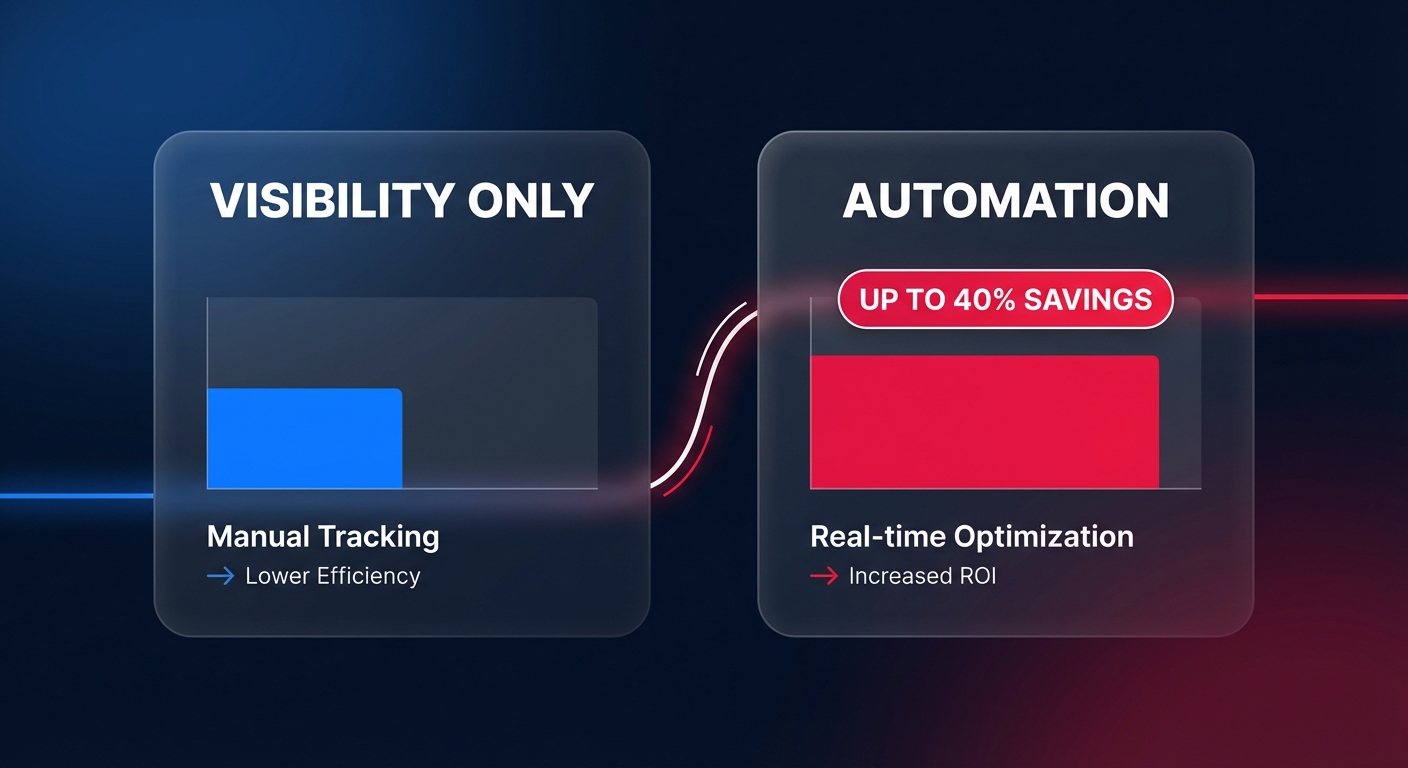
Hykell provides the automated layer that turns these insights into immediate savings. While Kubecost identifies the waste, Hykell performs the “automated surgery” by managing pod right-sizing, intelligent node scaling with Karpenter, and the continuous rebalancing of Savings Plans and Reserved Instances. This proactive approach allows you to reduce your total cloud bill by up to 40% without any ongoing manual effort from your DevOps team.
By combining granular visibility with automated Kubernetes cost optimization, you ensure that your clusters are always perfectly sized for your workloads. You only pay for what you use, and Hykell only takes a slice of the actual savings achieved – if you don’t save, you don’t pay. You can calculate your potential AWS savings today and stop paying for idle capacity that your business doesn’t need.

