
Are you paying for high-performance storage that your applications never touch? Most AWS environments harbor 20% to 30% in over-provisioned EBS capacity. Reclaim your budget without sacrificing performance by following a systematic approach to storage management.
Managing Amazon Elastic Block Store (EBS) is a constant balancing act. If you under-provision, your application latency spikes; if you over-provision, your FinOps reports turn red. By following a systematic approach to AWS EBS performance optimization, you can reclaim significant budget without sacrificing a single millisecond of disk I/O.
Migrate from gp2 to gp3 to decouple performance from capacity
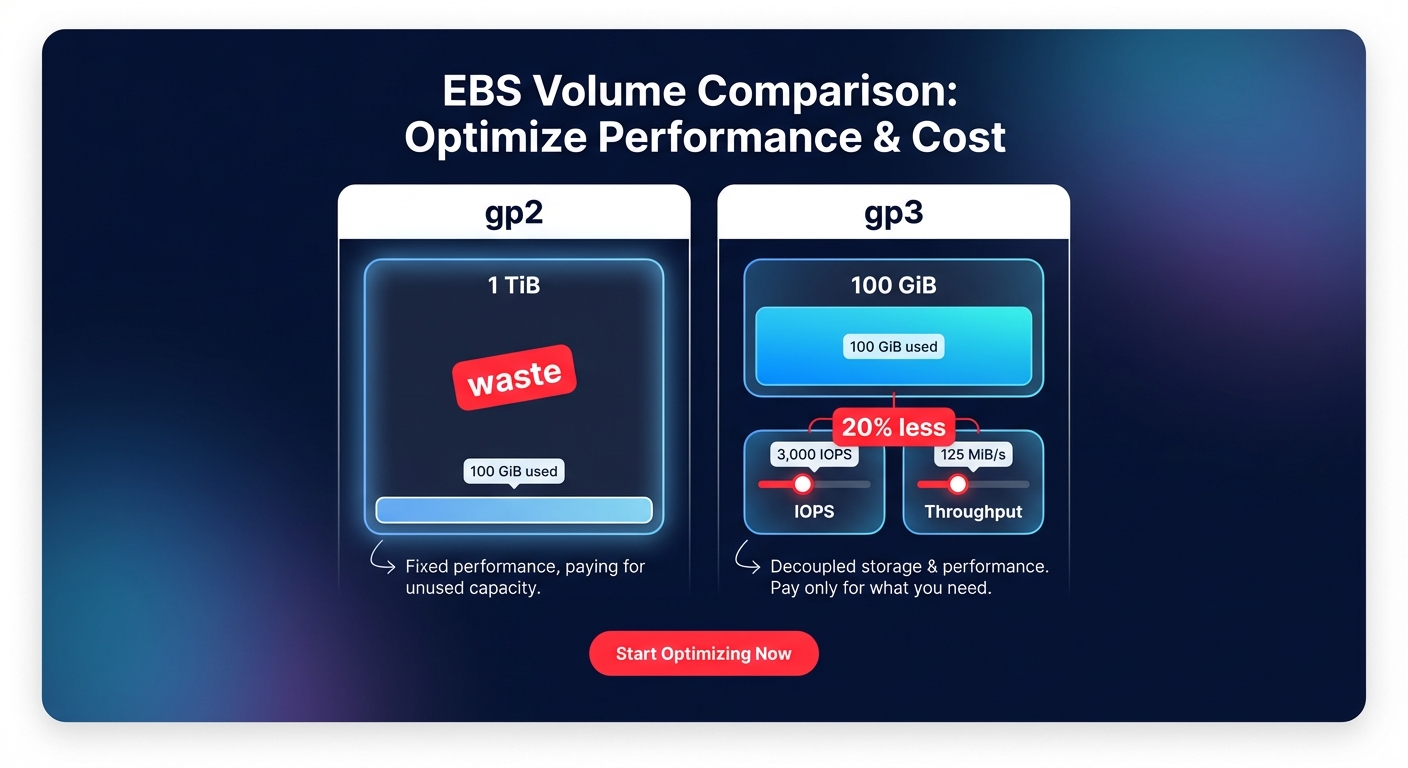
For years, the standard general-purpose volume was gp2, which tied IOPS performance directly to the size of the volume. Under that model, if you needed 3,000 IOPS, you were forced to provision a 1 TiB volume even if your data only required 100 GiB. This architecture resulted in massive waste for smaller, high-performance workloads.
The introduction of gp3 changed the game by allowing you to provision IOPS and throughput independently of storage capacity. Migrating from gp2 to gp3 typically yields a 20% cost reduction per GiB while providing more predictable performance baselines. Since gp3 comes with a baseline of 3,000 IOPS and 125 MiB/s included in the price, it is almost always the most cost-effective choice for boot volumes and standard application workloads.
Right-size volumes based on actual utilization peaks
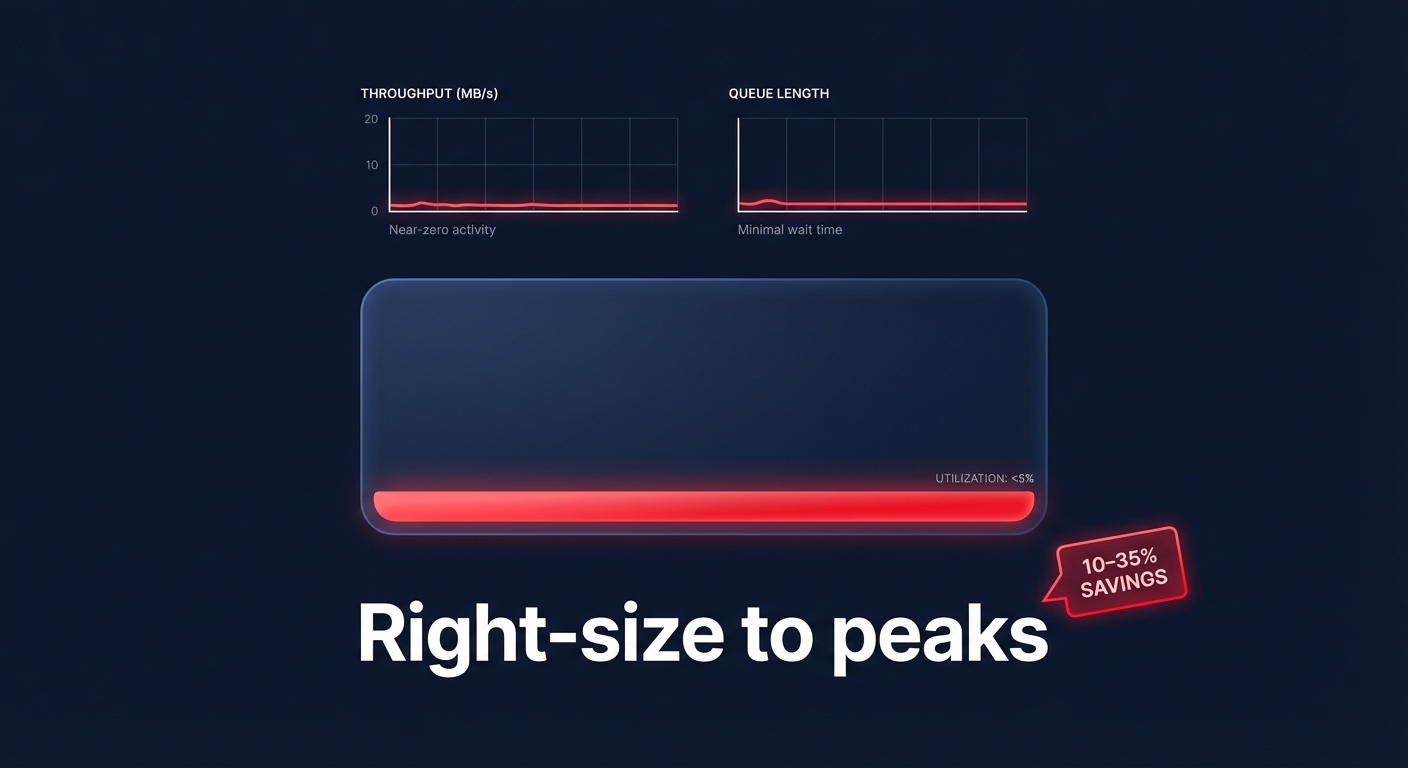
Right-sizing involves matching your volume types and sizes to your specific workload requirements to eliminate idle overhead. According to research on cloud resource right-sizing, production environments can achieve 10% to 35% cost reductions by simply adjusting provisioned capacity to match actual usage.
To identify these opportunities, monitor your CloudWatch metrics for volumes where the `VolumeQueueLength` is consistently near zero or where `VolumeThroughputPercentage` rarely exceeds 10%. These metrics indicate that the volume is significantly larger or faster than it needs to be. While AWS allows you to increase volume size or change types without downtime, remember that shrinking a volume natively is not yet supported. For volumes that are significantly oversized, you must create a smaller volume and migrate the data at the application or OS level.
Select volume types based on IOPS and throughput needs
Not every workload requires the sub-millisecond latency of Provisioned IOPS. While io2 Block Express offers up to 256,000 IOPS, it also carries the highest price tag. For many engineering teams, understanding EBS throughput and IOPS is the key to choosing the right tier for the right job:
- gp3: Best for most transactional workloads, offering a balance of 8/10 performance at a 3/10 cost.
- io2: Reserved for mission-critical databases with strict latency SLAs and high durability needs.
- st1: Ideal for big data and log processing where sequential throughput matters more than random IOPS.
- sc1: The most affordable option for archival storage that is infrequently accessed.
A common mistake is provisioning a high-performance volume while using an EC2 instance that lacks the necessary EBS bandwidth to handle it. You should always verify that your instance type is EBS-optimized to ensure you aren’t paying for IOPS that your instance’s “pipe” cannot physically support.
Stop ghost spending with snapshot lifecycle policies
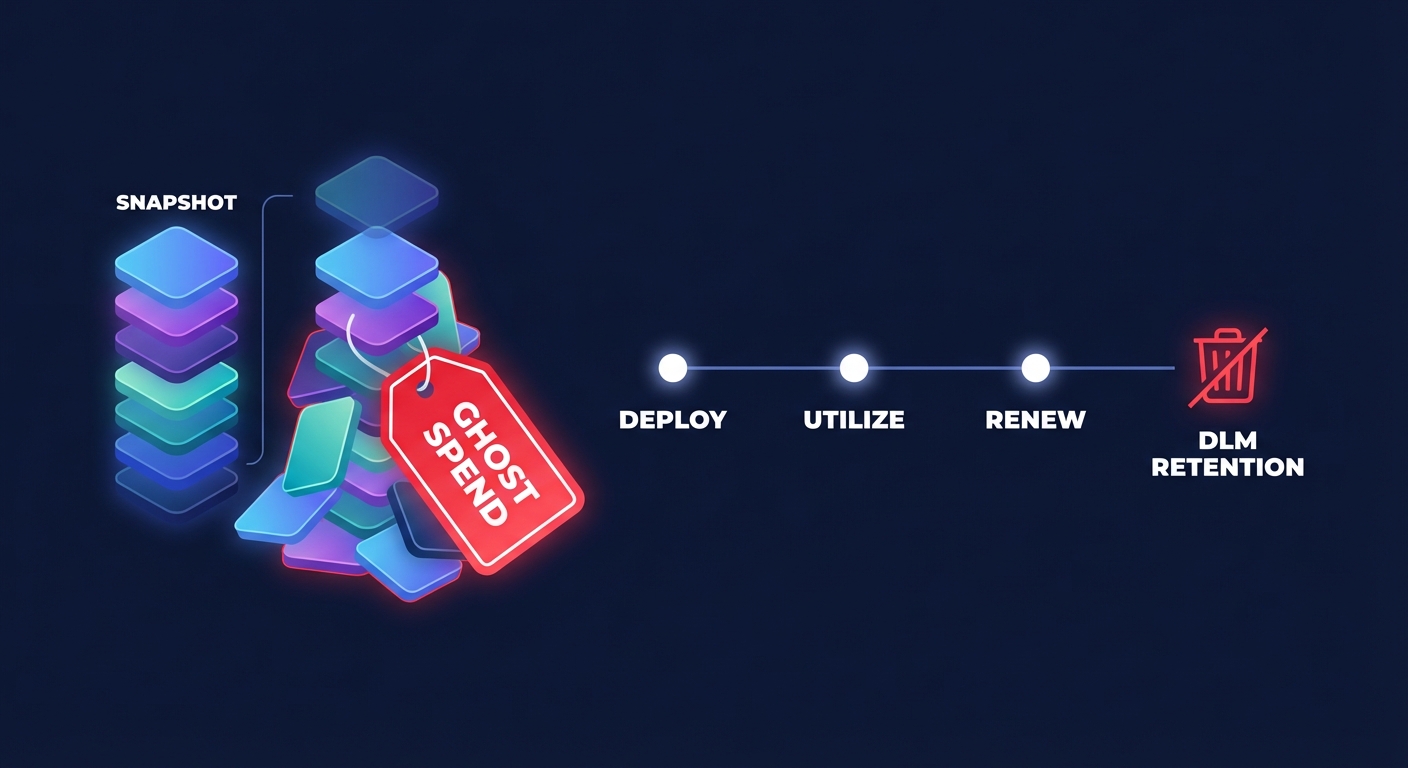
Snapshots are essential for disaster recovery, but they often become a “black hole” for cloud budgets if left unmanaged. Without strict governance, orphaned snapshots from long-terminated instances can accumulate indefinitely, creating thousands of dollars in “ghost” costs. You should implement AWS Data Lifecycle Manager (DLM) to automate the creation and deletion of snapshots based on your specific retention requirements.
Beyond the cost of storage, you must also account for the performance impact of EBS snapshots. While the snapshotting process itself is non-blocking, volumes restored from snapshots experience a “first-read penalty” where latencies can jump from single-digit milliseconds to hundreds of milliseconds as data is pulled from S3. If you are restoring a production database, consider using Fast Snapshot Restore (FSR) to eliminate this penalty, though you must weigh the benefits against the additional cost per Availability Zone.
Leverage AWS native tools for continuous auditing
AWS provides several native tools to help you spot storage inefficiencies, but these require regular manual review to be effective over the long term.
- AWS Compute Optimizer: This tool uses machine learning to analyze CloudWatch metrics and frequently identifies 20% to 30% of volumes as optimization candidates.
- AWS Trusted Advisor: This service highlights underutilized volumes and EBS over-provisioning, often identifying significant potential monthly savings for mid-sized environments.
- AWS Cost Explorer: This dashboard is essential for visualizing long-term trends and conducting cloud cost audits to determine which accounts or tags are driving the highest storage spend.
Put your EBS optimization on autopilot with Hykell
Manual optimization is a treadmill that most engineering teams simply do not have time for. You might spend hours identifying volumes to migrate, only for new over-provisioned resources to appear the following week as developers spin up new infrastructure. This is where Hykell transforms your storage strategy.
Hykell provides automated cloud cost optimization specifically for AWS environments. Our platform continuously monitors your actual IOPS and throughput usage, identifies underutilized volumes, and executes optimizations – like gp2 to gp3 migrations – automatically. Because Hykell only takes a slice of what you save, you get a risk-free way to reduce your AWS storage bill by up to 40% without any ongoing engineering effort.
Effective storage management is not a one-time project; it is a continuous cycle of monitoring, right-sizing, and automating. By moving away from “set and forget” provisioning and toward an automated, performance-first model, you can ensure your AWS infrastructure is as lean as it is powerful. To see exactly how much you could reclaim from your storage budget, calculate your potential savings today.

