
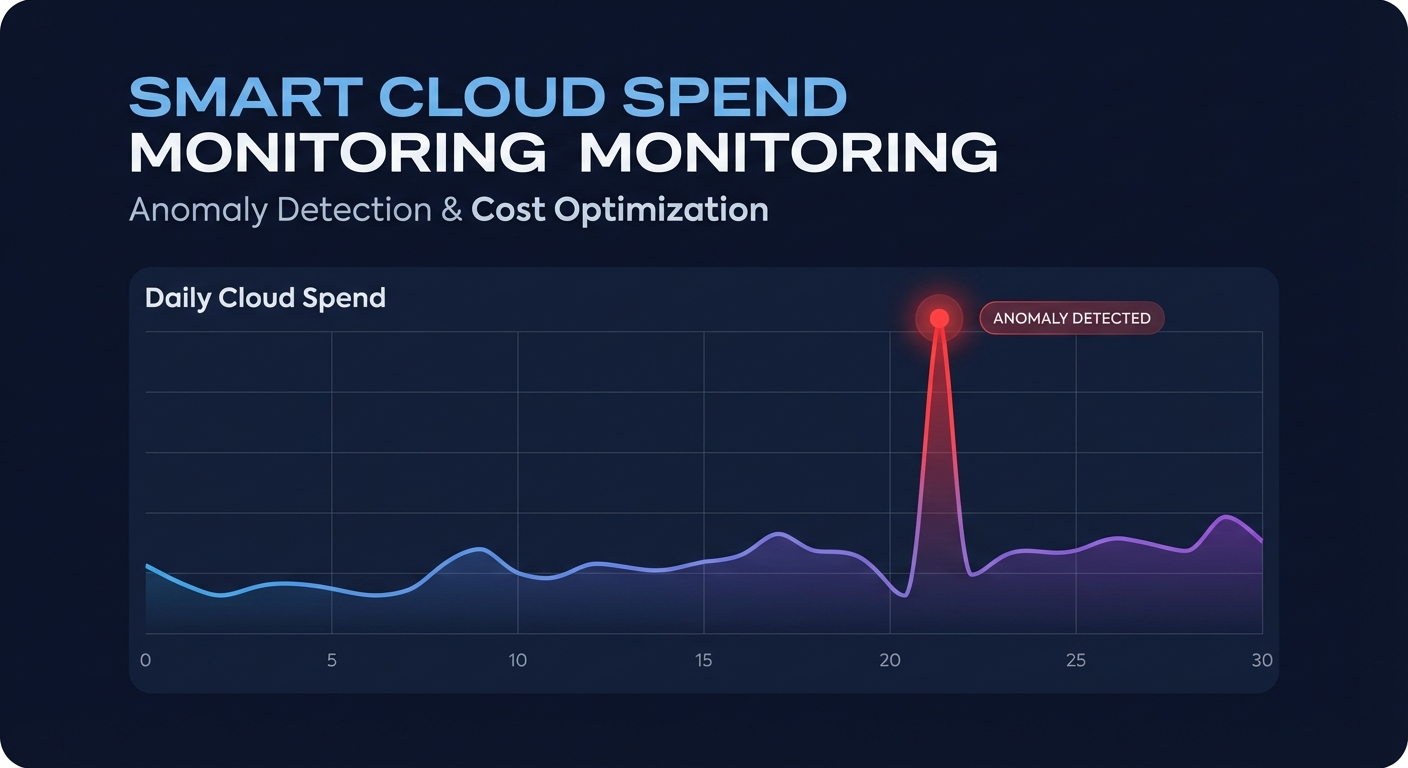
Does your Azure bill feel like a moving target? With Microsoft eliminating tiered volume discounts as of November 2025, enterprises are bracing for a 6% to 12% infrastructure cost uplift that makes automated detection essential.
Unexpected spikes – whether from a runaway script or a forgotten development environment – can no longer be ignored until the end of the month. To maintain a healthy bottom line, you need a proactive strategy to detect, investigate, and remediate cost anomalies across your subscriptions and resources.
Leveraging the Azure anomaly detection model
Azure provides a native anomaly detection model within the Cost Management suite to help engineering leaders stay ahead of the curve. This system identifies unusual spending patterns daily by analyzing your normalized usage rather than just rated usage. This is a critical distinction for FinOps teams because it filters out the noise of price fluctuations to focus specifically on actual resource consumption changes. By looking at the underlying volume of service usage, the model can flag a sudden increase in virtual machine hours or storage transactions before they compound.
However, you must account for data latency when building your response plan. Azure typically processes billing data within a 72-hour window after the billing period ends. While this provides a high degree of accuracy for comparative cost strategies for cloud providers, it means your detection is trailing by approximately three days. For high-velocity engineering teams, this gap requires a combination of automated alerts and strict resource governance to ensure that a three-day spike does not turn into a five-figure overage.
Setting up automated cost alerts by subscription
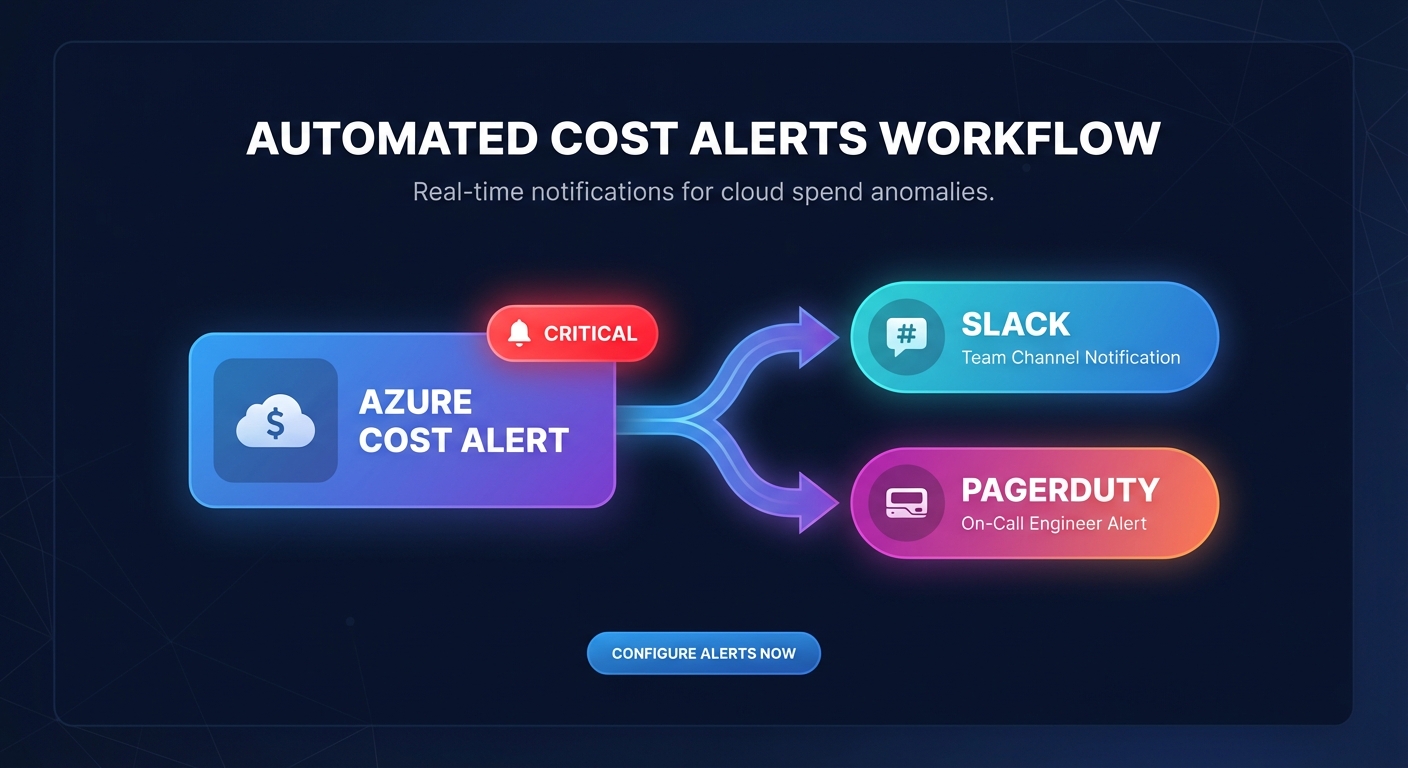
To stop budget leaks before a spike becomes a crisis, you should configure anomaly alerts at the subscription level. Within the Azure portal, navigate to the Cost Management section and select the anomalies view. From here, you can create an alert rule that monitors specific scopes, ranging from an entire billing account to a single high-risk resource group. These alerts utilize machine learning to establish a baseline of your historical spend, triggering a notification only when the data deviates significantly from your expected pattern.
The most effective configuration uses Azure Action Groups to move beyond simple email notifications. Instead of a message that might sit in an unread inbox, you can trigger automated responses that integrate directly into your existing DevOps workflows. For example, you can send notifications to a dedicated Slack channel via a Logic App or trigger a Webhook to PagerDuty for critical production spikes. This shift from reactive observation to proactive detecting and managing cloud cost anomalies ensures that the right person is notified the moment a spending threshold is breached.
Investigating the root cause of spending spikes
When an alert triggers, your investigation should follow a standardized how to conduct a cloud cost audit methodology to identify the driver quickly. Azure Cost Management allows you to drill down into the Cost Analysis view to pivot by resource ID, location, or tag. By filtering for the specific day the anomaly occurred, you can compare the daily spend of the previous week against the spike to see which service category changed.
Common culprits often include orphaned resources, such as unattached Managed Disks or idle Load Balancers that continue to accrue charges after a Virtual Machine has been deleted. Scale-out events are another frequent driver; auto-scaling groups may trigger during a traffic burst but fail to scale back down due to a misconfigured metric or a cooldown period that is too long. Additionally, massive data transfers between regions or out to the internet can cause significant billing jumps, which you can identify by filtering for the data transfer dimension in your service name breakdown. Integrating Azure Advisor recommendations directly into this workflow helps you determine if the anomaly is a candidate for AWS vs Azure performance comparison or right-sizing.
Closing the loop with resource-level governance
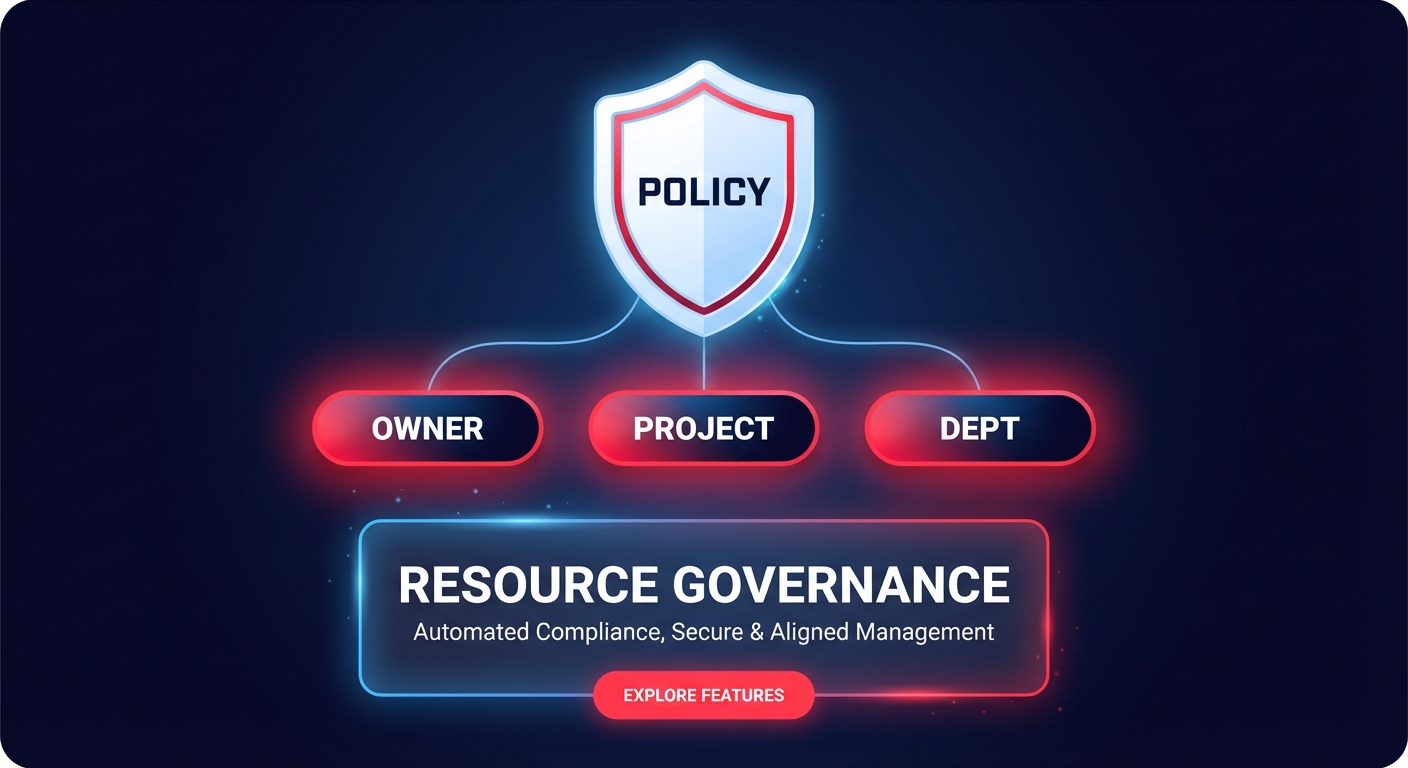
Automated detection is only half the battle; you also need technical guardrails to prevent future leaks. Implementing Azure Policy to enforce mandatory tags ensures that every anomalous dollar can be traced back to a specific owner, project, or department. When your tags are consistent, you can utilize cloud chargeback and showback strategies to hold teams accountable for their resource consumption, turning cost management into a shared organizational responsibility.
For organizations running containerized workloads, Azure Kubernetes Service (AKS) offers specific levers to manage costs. Utilizing AKS autoscaling and spot node pools can reduce compute expenses by up to 90% compared to standard pay-as-you-go pricing. These features provide a financial safety net against the high cost of manual provisioning and ensure that your infrastructure footprint only expands when there is a legitimate technical requirement.
Scaling your optimization beyond Azure
Mastering Azure’s native tools is the first step toward a mature FinOps framework. But for many organizations, Azure is only one part of the equation. If you are also managing a significant AWS footprint, you likely know that manual anomaly detection and rate optimization in AWS can quickly become a full-time engineering burden. The complexity of managing Savings Plans, Reserved Instances, and resource rightsizing across multiple accounts often leads to wasted spend despite your best efforts.
This is where Hykell steps in to provide automated cloud cost optimization Hykell. While you focus on governing your Azure environment, we handle your AWS environment on autopilot. We do not just alert you to spikes; we actively manage your AWS rate optimization and rightsizing to ensure you are always on the most cost-effective tier.
Hykell’s platform acts as a silent partner for your DevOps and FinOps teams, automatically adjusting commitments and optimizing EBS and EC2 resources without requiring code changes or manual intervention. Our observability dashboard provides role-specific views that give you a clear look at your effective savings rate, ensuring you never pay for more capacity than you need. We operate on a performance-based model: we only take a slice of what we save you. If we don’t find savings, you don’t pay. Calculate your potential savings today and see how Hykell can reduce your AWS bill by up to 40% with zero engineering lift.

