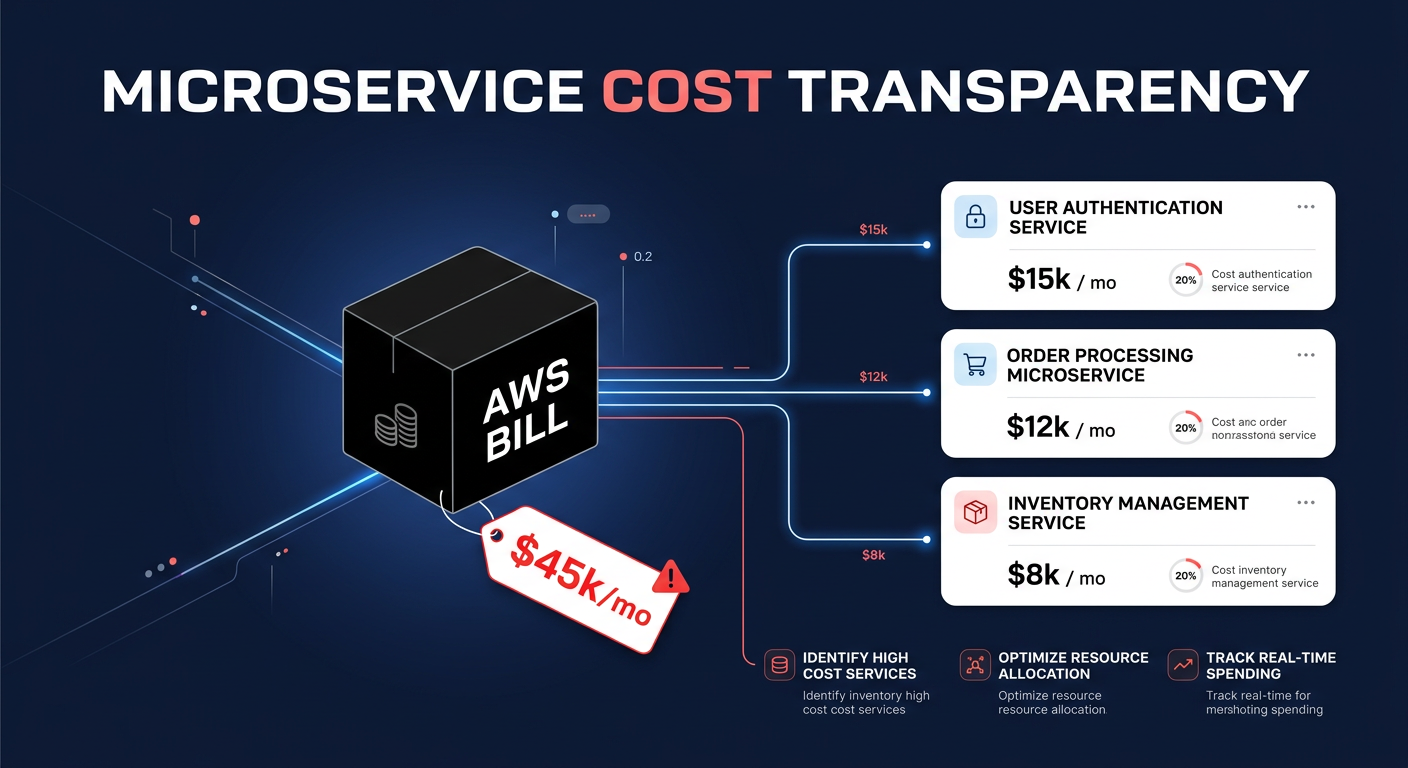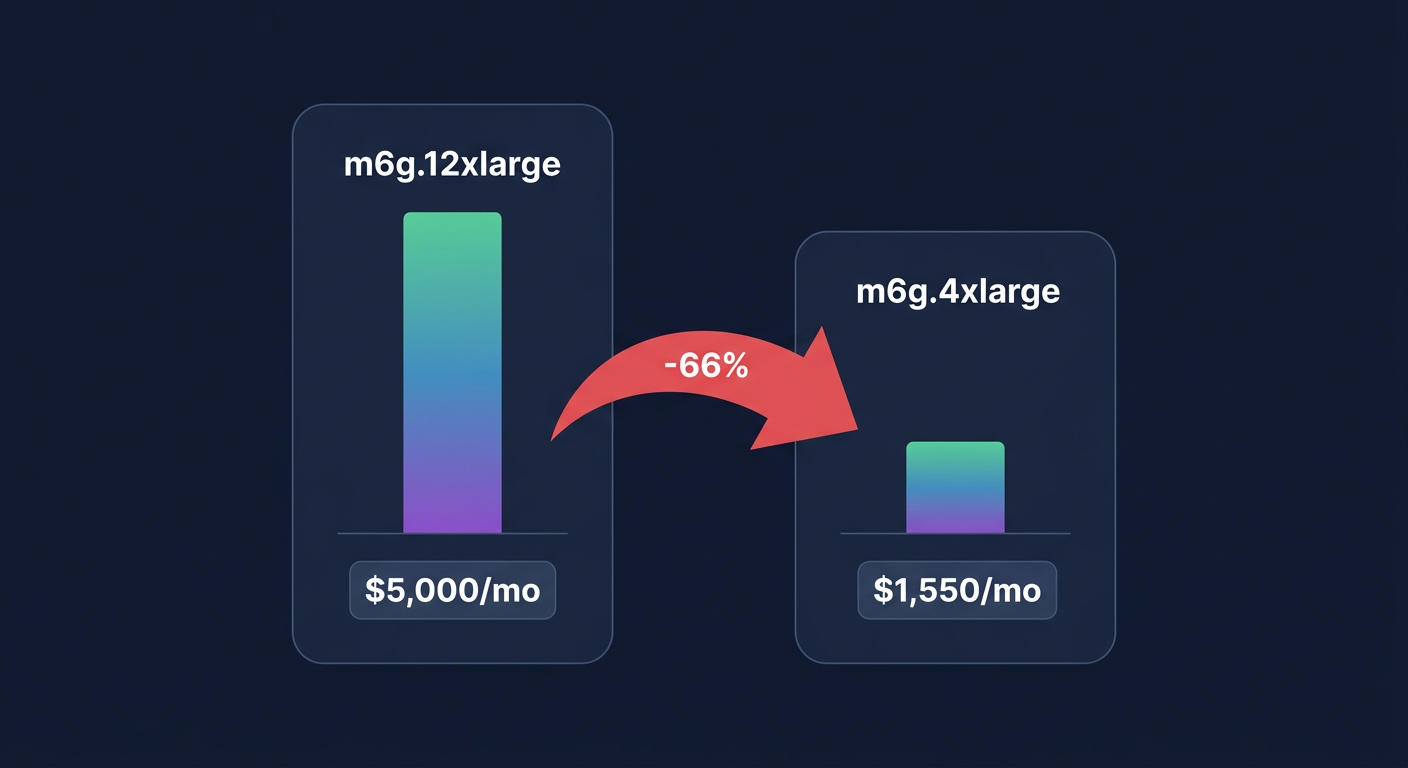
Are you paying for millions of empty API calls while your message queues sit idle? Many engineering teams find that Amazon SQS costs spiral because of inefficient polling patterns that burn through requests without actually processing data.
Understanding the nuances of SQS billing is the first step toward reclaiming your budget. In the `us-east-1` region, standard queue requests cost $0.40 per million, while FIFO queues carry a 25% premium at $0.50 per million. While these unit costs seem negligible, the billable units add up quickly because AWS charges for every 64 KB chunk of a payload. If you send a 256 KB message, you are billed for four requests, not one. By combining structural changes to how your consumers interact with the queue with automated AWS rate optimization, you can significantly lower your monthly spend without sacrificing system reliability.
Eliminate waste with long polling
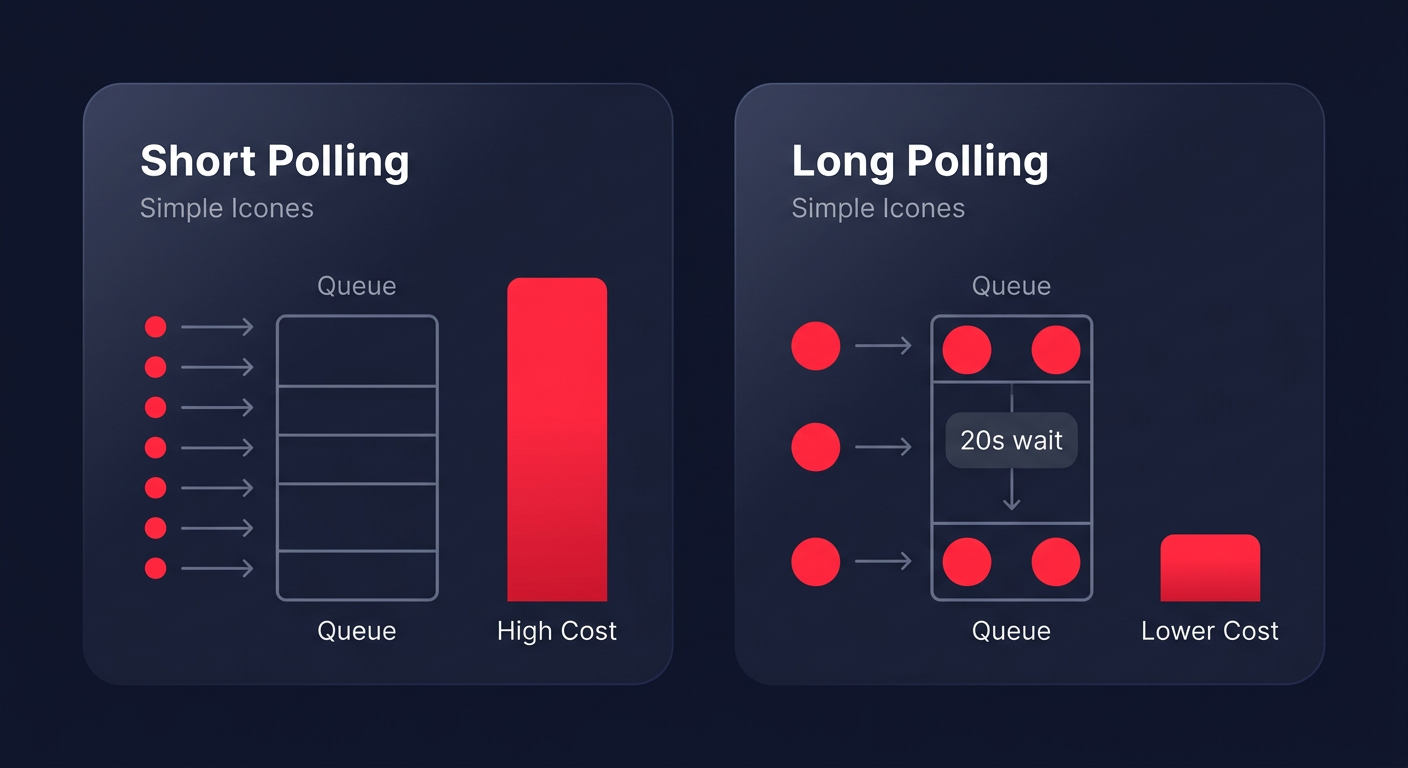
The most common driver of inflated SQS bills is short polling. By default, SQS uses short polling, which queries a subset of servers and returns a response immediately – even if the queue is empty. If you have multiple consumer threads constantly asking for messages several times per second, you can rack up millions of billable requests for zero work performed. This is a primary target when implementing cloud cost optimization best practices across your infrastructure.
Switching to long polling is perhaps the single most effective way to reduce costs, often lowering empty receive requests by 50% to 90%. By setting the `WaitTimeSeconds` parameter to 20 seconds at the queue level, you instruct SQS to wait for a message to arrive before sending a response. This reduces the number of API calls while improving the response time of your application, as messages are delivered to the consumer the moment they become available. AWS research indicates that long polling is generally preferred for almost all use cases, yet many teams leave the default setting at zero, generating 5 to 10 times more requests than necessary.
Maximize throughput with batching
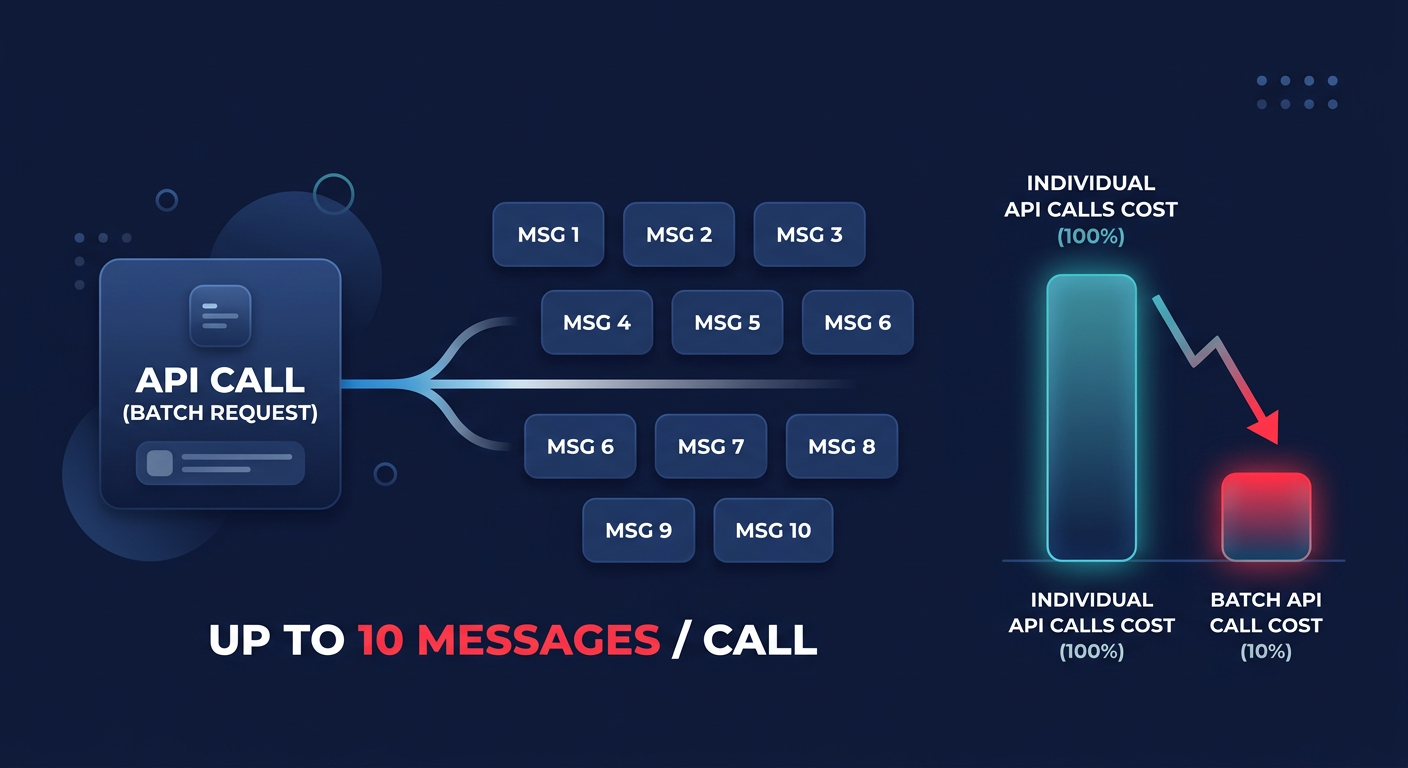
If your workload involves high throughput, sending and receiving messages individually is an expensive way to operate. The `ReceiveMessageBatch` API allows you to retrieve up to 10 messages in a single call for the same price as a single message request. This 10x improvement in efficiency directly translates to a 90% reduction in request costs for that part of your pipeline.
Batching should also be applied to the producer side using `SendMessageBatch`. When you group messages together, you stay within the 256 KB payload limit more effectively. Since SQS bills in 64 KB increments, packing several small messages into a single batch ensures you aren’t paying for unused space in your billable units. This approach mirrored the strategy used by Netflix, which reduced its SQS costs by 73% through a combination of 20-second long polling and maximum batch sizes on a workload of one billion daily messages. If your architecture relies heavily on serverless functions, you can further optimize by aligning your SQS batch sizes with specific Lambda cost reduction techniques to prevent over-triggering functions and reducing invocation overhead.
Tuning retention and visibility timeouts
While request costs usually dominate the bill, message storage and visibility timeouts impact your bottom line indirectly. AWS charges approximately $0.10 per GB-month for message storage, prorated per second of retention. While the default retention is four days, keeping messages for the maximum of 14 days can lead to unnecessary costs if your consumers fall behind or if you fail to delete processed messages. You can use AWS Cost Explorer to identify if storage costs are becoming a significant percentage of your SQS spend and to right-size your retention periods accordingly.
Managing the visibility timeout
Visibility timeouts are equally critical for cost control. If your timeout is too short, a consumer might still be processing a message when SQS makes it visible to other consumers again. This leads to duplicate processing, which generates extra requests for every duplicate receive and delete action. To find the right balance, AWS recommends setting your visibility timeout to roughly six times your average processing time. This ensures that even if a consumer experiences a transient delay, the message remains hidden long enough to finish the task.
Leveraging Dead Letter Queues
Implementing a Dead Letter Queue (DLQ) with a `maxReceiveCount` of 3 to 5 attempts prevents “poison pill” messages from cycling through your system indefinitely. In failure scenarios, these stuck messages can cause infinite reprocessing loops that inflate your API call volume. By moving these messages to a DLQ, you can reduce API calls by 20% to 50% during outages or processing errors. While moving messages to a DLQ uses standard requests, it eliminates the long-term cost of automated retry logic that never succeeds.
Monitoring for continuous optimization
Optimizing SQS is not a one-time task; it requires constant visibility into how your message patterns shift as your application grows. You should closely monitor the `ApproximateNumberOfMessagesDelayed` and `NumberOfEmptyReceives` metrics in CloudWatch to spot inefficiencies in real-time. If you notice a high ratio of receives to deletes, it often signals that your visibility timeout is misconfigured or that messages are expiring before they can be processed.
Teams that lack the internal engineering hours to manually tune these parameters often turn to automated cost optimization to handle the heavy lifting of resource management. By integrating observability tools, you can trace spend anomalies back to specific resource IDs, ensuring that a single misconfigured consumer does not blow your budget. This proactive approach allows you to maintain high throughput while keeping your infrastructure lean.
Hykell takes the guesswork out of cloud expenses by identifying underutilized resources and automating your savings across your entire AWS environment. Our platform operates on a performance-based model where we only take a slice of what you save – if you don’t save, you don’t pay. Discover how much you could be overpaying by using our savings calculator to see your potential for a 40% reduction in AWS costs.