
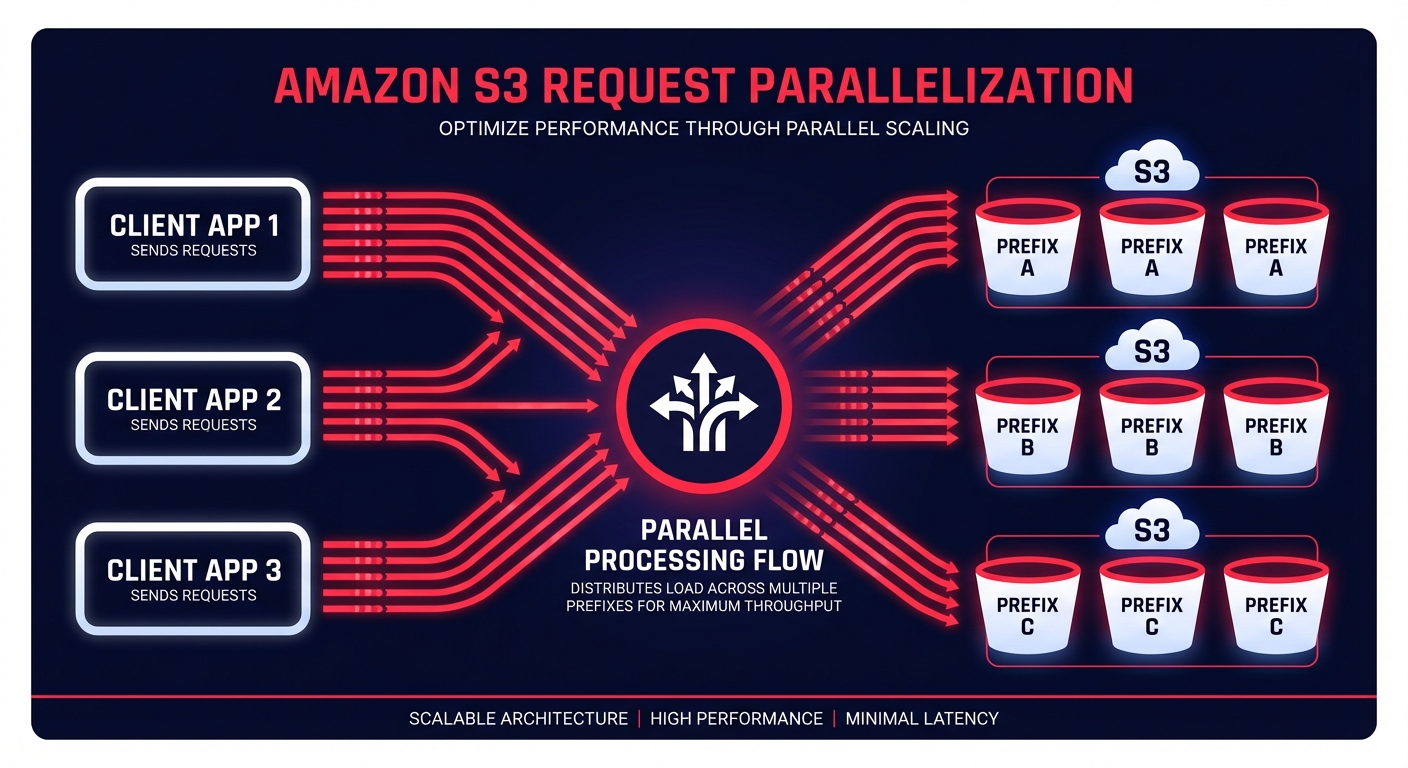
Is your S3 performance bottlenecking your data pipeline despite aggressive scaling? Hitting the 3,500 PUT or 5,500 GET request-per-second limit per prefix can stall high-concurrency architectures that otherwise seem robust.
Architecting for request parallelization and throughput
Achieving high throughput in Amazon S3 requires you to move away from sequential operations. You must issue multiple concurrent requests across separate connections to saturate your available network bandwidth. When you are dealing with large objects, use byte-range downloads at 8–16 MB granularity. This approach allows your application to fetch different parts of the same object in parallel, which significantly reduces the time-to-first-byte and the overall transfer duration.
While the AWS SDKs include built-in retry logic and exponential backoff for HTTP 503 errors, frequently hitting these limits indicates a need for better data distribution. You should distribute your data across multiple prefixes to spread the load across S3’s internal partitions. Using randomized or sequential prefix patterns effectively multiplies your aggregate request limits. If you are managing a high-frequency ingest from thousands of clients, ramping up request rates gradually prevents the automated partitioning system from being overwhelmed. You can validate these architectural changes by conducting cloud performance benchmarking to establish a baseline before and after your optimizations.
Networking and connectivity optimization
Latency is often a byproduct of the distance between your compute resources and your storage. For workloads distributed across large geographic areas, Amazon S3 Transfer Acceleration utilizes the globally distributed edge locations of AWS to route traffic over an optimized backbone. Within a specific region, ensure your EC2 instances utilize the Enhanced Networking Adapter and colocate resources to reduce hop counts.
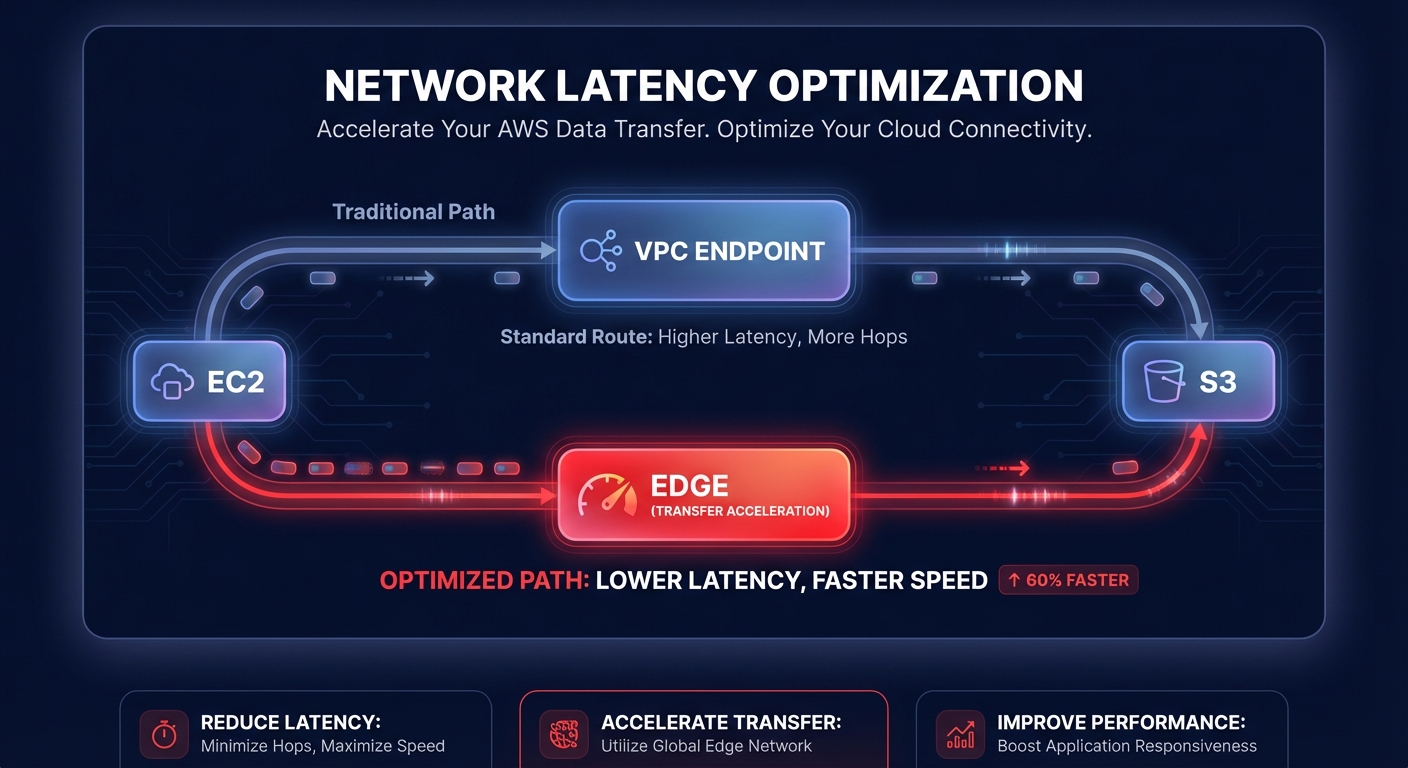
To minimize expenses while maintaining low-latency paths, you should utilize Gateway VPC Endpoints. These allow your traffic to remain within the AWS network, bypassing the public internet while reducing both latency and the AWS egress costs associated with data transfer. For frequently accessed objects, integrating a caching layer such as Amazon CloudFront or ElastiCache can offload request volume from S3 entirely, ensuring your application maintains sub-millisecond response times for your most critical data.
Monitoring performance metrics and bottlenecks
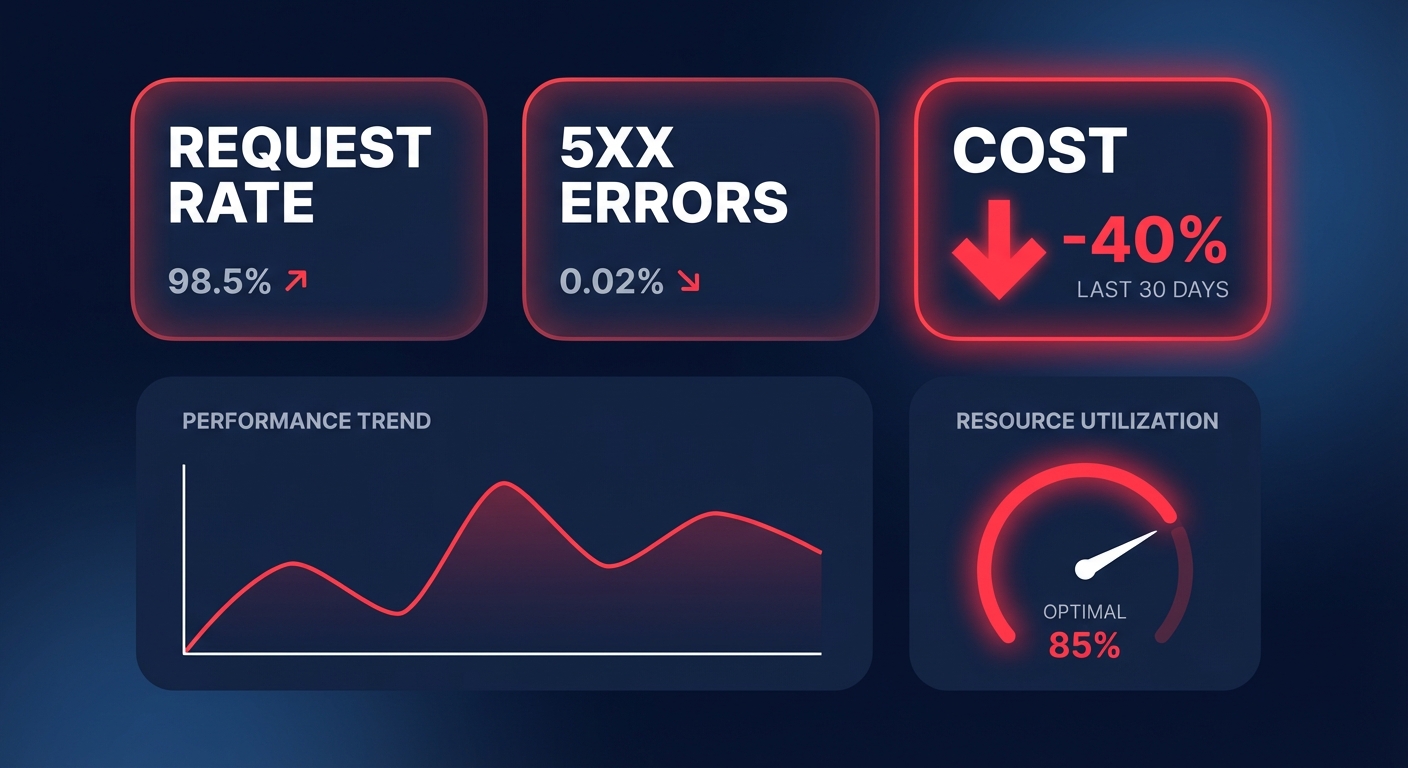
Effective tuning is impossible without deep visibility into your storage metrics. You should monitor request rates and 5xx error metrics using AWS CloudWatch application monitoring to identify exactly when your application approaches scaling limits. If you are using a Storage Gateway, keep a close eye on the `IoWaitPercent` metric to detect disk-level bottlenecks that might be masquerading as S3 latency.
High CPU utilization, reflected in the `UserCpuPercent` metric, often indicates that your client-side application is struggling with the overhead of managing thousands of concurrent connections. To mitigate this, consider these infrastructure adjustments:
- Use NVMe or SSD for root and cache disks on your EC2 instances to minimize I/O wait times.
- Monitor AWS performance metrics such as throughput and capacity to plan for predictable traffic spikes.
- Implement AWS network performance monitoring to distinguish between application-level issues and underlying infrastructure constraints.
Treating these metrics as application “vital signs” within a broader performance troubleshooting guide ensures that you can resolve issues before they impact user experience. Understanding AWS performance SLAs is also critical, as it provides the reliability baseline your tuning must support.
Preserving performance during cost optimization
Aggressive cost optimization often makes engineers nervous about potential performance degradation. Moving data to colder storage classes like S3 Glacier can introduce retrieval latencies that break real-time applications. This is why S3 storage cost optimization must focus on intelligent lifecycle management and rate optimization rather than just tiering objects blindly. Effective cloud application performance monitoring allows you to correlate cost-saving changes with real-time performance impacts.
Hykell specializes in automated cloud cost optimization that targets your AWS bill without touching the underlying infrastructure that drives your performance. By focusing on AWS rate optimization and identifying underutilized resources through detailed cost audits, Hykell helps you reduce your cloud spend by up to 40% on autopilot. This is like having a smart thermostat for your cloud resources; it adjusts for maximum efficiency while your engineering team keeps S3 configured for peak throughput and minimum latency.
Maintaining a high-performance S3 environment requires a balance between parallel request patterns, optimized networking, and granular monitoring. When you align these technical configurations with an automated cost management strategy, you eliminate the trade-off between speed and budget.
Take the guesswork out of your cloud expenses and ensure your infrastructure is as efficient as your code. Schedule a free AWS cost audit with Hykell today to uncover hidden savings while preserving your high-performance benchmarks.

