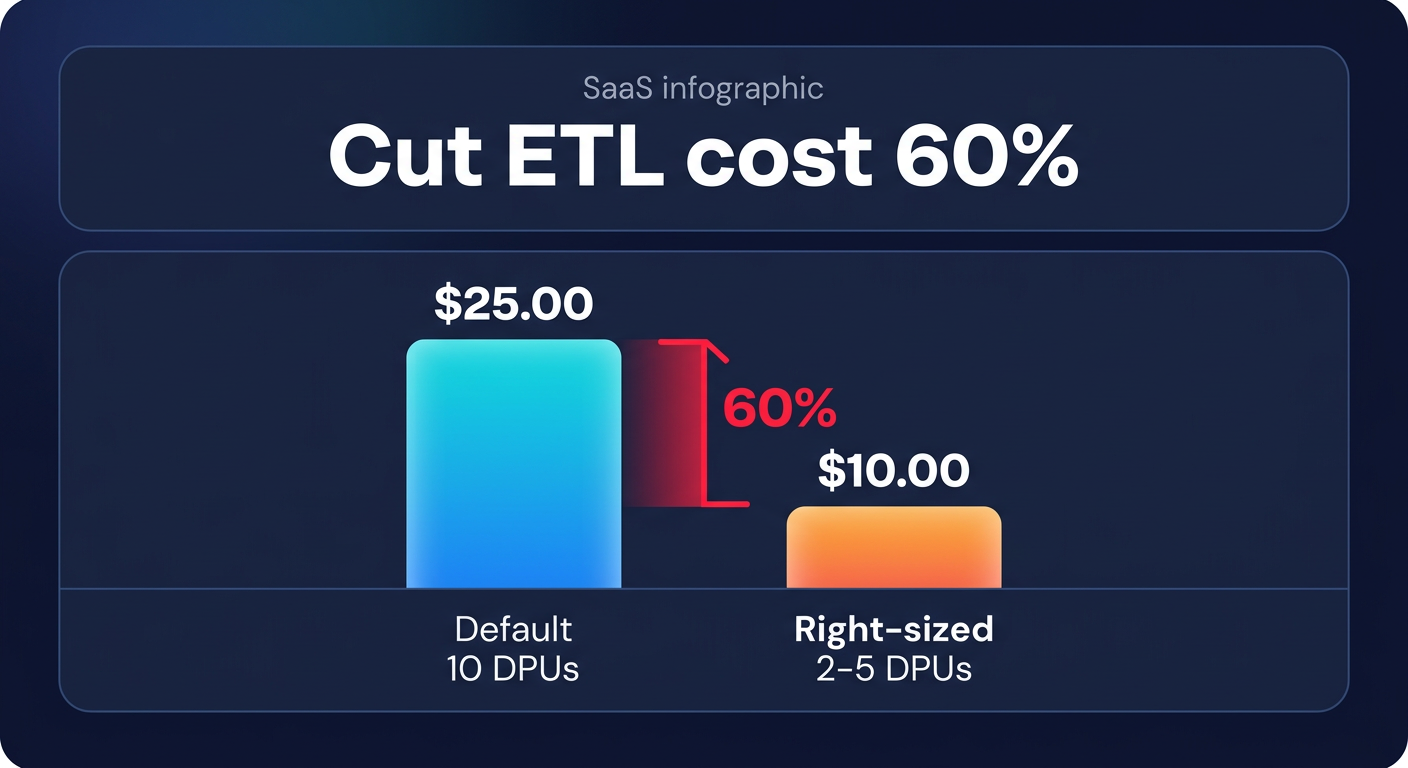
Did you know that defaulting to the standard 10 Data Processing Units (DPUs) for every Spark job can inflate your ETL bill by more than 60%? Unoptimized pipelines often devour cloud budgets because they treat serverless processing as a set-and-forget expense rather than a variable cost to be managed.
Mastering the DPU unit economics
At its core, AWS Glue pricing is driven by the Data Processing Unit (DPU). Each DPU provides 4 vCPUs and 16 GB of memory, billed at $0.44 per DPU-hour for Spark jobs in regions like US East. While the per-second billing with a 1-minute minimum offers some flexibility, the costs escalate quickly if you over-provision workers or leave jobs running longer than necessary.
To eliminate overspending, you must first understand your workload’s “gravity.” Small to medium datasets often perform perfectly well on 2 to 5 DPUs, yet the default configuration often throws twice that capacity at the task. By right-sizing your DPUs based on the actual data volume, you can align your spend with the literal computational requirements of your pipeline. For teams reducing AWS egress costs alongside ETL improvements, these DPU savings are often the first step in reclaiming a ballooning data budget.
Right-sizing with worker types and auto-scaling
Choosing the right worker type is one of the most direct levers available when using cloud right-sizing tools. AWS Glue offers several configurations tailored to different compute and memory needs. The Standard and G.1X types serve light-duty transformations well, but more intensive tasks require a strategic shift. For instance, G.2X workers provide double the memory and disk space of G.1X, making them ideal for large shuffles or complex joins. In some cases, moving to G.4X or G.8X can actually be more cost-effective for memory-heavy workloads because it reduces the risk of “out of memory” errors that force expensive job retries.
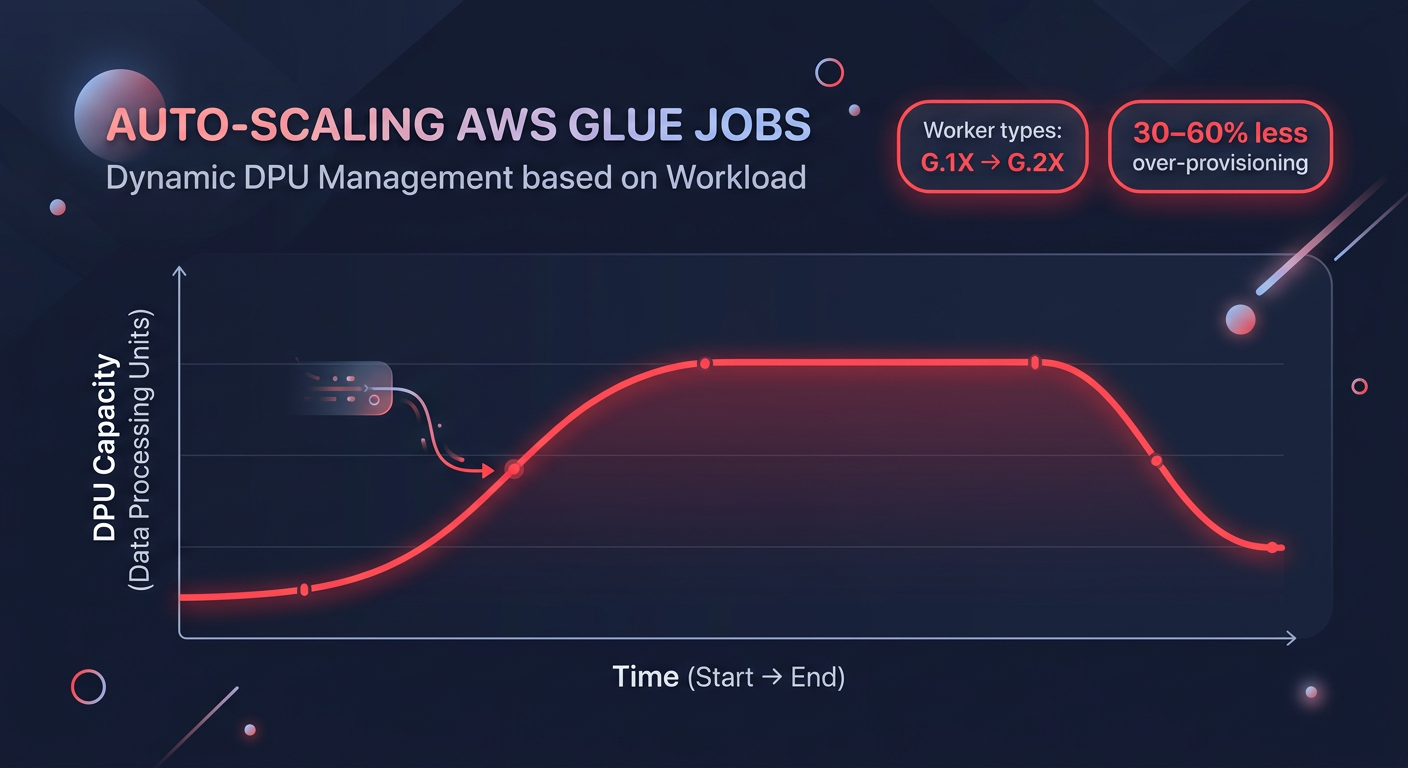
The introduction of Glue Auto-scaling in versions 3.0 and 4.0 has transformed how engineers manage variable data volumes. Instead of paying for a fixed maximum number of workers throughout the job duration, auto-scaling dynamically adjusts the DPU count based on the real-time workload. This capability can reduce over-provisioning by 30-60%. For even greater efficiency, Glue Flex is an excellent choice for non-urgent jobs like pre-production testing or overnight batch processing. These jobs utilize spare capacity and are up to 34% cheaper than standard Glue jobs.
Efficient job design and data pruning
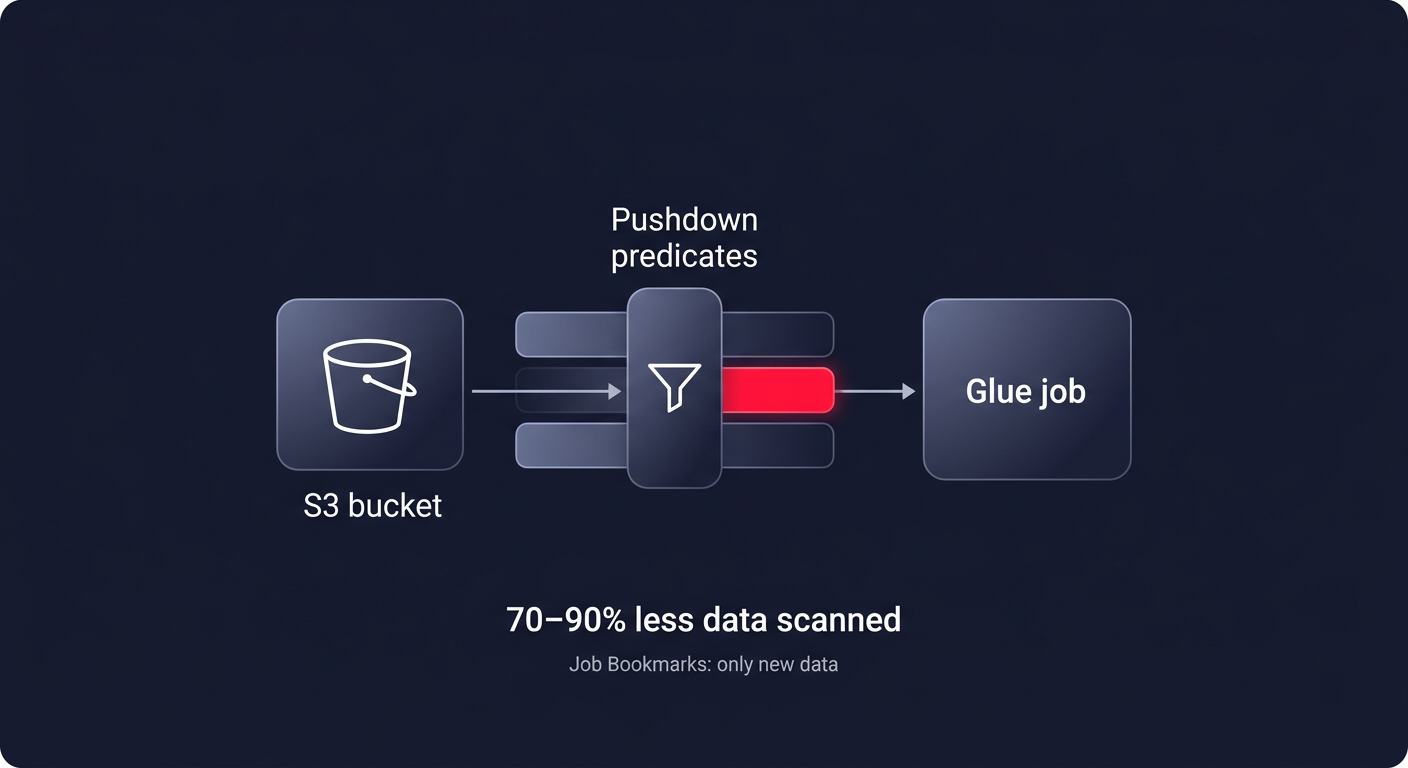
Optimizing your code is just as critical as tuning your infrastructure. If your Glue job scans an entire S3 bucket just to process yesterday’s logs, you are wasting money. Pushdown predicates allow you to filter data at the source – specifically at the S3 partition level – before it ever enters the Glue executor memory. This simple configuration can reduce data scanned by 70-90%, directly lowering your DPU-hours. Similarly, enabling Job Bookmarks ensures that your ETL pipeline only processes new data on subsequent runs, preventing the redundant reprocessing of millions of records.
Data structure choices also play a major role in runtime performance. You should evaluate the choice between DynamicFrames and DataFrames based on your specific use case. While DynamicFrames are excellent for handling schema evolution, standard Spark DataFrames are often 20-40% faster for transformations where the schema is already known. Because speed translates directly to lower DPU-hour consumption, choosing the faster framework is a straightforward way to trim the bill.
Proactive monitoring and observability
You cannot optimize what you do not measure. Implementing robust application monitoring with CloudWatch is essential for identifying “zombie” jobs or skewed data distributions that cause single executors to hang. Key metrics like the number of running tasks for the executor allocation manager help you verify if auto-scaling is working effectively. You should also track elapsed time for aggregates to catch runtime regressions early.
Advanced teams use comprehensive cloud FinOps tools to monitor the `dpuSeconds` metric, which allows for the calculation of the exact cost per job run. By setting up CloudWatch alarms for cases where executor utilization stays below 50%, you can identify jobs that are significantly over-provisioned. This data-driven approach allows you to scale back workers in the next iteration without risking job failure.
Achieve total pipeline efficiency
Optimizing AWS Glue requires a continuous cycle of right-sizing worker types, refining Spark code, and leveraging modern features like auto-scaling and Flex jobs. While these manual adjustments can save you thousands, they often require ongoing engineering effort that distracts from core product development.
Hykell takes the burden of cloud cost management off your shoulders. By using automated AWS rate optimization and performance-aware rightsizing, Hykell can reduce your overall AWS spend by up to 40% on autopilot. We operate on a performance-based model: if you don’t save, you don’t pay. To see exactly how much you could be overspending on your data pipelines, use our cloud cost savings calculator or book a free cost audit today.