
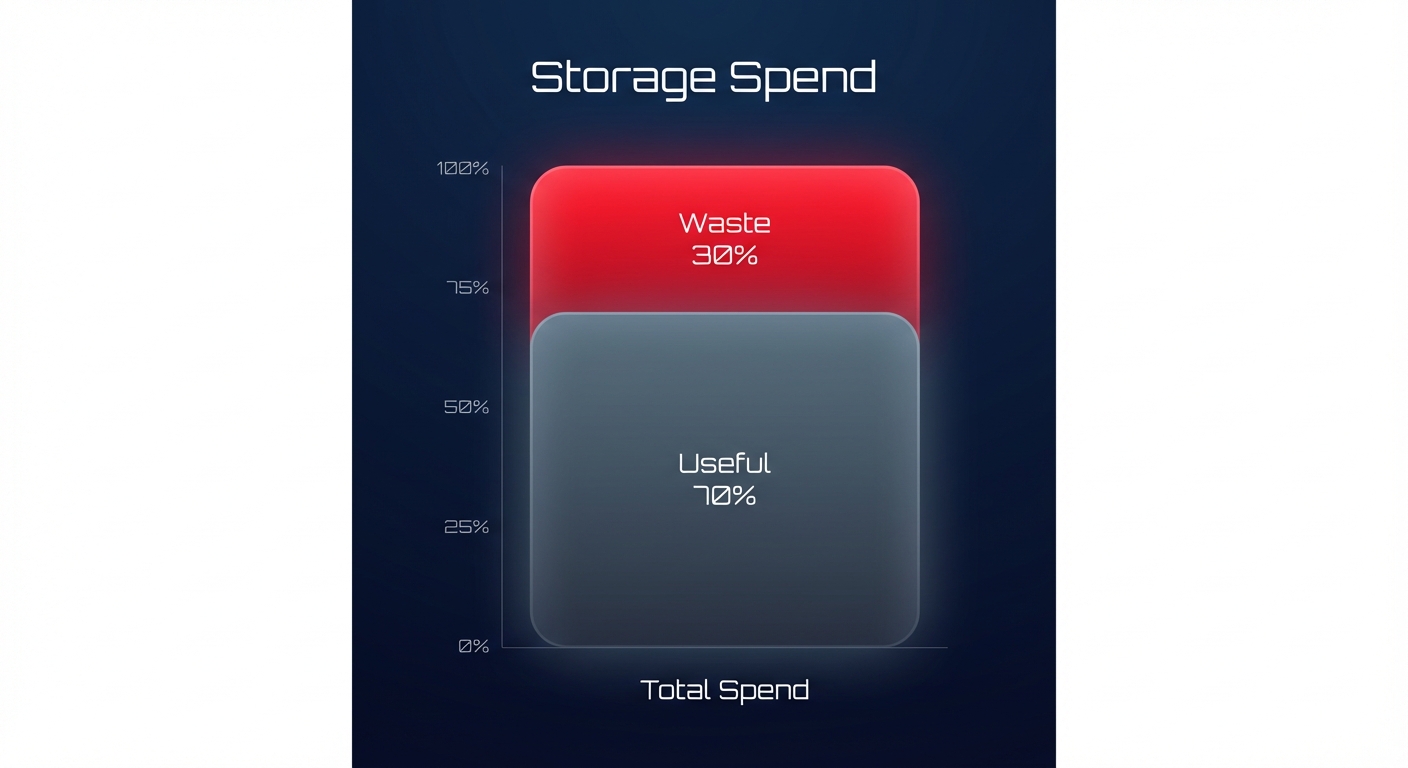
Are you paying to store data that hasn’t been accessed in years? For many engineering teams, storage waste is a silent budget killer, often accounting for 30% of the total AWS bill. Here is how to reclaim those funds through systematic auditing.
Auditing your storage environment is not just about deleting old files; it is about building a sustainable cloud cost governance framework that aligns your infrastructure with actual business needs. By following a structured audit process, you can transition from reactive firefighting to proactive financial management.
The end-to-end storage audit framework
A successful audit follows the FinOps phases of Inform, Optimize, and Operate. Because you cannot manage what you cannot see, your first step is always visibility. You should begin by using AWS Cost Explorer to identify which storage services, such as S3, EBS, or EFS, are driving the highest month-over-month growth. Once you have this data, compare your storage-to-compute ratio against industry standards. If your storage costs exceed 25% of your total spend, you likely have significant “zombie” data lingering in your environment.
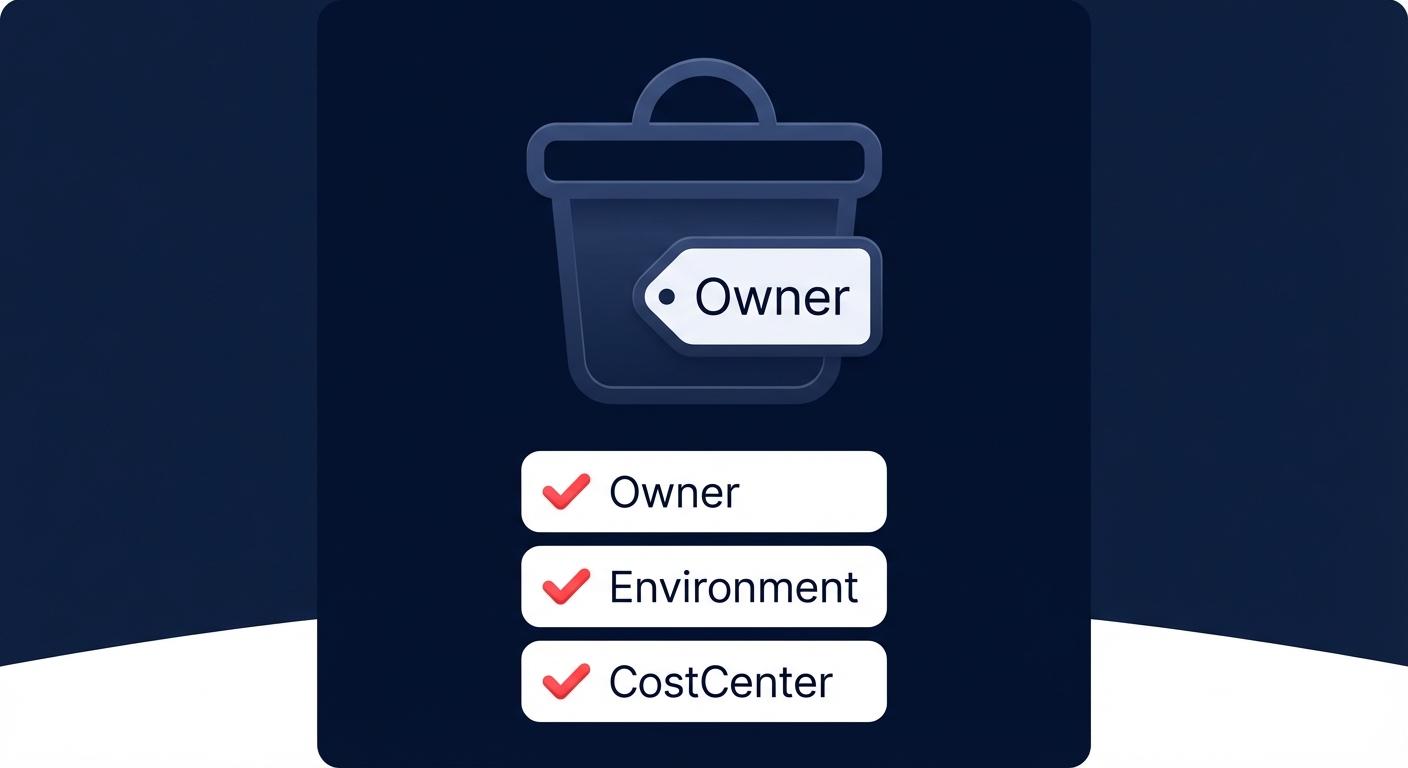
Optimization follows visibility. This phase involves executing technical changes, such as migrating gp2 volumes to gp3 or implementing S3 Intelligent-Tiering to automate cost reduction. To ensure these savings persist, you must define a clear tagging taxonomy. Implementing consistent cost allocation tags ensures that every byte of data has a clear owner, allowing for accurate chargeback or showback reporting.
Auditing Amazon S3: Beyond the standard tier
Many teams use S3 Standard as a “lazy default” for all data, which is often the most expensive way to manage storage. According to AWS S3 cost optimization best practices, transitioning cold data to Glacier Deep Archive can be up to 23 times cheaper than the Standard tier. To find these opportunities, enable S3 Storage Lens to get an organization-wide view of object metadata. You should specifically look for “non-current version” spend, as orphaned versions of objects can represent 15–20% of total S3 waste.
For workloads with unpredictable access patterns, S3 Intelligent-Tiering is a powerful tool. It automatically moves data between frequent and infrequent access levels with zero performance impact, essentially acting as an automated financial manager for your buckets. Additionally, you should implement lifecycle policies to automate the transition of logs to S3 One Zone-IA after 30 days and to Glacier after 90 days, ensuring you aren’t paying premium prices for aging log data.
Auditing EBS: Eliminating zombie volumes
Amazon Elastic Block Store (EBS) is frequently mismanaged because volumes often persist even after the associated EC2 instance is terminated. A thorough AWS EBS audit often uncovers thousands of dollars in unattached volumes. You can use AWS Trusted Advisor to find volumes in the “available” state, which are active resources you are paying for that aren’t performing any work.
Beyond cleaning up idle resources, you can achieve an immediate 20% cost reduction by migrating from gp2 to gp3. This migration allows you to decouple IOPS from storage size, so you only pay for the performance you actually use. Snapshot proliferation is another major driver of hidden costs. You must audit your snapshots to ensure they follow a strict retention policy using AWS Data Lifecycle Manager, preventing the accumulation of redundant backups that no longer serve a business purpose.
Controlling EFS and AWS Backup costs
Amazon EFS offers high convenience but can become prohibitively expensive without the use of “Infrequent Access” (IA) tiers. For US-based companies, the price difference between EFS Standard and EFS IA is significant. Ensure you have Lifecycle Management enabled to move files that haven’t been accessed for 30 days into the cheaper tier.
For AWS Backup, use the AWS Backup Audit Manager to generate reports on backup activity. This allows you to identify “orphaned” backups from deleted projects and ensure you aren’t backing up non-critical development environments with the same frequency as production databases. Similarly, you should review your CloudWatch Logs pricing and set retention periods for all log groups to avoid the “never expire” trap, which can quietly inflate your monthly bill over time.
Defining ownership with a RACI model
One of the biggest hurdles in conducting a cloud cost audit is determining who has the authority to delete a resource. To solve this, you must define a RACI (Responsible, Accountable, Consulted, Informed) model. In this framework, DevOps engineers are responsible for executing the cleanup and migrating volume types, while the Engineering Lead is accountable for approving deletions and ensuring application performance is maintained.
The FinOps or Finance team should be consulted to provide budget targets and help identify unexplained cost anomalies. Finally, Product Owners must be informed of changes that might affect data retrieval latencies, such as moving data to Glacier. This structured approach prevents the “fear of deletion” that often leads to ballooning storage costs.
The storage audit checklist for engineers
Use this checklist during your monthly or quarterly cost reviews to maintain a lean environment:
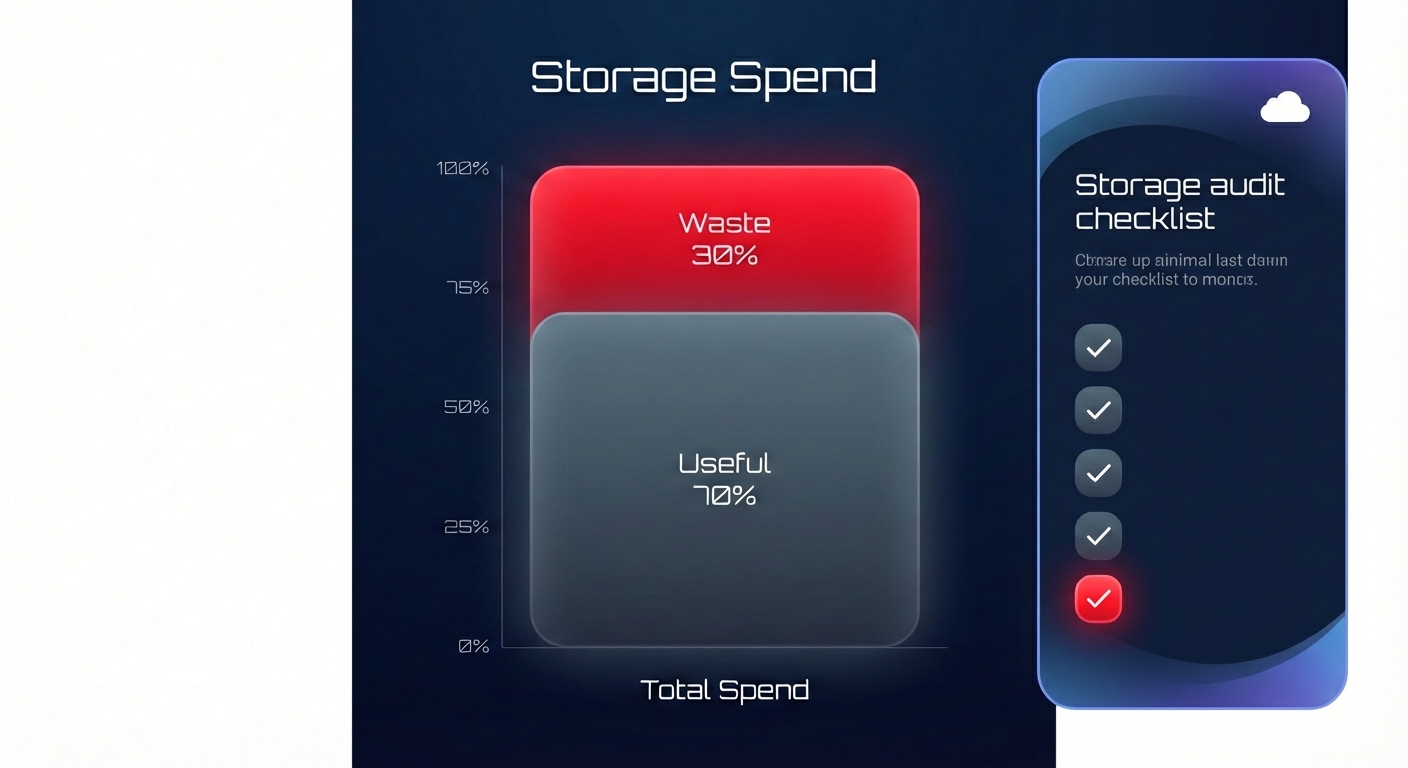
- Delete all EBS volumes in an “available” state after taking a final snapshot for safety.
- Migrate all eligible gp2 volumes to gp3 for immediate storage savings.
- Set retention periods for all CloudWatch log groups to prevent indefinite storage billing.
- Enable S3 Intelligent-Tiering for any buckets where the access pattern is not perfectly predictable.
- Identify and remove snapshots older than 90 days that are not required for legal or compliance reasons.
- Confirm all storage resources have mandatory tags for Owner, Environment, and CostCenter.
Automating the audit with Hykell
Manual audits are time-consuming and are often out-of-date by the time the report is finished. This is where Hykell changes the game. Instead of tasking your engineers with manual EBS migrations or complex S3 tiering analysis, Hykell provides automated cloud cost optimization that works on autopilot.
The platform continuously monitors your actual IOPS and throughput usage, identifying underutilized storage and automatically executing optimizations like gp2 to gp3 migrations without any engineering lift. We specialize in AWS rate optimization and workload right-sizing, helping companies reduce their total AWS spend by up to 40%. Because Hykell operates on a performance-based model, you only pay a slice of what you actually save. If you don’t save, you don’t pay.
Book a free cost audit with Hykell today to see exactly how much your storage waste is costing you and start your journey toward a leaner cloud.

