
Is your application suffering from “disk wait” while your AWS bill continues to climb? Understanding the mechanics of Amazon Elastic Block Store (EBS) is the difference between a high-performing architecture and an over-provisioned money pit.
Understanding the triad of IOPS, throughput, and latency
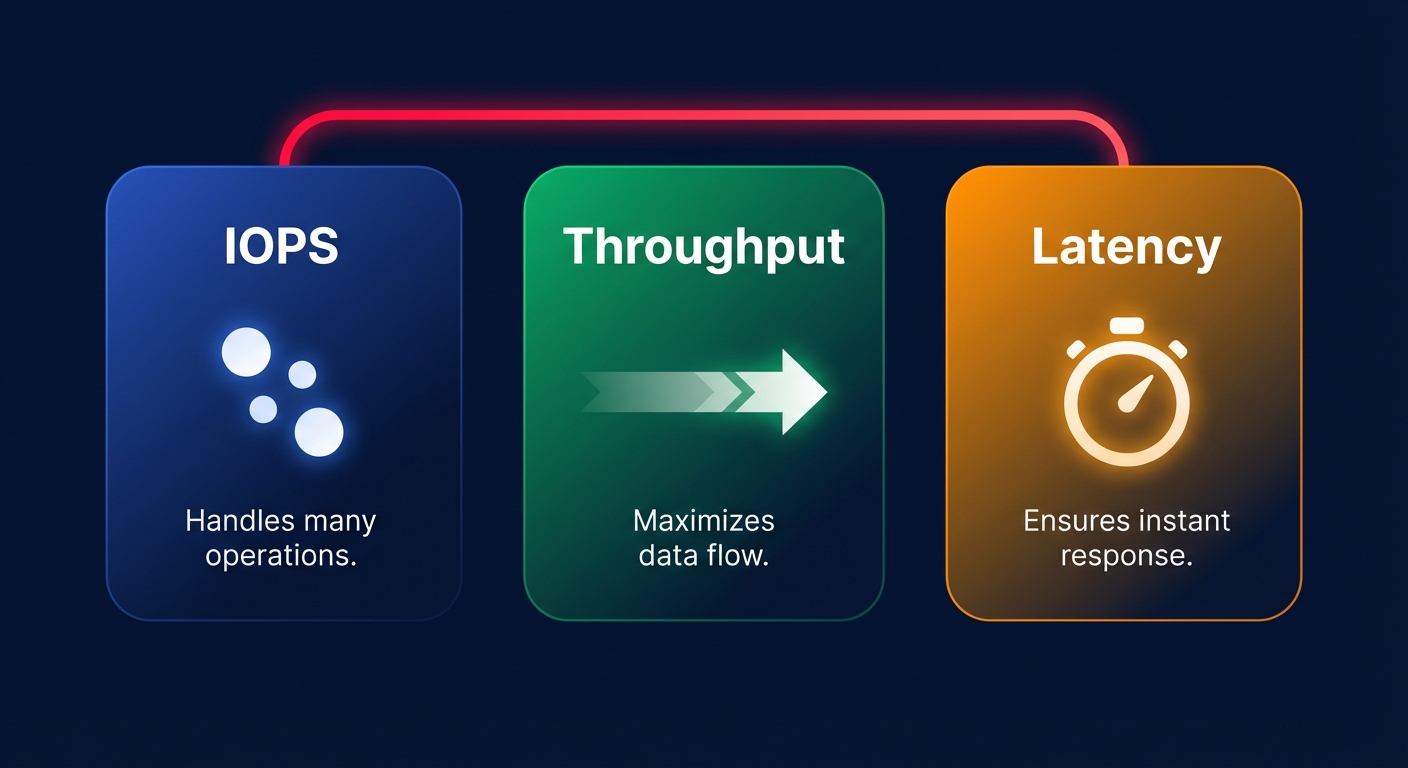
To optimize EBS, you must first decouple three metrics that are often conflated: IOPS, throughput, and latency. AWS IOPS explained simply is the measure of how many read or write operations your storage can handle each second. This metric is the lifeblood of transactional databases like MySQL or PostgreSQL, where small, frequent I/O operations are the norm and every millisecond of delay impacts application responsiveness.
Throughput represents the volume of data transferred per second, typically expressed in MiB/s. While a database might need high IOPS for random lookups, a big data processing pipeline or a log aggregation service requires high EBS throughput limits to move large sequential blocks of data efficiently. Mismatching these two metrics often leads to significant overspending or unexpected performance degradation.
Troubleshooting Amazon EBS latency requires looking at the “hidden” metric: the time it takes for a single I/O request to complete. Even if you have provisioned 10,000 IOPS, your application will feel sluggish if your latency spikes from single-digit milliseconds to double digits. High latency is often a symptom of hitting a performance cliff, typically caused by reaching the limits of your volume type or the dedicated bandwidth of your instance.
Matching EBS volume types to real-world workloads
Choosing a volume type is no longer just a choice between SSD and HDD; it requires understanding how each volume handles sustained versus bursty workloads. The gp3 volume type has become the modern standard because it decouples storage capacity from performance. You receive a baseline of 3,000 IOPS and 125 MiB/s at any volume size, with the ability to scale up to 16,000 IOPS and 1,000 MiB/s independently. For most engineering teams, focusing on AWS Elastic Block Store cost optimization by migrating from gp2 to gp3 is the fastest way to achieve a 20% cost reduction while gaining more predictable performance baselines.
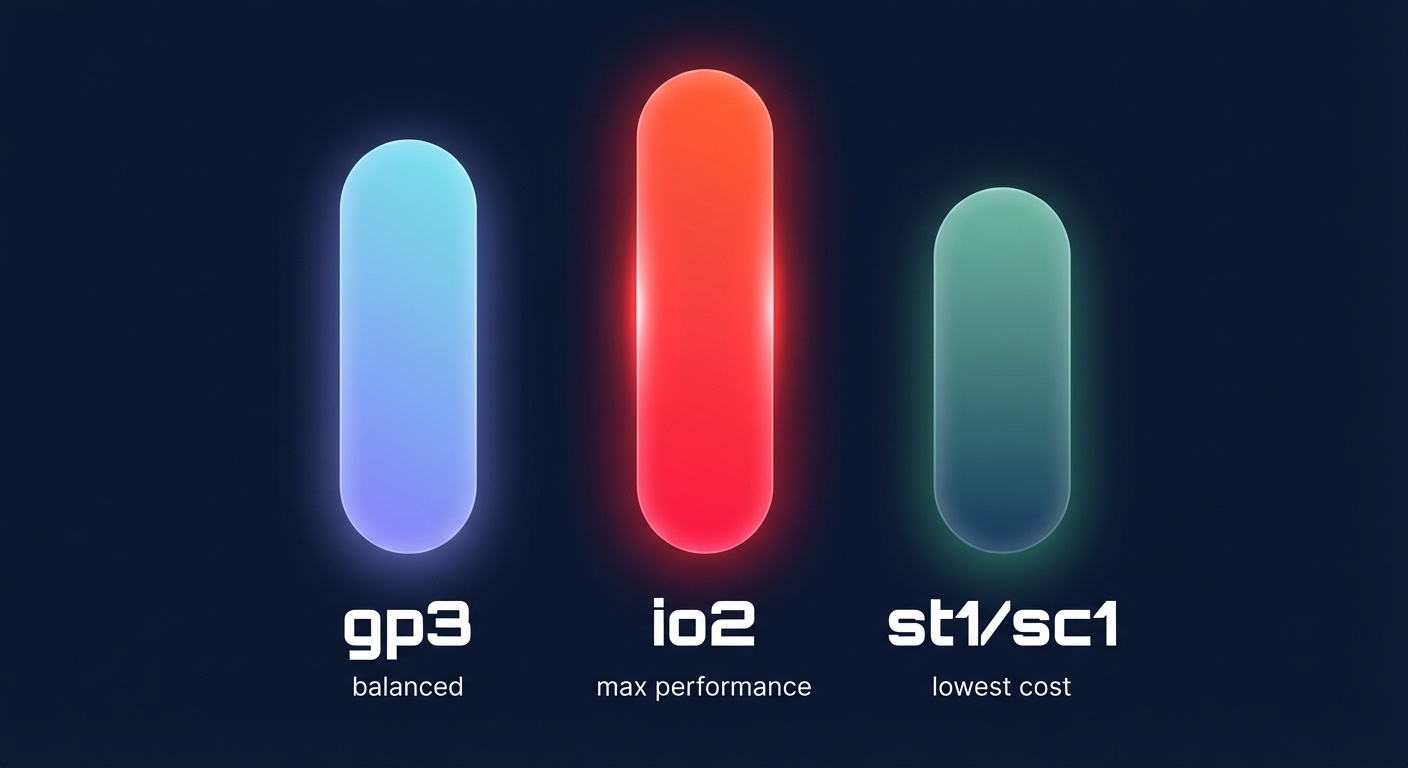
For the most demanding mission-critical workloads, io2 Block Express offers sub-millisecond latency and up to 256,000 IOPS per volume. With 99.999% durability, it is designed for high-performance databases like SAP HANA or Oracle. However, this performance comes at a premium price. Conversely, if your primary driver is cost-per-GB for cold storage or large-scale sequential ETL jobs, HDD-backed volumes like st1 and sc1 are more appropriate, though they cannot be used as boot volumes.
Solving the instance-level bottleneck
A common mistake engineering leaders make is provisioning a high-performance io2 volume and attaching it to an EC2 instance that lacks the capacity to support it. Every instance has a dedicated “pipe” for EBS traffic, and if that pipe is too narrow, your storage will be throttled. For example, a t3.medium instance has a baseline throughput of only 347 Mbps and a burst limit of 2,085 Mbps. If you attach a high-speed volume to this instance, you will hit the instance limit long before the volume reaches its provisioned capacity.
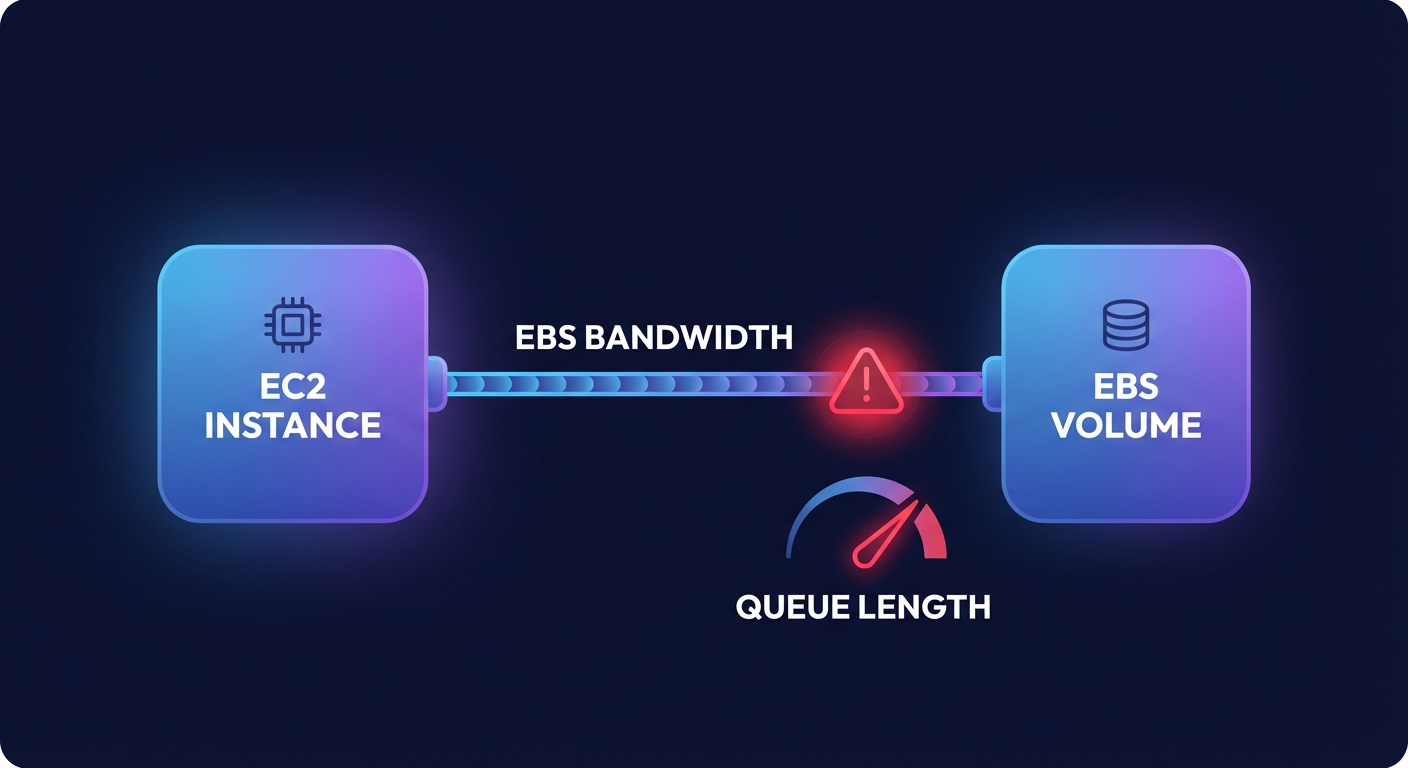
To avoid these bottlenecks, you must be strategic in choosing the right instance type for your aggregate storage needs. Always utilize EBS-optimized instances to ensure dedicated bandwidth for your I/O operations. Monitoring the VolumeQueueLength metric in CloudWatch is essential here; a queue length that is consistently high relative to your provisioned IOPS usually indicates that the instance or volume is being saturated, leading to the “noisy neighbor” effects that degrade user experience.
Advanced benchmarking and optimization strategies
Before committing to a specific storage architecture, you should validate your assumptions by performing an AWS EBS benchmark using industry-standard tools like fio. This process helps you identify the “first-write penalty” and understand how background copy operations during managing EBS snapshot performance impact might affect your production workloads. While snapshots are designed to be non-blocking, they can increase latency and queue depth for write-heavy applications as data is transferred to S3.
If you require performance that exceeds the limits of a single volume, you can use RAID 0 configurations to stripe data across multiple gp3 volumes. This technique allows you to aggregate IOPS and throughput, often reaching performance levels comparable to io2 volumes but at a fraction of the cost. However, this approach requires careful lifecycle management to ensure data resiliency across the striped set.
Automating performance and cost management with Hykell
Managing EBS performance manually is a losing battle against complexity. Engineering teams often over-provision “just in case,” leading to thousands of dollars in wasted spend on unused IOPS and orphaned volumes. Hykell changes this equation by providing automated cloud cost optimization that operates on autopilot.
By analyzing real-time CloudWatch metrics, Hykell identifies volumes that are over-provisioned or running on inefficient, older generations like gp2. The platform executes EBS performance optimization strategies automatically – migrating volumes to current generations, right-sizing IOPS to match actual demand, and cleaning up zombie snapshots. This ensures your applications maintain the speed they need while you benefit from cloud resource rightsizing that can reduce your total AWS bill by up to 40%.
Hykell operates on a performance-aligned model: we only take a slice of what we save you. If we don’t find savings, you don’t pay. Stop guessing your storage requirements and let automation handle the heavy lifting. Check our pricing and see how we can optimize your AWS storage performance today.

