Is your engineering team spending more time defending cloud invoices than shipping code? Understanding the technical divide between AWS Cost Explorer and AWS Budgets is essential for US-based companies scaling without their infrastructure costs spiraling out of control.
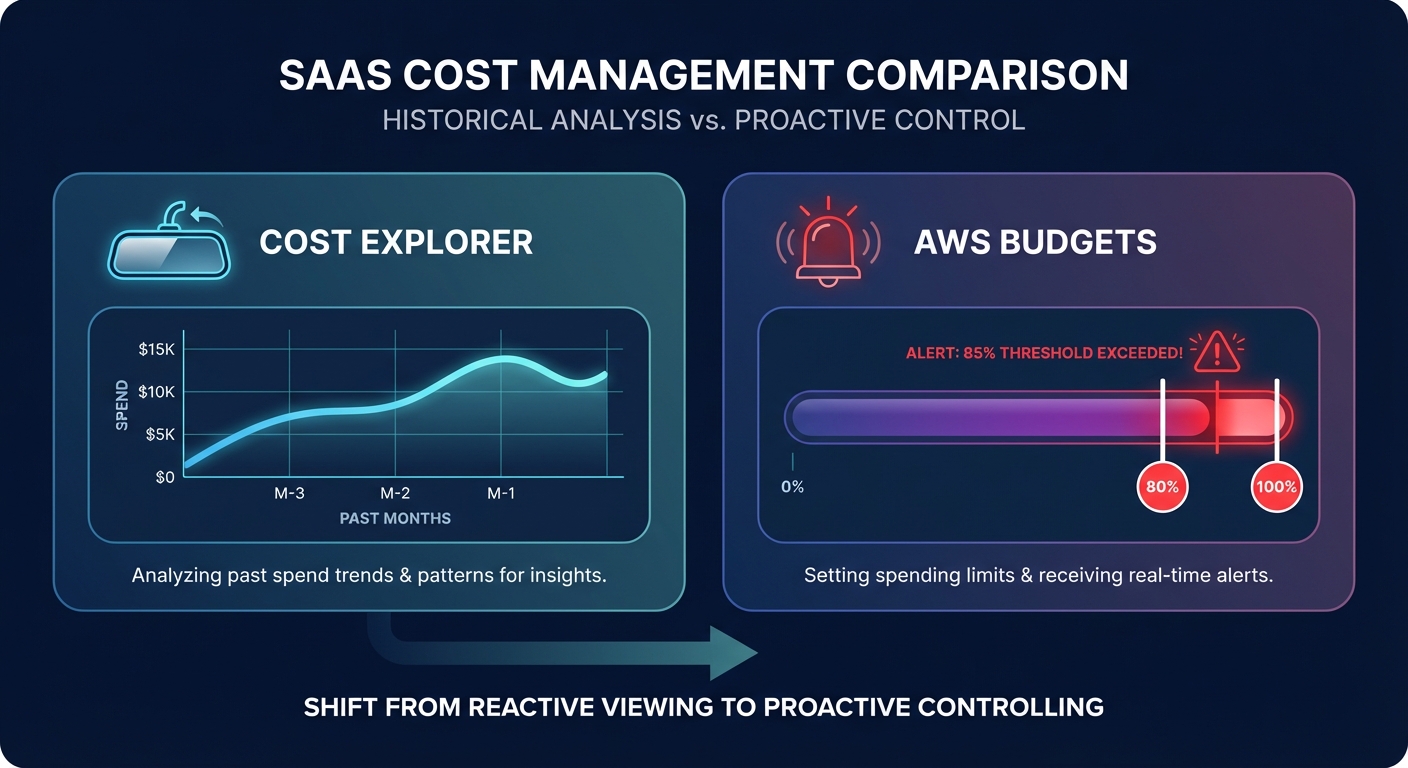
While both tools fall under the AWS Billing and Cost Management umbrella, they serve fundamentally different functions in a FinOps strategy. AWS Cost Explorer is your rearview mirror, designed for deep-dive historical analysis, while AWS Budgets acts as your security alarm, providing proactive alerts and automated guardrails.
AWS Cost Explorer: the diagnostic engine for historical spend
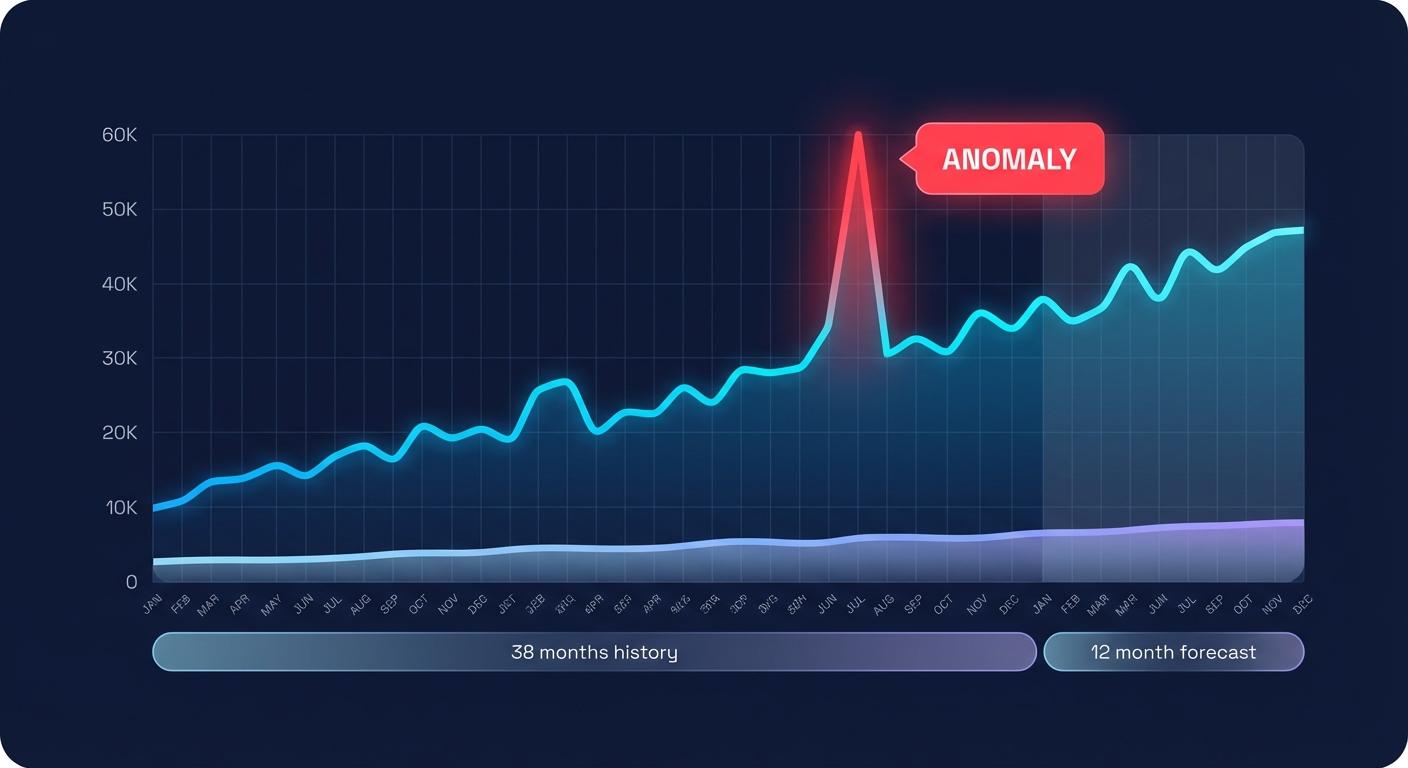
AWS Cost Explorer serves as the primary visualization tool for engineering managers and FinOps leads who need to understand exactly where their money went. It provides a massive window into your infrastructure history, offering up to 13 months of data by default – or up to 38 months with extended retention – and forecasting for up to 18 months. This granularity allows you to pinpoint which services or linked accounts drove a spike in last month’s bill with precision.
Using a comprehensive AWS Cloud Cost Explorer guide, you can learn to filter costs by up to 18 dimensions. These include Region, Instance Type, and AWS cost allocation tags, which are metadata labels applied to resources like EC2 or S3. This depth of visibility is often where teams discover that 40% of their instances are sitting below 10% CPU utilization, identifying immediate candidates for rightsizing.
Beyond simple visualization, the tool utilizes machine learning for AWS cost anomaly detection. It establishes baselines based on your usage and flags unexpected spending spikes that deviate from historical patterns. It also provides automated AWS Cost Explorer recommendations for Reserved Instances (RIs) and Savings Plans based on your past usage. However, because Cost Explorer is fundamentally reactive, the money is often already spent by the time an anomaly appears in your dashboard.
AWS Budgets: proactive enforcement of financial limits
If Cost Explorer tells you why you spent money, cloud budgeting and forecasting via AWS Budgets tells you when you are about to spend too much. This tool allows you to set custom financial guardrails and receive alerts when your actual or forecasted spend crosses specific thresholds, such as 80% or 100% of your monthly allocation.
Follow these AWS billing best practices to implement effective controls:
- Diverse budget types allow you to track total costs, specific service usage (like S3 data transfers or EC2 hours), and commitment metrics such as RI and Savings Plan utilization and coverage.
- Automated Budgets Actions enable advanced users to trigger custom workflows, such as applying a Service Control Policy (SCP) to prevent new resource provisioning or stopping specific instances once a budget is exceeded.
- Forecasting capabilities use your usage history to predict end-of-month spend, providing a window into your financial future that helps organizations achieve more accurate financial planning.
- Alert notifications can be sent to up to 10 email addresses or one Amazon SNS topic, ensuring that stakeholders are notified the moment a threshold is breached.
The primary goal of AWS Budgets is governance. It focuses on enforcing limits and ensuring that different business units stay within their planned financial boundaries. However, keep in mind that budgets typically update up to three times daily, leading to a potential 8–12 hour latency between spend occurring and an alert triggering.
Bridging the manual gap in native AWS tools
Understanding the difference between these tools is the first step, but visibility alone is not optimization. Cost Explorer provides high-granularity resource-level data for post-hoc analysis, while AWS Budgets offers threshold-based triggers for proactive control. However, there is a significant manual gap between receiving an alert and actually reducing your bill.
For many US companies, managing these tools becomes an engineering nightmare as they scale. A cloud cost audit performed manually across hundreds of instances can take weeks of engineering effort. Furthermore, while AWS might recommend a Savings Plan, manual commitment management is inherently risky. If your workload shifts, you are often locked into paying for capacity you no longer need. This is why many organizations still leave significant savings on the table despite having native monitoring in place.
How Hykell puts your savings on autopilot
Hykell transforms your strategy from manual monitoring to automated cost visibility. While native AWS cost monitoring tools help you watch the bill, Hykell proactively reduces it by up to 40% without requiring ongoing effort from your DevOps team.
The platform specializes in AWS rate optimization by managing the lifecycle of your RIs and Savings Plans automatically. By calculating your Effective Savings Rate (ESR) – a unified metric that compares on-demand spend against actual spend – Hykell buys, sells, and converts commitments in real-time. This ensures you maintain the highest possible discounts without the risk of being locked into rigid, long-term agreements.
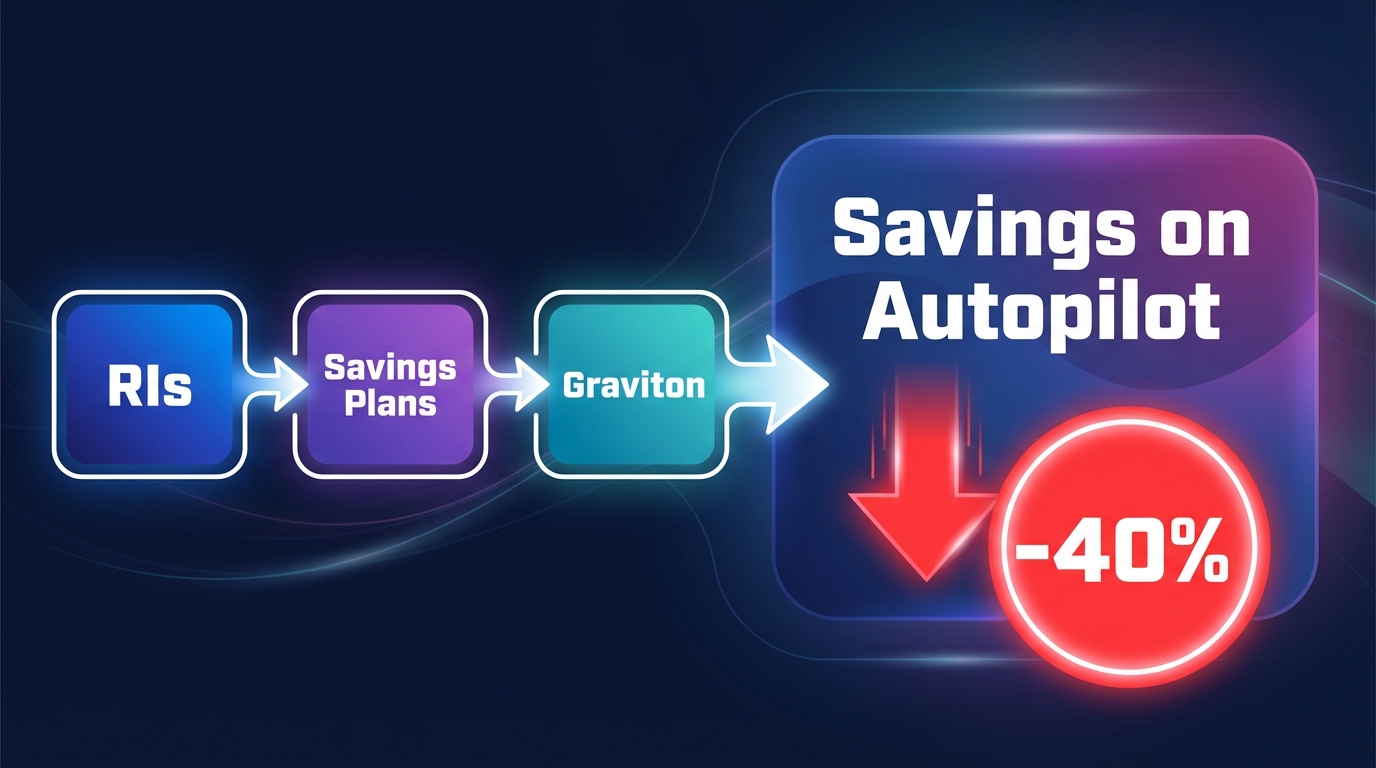
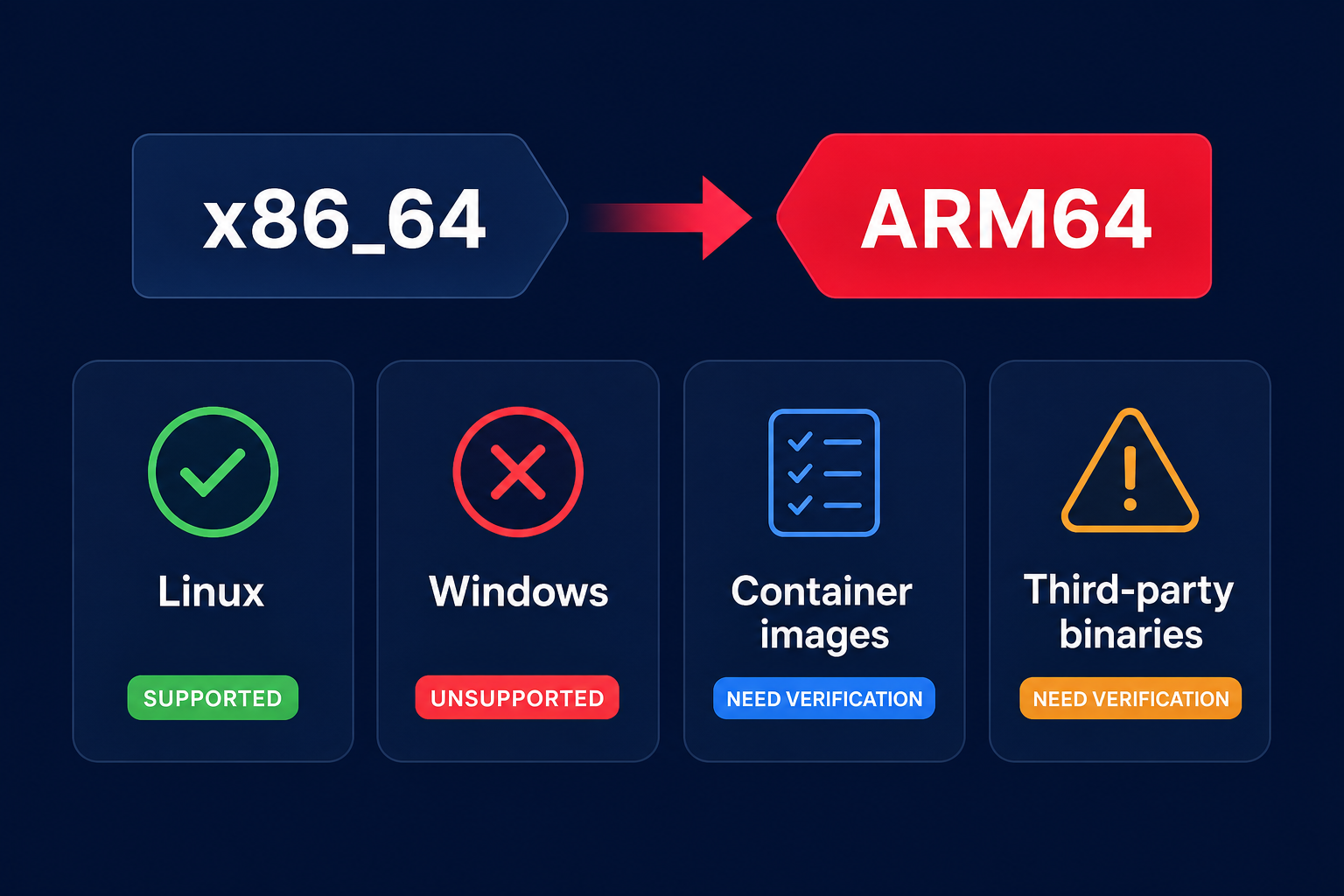
Hykell also identifies intelligent cost-saving solutions like Graviton migration. By identifying workloads ready for Arm-based processors, which can deliver up to 40% better price-performance, Hykell stacks these savings on top of your existing commitment-based discounts. To provide total transparency, the platform includes a cloud observability dashboard that adapts to user roles. CFOs can track high-level cost KPIs and ESR scores, while DevOps leads can drill down from a spend spike to a specific resource ID in seconds.
The most effective AWS cost management strategy uses a layered approach. You should use AWS Budgets to set departmental guardrails and AWS Cost Explorer to validate long-term trends and quarterly performance. However, to maximize your ROI and free your engineers from manual spreadsheet management, an automated partner is essential. Hykell operates on a performance-based model with no upfront fees; we only get paid when we successfully lower your AWS bill.
Stop wasting engineering talent on manual cost management and start focusing on innovation. You can calculate your potential savings today by using our free analysis tool to see exactly how much Hykell can save your organization.