Are your AWS Glue jobs silently draining your cloud budget while you focus on building data pipelines? Many organizations unknowingly overpay for serverless ETL by relying on default settings that provision far more capacity than their workloads actually require.
The economics of the AWS Glue DPU
At the heart of AWS Glue pricing is the Data Processing Unit (DPU). A single DPU provides 4 vCPUs and 16 GB of memory, and AWS charges $0.44 per DPU-hour for standard ETL jobs in most regions. While this pay-as-you-go model sounds simple, your total cost is driven by three variables: the number of DPUs allocated, the job duration, and the worker type.
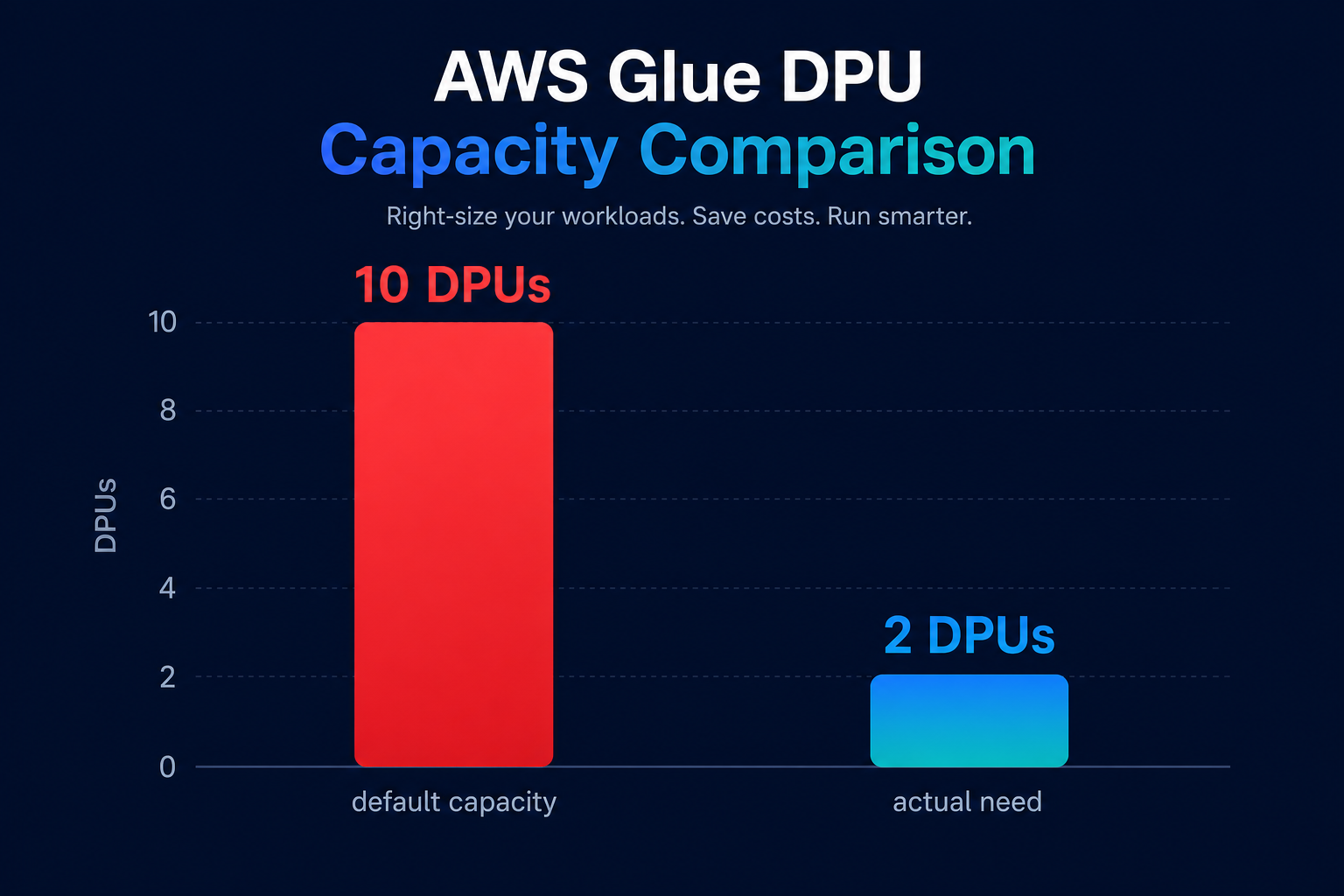
By default, AWS Glue often over-provisions resources. For example, a standard Spark job starts with 10 DPUs, even if the workload only requires two. Because Glue bills by the second with a one-minute minimum for modern versions, these default settings can lead to a 10x overpayment on every execution. To gain control, you must move beyond the “set and forget” mentality of serverless data integration and treat DPU allocation as a precision exercise tailored to your data volume.
Monitoring Glue costs with CloudWatch and tagging
You cannot optimize what you cannot see. Effective cost management begins with activating granular observability to identify which jobs are burning through your budget. AWS Glue emits metrics to Amazon CloudWatch every 30 seconds, providing insights into `workerUtilization` and `executorHeap`. If your worker utilization stays consistently between 20% and 40%, your job is likely over-provisioned or suffering from data skew that leaves workers idle while one node struggles.
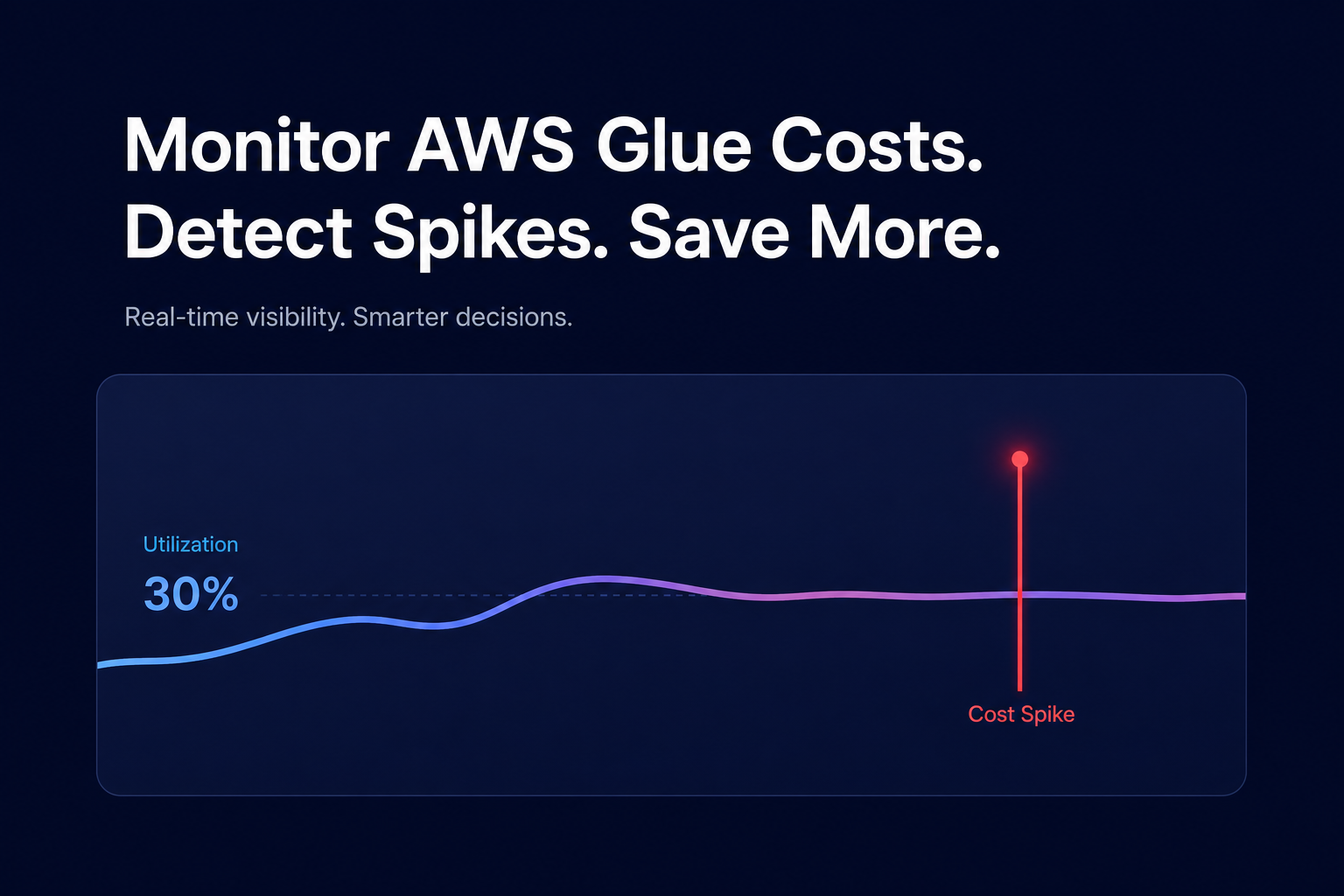
Beyond raw performance metrics, you should implement a strict tagging strategy. By applying user-defined cost allocation tags – such as Team, Project, or Environment – to your Glue jobs, you can use AWS Cost Explorer to filter spend by specific business units. This level of transparency is vital for FinOps chargeback models and internal accountability. For teams managing hundreds of accounts, Hykell’s real-time monitoring provides a unified dashboard that rolls up these costs, allowing you to drill down from a spend spike to a specific resource ID in seconds.
High-impact optimization strategies
Once you have identified the high-cost offenders in your pipeline, you can apply several architectural levers to reduce spend without compromising your performance targets.
- Enable AWS Glue Auto Scaling: Available in versions 3.0 and later, auto-scaling dynamically adds and removes workers based on the actual needs of the Spark stages. This prevents you from paying for 10 DPUs during a shuffle phase that only utilizes a fraction of that capacity.
- Leverage Flex Jobs: For non-urgent batch workloads, AWS Glue Flex jobs offer a lower price of $0.29 per DPU-hour. You trade off immediate start-up times for a significant discount, making it ideal for overnight data refreshes and non-production environments.
- Right-Size Worker Types: You can choose between G.1X (1 DPU) and G.2X (2 DPUs) based on your memory requirements. If your logs show frequent “Out of Memory” errors or heavy disk spilling, G.2X is necessary; otherwise, sticking to G.1X or using Python Shell jobs for smaller tasks can drastically lower your baseline.
- Implement Job Bookmarks: Redundant processing is a major source of waste in modern data lakes. Job bookmarks ensure that your ETL pipeline only processes new data since the last run, preventing the expensive reprocessing of millions of historic S3 records.
Managing Data Catalog and crawler expenses
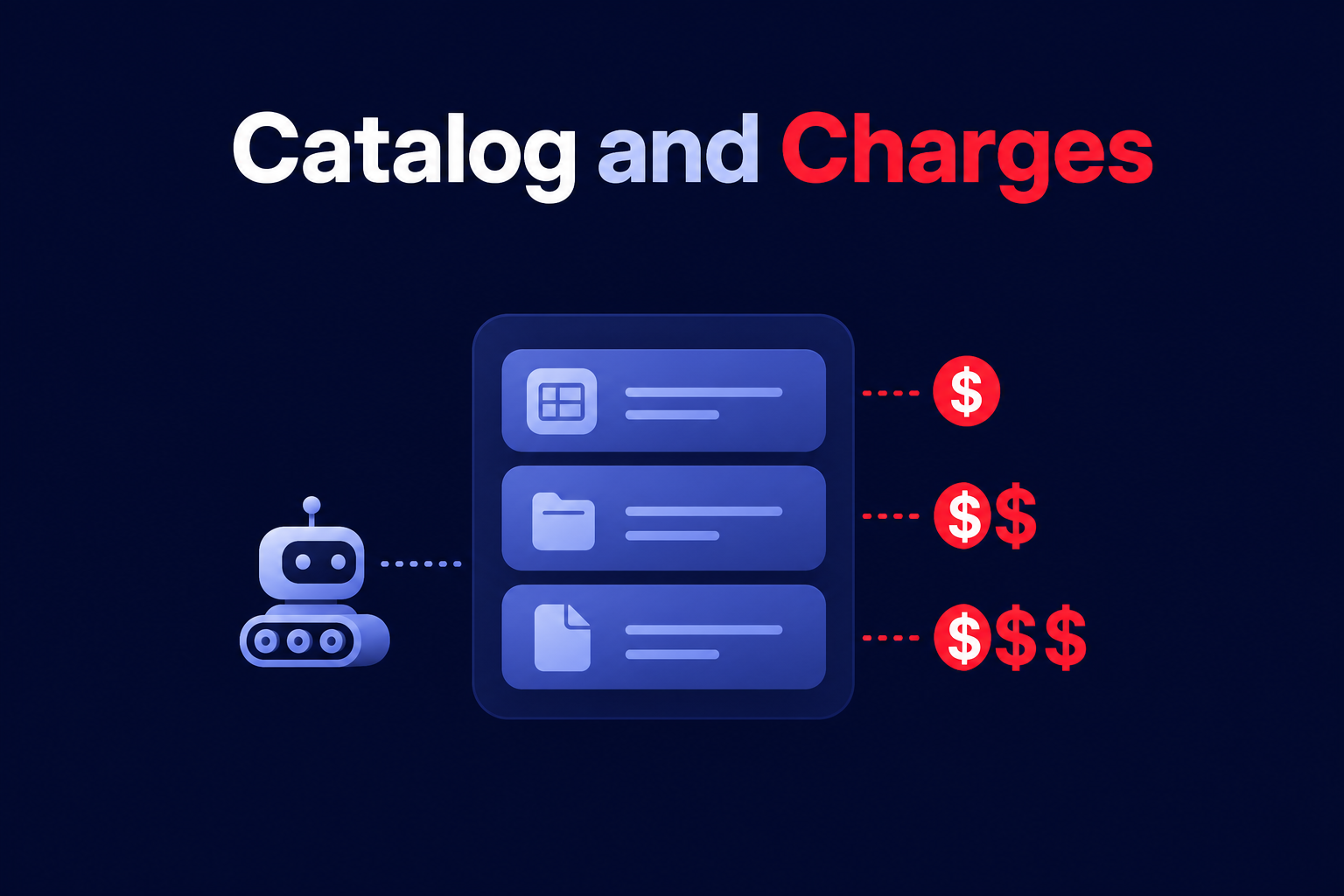
The AWS Glue Data Catalog is often overlooked because of its generous free tier of one million objects and requests. However, for enterprises with massive data lakes, metadata storage costs can become a “zombie” expense that grows unnoticed. Similarly, Glue Crawlers are charged at $0.44 per DPU-hour with a 10-minute minimum per run. Running crawlers too frequently on static datasets is a common mistake that inflates the bill for very little gain. Instead, consider using event-driven updates or manually update the catalog via API after a successful ETL job to bypass crawler costs entirely.
While tuning individual Spark jobs is essential, your Glue spend is ultimately part of a larger AWS ecosystem. Many organizations find that even optimized jobs are running on infrastructure that isn’t rate-optimized. By ensuring your account-wide Savings Plans and Reserved Instances are perfectly aligned with your compute usage, you can drive down the effective cost of the entire stack.
Hykell helps businesses take the guesswork out of AWS cost management by identifying underutilized resources and automating rate optimization on autopilot. If you are ready to see how much of your Glue budget is being wasted on unoptimized DPUs, use our cost savings calculator or contact us for a detailed audit to uncover potential savings of up to 40%.