
Are you tired of wondering why your EKS bill spiked 30% overnight? While Kubernetes provides unparalleled scaling, its “black box” pricing model often leaves DevOps and finance teams struggling to reconcile performance with actual profitability. Choosing between Kubecost and OpenCost is the first step toward regaining control.
Understanding the relationship between OpenCost and Kubecost
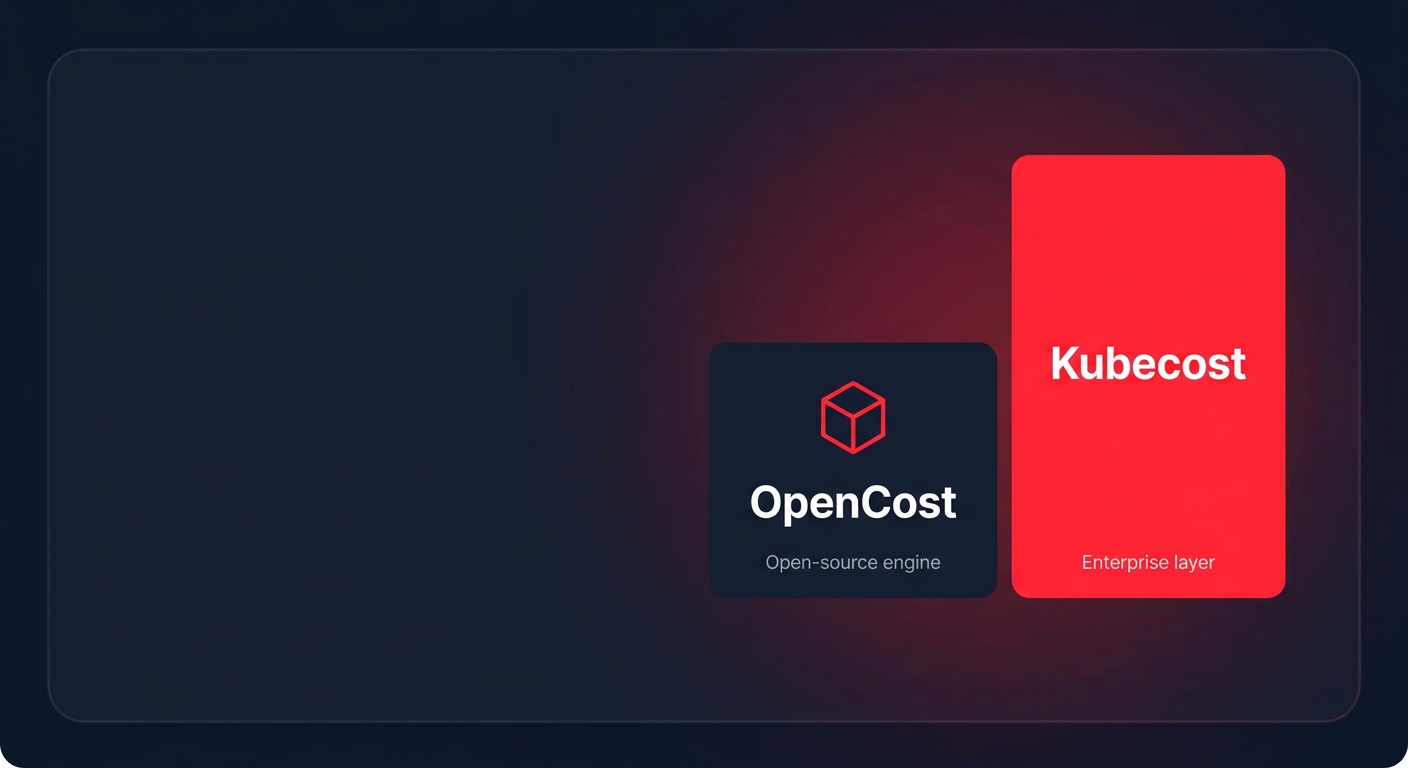
It is a common misconception that these are entirely separate entities competing in a vacuum. OpenCost is an open-source, vendor-neutral CNCF project that provides a specification and implementation for real-time Kubernetes cost monitoring. Kubecost, meanwhile, is a commercial product built directly on top of the OpenCost engine to provide an enterprise-ready experience.
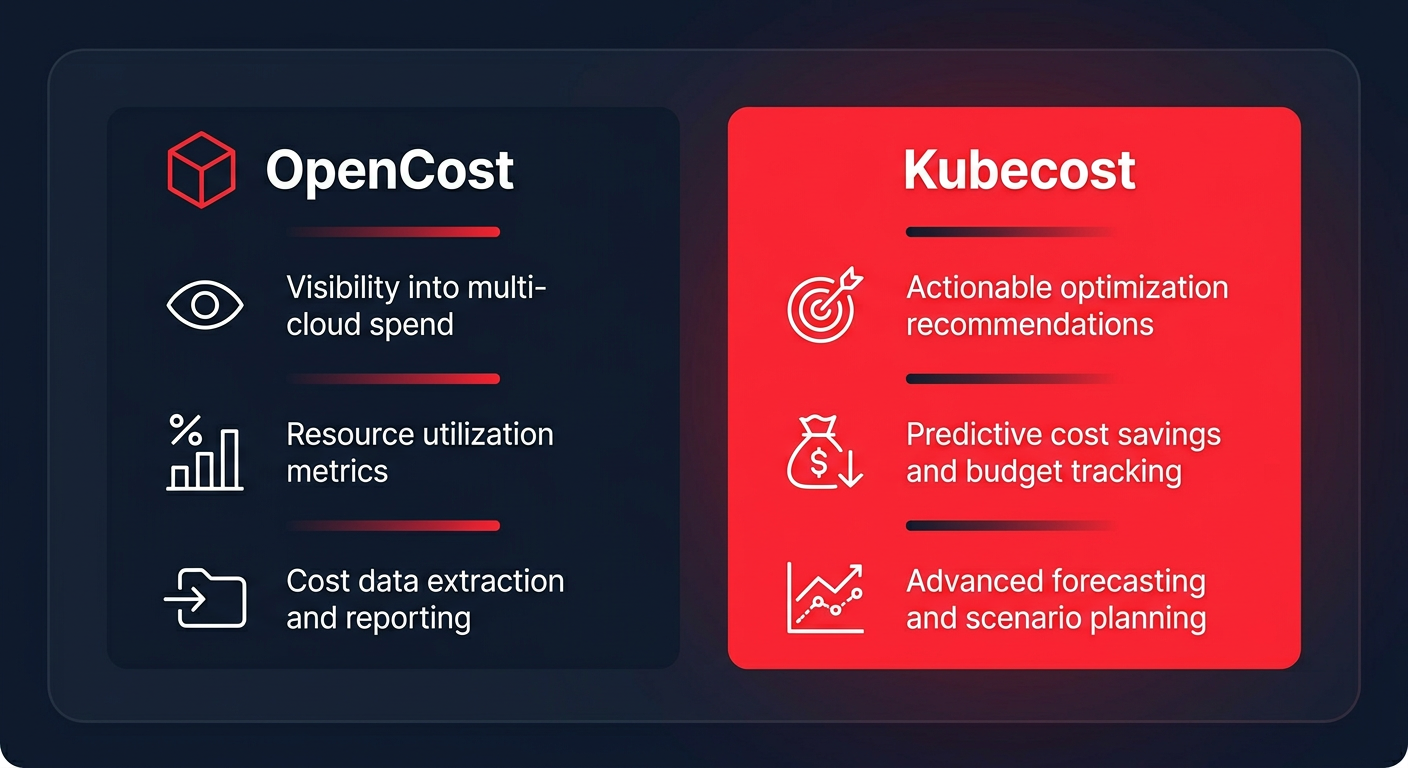
While OpenCost focuses on the foundational metrics – allocating costs to pods, namespaces, and deployments – Kubecost adds a layer of sophisticated features, including governance, advanced reporting, and automated savings recommendations. If you are looking for a baseline open-source cloud cost management solution to gain visibility, OpenCost is the industry standard. However, if you require deeper reconciliation with your monthly cloud bill and proactive waste reduction, Kubecost is often the preferred choice.
Feature comparison: visibility vs. actionability
The primary difference between the two tools lies in what you can do with the data once it is collected. OpenCost provides the raw visibility you need to see where your money is going. It tracks resource consumption in real-time and allows you to export that data to Prometheus or Grafana to build custom dashboards. This is ideal for teams that have the engineering bandwidth to analyze their own metrics.
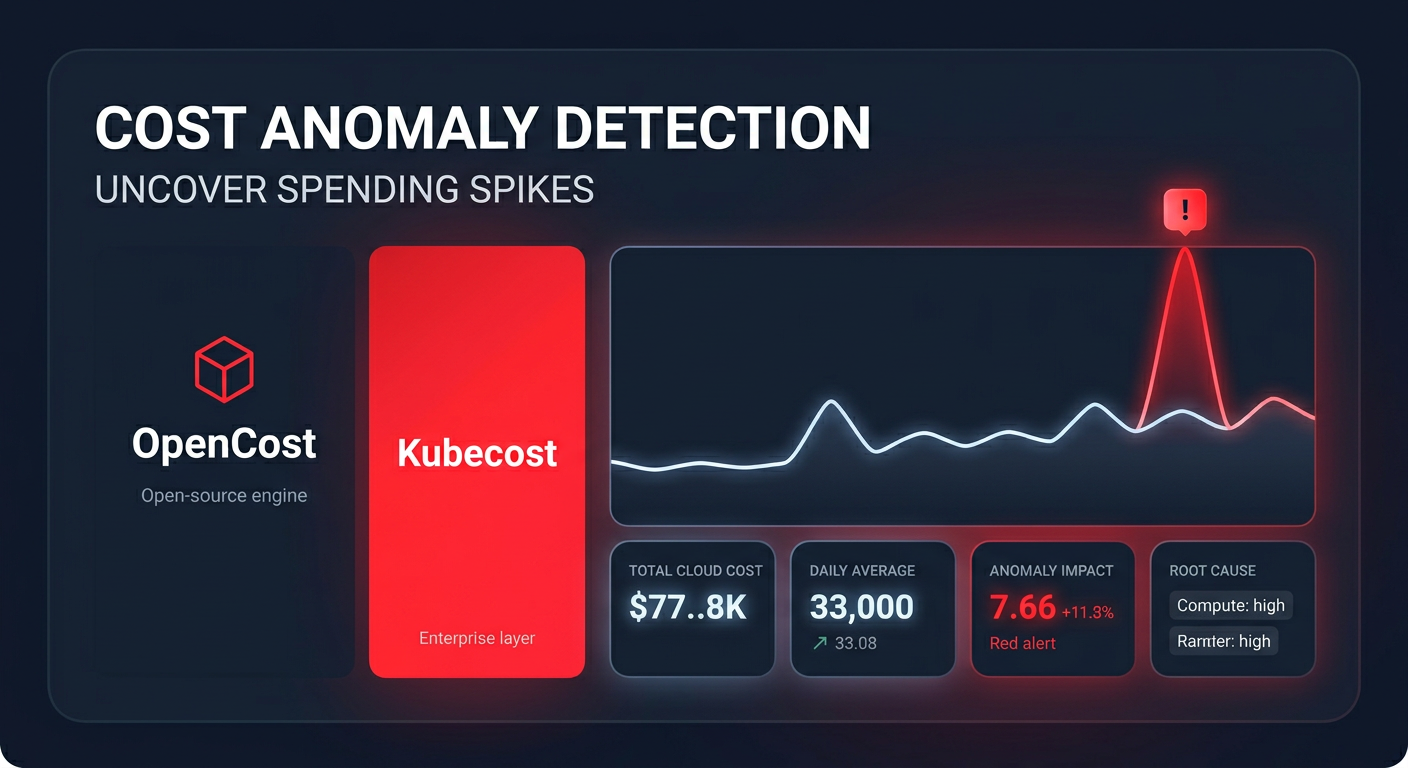
Kubecost Enterprise takes this a step further by offering rightsizing recommendations and anomaly detection. For instance, while OpenCost might show you that a specific namespace is expensive, Kubecost can tell you exactly how many milli-CPUs you should trim from your requests to save 20% without impacting your application’s performance. Many organizations find themselves overspending by 30–40% on their Kubernetes deployments due to over-provisioning. While both tools identify this waste, Kubecost provides a specific roadmap to fix it.
To maximize these efficiency gains, Hykell provides automated cost reduction that acts on these insights for you. This service reduces AWS costs by up to 40% without requiring ongoing engineering effort from your team, moving you beyond simple visibility into guaranteed savings.
Accuracy and AWS integration
For AWS users, accuracy is often a point of contention. Standard open-source tools typically rely on public cloud pricing estimates, which can be misleading. These estimates might miss the impact of your AWS rate optimization efforts, such as Reserved Instances or Savings Plans.
OpenCost primarily uses billing APIs and on-demand pricing estimates. It is excellent for “ballpark” figures but often lacks the granularity needed for high-stakes financial chargeback or showback. In contrast, Kubecost Enterprise integrates directly with the AWS Cost and Usage Report (CUR). This allows it to reconcile your actual out-of-pocket costs, including spot discounts and Enterprise Discount Program (EDP) pricing.
If you are deploying Kubecost on Amazon EKS, you gain the ability to link in-cluster expenses with out-of-cluster AWS services like RDS or S3. This creates a unified financial view that OpenCost cannot currently match natively. This is essential for understanding the total cost of ownership for a microservice that relies on external databases or storage buckets.
Pricing models and total cost of ownership
The choice between “free” and “paid” is rarely as simple as the licensing fee. OpenCost is entirely free to license, but it carries a higher burden of engineering effort. You are responsible for setting up data persistence, building dashboards from scratch, and maintaining the infrastructure. In complex environments, the “human cost” of managing an OpenCost stack can quickly exceed the price of a commercial license.
Kubecost offers a tiered approach to fit different needs:
- The free version is limited to a single cluster and provides only 15 days of data retention.
- The Business tier offers 30-day retention and support for up to 200 nodes.
- The Enterprise tier – which costs approximately $3.42 per container-hour via the AWS Marketplace – unlocks multi-cluster views, unlimited data retention, and dedicated support SLAs.
For large-scale operations, an upgrade to Kubecost Enterprise typically pays for itself through the automated waste detection and long-term trend analysis it enables.
Implementation and scalability trade-offs
Both tools are generally deployed via Helm charts, making the initial setup relatively straightforward. However, scalability is where they diverge significantly. OpenCost requires manual configuration for multi-cluster environments, often involving Prometheus federation or complex API aggregations that can be difficult to maintain.
Kubecost’s architecture is designed specifically for the enterprise. It features federated ETL processes that aggregate data from dozens of clusters into a single pane of glass. This is critical for FinOps managers who need to see the “big picture” of the organization’s cloud spend across various accounts and regions. As your infrastructure grows, the need for cloud FinOps tools that offer centralized governance and Role-Based Access Control (RBAC) becomes unavoidable.
Deciding between these tools depends on your internal engineering capacity and the complexity of your AWS environment. If you value a vendor-neutral foundation and have the DevOps cycles to build custom logic, OpenCost is a powerful ally. If you need immediate, actionable insights and accurate financial reconciliation for a multi-cluster EKS footprint, Kubecost Enterprise is the logical choice.
While visibility tools are essential for Kubernetes cost monitoring, they are only half the battle. Real savings come from taking action on the data. Hykell automates this process by managing your AWS commitments and optimizing your infrastructure on autopilot. You can see exactly how much you could be saving by using our savings calculator. To stop simply monitoring your costs and start reducing them by up to 40% with zero engineering effort, contact the Hykell team today.

