
Are you paying for compute power your containers never touch? Since Amazon Fargate bills based on requested resources rather than actual usage, over-provisioning is the most expensive mistake for modern engineering teams. Reclaiming your budget requires moving beyond visibility into systematic, automated strategy.
Analyze your spend with AWS-native tools
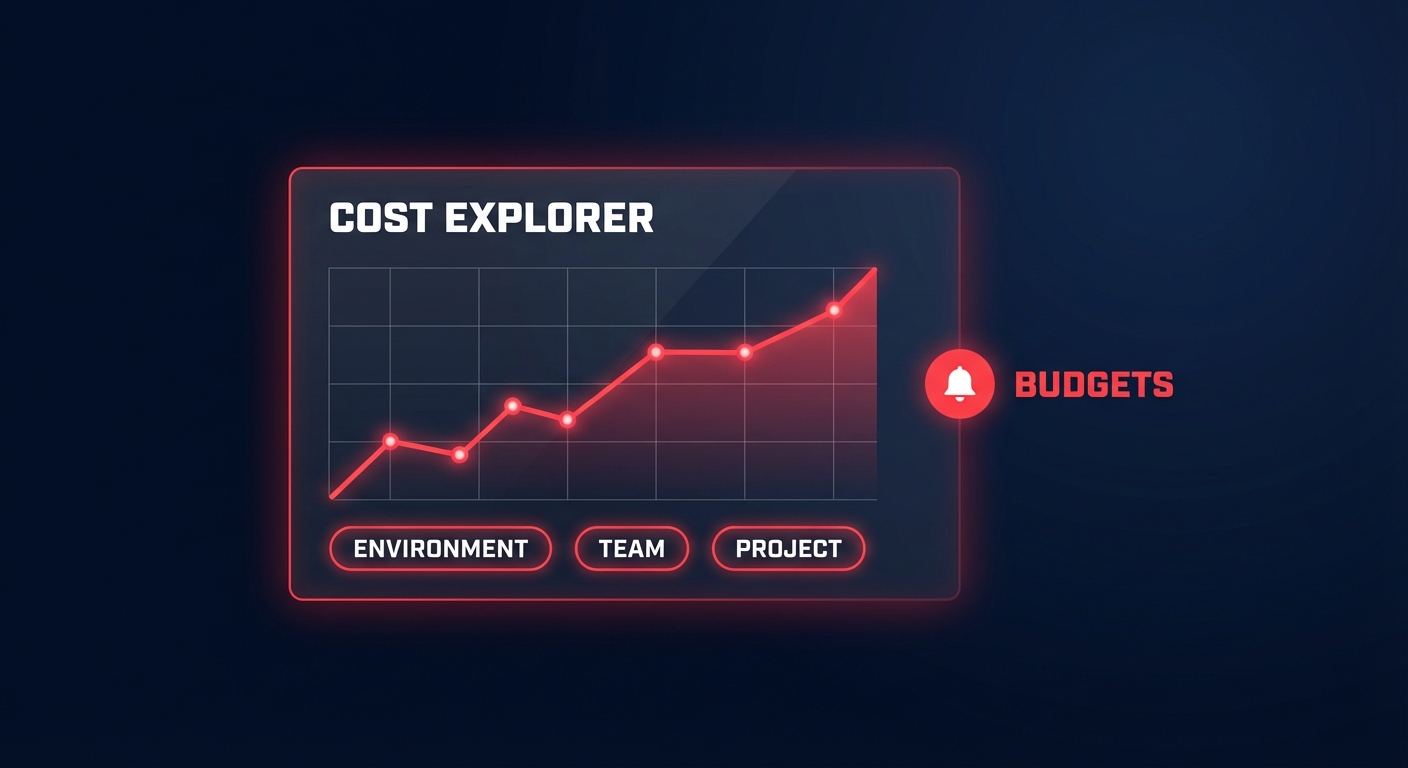
Before you can reduce costs, you must understand where the leaks are occurring. AWS provides several native tools that, when used correctly, reveal the granular details of your container spend. Your first stop should be AWS Cost Explorer, which provides the necessary visualization to understand spend over time. To get the most out of this tool, you should enable “Split Cost Allocation Data.” This allows you to break down costs by individual tasks and services, which is essential for establishing accurate showback and chargeback reports within your organization.
While Cost Explorer focuses on past spending, you should use it in tandem with AWS Budgets to set proactive alerts for future spending. To make this data actionable, you must maintain strict discipline with AWS cost allocation tags. Research indicates that 68% of cost allocation errors trace back to poor tagging. By ensuring every Fargate service is tagged with keys like `Environment`, `Team`, and `Project`, you prevent “stranded” costs that no one claims ownership of. Finally, AWS Compute Optimizer can analyze the historical utilization of your Fargate tasks to identify exactly which services are over-provisioned.
Right-size your task definitions
Rightsizing is the most effective lever for immediate savings because Fargate pricing is strictly based on what you request. In the US East (N. Virginia) region, costs are approximately $0.04048 per vCPU-hour and $0.004445 per GB-hour. Because of this linear pricing model, reducing a task from 1 vCPU to 0.5 vCPU literally halves the compute cost for that specific workload. Many engineers provision “safety buffers” of 30–50% to handle unexpected spikes, but these buffers often represent pure waste.
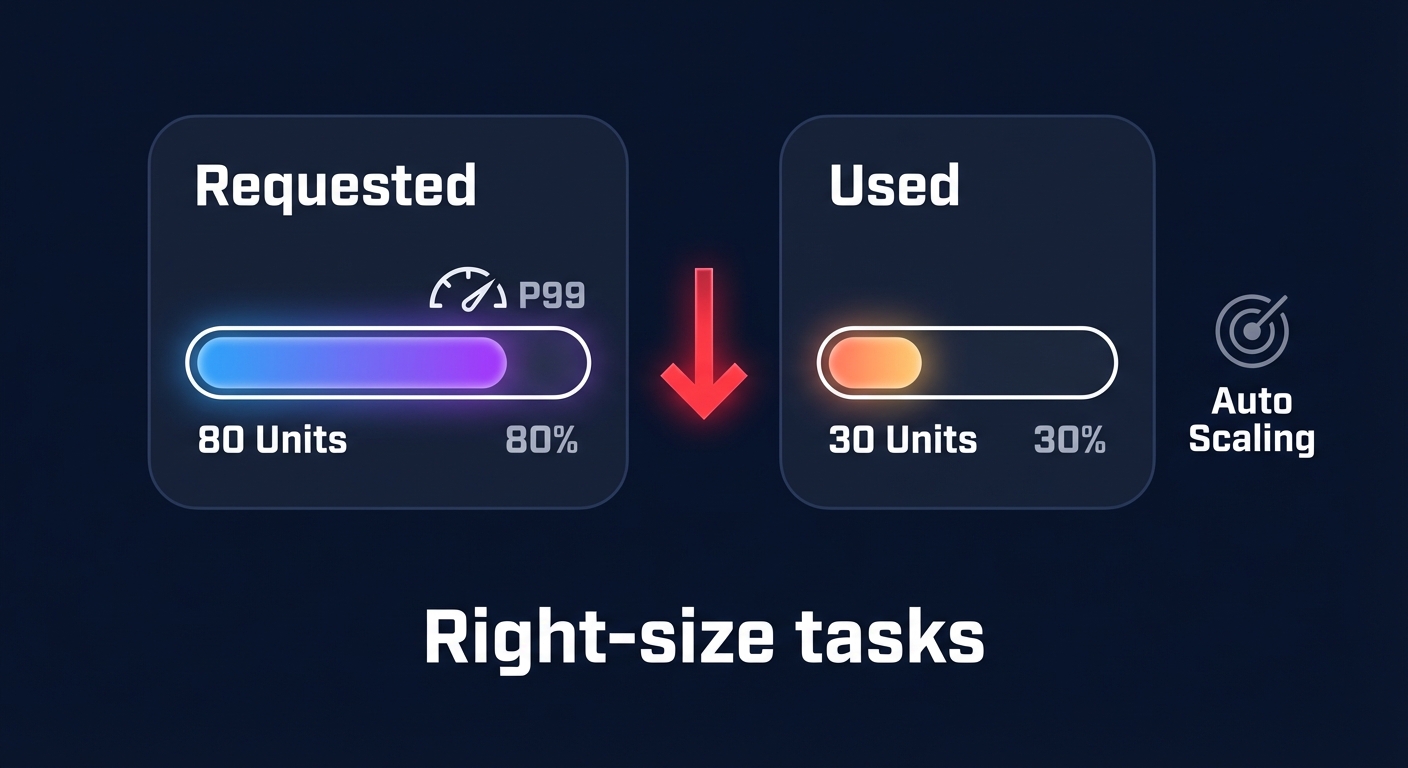
To optimize without risking performance, you should use CloudWatch metrics to find the P99 utilization of your services. If your average CPU usage consistently sits below 20%, the service is a prime candidate for automated AWS rightsizing. Always pair these adjustments with AWS automatic scaling using Target Tracking Scaling Policies. By maintaining a metric like 70% average CPU utilization, you ensure your cluster scales out during spikes but stays lean during quiet periods, effectively matching your bill to your actual demand.
Leverage Fargate Spot for fault-tolerant workloads
If you have stateless, interruptible workloads, you are likely overpaying by using on-demand pricing. Tasks such as batch processing, development environments, or CI/CD runners should be moved to Fargate Spot. This pricing model can reduce your costs by up to 70% compared to standard rates. The primary trade-off is that AWS can reclaim the capacity with a two-minute notice, which requires your applications to be designed for graceful shutdowns.
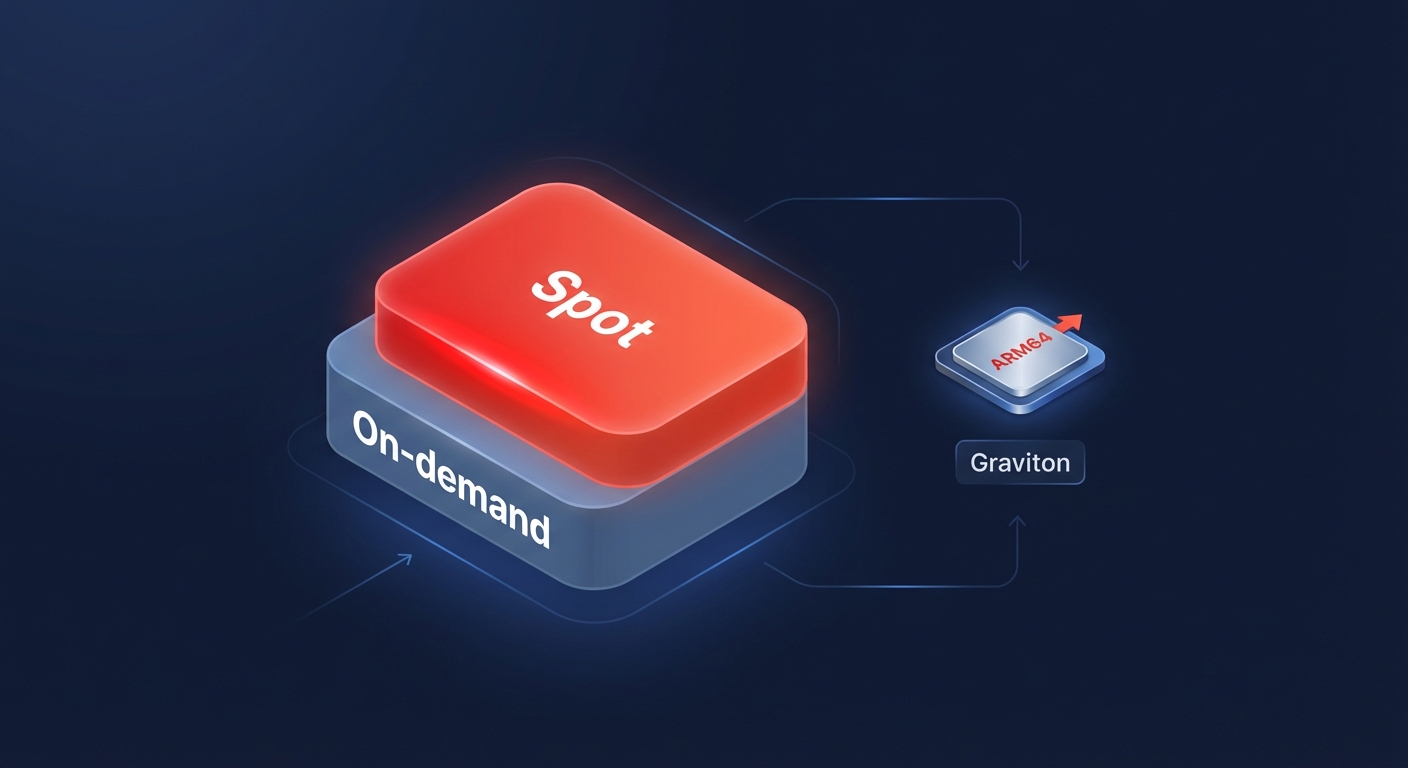
A common best practice for production environments is to use a Capacity Provider Strategy. This approach allows you to maintain a base level of on-demand tasks to ensure baseline reliability while scaling the rest of the fleet with Spot tasks to handle bursty traffic. This hybrid strategy balances high availability with aggressive cost reduction, ensuring that only the most critical components of your infrastructure incur the full on-demand price.
Accelerate your Graviton migration
Migrating from x86 to ARM64 architecture is one of the few ways to improve performance while simultaneously lowering costs. AWS Graviton3 instances offer up to 40% better price-performance compared to their x86 counterparts. Some organizations have achieved 15% per-instance savings simply by making this architectural shift.
Because Fargate abstracts the underlying infrastructure, switching to Graviton often requires nothing more than a configuration change in your task definition. You must ensure your container images are built for ARM64, but the deployment process remains largely identical to x86. This single change can provide a massive boost to your cloud resource rightsizing efforts without requiring you to re-architect your entire application stack.
Don’t ignore the “sidecar” costs
Container costs extend beyond CPU and RAM. Managed services and “zombie” resources can quietly inflate your bill if left unmonitored. For example, Amazon CloudWatch Logs pricing can become a primary cost driver if you ingest excessive debug logs or fail to set retention policies. You should audit your log groups regularly to avoid paying for legacy data from years ago.
Similarly, networking and load balancing costs require careful oversight. An unused Application Load Balancer (ALB) costs roughly $18 per month plus LCU charges, which can add up across multiple development environments. You should also evaluate your use of NAT Gateways, as data processing charges for these resources can be significantly higher than expected. Where possible, use VPC Endpoints to keep traffic within the AWS network and avoid expensive data transfer fees. If you notice unexpected spikes in these areas, AWS cost anomaly detection can help you identify the root cause before the bill becomes unmanageable.
Automate your Fargate savings with Hykell
Manual rightsizing and commitment management are bandwidth-heavy tasks that often fall to the bottom of an engineer’s priority list. This is where Hykell transforms your strategy from reactive to proactive. While native tools show you the data, Hykell provides automated AWS cost optimization that works on autopilot to identify underutilized resources and execute savings strategies without requiring ongoing engineering effort.
By layering AI-powered commitment planning over your Fargate environment, Hykell helps you achieve an Effective Savings Rate (ESR) of 50–70% on compute through precision-engineered AWS rate optimization. This ensures you get the highest possible discounts without the risk of over-committing to unused capacity. Our performance-based pricing model means we only take a slice of what we save you – if you don’t save, you don’t pay.
Ready to see how much you could reclaim from your Fargate bill? Review our transparent pricing and book a free cost audit with Hykell today to put your cloud savings on autopilot.

