
Does your monthly AWS invoice feel like a riddle you can’t solve? Most engineering teams realize too late that native AWS tools lack the pod-level granularity required to stop waste before it scales. Understanding the gap between Kubecost tiers is the first step toward reclaiming your budget.
Choosing between the open-source and enterprise tiers depends on whether you need a simple microscope for a single cluster or a comprehensive control center for a multi-account AWS environment. While both offer essential visibility, the gap between seeing a cost spike and actually preventing it is where many FinOps strategies fail.
Kubecost open source vs. enterprise: feature breakdown
The core difference between these tiers lies in data retention, multi-cluster support, and the accuracy of your billing reconciliation. For teams pursuing Kubernetes optimization on AWS, these distinctions determine whether your cost data is actionable or merely directional.
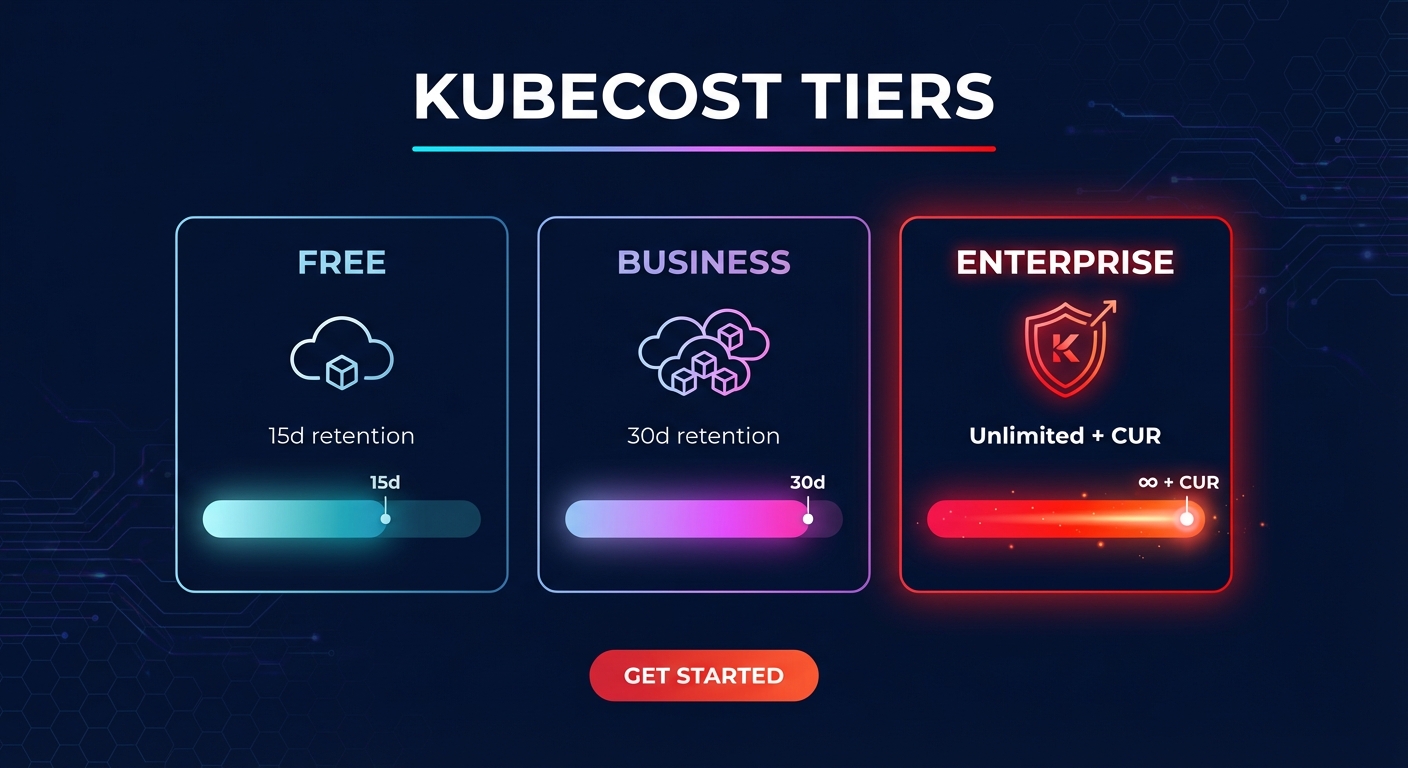
Kubecost open source (Free)
The open-source version, often deployed as the AWS-optimized bundle, serves as a solid starting point for small, single-cluster environments. It provides basic cost allocation at the pod, namespace, and deployment level, giving you a fundamental look at your resource consumption.
However, the free tier comes with significant limitations for growing teams. You are restricted to 15 days of metric retention, which makes long-term trend analysis or year-over-year forecasting nearly impossible. Additionally, the open-source version relies on community support and requires manual configuration for custom pricing sheets in on-premises or hybrid environments.
Kubecost Business and Enterprise
As your infrastructure scales to multiple EKS clusters or requires deep integration with AWS cost allocation tags, the paid tiers become essential. These tiers provide a unified view across all your AWS accounts and regions through federated ETL capabilities.
One of the most critical differentiators is the Kubecost AWS integration with the Cost and Usage Report (CUR). While the free version uses estimated on-demand rates, the Enterprise tier reconciles with your actual billing data. This includes your Enterprise Discount Program (EDP) credits, Reserved Instances, and Spot instance pricing, providing the accuracy needed for sophisticated cloud chargeback and showback strategies. To support finance teams, the Enterprise tier also offers unlimited data retention and advanced security features like SAML/SSO integration and role-based access control.
Understanding the pricing models
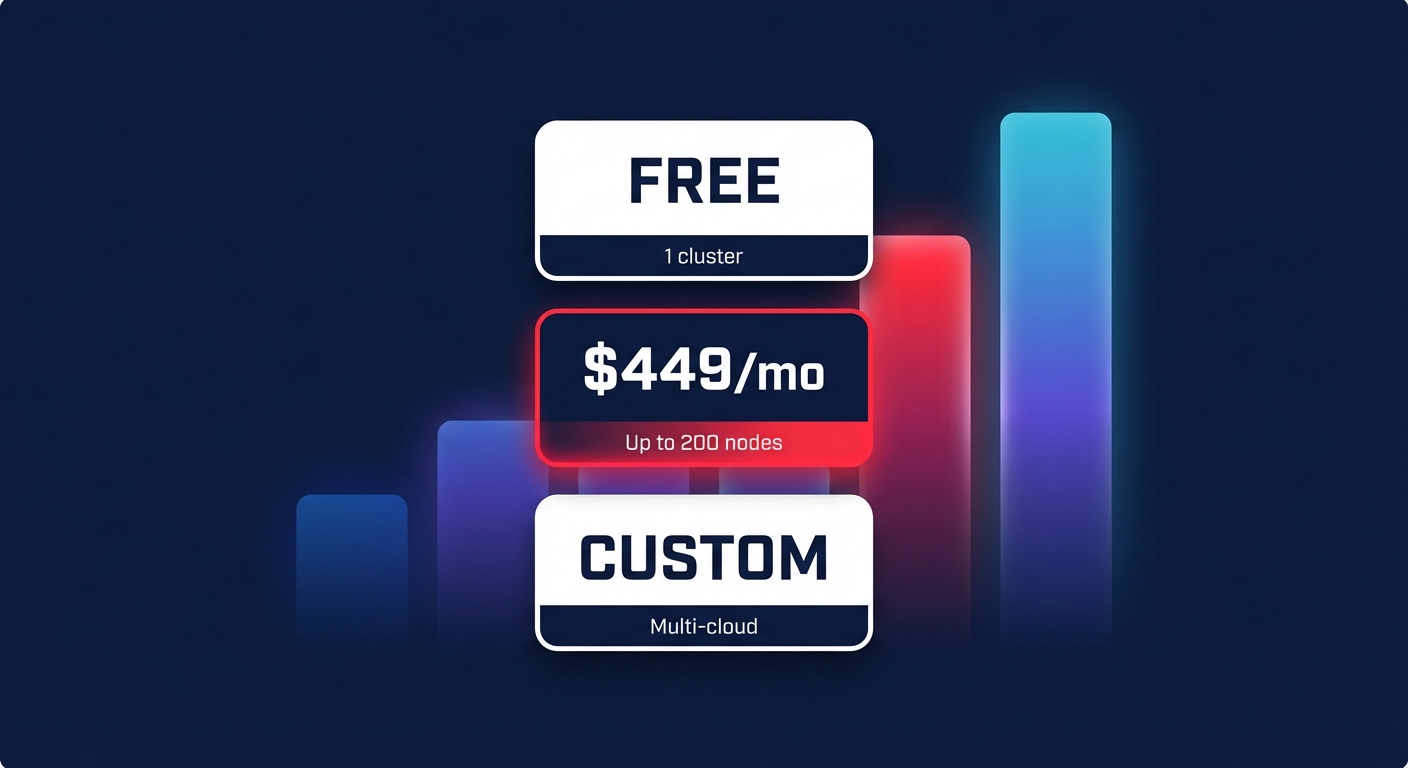
Kubecost structures its pricing to match the complexity and size of your Kubernetes footprint. The Free tier is available at no cost for single-cluster usage and offers unlimited nodes within that single cluster. For organizations that have outgrown basic monitoring, the Business tier starts at $449 per month. This plan supports up to 200 nodes and extends data retention to 30 days while providing professional business-hour support.
Large-scale organizations with hundreds of nodes across multi-cloud environments typically move to the Enterprise tier, which utilizes custom pricing based on specific infrastructure needs. An upgrade to Kubecost Enterprise is often justified by the potential for 30–50% savings driven by its automated rightsizing recommendations and real-time anomaly detection. These advanced features help identify underutilized or “zombie” resources before they can significantly inflate your monthly spend.
When visibility isn’t enough: pairing Kubecost with Hykell
Even with the highest tier of Kubernetes cost monitoring, visibility does not equal optimization. Kubecost is an exceptional tool for observability; it identifies which pod is over-provisioned or which namespace is exceeding its budget. However, even with these insights, your engineering team must still manually adjust resource limits, manage node groups, and trade Reserved Instances.
This manual bottleneck is why many teams integrate Hykell alongside their visibility tools. While Kubecost provides the financial diagnostic, Hykell serves as the automated execution layer to implement those savings without ongoing engineering effort.
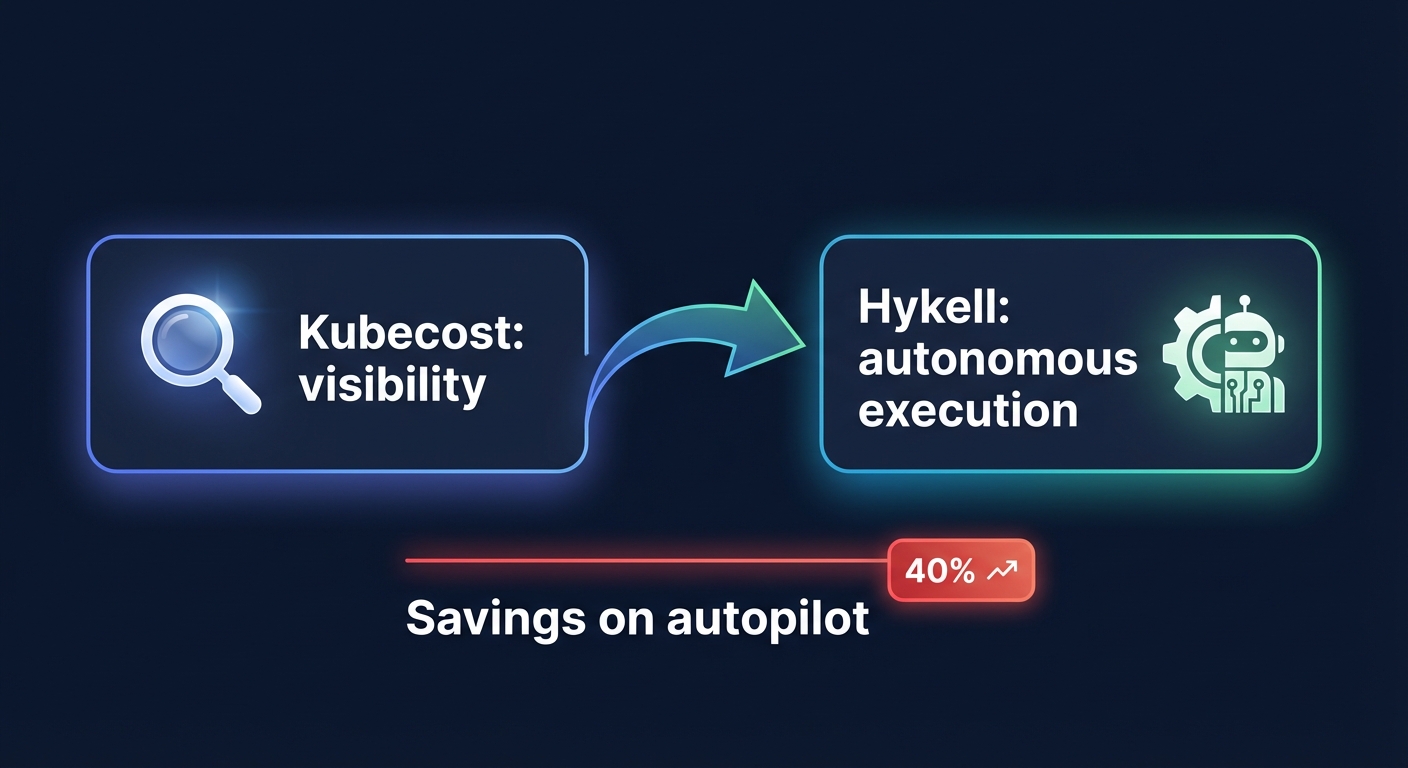
- Autonomous execution: Where Kubecost identifies over-provisioning, Hykell automatically performs automated Kubernetes cost optimization to right-size workloads without downtime.
- Rate optimization on autopilot: Kubecost Enterprise tracks your commitments, but Hykell’s AWS rate optimization actively manages them. Hykell buys, sells, and converts Savings Plans and RIs in real-time to maintain the highest possible Effective Savings Rate (ESR).
- Performance-safe savings: Hykell ensures that cost reductions of up to 40% never compromise application stability. The system only implements optimizations that are verified as safe for your production workloads.
- Risk-free financial model: Unlike the upfront subscription fees required by Kubecost Enterprise, Hykell uses a performance-based “pay-from-savings” model. If the system does not generate savings, you do not pay.
Determining your Kubernetes cost strategy
If you are a startup running a single cluster on a tight budget, Kubecost open source provides the baseline visibility needed to understand your initial spend. For enterprises managing hundreds of nodes across a complex multi-account AWS organization, Kubecost Enterprise is necessary for accurate billing reconciliation and centralized multi-cluster management.
However, if your primary goal is to reduce your actual AWS bill by 40% without adding more manual tasks to your engineers’ backlog, pairing your monitoring tools with Hykell is the most effective path forward. This combination provides the granular data of Kubecost with the autonomous, real-time execution of Hykell.
Stop manually chasing pod limits and start saving on autopilot. Explore how our performance-based pricing can optimize your infrastructure with zero engineering lift.

