
Can you explain which specific engineering team caused last month’s AWS bill to spike by $10,000? Without a clear attribution model, your cloud budget remains a black box that drains resources. Establishing financial accountability is essential for any mature FinOps practice to drive innovation.
Understanding the visibility gap in AWS spending
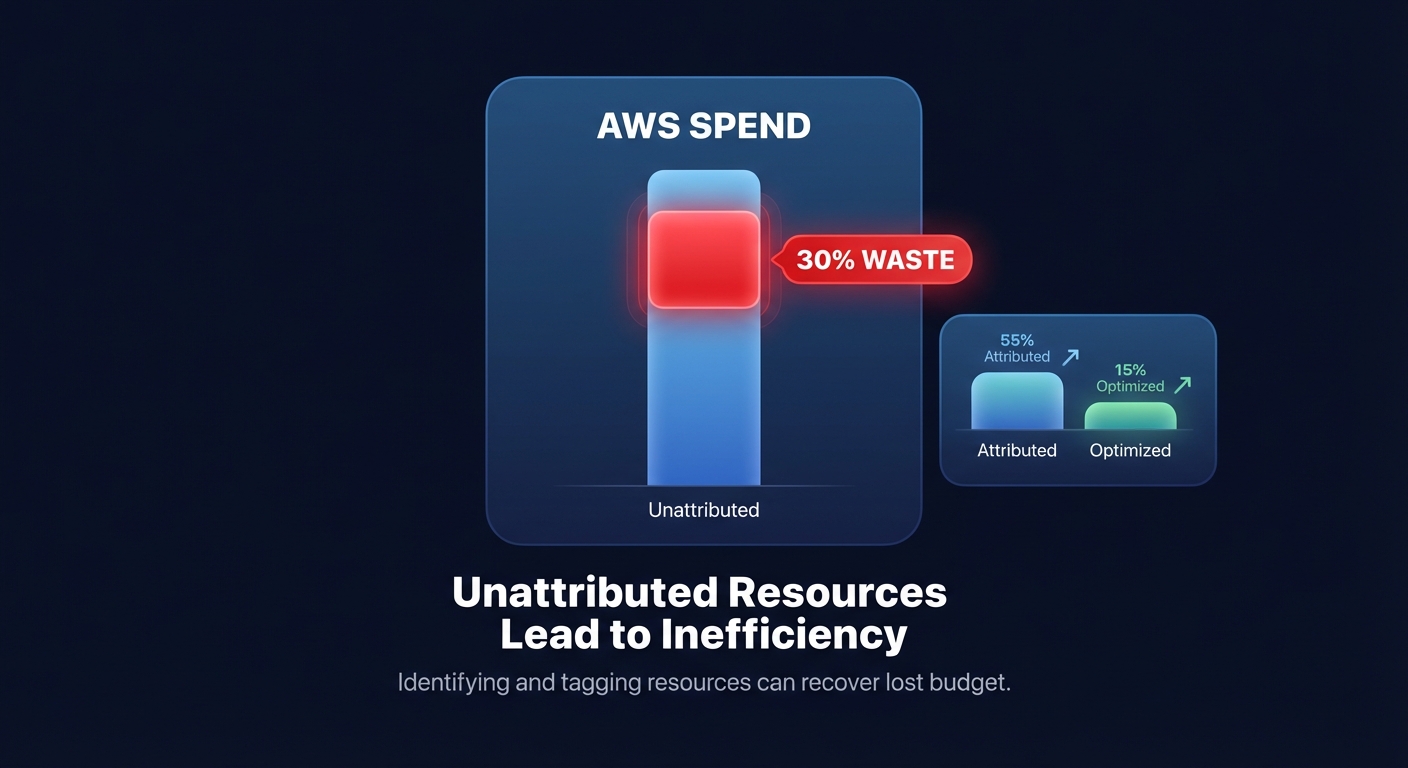
Most organizations waste roughly 30% of their cloud infrastructure spend because of poor governance and inadequate monitoring. You can bridge this gap by mapping your consolidated AWS bill back to the specific teams, products, or environments that generated the usage. This process, known as cost allocation, transforms a generic invoice into a granular data set that identifies exactly where every dollar goes.
Effective cost allocation typically follows two primary paths: showback or chargeback. Both models rely on a foundation of mastering AWS resource tagging to identify resources by department, project, and application. When you implement these strategies effectively, you can expect a 15–30% reduction in cloud waste simply by making spending patterns visible to the stakeholders who control the cloud architecture.
Showback: the educational approach
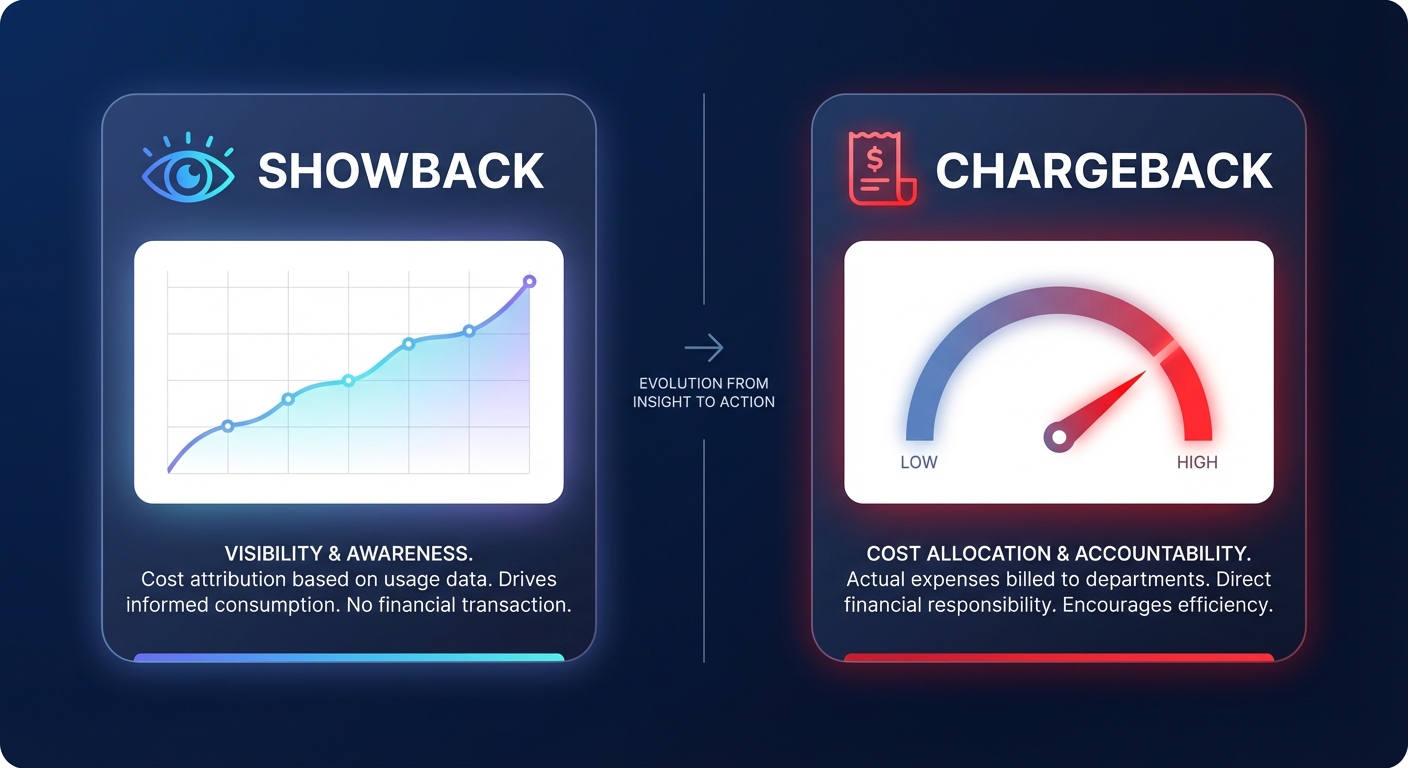
Showback provides detailed visibility into cloud costs without imposing direct financial consequences on individual departments. In this model, a central IT or finance department pays the AWS bill, but they “show” each team exactly what they consumed. It serves as an informational tool designed to foster cost awareness and transparency without the friction of internal budget transfers or P&L adjustments.
You should consider showback when you are first starting your FinOps journey. It provides engineering teams the necessary time to adapt to cloud-efficient practices before you measure their performance against a strict budget. For example, a financial services firm recently achieved an 18% AWS spend reduction in just one quarter by providing teams with cost dashboards that highlighted their daily consumption. This approach creates a feedback loop where engineers can see the financial impact of their architectural decisions in real-time.
Chargeback: the accountability approach
Chargeback takes visibility a step further by directly billing departments for their actual AWS resource consumption. This model transfers financial accountability to the teams using the resources, moving cloud expenses directly onto the product or department P&L. By making teams responsible for their own “cloud rent,” you incentivize them to proactively manage AWS cost management best practices and eliminate waste.
The results of this shift are often dramatic. The same financial services firm that reduced costs via showback achieved an additional 22% reduction in spend after transitioning to a full chargeback model one year later. Chargeback enforces strict budget adherence and ensures that cloud costs align directly with the business value generated by each unit.
The differences between these models center on impact and complexity:
- Showback focuses on education and transparency with low organizational friction, making it ideal for entry-level FinOps.
- Chargeback emphasizes direct accountability and optimization but requires a mature FinOps practice and rigorous internal accounting.
- Showback has no impact on departmental budgets, whereas chargeback has a direct P&L impact.
- Chargeback requires high cross-team alignment to ensure the billing logic is perceived as fair and accurate.
How to choose the right model for your organization
Deciding between showback and chargeback depends on your organization’s accounting policy and cloud maturity. If you are new to the process of conducting a cloud cost audit, starting with showback is almost always the right move. It builds trust and allows you to refine your tagging taxonomy before actual budget dollars are at stake.
You should consider transitioning to chargeback if your organization has mature cloud operations or if your financial structure supports complex internal billing. This model is particularly effective in cost-sensitive environments where teams have significant control over their own cloud architecture. If a team has the autonomy to choose expensive On-Demand instances instead of optimized commitment models, chargeback ensures they are held accountable for the resulting price difference.
Implementing AWS cost allocation in practice
To make either model successful, you must configure AWS cost allocation tags. These tags allow you to surface specific labels in tools like AWS Cost Explorer and the Cost and Usage Report (CUR). You should define a “Goldilocks” taxonomy that balances detail with simplicity, including:
- Business tags such as CostCenter and BusinessUnit to satisfy finance requirements.
- Technical tags like Environment and ApplicationID to help engineers pinpoint waste.
- Automation tags that allow systems to shut down non-production resources during off-hours.
Once you have tagged your resources, you can use AWS Cost Explorer to build dashboards that visualize team spending patterns. For deeper standardization, many organizations are now adopting the FOCUS specification, which provides a common cost and usage data language across different cloud environments.
Managing shared costs, such as AWS Savings Plans or multi-tenant Kubernetes clusters, requires advanced logic. You must decide whether to distribute these costs proportionally across linked accounts or keep them centralized. Automated platforms like Hykell can simplify this by providing actionable showback reports that account for complex discounts and shared resource utilization automatically.
A phased roadmap for FinOps leaders
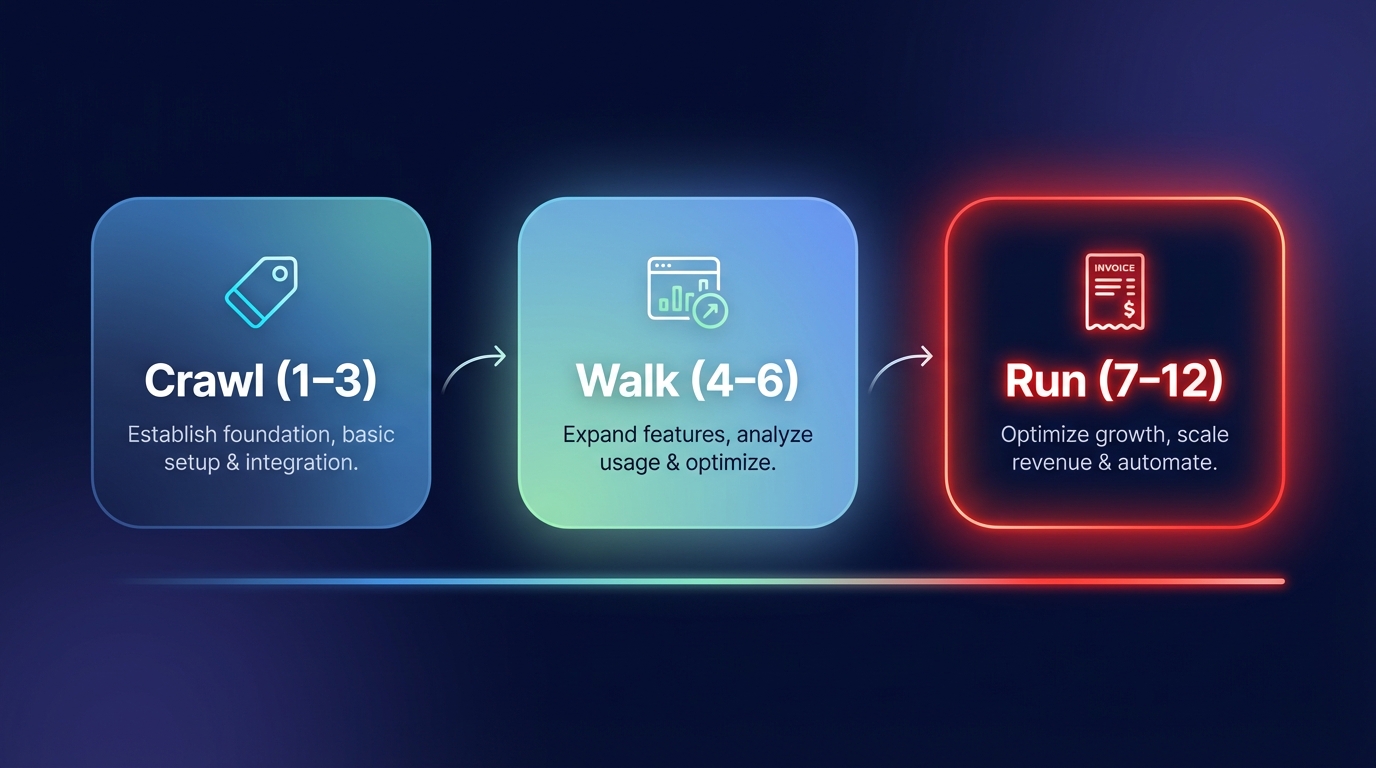
Implementing a sophisticated cost allocation model is a journey rather than a one-time event. You can ensure success by following a phased approach that grows with your team’s expertise:
- Crawl Phase (Months 1-3): Establish basic visibility by implementing mandatory tagging for Environment and Owner. You should set up AWS Budgets vs. Cost Explorer strategies to alert stakeholders when spending hits 80% or 100% of historical averages.
- Walk Phase (Months 4-6): Roll out a showback model across the organization. Conduct monthly cost reviews where team leads discuss their spending trends and identify specific optimization opportunities.
- Run Phase (Months 7-12): Transition your major cost centers to a chargeback model. Incorporate cost targets into your standard architecture reviews and utilize AWS FinOps strategies to handle complex rate adjustments and resource right-sizing.
While showback and chargeback identify who is spending the money, they do not automatically fix the underlying waste. Advanced automation platforms bridge this gap between visibility and action, often reducing AWS costs by up to 40% without requiring ongoing engineering effort. By combining clear financial accountability with automated optimization, you ensure that every cloud dollar spent drives measurable business value.
If you are ready to move beyond simple visibility and start capturing these savings automatically, you can calculate your potential AWS savings with our free analysis tool today.

