
Did you know that 31% of IT leaders believe half their cloud spend is currently wasted? With nearly a third of cloud budgets vanishing into idle resources, a systematic audit is the only way to protect your margins without slowing down your engineering velocity.
Enforce a “Goldilocks” tagging taxonomy
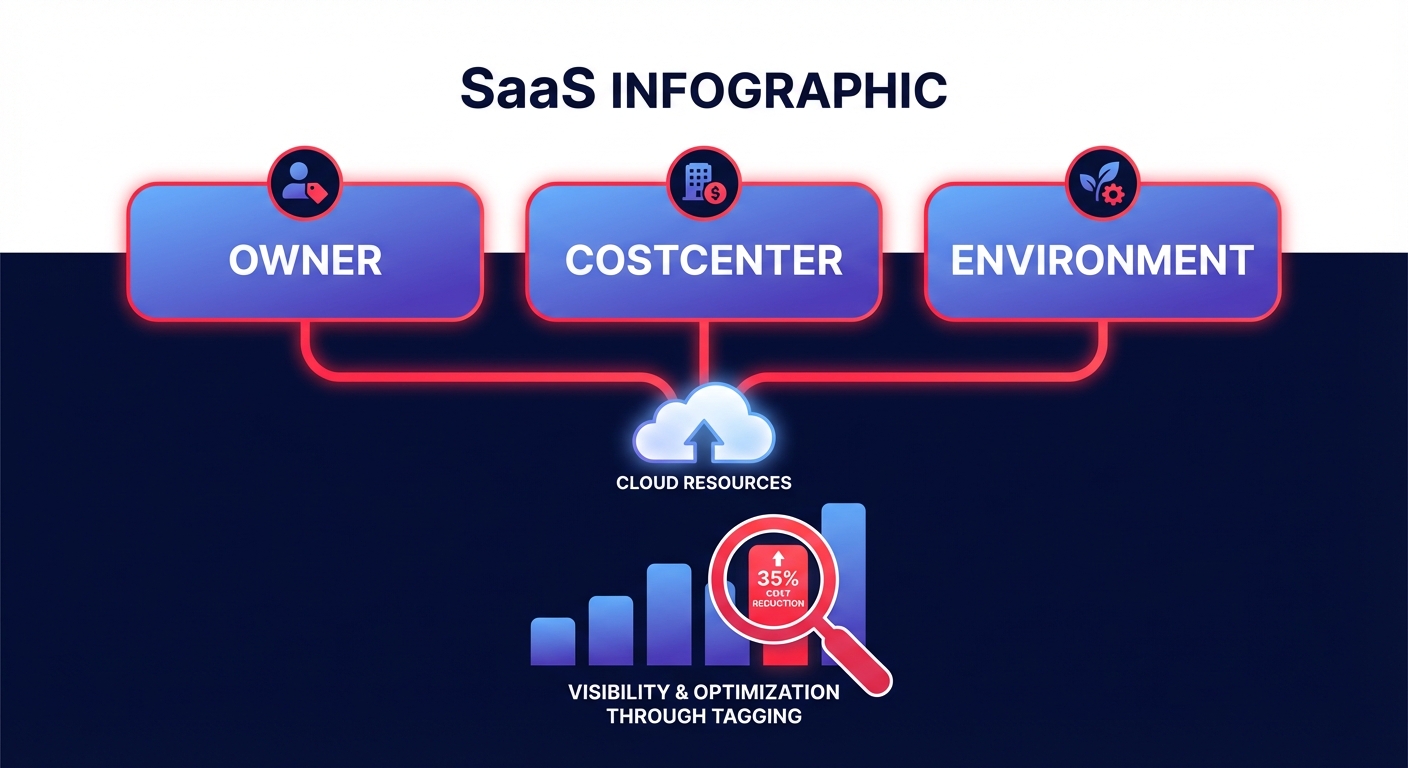
Visibility is the foundation of any cloud audit. Without a robust AWS cost allocation tagging strategy, your invoice remains a “black box” of unallocated spend that can easily consume up to 50% of your total budget. You must ensure your taxonomy follows a “Goldilocks” approach – not too sparse, but not so complex that it becomes impossible to manage.
Your audit checklist should verify that every resource carries a set of business, technical, and automation tags. Business tags like “Owner” or “CostCenter” ensure financial accountability, while technical tags such as “Environment” and “ApplicationID” help you categorize workloads. Finally, automation tags like “ScheduledStop” can significantly reduce non-production compute costs by turning off idle resources. These metadata layers allow you to use AWS Cost Explorer to drill down from a high-level spend spike to a specific resource ID in seconds.
Purge zombie infrastructure and orphaned resources
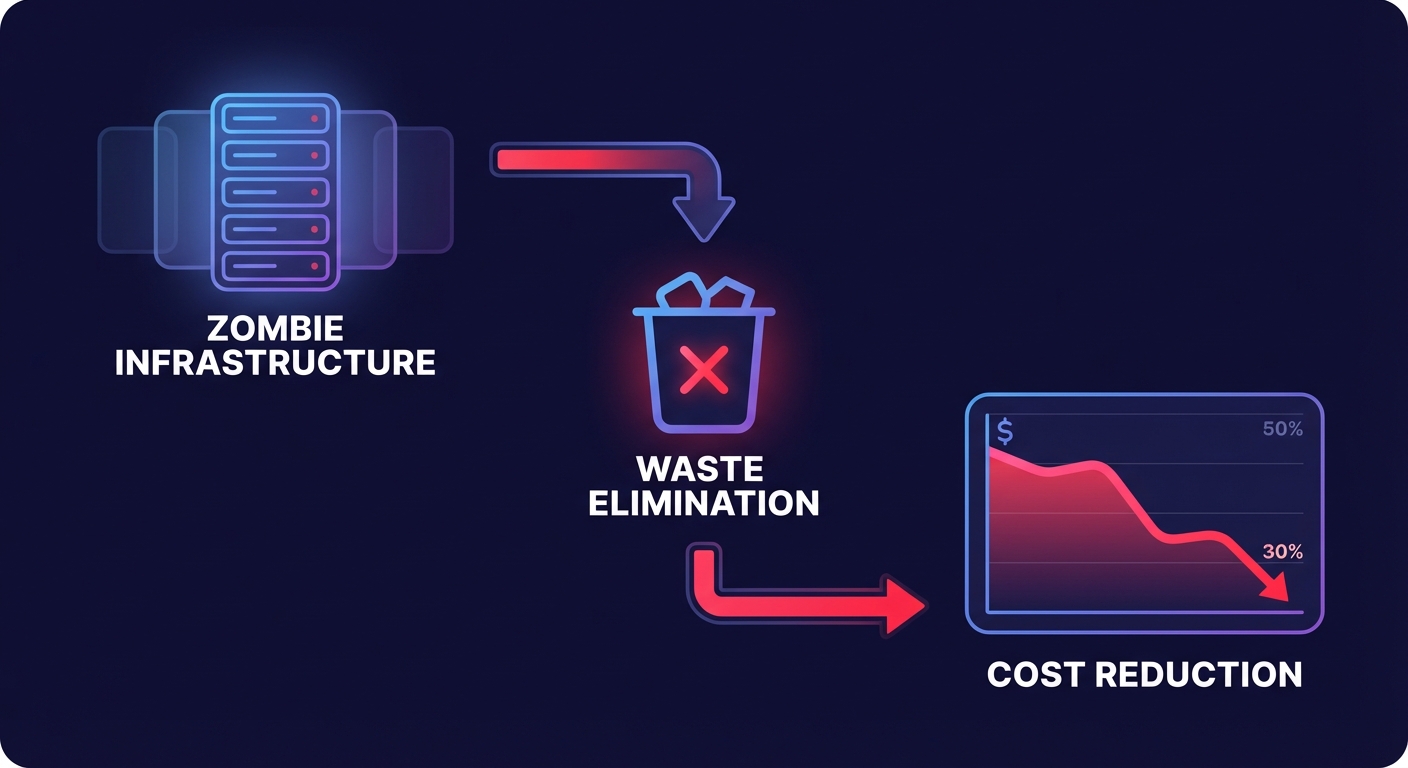
The easiest wins in a comprehensive cloud cost audit come from resources that are running but serving no functional purpose. This “zombie” infrastructure often accounts for 10–15% of the total bill. You should start by auditing for EBS volumes in the “available” state, which often occur when an instance is terminated but the disk is left behind. For example, one financial services firm recovered $45,000 in annual spend simply by identifying and deleting these orphaned volumes.
Beyond storage, you should evaluate your load balancers and backup strategies. Use AWS Trusted Advisor to flag ALBs and ELBs with no back-end instances. You should also audit your snapshots; deleting EBS snapshots older than 30 days – unless required by specific compliance policies – prevents storage costs from snowballing over time.
Rightsize compute before applying commitments
Sequence is critical when optimizing compute. If you purchase a Savings Plan for an oversized instance, you are essentially “locking in” waste for the duration of the contract. Your audit should identify any EC2 instances where CPU and memory utilization sit below 40% over a four-week rolling window.
Effective cloud resource rightsizing can reduce your compute costs by up to 50%. You should focus on your highest-cost resources first, looking for opportunities to migrate to Graviton-based instances. These purpose-built AWS chips offer roughly 40% better price-performance than traditional x86 architectures. By rightsizing first, you ensure that any subsequent commitment-based discounts are applied to a lean, efficient infrastructure.
Refactor networking to eliminate NAT Gateway fees
NAT Gateway charges are frequently the most overlooked line item in an AWS bill. AWS charges for hourly uptime plus a $0.045 per GB data processing fee, which applies even to traffic destined for other regional AWS services. If you have a containerized workload pulling massive amounts of data from S3 or ECR through a NAT Gateway, you are likely paying a significant “convenience tax.”
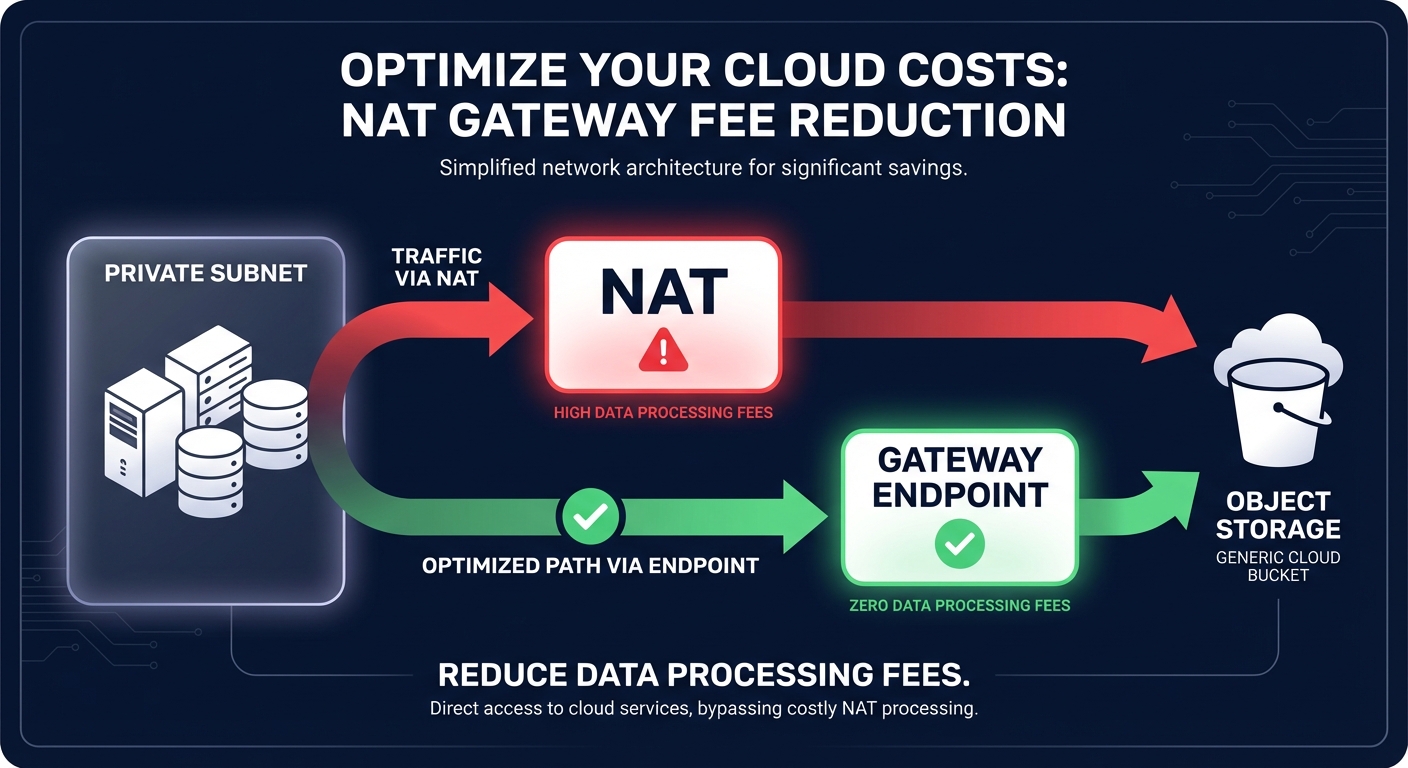
You should audit your architecture for high-volume traffic flowing from private subnets to regional services. By replacing NAT routing with free Gateway VPC Endpoints, you can reduce networking spend by 80% for those specific routes. Additionally, ensure you are auditing for cross-availability zone (AZ) traffic, which adds a $0.01/GB charge in each direction. Aligning your resources within the same AZ can eliminate these hidden fees entirely.
Transition storage to intelligent tiers
Storing logs or backups in S3 Standard is a common mistake that leads to unnecessary overhead. Success in AWS S3 cost optimization relies on matching storage classes to actual access patterns. You should verify that lifecycle policies are moving aged data to S3 Glacier Deep Archive, which is roughly 23 times cheaper than the Standard tier.
For unpredictable workloads where access patterns are hard to forecast, you should ensure S3 Intelligent-Tiering is enabled. This automates data movement between tiers without impacting application performance. At the same time, audit your CloudWatch Logs ingestion and retention settings. Logging can represent up to 30% of an observability bill if data is ingested at a verbose level or stored indefinitely without expiration.
Layer machine-learning-based anomaly detection
Manual budgeting is inherently reactive, often alerting you only after the damage is done. To prevent a misconfigured Lambda function or a runaway development script from creating a $10,000 monthly overspend overnight, you must audit your alerting infrastructure.
You should verify that AWS Cost Anomaly Detection is active across all linked accounts. Unlike standard budget alerts that rely on fixed thresholds, these machine-learning-driven monitors factor in seasonality and growth patterns. This allows them to catch subtle spend spikes that manual thresholds frequently miss, providing a critical safety net for your cloud budget.
Maximize commitment coverage with rate optimization
Once your infrastructure is rightsized and your “zombie” resources are purged, you must verify your AWS rate optimization strategy. The goal is to maximize your Effective Savings Rate (ESR) without sacrificing operational flexibility. While Savings Plans and Reserved Instances can cut your costs by up to 72%, blind commitments can lead to paying for unused capacity if your workloads shift.
Your audit should confirm that your commitment mix is evaluated at least monthly. This ensures you are utilizing the most efficient blend of Convertible RIs and Savings Plans to cover your baseline usage. By maintaining a high coverage ratio while keeping enough flexibility to adapt to new instance families or regional migrations, you can achieve the deepest possible discounts.
Moving from manual checklists to autopilot
While the AWS Cost Optimization Hub provides valuable native recommendations, it still requires your engineering team to manually review and implement every change. In a high-growth environment, this manual burden rarely scales, leading to “optimization debt” that eats into your margins.
Hykell eliminates this manual friction by automating the most impactful parts of this checklist. From AI-powered commitment planning to automated EBS and EC2 rightsizing, Hykell works silently in the background to deliver up to 40% savings on autopilot. This approach frees your DevOps team to focus on innovation rather than infrastructure cleanup. Best of all, we operate on a performance-based model: we only take a slice of what we save, meaning if you don’t save, you don’t pay.
Schedule your free cloud cost audit with Hykell and see exactly where your hidden savings are buried.

