Are you paying more to monitor your infrastructure than you are to run it? For many engineering teams, Amazon CloudWatch evolves from a helpful observability tool into a primary driver of cloud waste, often consuming up to 30% of the total monthly AWS bill.
As your environment scales, the volume of logs, metrics, and traces can spiral out of control. Understanding where these costs originate – and how to prune them without sacrificing visibility – is essential for maintaining a healthy AWS cost management strategy.
Diagnose your CloudWatch spend first
Before you begin deleting log groups or disabling alarms, you must identify which specific components are driving your invoice. The fastest way to do this is through AWS Cost Explorer, where you should filter by the “CloudWatch” service and group the results by “Usage Type.” This high-level view helps you distinguish between ingestion fees, storage costs, and metric charges.
If you see high charges for `DataProcessing-Bytes`, your logs are the culprit. If `MetricStorage-MetricCount` is the leader, your custom metrics are likely misconfigured. For deeper granular analysis, you can use the AWS Cost and Usage Report (CUR) to query line items via Athena. This reveals exactly which log groups or metric namespaces are responsible for the most significant spikes. To stay proactive, you should also monitor the `IncomingBytes` and `NumberOfMetrics` metrics in the `AWS/Usage` namespace to catch cost surges before they appear on your monthly statement.
Taming the logs ingestion and storage beast
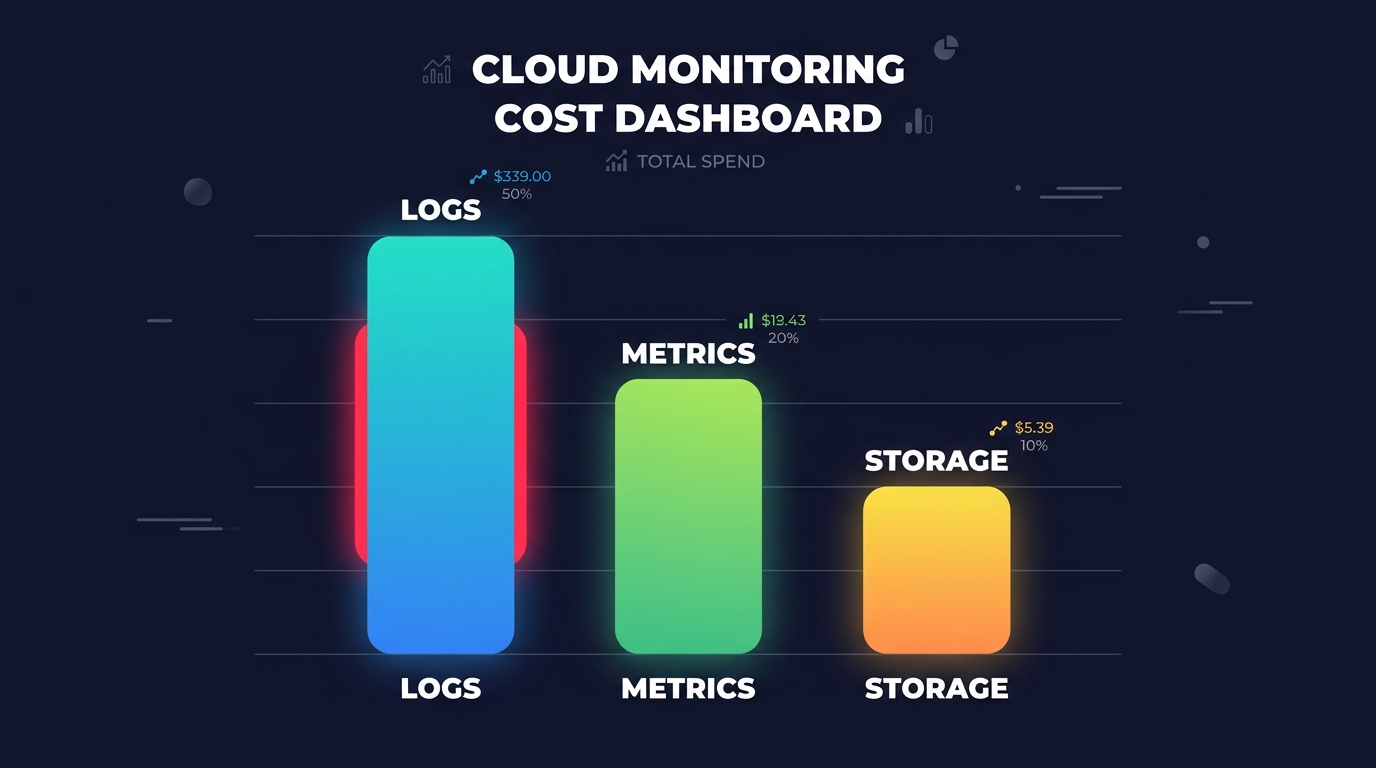
Logs are frequently the single largest expense within CloudWatch, often accounting for up to 51% of billing spikes. In the US East (N. Virginia) region, AWS charges $0.50 per GB for log ingestion. Verbose application logging, such as maintaining DEBUG or INFO levels in production, can generate terabytes of data that are rarely accessed, leading to thousands of dollars in wasted spend.
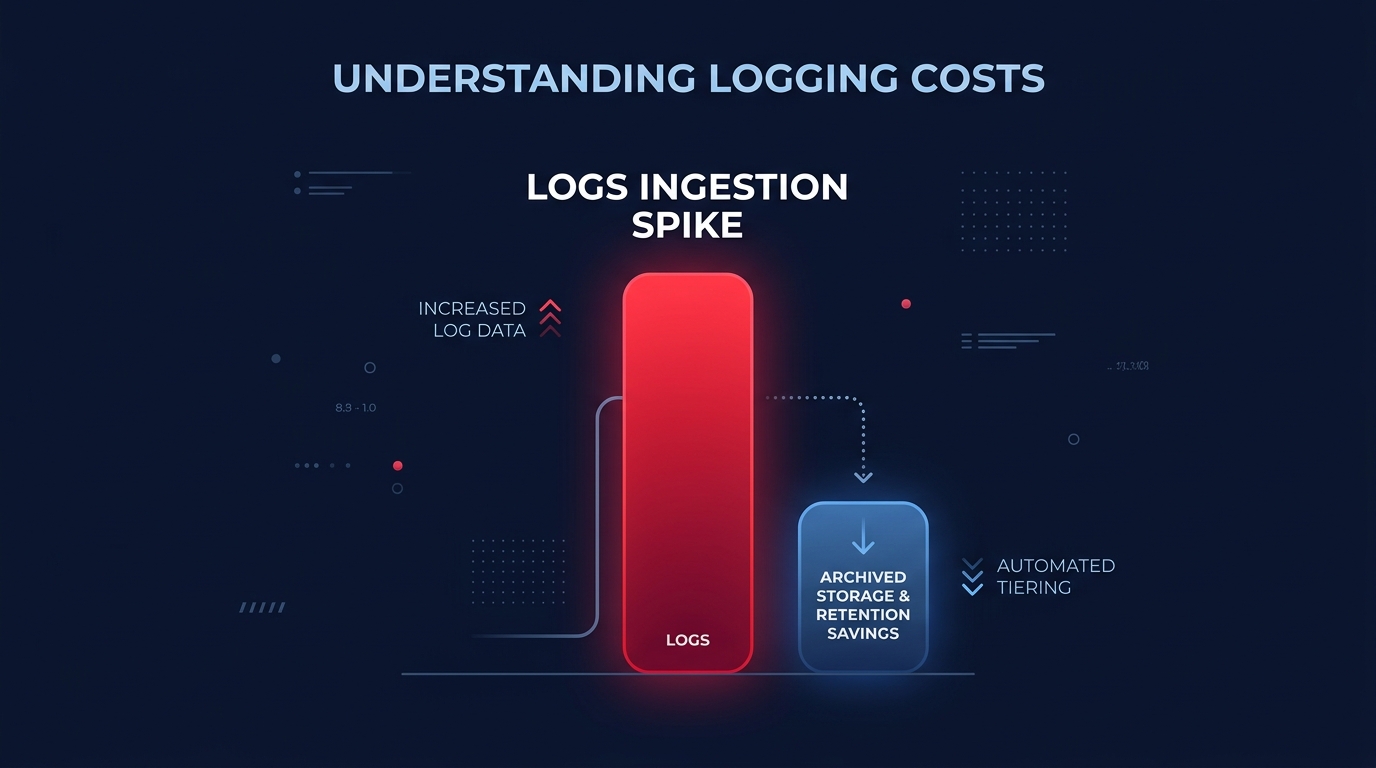
The most effective way to lower these costs is to filter data before it reaches CloudWatch. You should evaluate using the Infrequent Access log class for logs that do not require advanced analytics, as this can reduce ingestion costs by 50%. For high-volume environments, stay informed on Amazon CloudWatch Logs pricing updates. For instance, a 2025 update for Lambda logs introduces tiered pricing that drops ingestion costs to as low as $0.05/GB for accounts processing over 50TB monthly.
Storage represents another “zombie” cost that accumulates silently. By default, CloudWatch log groups are set to “Never Expire,” meaning you pay $0.03 per GB every month for data that may no longer be relevant. Setting a retention policy of 30 days or less for non-critical logs can save between 30% and 60% on storage. For compliance data that must be kept long-term, export the logs to Amazon S3 or Glacier, where storage costs can be significantly lower than native CloudWatch archival rates.
Optimizing custom metrics and high cardinality
While standard AWS service metrics are free, custom metrics cost $0.30 each per month for the first 10,000 metrics. The primary driver of cost spikes in this category is high cardinality – the practice of adding unique dimensions like `UserID` or `RequestID` to a single metric. If you have 1,000 unique users and track a metric for each one individually, you are billed for 1,000 distinct metrics. To maintain control over your telemetry costs, consider the following strategies:

- Limit dimensions by avoiding unique identifiers that create unnecessary metric permutations.
- Use the Embedded Metric Format (EMF) to wrap metrics within log statements. CloudWatch application monitoring tools can then extract these metrics automatically, which bypasses the costs associated with repeated `PutMetricData` API calls.
- Adjust resolution by using standard 60-second intervals rather than 1-second high-resolution intervals, which carry a much higher price tag and are rarely necessary for every workload.
Auditing alarms, dashboards, and API usage
Alarms and dashboards are often overlooked during cost audits, yet they contribute steadily to the monthly bill. Standard alarms cost $0.10 per month, while composite or high-resolution alarms are more expensive. Many organizations leave “orphaned” alarms active even after the underlying resource, such as an EC2 instance, has been terminated. You should regularly delete any alarms in the `INSUFFICIENT_DATA` state to stop paying for idle monitoring that provides no value.
Similarly, CloudWatch dashboards cost $3.00 per month each. While this seems minor, the costs scale quickly in large organizations where developers create individual dashboards for every microservice. Consolidating these views and implementing role-based observability ensures your team sees the metrics that matter without creating redundant, paid resources.
Finally, monitor your API request volume. Third-party monitoring tools can inadvertently drive up costs by frequently polling the CloudWatch API. If your API bill is high, consider increasing the polling interval of your external tools or implementing AWS rate optimization strategies to manage how your environment interacts with the AWS control plane more efficiently.
Automating your cloud cost reduction
Monitoring your monitoring shouldn’t be a full-time job for your engineering team. While manual audits provide temporary relief, cloud environments are too dynamic for static fixes to provide lasting results. Achieving sustainable savings across log retention, metric cardinality, and resource utilization requires a continuous, automated approach.
Hykell helps businesses reduce their total AWS bill by up to 40% through automated optimization. We dive deep into your infrastructure to uncover hidden savings and implement rate optimization strategies on autopilot, ensuring you maintain full visibility without the high-resolution price tag. Our performance-based model means we only take a slice of what you save – if we don’t find savings, you don’t pay.
To see how much you could be saving on CloudWatch and other AWS services, use our cost savings calculator or contact us for a detailed cost audit.