
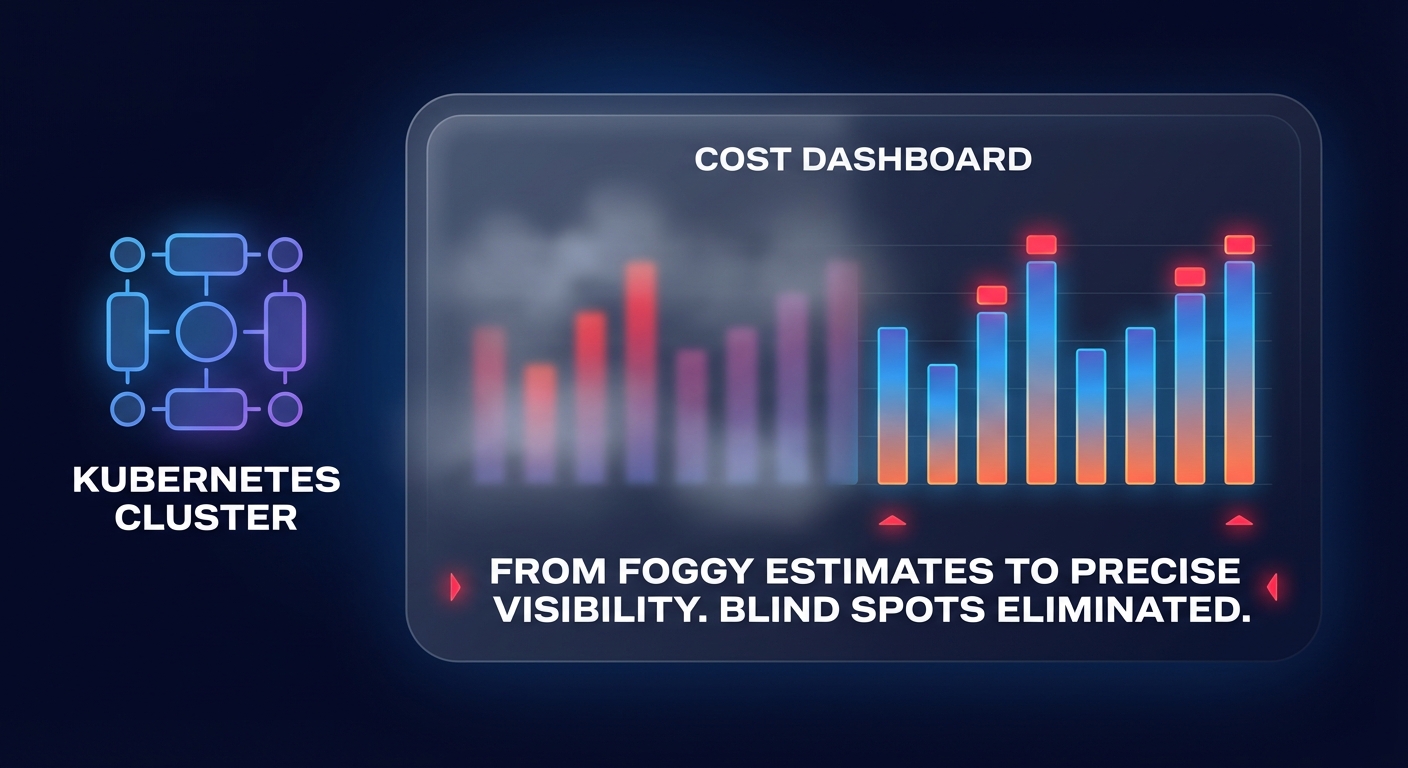
Are you still guessing how much your microservices actually cost? Transitioning to Kubecost Enterprise transforms your Kubernetes cost monitoring from a series of estimates into a high-precision auditing tool.
While the free version of Kubecost provides a solid baseline for visibility, the Enterprise tier unlocks multi-cluster federation, SAML integration, and long-term data retention required for serious FinOps at scale. For AWS-focused teams, this migration is a critical step in moving from reactive firefighting to proactive Kubernetes cost optimization.
Prerequisites for a successful AWS migration
Before you initiate the transition on Amazon EKS, your environment must meet specific infrastructure standards to support Enterprise’s advanced ETL processes and high-cardinality data. You should have Helm 3.9 or later and kubectl configured for your EKS cluster. From a resource perspective, you must plan for a minimum of 2 vCPUs and 4GB of RAM for the core Kubecost components.
If your cluster runs Kubernetes version 1.23 or later, you must have the Amazon EBS CSI driver installed. Persistent storage is mandatory for maintaining historical cost data and ensuring your Kubecost architecture remains resilient. Additionally, you will need an IAM service account with permissions for the EBS CSI driver and read access to the AWS Cost and Usage Report (CUR). This Kubecost AWS integration allows the platform to move beyond generic pricing and account for your specific Savings Plans and Reserved Instances.
Technical upgrade paths for EKS clusters
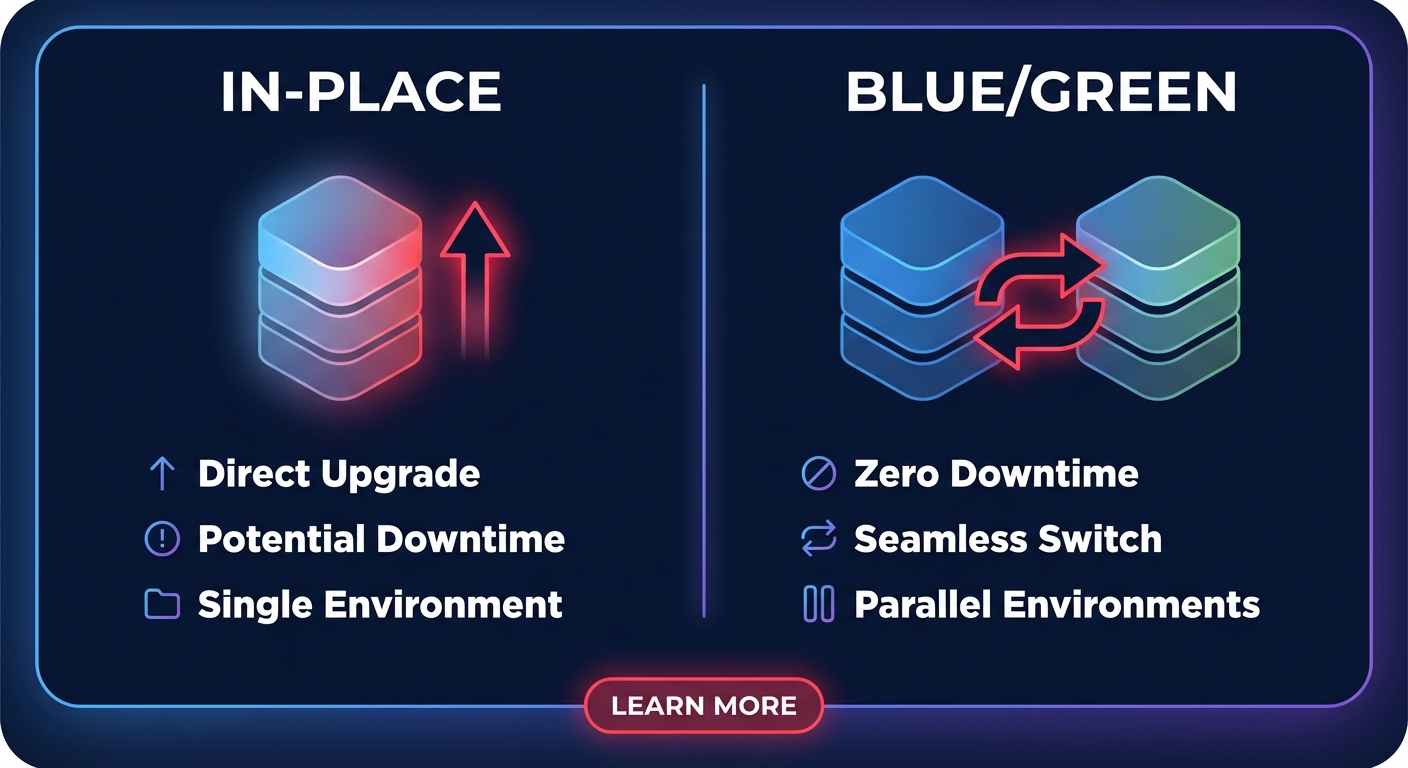
Most engineering teams choose between an in-place Helm upgrade or a blue/green deployment strategy when deploying Kubecost on Amazon EKS. An in-place upgrade is faster but requires precise configuration to avoid downtime. To execute this, you update your existing Helm repository and modify your values file to include your Enterprise license key and updated image tags. If you are moving from a standard open-source setup, verify that your existing Prometheus installation is compatible with the version required by the Enterprise bundle.
A blue/green migration is often safer for mission-critical clusters. In this scenario, you deploy a fresh instance of Kubecost Enterprise alongside your existing installation. Once you verify that the new instance is correctly ingesting AWS billing data via Amazon Athena and displaying the dashboard, you can decommission the legacy version. This approach ensures you maintain continuous visibility and provides a clean rollback path if the new integration encounters issues.
Handling licensing and data retention
The transition to Enterprise is largely driven by the application of a license key, which can be acquired through the AWS Marketplace at rates of approximately $3.42 per container hour. You apply this key through a Kubernetes secret or directly within your Helm values to unlock restricted features like real-time anomaly detection and multi-dimensional cost allocation.
Data retention serves as a primary differentiator for Enterprise users. While the free version typically limits your historical view, Enterprise allows you to store metrics in durable S3 buckets for years. During migration, you must configure your object storage settings to point to a dedicated S3 bucket. This long-term data ensures your cost management strategies for AWS EKS clusters are based on seasonal trends rather than just a two-week snapshot of activity.
Post-migration integration and validation
Once your pods are operational, you must validate your data reconciliation to ensure accuracy. Access the settings page in the Kubecost UI to confirm the connection to the AWS Cost and Usage Report is active. If you see a cloud integration warning, the system will default to public on-demand pricing, which can significantly overstate your spend if you have already implemented AWS rate optimization strategies.
You should also verify your AWS cost allocation tags to ensure they bridge the gap between in-cluster resources and out-of-cluster services like RDS or S3. Consistent tagging allows Kubecost to map namespace and pod labels to specific business units, enabling the accurate chargeback and showback reports required for modern FinOps workflows.
Minimizing risk with Hykell automation
A migration to Kubecost Enterprise provides the visibility you need, but visibility alone does not lower your bill. Implementing the rightsizing recommendations provided by the platform often requires significant manual effort and carries the risk of performance degradation if resource limits are tightened too aggressively.
Hykell changes this dynamic by acting on these insights automatically. Our platform provides Kubernetes optimization on AWS that operates on autopilot, reducing your total cloud spend by up to 40% without requiring constant attention from your DevOps team. This includes advanced strategies such as accelerating your Graviton gains to maximize price-performance across your clusters.
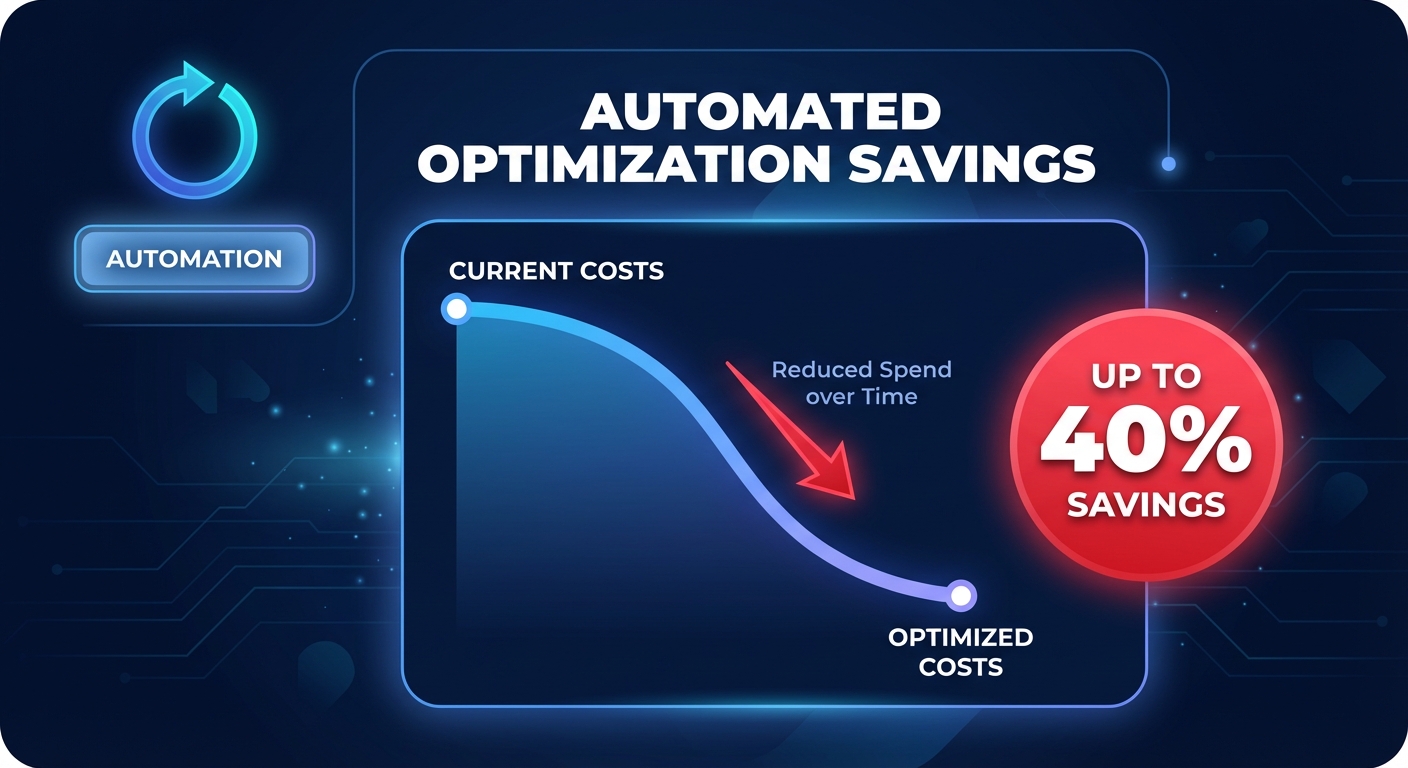
By combining the deep visibility of Kubecost Enterprise with Hykell’s automated rate and resource optimization, you can ensure your AWS performance SLA remains intact while your costs drop. We only take a slice of what you save – if you don’t save, you don’t pay.
Schedule a free cloud cost audit with Hykell to see how much your environment can save through automated optimization.

