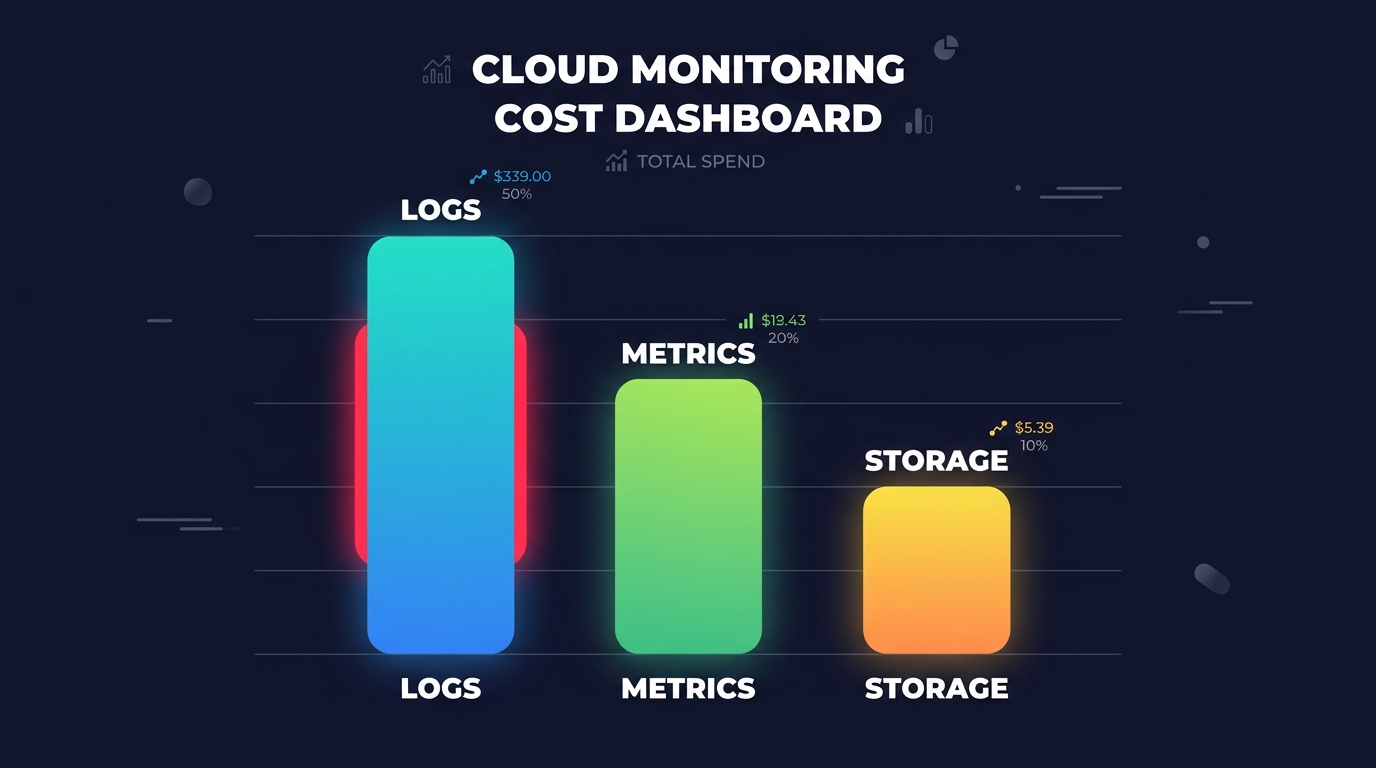
Did you know organizations typically waste 25–35% of their cloud spend on idle or overprovisioned resources? If your AWS bill climbs while performance stays flat, you are likely paying for “zombie” infrastructure. Identifying this waste is the first step toward reclaiming your budget and improving efficiency.
According to Flexera’s 2025 reports, cloud waste accounts for nearly a third of total spend, reaching as high as 40% in high-growth environments. This inefficiency often stems from a lack of visibility into resource lifecycle and utilization. By systematically auditing your environment, you can uncover significant savings without impacting application uptime or performance.
Categorizing the three types of AWS waste
To effectively clean up your environment, you must first categorize the inefficiencies lurking in your accounts. Most AWS waste falls into three distinct buckets: idle resources, orphaned assets, and overprovisioned capacity. Understanding these distinctions allows you to conduct a cloud cost audit with surgical precision rather than making broad, risky cuts.
Idle resources represent services that are running but performing no meaningful work, such as an EC2 instance sitting at 1% CPU utilization for weeks. Orphaned resources are “digital junk” that remains active after a parent resource has been deleted. Finally, overprovisioned resources are active but far larger than necessary; for instance, paying for a 4xlarge instance when the workload only requires a medium. By reviewing these categories through a cloud cost governance framework, you can establish clear policies to prevent their recurrence.
Detecting idle resources with CloudWatch and Trusted Advisor
Idle resources are the most common “silent spenders” in the cloud. AWS typically defines an idle EC2 instance as one maintaining less than 10–20% CPU utilization over a sustained period. To locate these, you should leverage AWS Trusted Advisor, which automatically flags low-utilization instances and idle Route 53 health checks.
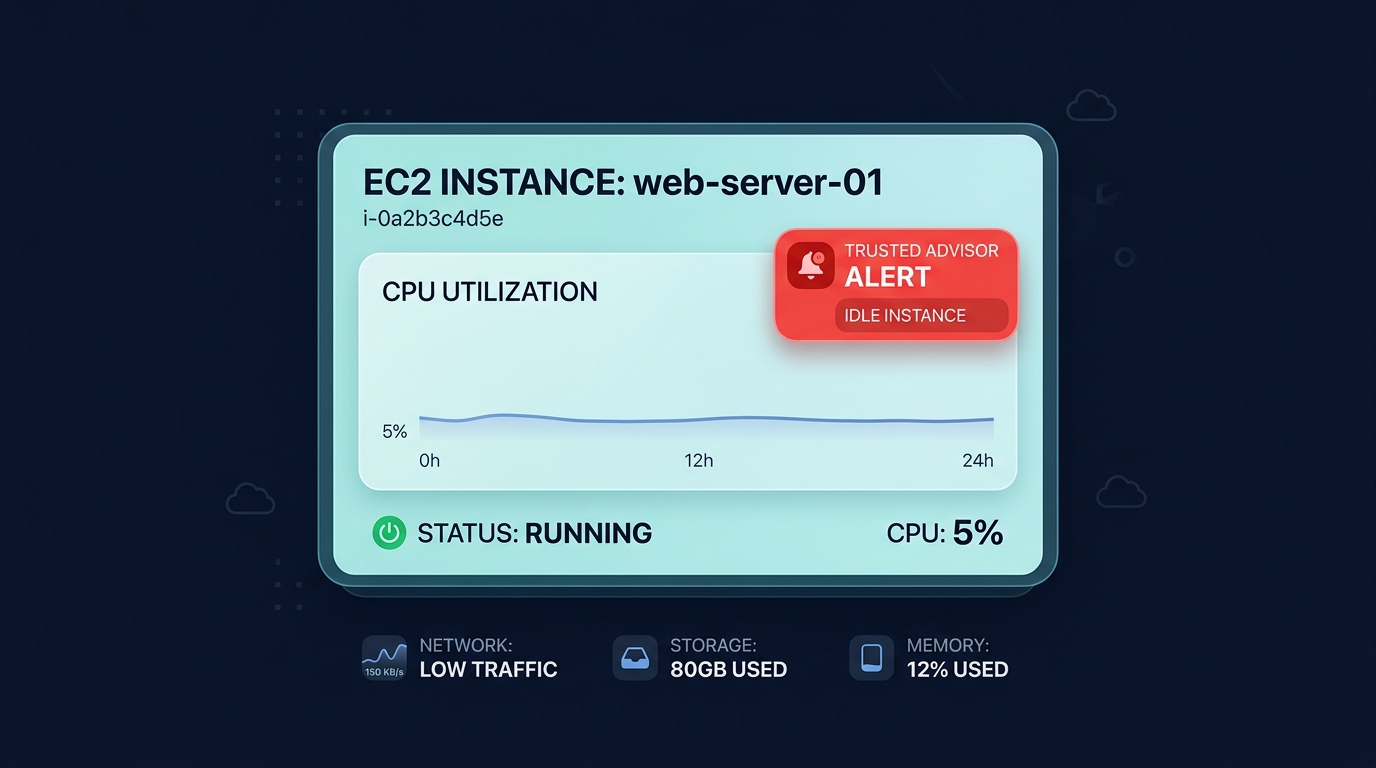
Beyond compute, you should investigate other common areas of waste:
- Idle Load Balancers: Identify Elastic Load Balancers (ELBs) with zero RequestCount metrics over the last seven days.
- Underused RDS Instances: Look for databases with no active connections or CPU usage consistently below 1%.
- Idle Elastic IPs: Find addresses that are allocated to your account but not associated with a running instance, as these incur hourly charges.
Proactive teams use AWS cost monitoring to set automated alerts on these metrics. This ensures you catch utilization spikes or drops before they balloon into a massive end-of-month invoice.
Hunting for orphaned zombie resources
Orphaned resources often occur because engineers terminate a parent resource but forget to ensure associated assets are also decommissioned. Unattached EBS volumes are a primary offender; when you terminate an instance, the attached block storage often persists, continuing to rack up costs for provisioned IOPS and capacity. You can find these by filtering for volumes in the “available” state within the EC2 console.
Obsolete snapshots are another major drain on the budget. While backups are essential for disaster recovery, many organizations retain snapshots that are months or even years old. A core AWS billing best practice is to implement lifecycle policies that automatically delete or archive snapshots older than 90 days. Using a cloud cost audit checklist can help your team systematically hunt for these “zombie” resources, including unattached Elastic IPs and idle load balancer targets.
Analyzing overprovisioned capacity
Overprovisioning happens when engineers build in excessive “safety buffers” that dwarf actual demand. This is particularly prevalent in Kubernetes environments, where pod requests often exceed actual utilization by 30-50%. Identifying these mismatches requires analyzing at least 14 days of historical performance data.
To address this, use AWS Compute Optimizer to analyze CloudWatch metrics. This tool recommends smaller, more cost-effective instance types that still meet your performance requirements. For example, migrating suitable workloads to AWS Graviton can offer up to 40% better price-performance alone. Effective cloud resource rightsizing ensures that every vCPU and gigabyte of RAM you pay for is actually contributing to your application’s output. For businesses that lack the manual bandwidth to manage this, automated AWS rightsizing can handle these adjustments on autopilot, maintaining the balance between cost and performance.
Using Cost Explorer to spot waste patterns
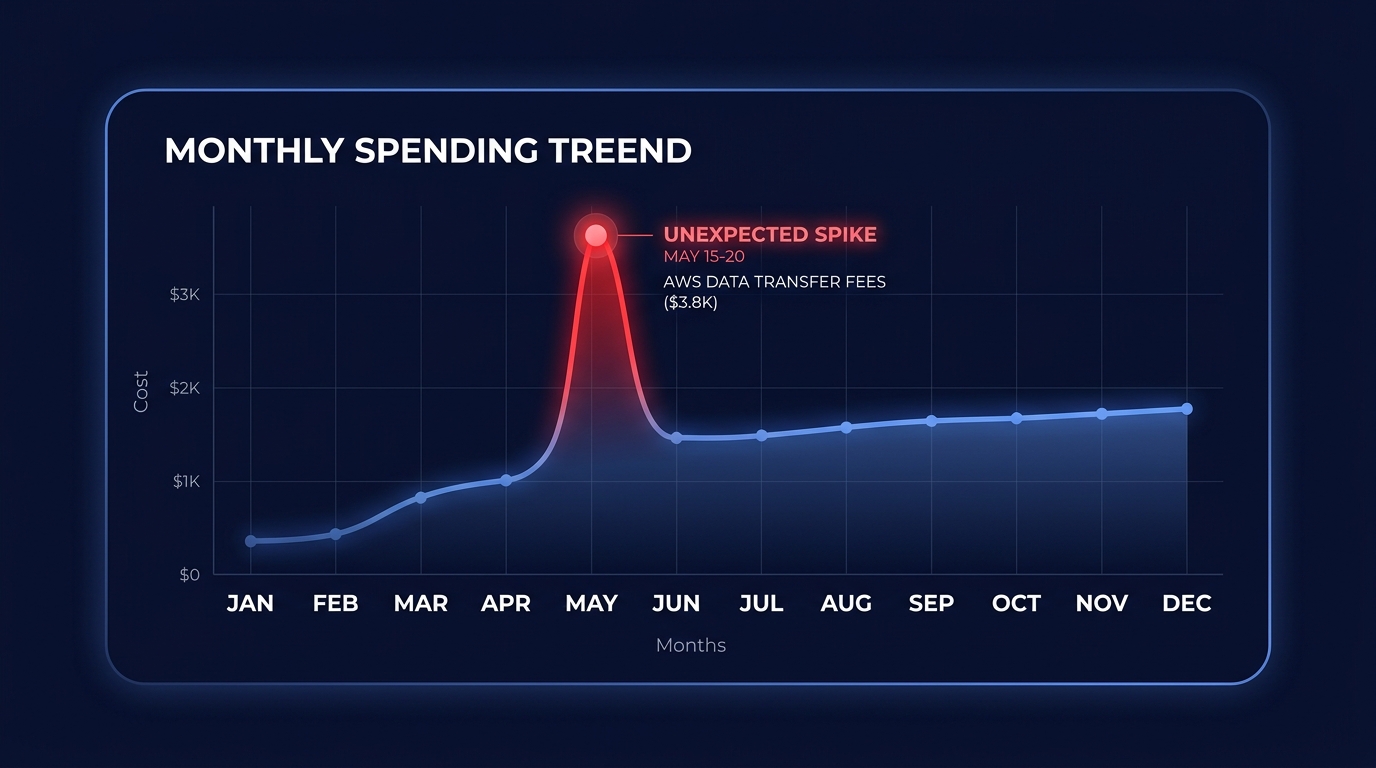
AWS Cost Explorer is a powerful visual tool for identifying patterns of inefficiency. By filtering your spend by “Usage Type” and “Resource,” you can see which services cost the most relative to their output. You should look specifically for spend spikes, such as unusual increases in S3 egress or cross-region data transfer costs, which often signal architectural inefficiencies.
Unallocated spend is another red flag. If costs are not tied to a specific project or owner, they are much harder to optimize. You should master AWS cost allocation tags to ensure every dollar on your bill has a designated owner responsible for its efficiency. High levels of untagged spend usually indicate that orphaned resources are lurking in sub-accounts, protected from visibility by a lack of metadata.
Stop guessing and start saving with Hykell
Manually hunting for cloud waste is a never-ending task that takes engineering focus away from building product. While native AWS tools provide raw data, they rarely take the automated actions required to stop unnecessary spending immediately.
Hykell provides automated cost visibility and optimization that eliminates cloud waste on autopilot. We dive deep into your infrastructure to find idle instances, orphaned volumes, and overprovisioned clusters, typically reducing total AWS spend by up to 40% without requiring ongoing engineering effort.
Our model is simple and risk-free: we only take a slice of what you save. If we don’t find savings, you don’t pay. Ready to see how much waste is hiding in your environment? Use our calculator to see your potential reduction or contact us today for a comprehensive cloud cost audit.