
Are you paying for the AWS resources you actually use, or just the ones you forgot to turn off? Most organizations waste roughly 30% of their cloud budget on idle infrastructure. This guide ensures your engineering velocity isn’t being subsidized by financial waste.
Establish visibility and governance foundations
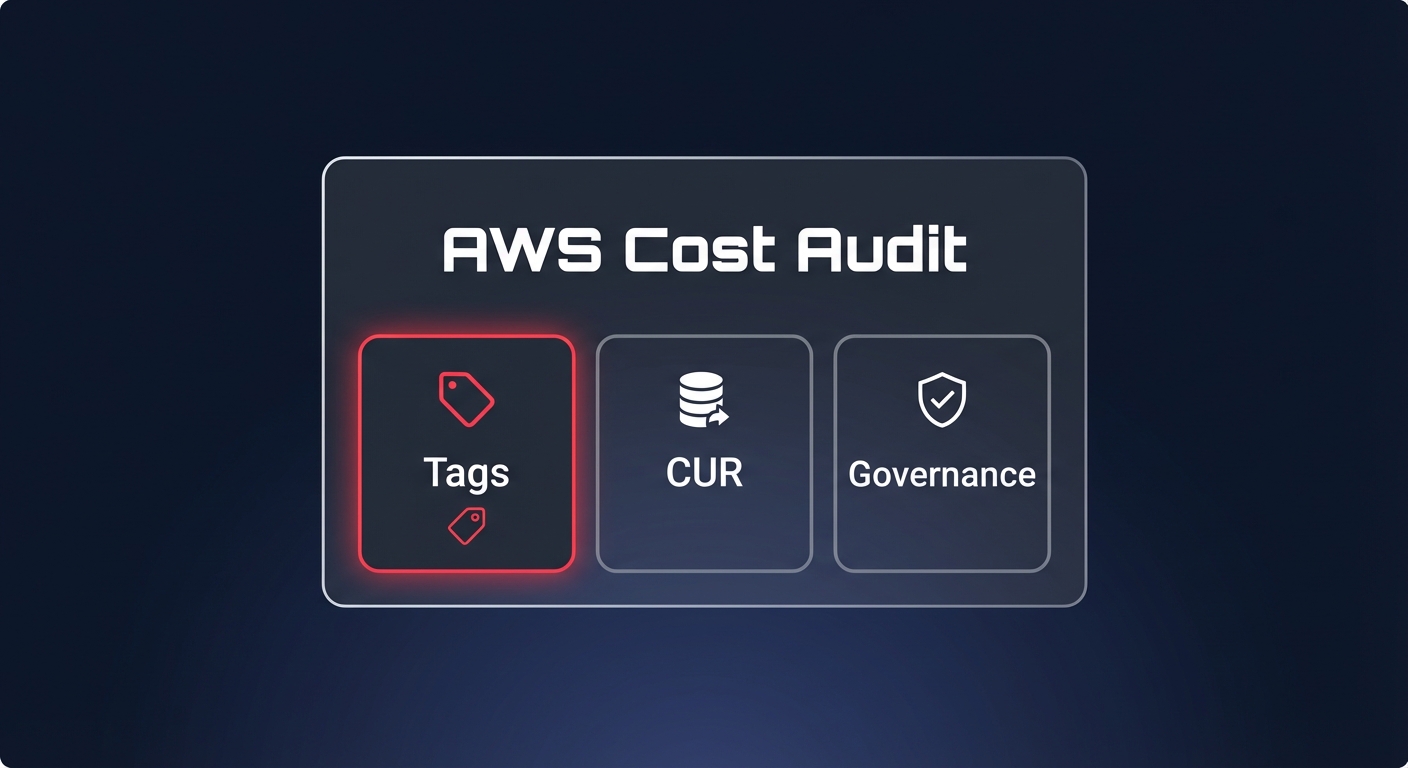
You cannot optimize what you cannot see. The first phase of any audit must focus on data ingestion and resource attribution. If your unallocated spend exceeds 10%, your primary priority is designing and enforcing a robust tagging taxonomy that covers business, technical, and automation dimensions.
Effective visibility starts by enabling the AWS Cost and Usage Report (CUR). Configuring this in Parquet format can lead to 10x better query performance and an 80% reduction in storage costs compared to standard CSV files. Once the raw data is flowing, you can use AWS Tag Policies to mandate keys like `Environment`, `Project`, and `Owner`. This creates the accountability necessary to tie every dollar spent back to a specific team or product initiative.
Collect data using AWS-native tools
A comprehensive audit begins with standardizing your toolset to separate retrospective analysis from proactive prevention. AWS Cost Explorer serves as the primary engine for analyzing historical trends across 18 dimensions, helping you identify if specific fleets are consuming more budget than forecasted. It provides up to 38 months of historical data, which is essential for identifying seasonal patterns in your infrastructure spend.
For proactive control, AWS Budgets allows you to set tiered alerts at 50%, 80%, and 100% thresholds. These alerts surface cost drift during the billing cycle rather than after invoices close, preventing surprise bills at the end of the month. Complementing these are AWS Trusted Advisor, which flags immediate waste like idle load balancers or unassociated Elastic IP addresses, and AWS Compute Optimizer. This machine-learning tool analyzes your workload patterns to identify rightsizing candidates by comparing actual vCPU, memory, and IOPS usage against your provisioned capacity.
Identify and quantify resource waste
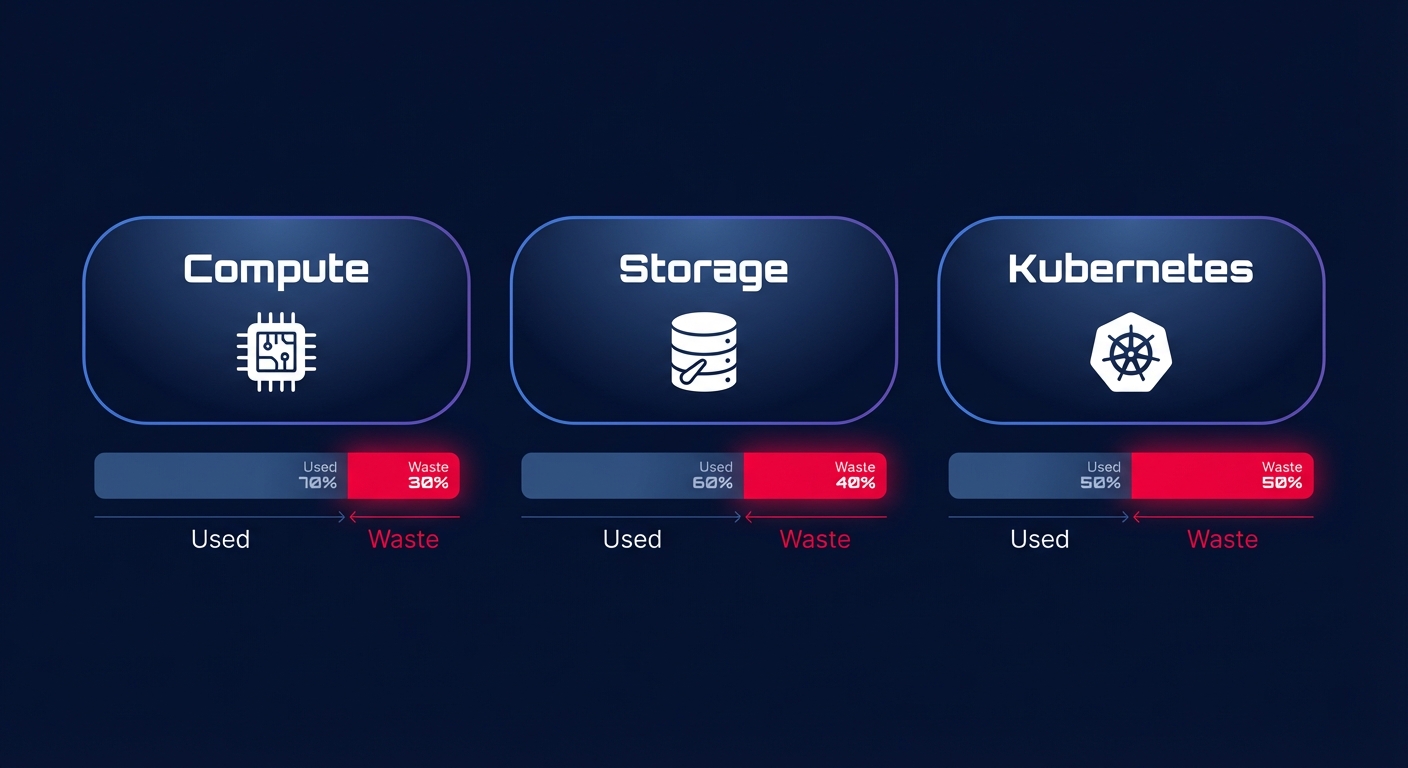
Once you have established visibility, the audit should drill down into the three service categories where waste is most commonly hidden: compute, storage, and container orchestration.
Compute and EC2 rightsizing
Review your instances for “zombie” resources that run at less than 10% CPU utilization at peak. Rightsizing these instances to match actual demand typically yields a 20-40% reduction in compute costs. One of the most effective levers is migrating to Graviton-based instances, which offer up to 60% better price-performance compared to traditional x86 architectures. For non-production environments, implementing a cloud cost governance framework that includes automated shutdown schedules can reduce development environment costs by as much as 70%.
Storage and EBS optimization
Storage waste often goes unnoticed because it remains active even after an instance is terminated. An audit should prioritize identifying unattached EBS volumes and stale snapshots. A significant “quick win” is migrating from gp2 to gp3 volumes, which reduces storage costs by 20% while providing better baseline performance. Organizations often find that 20-30% of their EBS spend is tied to over-provisioned IOPS that the underlying application never actually utilizes.
Kubernetes efficiency
Kubernetes often masks waste behind node-level abstraction, making it difficult to see who is driving costs. Achieving true Kubernetes optimization on AWS requires pod-level attribution to identify the gap between resource requests and actual usage. If your pods are requesting 4GB of RAM but only consuming 500MB, you are paying for the idle capacity. Transitioning to tools like Karpenter for real-time node selection can help ensure your cluster capacity scales precisely with pod requirements.
Prioritize savings with rate optimization
After rightsizing your infrastructure to a lean baseline, the next step is optimizing the price you pay for that remaining steady-state usage. This efficiency is measured by your Effective Savings Rate (ESR), a metric that tracks how successfully you convert on-demand spend into discounted commitments.
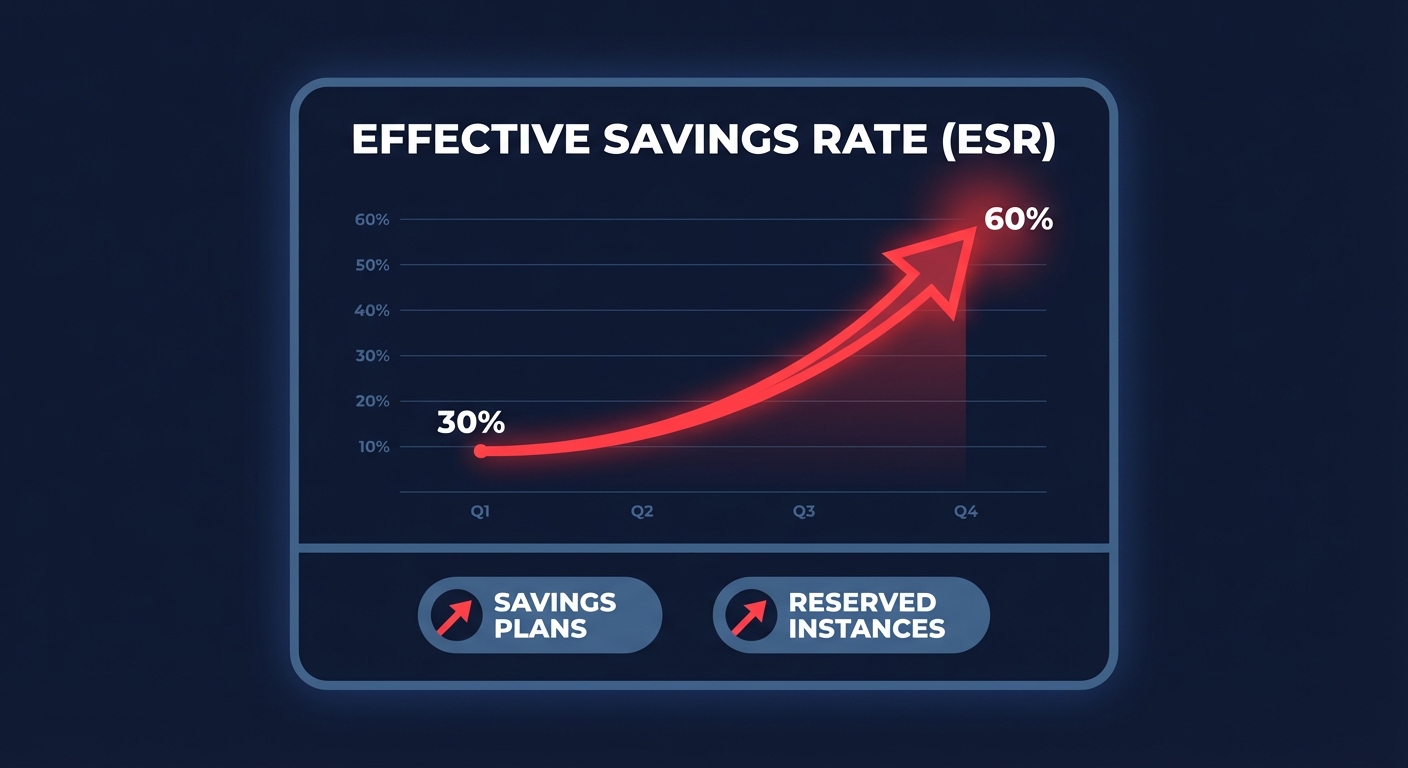
Engineering leaders must often choose between the broad flexibility of Compute Savings Plans and the deeper discounts of Reserved Instances or EC2 Instance Savings Plans. While manual management of these commitments is complex and carries high risk, achieving 70-80% coverage is essential for a mature FinOps practice.
Hykell’s automated rate optimization removes this manual burden. By using an AI-driven blend of commitment types, Hykell can boost your ESR to 50-70% or higher. This ensures you get the full benefit of long-term discounts without the risk of over-committing to capacity you might not need in six months.
Establish a continuous optimization cadence
A one-time audit provides a temporary reprieve, but cloud costs are dynamic and tend to drift back toward inefficiency. To maintain a lean environment, you must establish a recurring cadence for cost monitoring.
- Review cost anomaly alerts weekly to catch misconfigured resources or runaway functions before they impact your monthly budget.
- Analyze budget variances and tag compliance monthly to ensure new projects are following established governance standards.
- Conduct a quarterly audit of Reserved Instance utilization and coverage to ensure your commitment strategy still aligns with your current architecture.
- Perform an annual review of Savings Plans and multi-year commitment strategies to align cloud priorities with long-term business goals.
The most significant hurdle for engineering leaders is that manual audits take focus away from the product roadmap. This is where automation becomes a competitive advantage. Hykell bridges the gap between visibility and action by operating on autopilot. We deep-dive into your infrastructure to uncover hidden waste and automatically execute optimizations, reducing total AWS spend by up to 40%. Connect your account for a zero-risk assessment; you only pay a percentage of the actual savings we generate.

