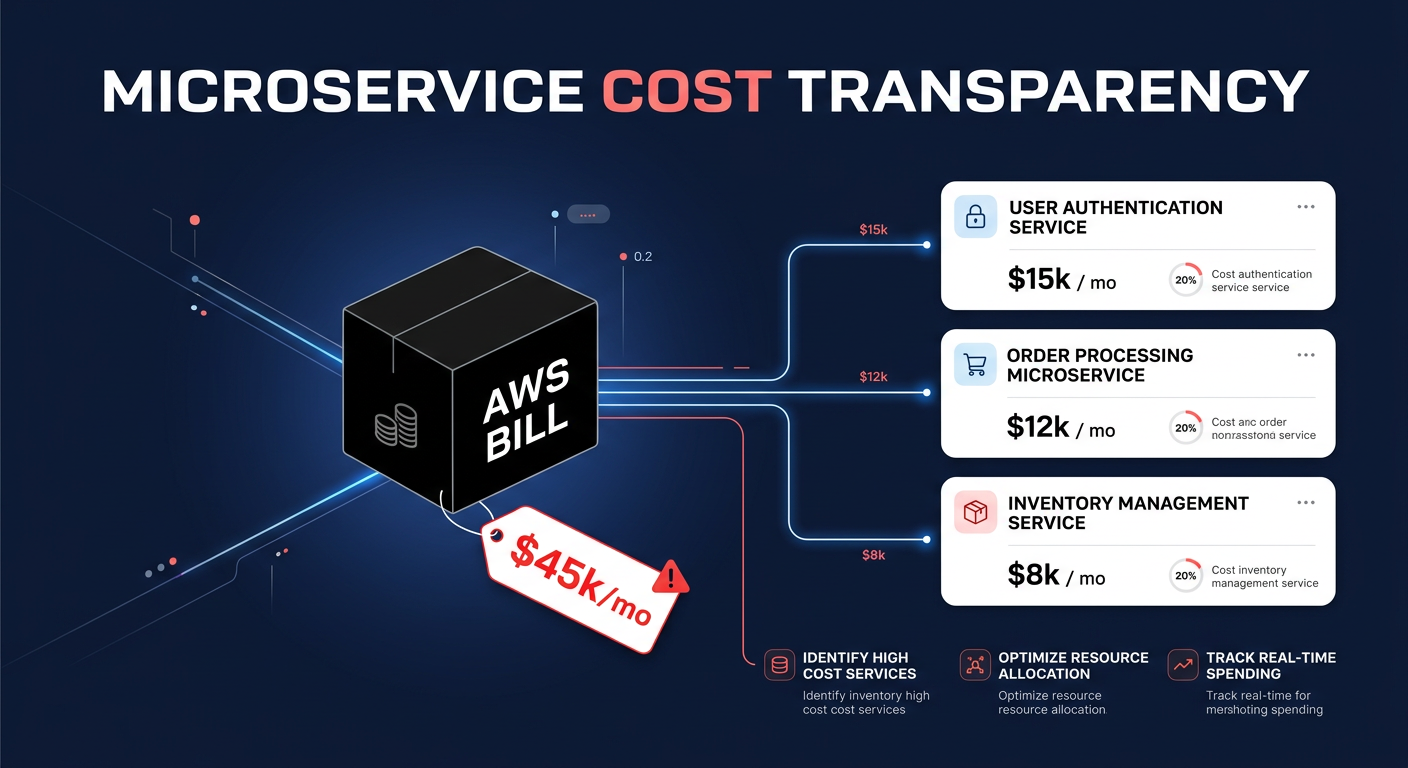
Could your AWS bill be hiding “zombie” infrastructure that eats 15% of your budget? While AWS Trusted Advisor is an essential first line of defense, simply viewing the dashboard isn’t enough to stop the financial bleeding.
To truly optimize your environment, you must understand which checks drive the most immediate value, how they differ from other native tools, and where manual effort must be replaced by automation to achieve sustainable results.
The core cost optimization checks in AWS Trusted Advisor
AWS Trusted Advisor acts as a customized best-practice engine for your infrastructure. While the platform covers security, fault tolerance, and operational excellence, its cost optimization pillar is specifically designed to flag idle resources and commitment gaps that lead to unnecessary spend.
Identifying idle and orphaned resources
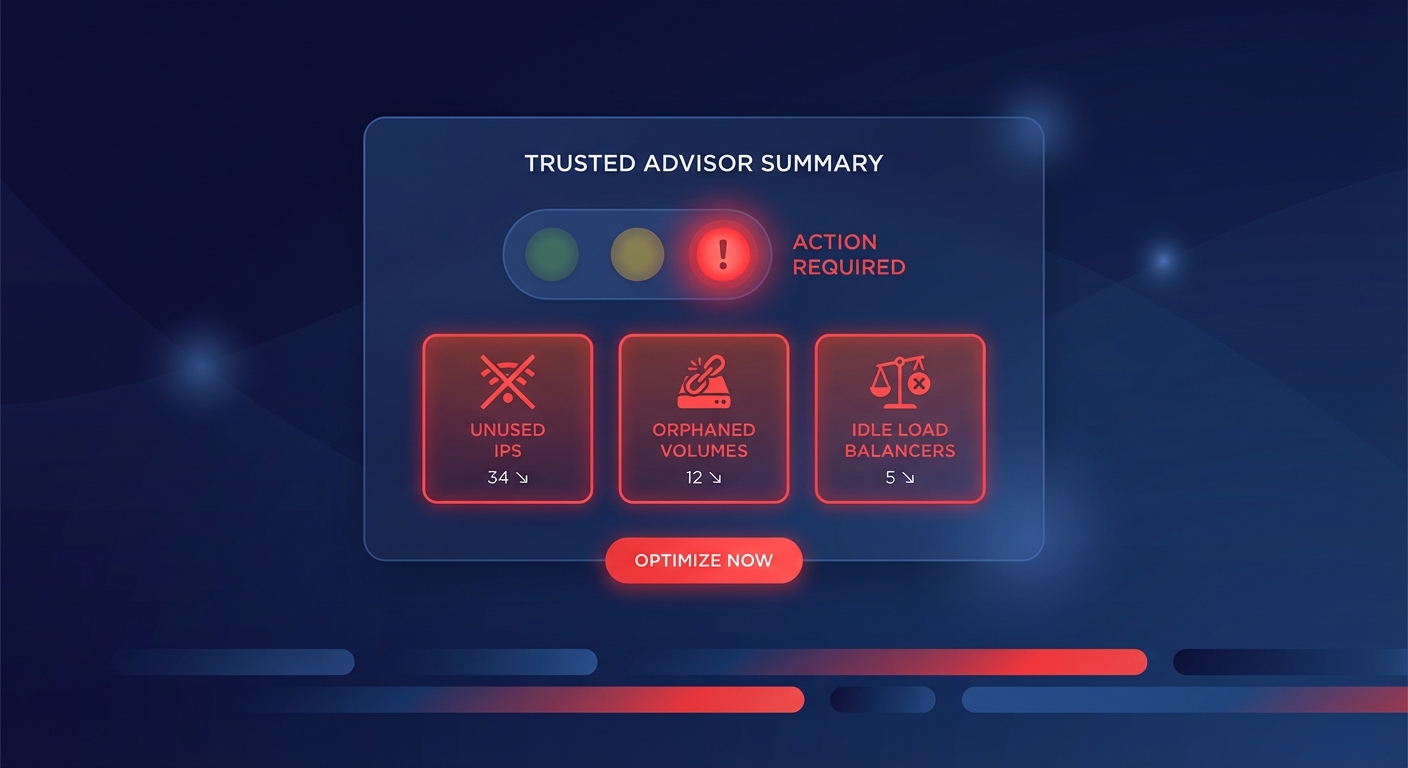
The most immediate wins often come from flagging resources that you are paying for but no longer using. A common culprit is unassociated Elastic IP addresses; AWS charges $0.005 per hour for these IPs when they aren’t attached to a running instance. Across a large organization, hundreds of forgotten IPs can quickly add up to significant waste. Similarly, the platform identifies idle load balancers that have processed fewer than 100 requests over the last seven days, suggesting they may no longer be serving active traffic.
Storage waste is another primary target. Trusted Advisor identifies orphaned volumes that are unattached to any EC2 instance. This typically happens when instances are terminated but the “delete on termination” flag was left unchecked, leaving the storage to continue accruing costs indefinitely. Regularly auditing these right-sizing cloud resources can prevent these “zombies” from haunting your monthly invoice.
Underutilized compute and database capacity
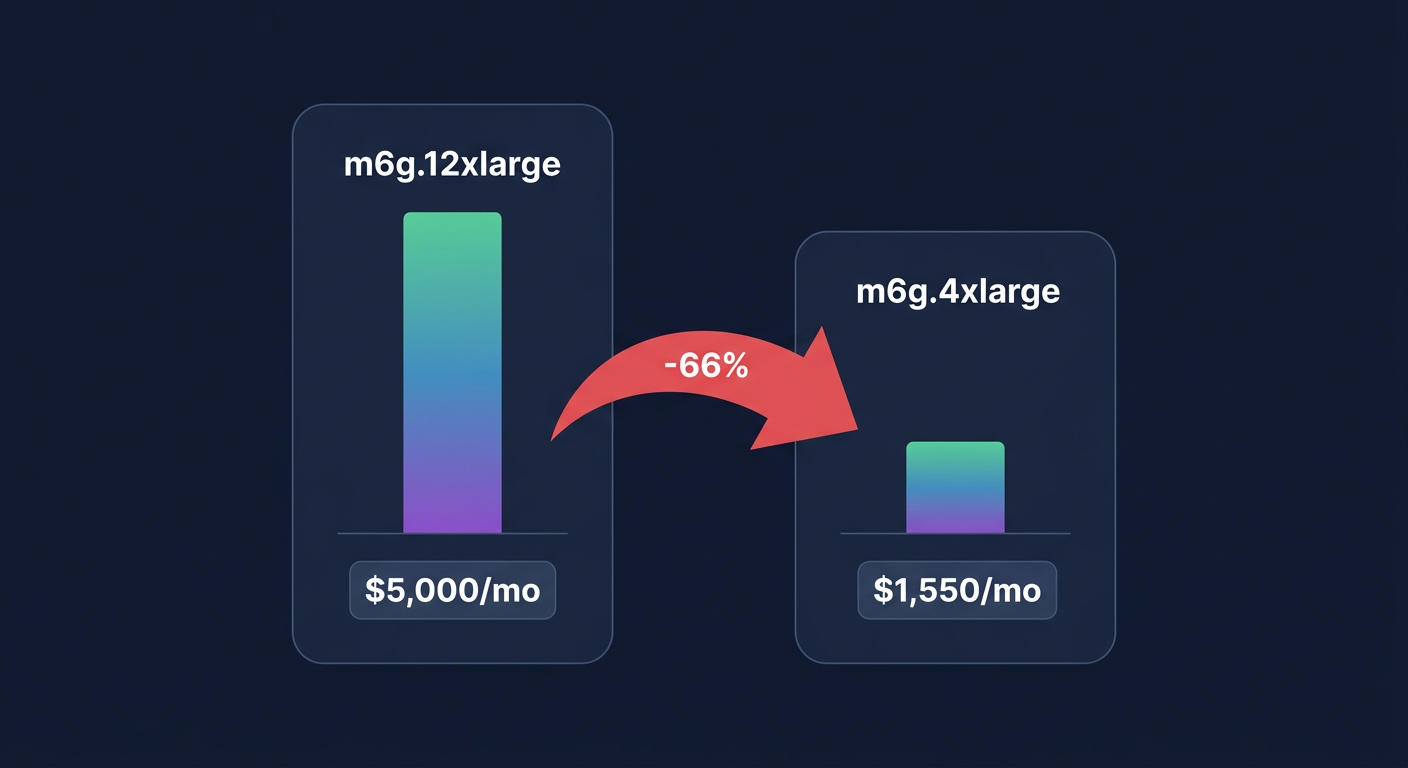
Beyond just finding unused assets, the service monitors utilization patterns to find oversized resources. It flags low-utilization EC2 instances where daily CPU usage is less than 10% and network I/O is less than 5MB for at least four of the last 14 days. This logic extends to Amazon RDS, where it identifies databases that lack meaningful connection activity or CPU usage, signaling that you could downsize the instance or perhaps hibernate it during off-hours.
The platform also helps fine-tune serverless costs. By analyzing your AWS Compute Optimizer data, it can provide insights into Lambda function memory settings. This ensures you aren’t paying for high-tier memory allocations when your code only consumes a fraction of that RAM.
Commitment-based savings opportunities
While several specific Reserved Instance (RI) checks were deprecated in early 2025 to consolidate recommendations into the Cost Optimization Hub, Trusted Advisor still maintains a high-level view of your discount coverage. It highlights opportunities where shifting from On-Demand pricing to Savings Plans and Reserved Instances could reduce your compute costs by as much as 72%. It acts as a reminder that steady-state workloads should never be paid for at the full retail rate.
How to interpret Trusted Advisor results
Trusted Advisor uses a straightforward “stoplight” system to help you prioritize your remediation efforts. A green status indicates your resources are currently aligned with AWS best practices, while a yellow status suggests a resource is nearing a service limit or showing signs of moderate inefficiency. Red flags represent significant waste or risk that requires immediate attention.
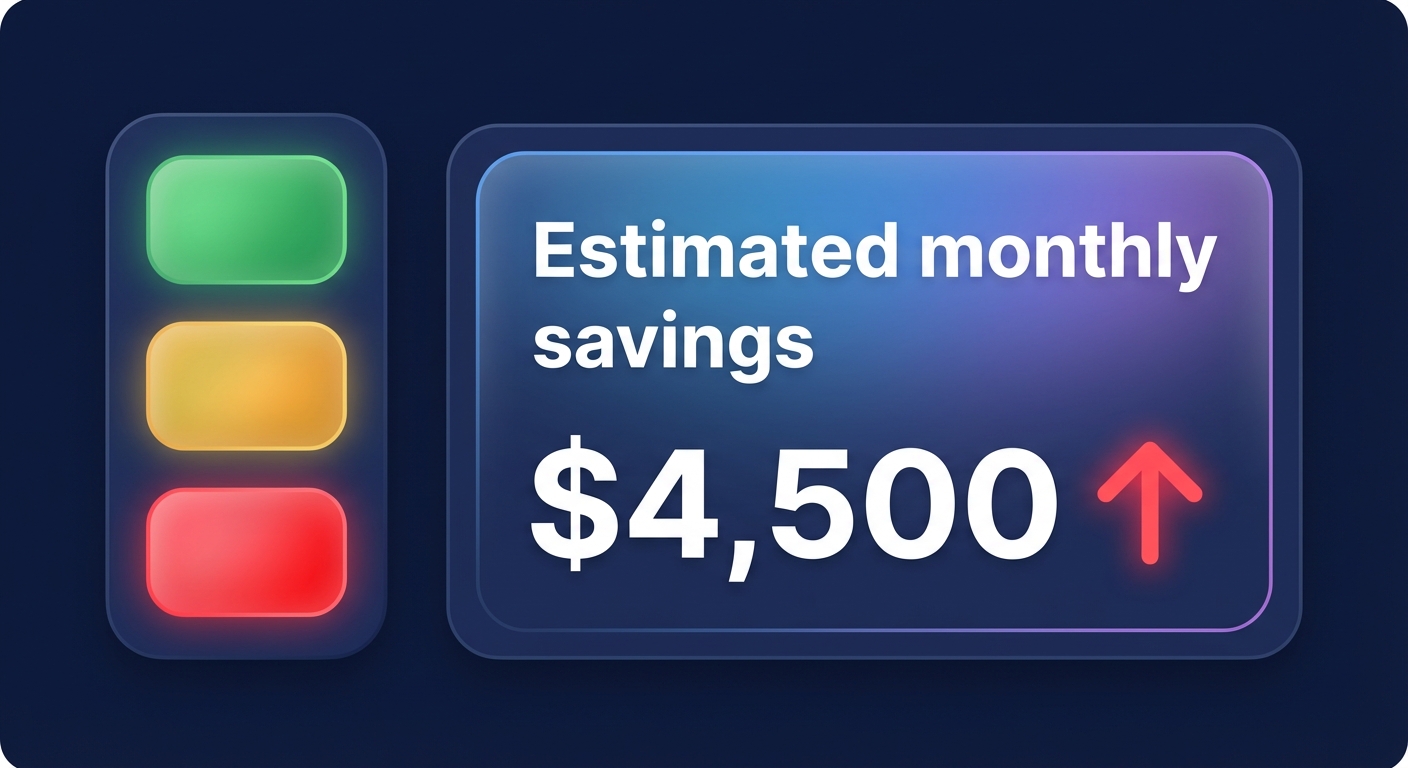
When reviewing the cost optimization dashboard, your focus should be on the estimated monthly savings field. This metric allows engineering leaders to quantify the impact of a change before assigning a ticket to a developer. However, it is important to remember that these recommendations are often conservative. For example, EC2 checks primarily look at CPU and network metrics, often missing memory-constrained workloads that could be rightsized more aggressively to capture deeper savings.
Choosing the right tool for the task
One of the biggest challenges for AWS engineers is knowing which native tool to trust for specific financial tasks. Trusted Advisor is essentially your “broad brush” for finding obvious waste and configuration errors across your entire account. It is the best starting point for identifying the “low-hanging fruit” like unattached IPs or forgotten volumes.
In contrast, AWS Cost Explorer functions as a “magnifying glass” for historical visualization and forecasting. Use it when you need to analyze spend trends by specific tags or investigate a cloud cost anomaly that appeared in last month’s bill.
For the most precise resource tuning, use Compute Optimizer. It acts as a “scalpel,” using machine learning to analyze at least 14 days of CloudWatch metrics to provide specific rightsizing recommendations for EC2, EBS, and Lambda. While Trusted Advisor tells you that a resource is idle, Compute Optimizer tells you exactly which instance type you should move to for optimal performance-to-cost ratios.
The limitation of recommendation-only tools
The primary hurdle with AWS Trusted Advisor is that it provides visibility without execution. It tells you exactly what is wrong, but it doesn’t fix the problem for you. For a US-based enterprise managing thousands of instances, manually acting on every red flag is an impossible task for engineering teams who need to focus on shipping features rather than cleaning up infrastructure.
Research indicates that organizations often waste roughly 35% of their cloud spend because recommendations sit in dashboards for weeks or months without implementation. This gap between insight and action is where manual FinOps strategies often fail, leading to bloated budgets and technical debt. Utilizing AWS cost monitoring tools is a great start, but true efficiency requires moving from observation to active management.
Augmenting Trusted Advisor with Hykell
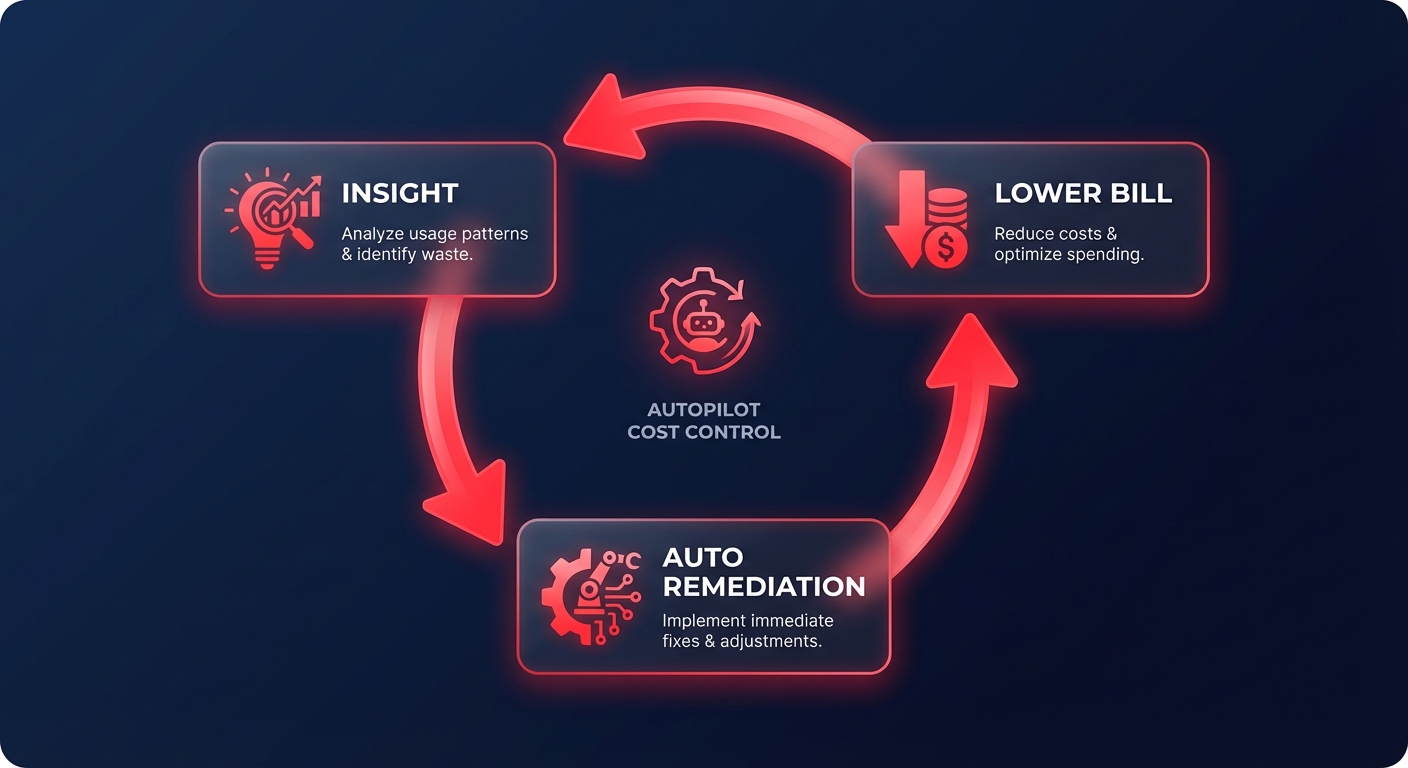
While Trusted Advisor provides the necessary visibility into your waste, Hykell provides the automated execution required to reclaim your budget. Hykell is built for engineering leaders who want to achieve 40% lower cloud bills without adding to their team’s operational burden.
- Autopilot Rightsizing: While Trusted Advisor might flag a low-utilization instance, Hykell’s automated AWS rightsizing goes further. Our platform analyzes P99 utilization data to safely downsize resources or migrate them to AWS Graviton, which delivers up to 40% better price-performance automatically.
- Precision Rate Optimization: Native Savings Plan suggestions are often static and risk over-commitment. Hykell uses AI-powered precision-engineered rate strategies to blend Savings Plans and Reserved Instances dynamically. We manage the commitment risk for you, ensuring high discount coverage even as your infrastructure footprint shifts.
- Continuous Storage Tuning: Storage can account for 30% of your total AWS bill. Hykell automates the migration from gp2 to gp3 volumes – which is typically 20% cheaper – and continuously optimizes Kubernetes pod density to eliminate cluster waste that Trusted Advisor might miss.
- Risk-Free Partnership: Unlike native tools that may involve incremental costs for high-granularity data, Hykell’s performance-based model ensures that you only pay a portion of what we actually save you.
Stop managing your cloud costs through a rearview mirror. Use Trusted Advisor to identify the obvious waste, and let Hykell handle the heavy lifting of remediation on autopilot. This approach allows your engineering team to focus on innovation while your infrastructure stays optimized in real-time.