
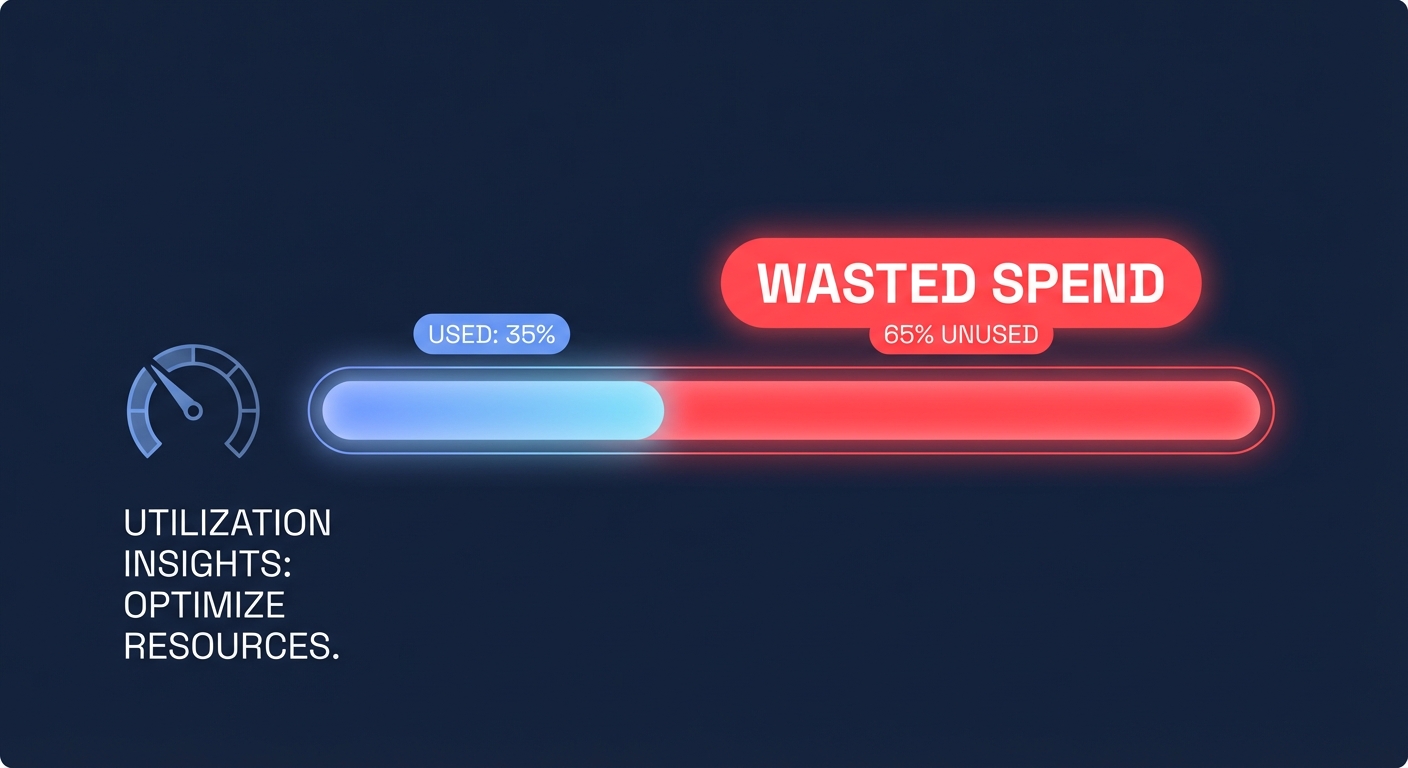
Are you overpaying for idle capacity? Most AWS environments run at a meager 30–40% utilization, meaning nearly two-thirds of your cloud spend is likely funding resources you aren’t actually using.
Identify immediate wins with rightsizing recommendations
The Rightsizing Recommendations feature in AWS Cost Explorer provides the fastest path to identifying over-provisioned resources. By analyzing your EC2 usage, the tool suggests specific instances that you can downsize or terminate without sacrificing application performance. Data shows that performing a cloud cost audit and acting on the impact of right-sizing cloud resources can cut compute costs by 35% almost immediately.
To start, filter your recommendations by “Savings Opportunity” and prioritize instances where CPU utilization consistently stays below 10% during peak hours. If your workloads are memory-intensive, consider switching instance families entirely. For example, migrating from a t3.xlarge to an r6g.large can yield potential savings of 40% while simultaneously improving performance. However, because manual rightsizing often stalls in engineering backlogs, using automated AWS rightsizing allows you to match resources to real-time demand on autopilot.
Optimize your commitment strategy with Savings Plans
AWS Savings Plans offer up to 72% discounts in exchange for a one- or three-year commitment, and Cost Explorer provides specific recommendations based on your historical usage. The challenge for engineering leaders is balancing depth of savings with long-term flexibility. Compute Savings Plans offer the most versatility, covering EC2, Fargate, and Lambda across any region or family. Conversely, if you maintain stable, single-family workloads in a specific region, EC2 Instance Savings Plans can provide slightly higher discount rates.
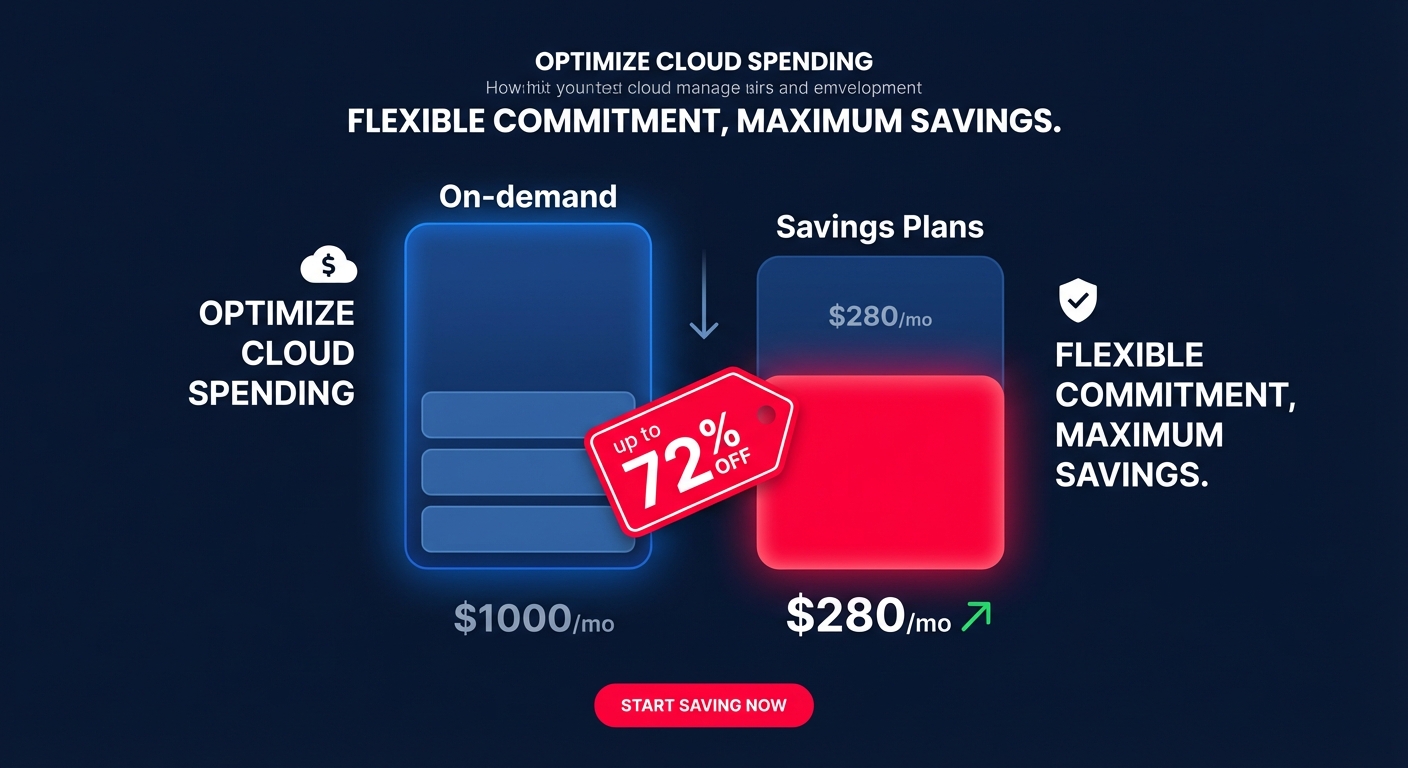
The primary risk with manual commitments is the “lock-in” factor. If your architecture changes, you may find yourself paying for commitments that no longer align with your needs. To maximize your Effective Savings Rate (ESR) without this risk, Hykell’s rate optimization uses AI to manage a blended portfolio of Savings Plans and Reserved Instances. This strategy ensures you capture deep discounts while retaining the flexibility to shift workloads as your business evolves.
Bridge the execution gap with automated management
One significant pitfall in FinOps is the execution gap between identifying savings and realizing them. AWS Cost Explorer illuminates what is happening in your environment, but it does not automatically fix the problems. Manual Reserved Instance (RI) management is notoriously complex, and teams often only realize 15–20% of their potential savings when relying on manual intervention. By the time an engineer reviews a recommendation, your workload patterns may have already shifted.
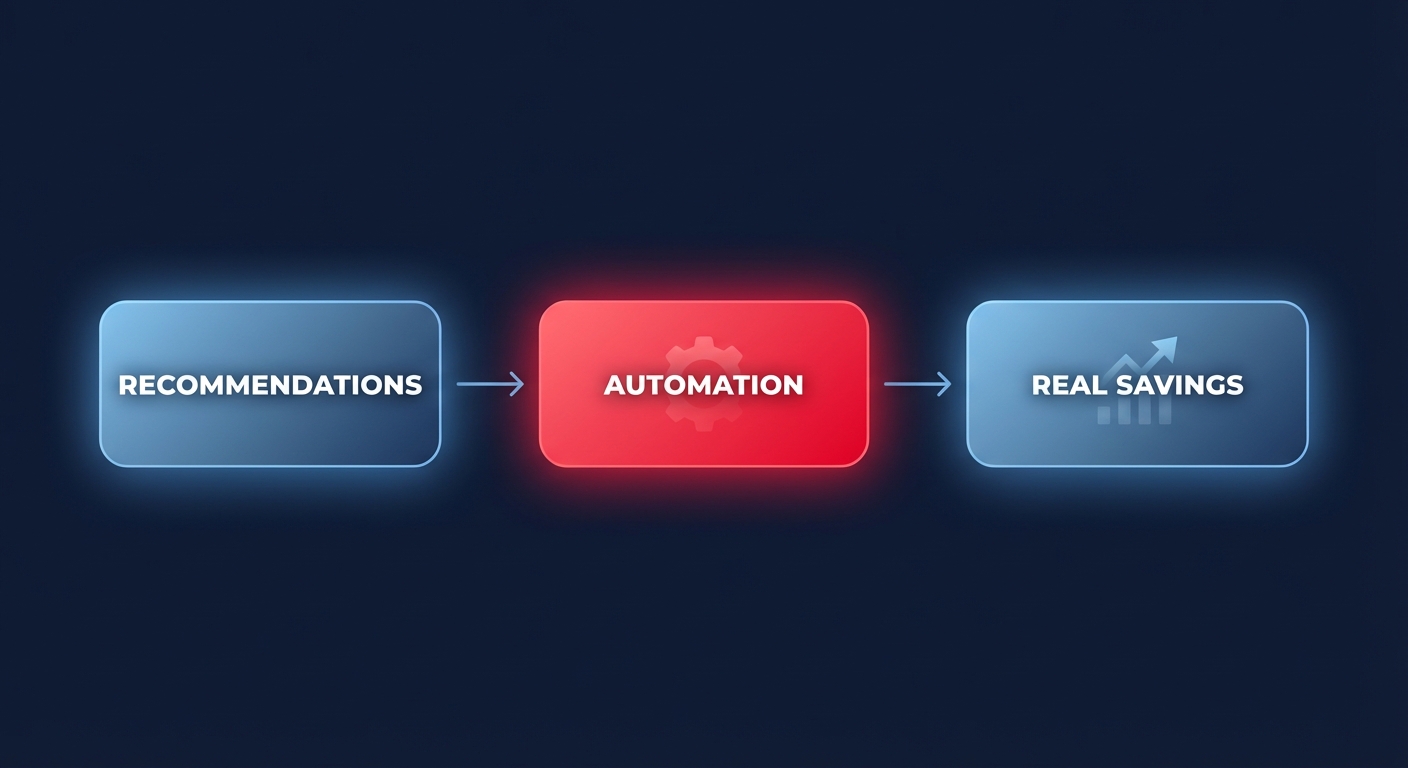
This volatility is why auditing Reserved Instance utilization must become a continuous, automated process. High-growth organizations like Scoro have moved from spreadsheet-based tracking to fully autonomous strategies, increasing compute savings from 10% to over 30% in under 60 days. By utilizing automated AWS cost optimization, you can ensure your environment is always running on the most cost-effective configuration without requiring active effort from your DevOps team.
Compound your gains with architecture-aware savings
To reach a 40% savings milestone, you must look beyond basic rightsizing and commitments. Migrating to AWS Graviton instances can offer up to 40% better price-performance over comparable x86 instances. When you layer these architectural gains on top of automated commitment management, the total savings stack up significantly.
Storage also presents a major opportunity for cost reduction. You can use Cost Explorer to identify high-spend areas and then proactively migrate gp2 volumes to gp3, which is approximately 20% cheaper per gigabyte. Automated tools can identify “zombie” volumes and handle these migrations with zero downtime, ensuring your storage costs remain lean.
The most effective way to reduce AWS costs is to stop treating optimization as a quarterly project. By combining the visibility of AWS Cost Explorer with Hykell’s automated intelligence, you can reclaim your budget without adding a single task to your engineers’ to-do lists. Calculate your potential savings today to see how much you could save on autopilot. If Hykell doesn’t save you money, you don’t pay.

