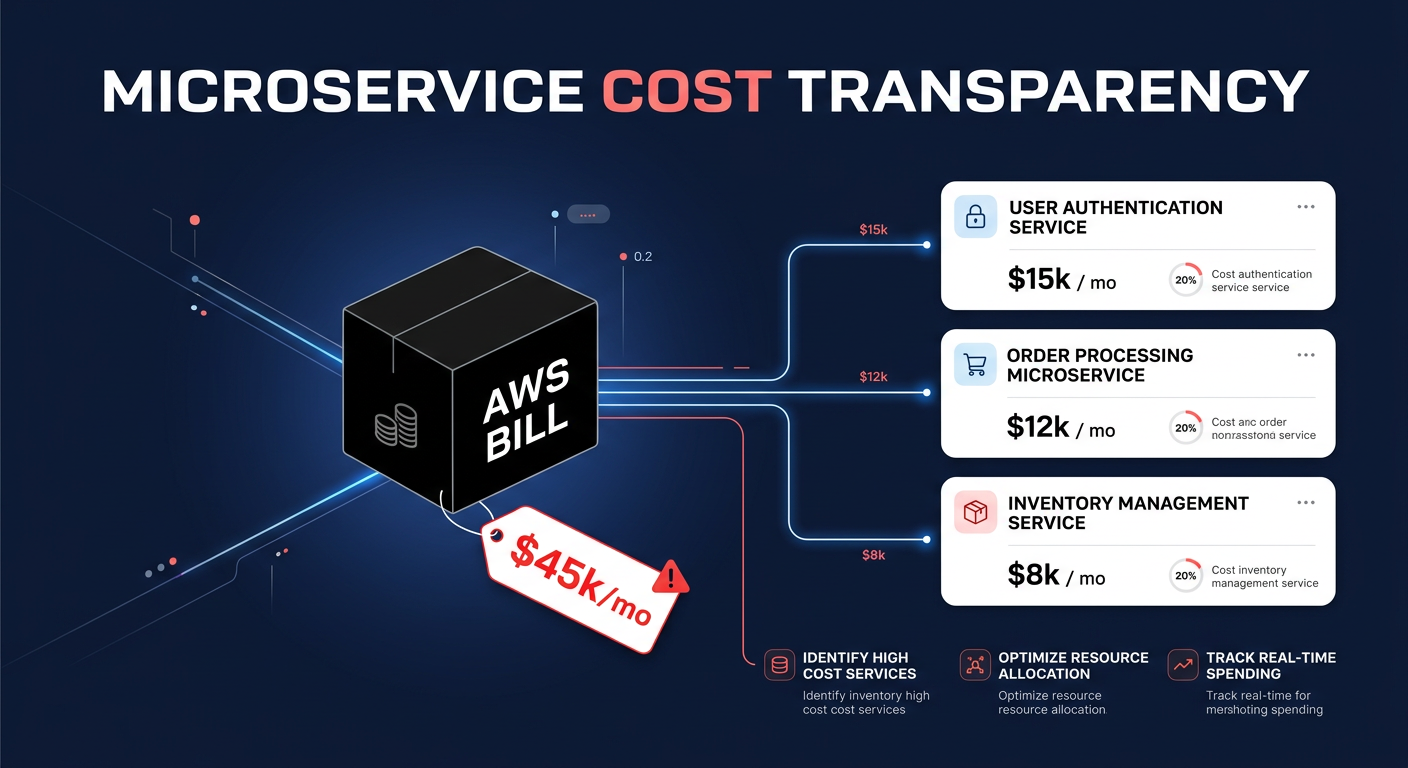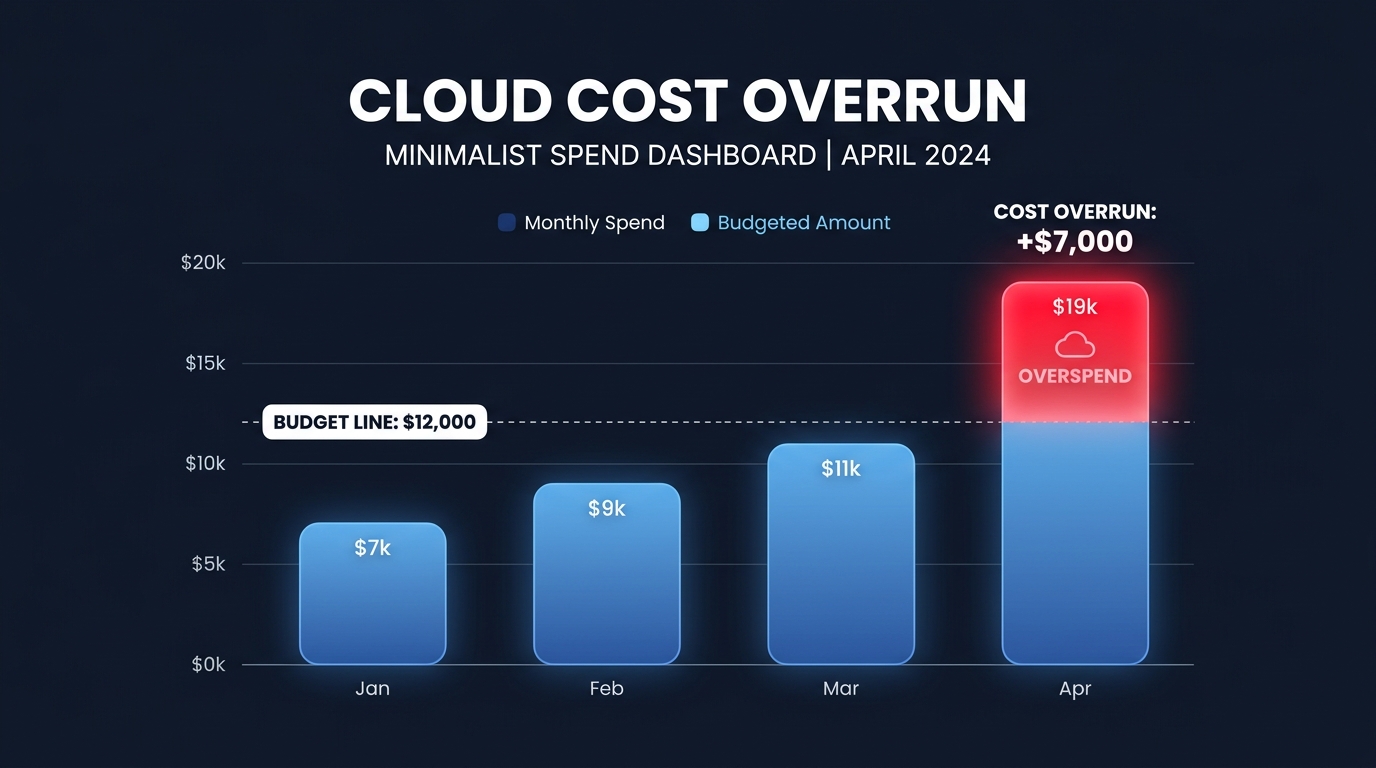
Did you know that the average organization wastes 32% of its cloud spend? Without automated guardrails, a single misconfigured auto-scaling group or an unattached EBS volume can trigger “sticker shock” billing that derails your quarterly roadmap within hours.
Setting up automated budget alerts is the first line of defense in a robust cloud cost budgeting and forecasting strategy. While AWS provides the tools to monitor these costs, the configuration requires precision to move from reactive firefighting to proactive governance.
Prerequisites for AWS budget automation
Before you can build your first automated alert, you must ensure your environment meets specific identity and access management requirements. At a minimum, your user account needs the `budgets:CreateBudget` and `budgets:DescribeBudget` actions. For full automation, you will also need permissions to create Amazon SNS topics and manage IAM roles specifically for AWS Budget Actions.
Access must also be enabled at the account level. You should verify that IAM user access to the Billing and Cost Management console is active in your Account Settings. While you can create budgets immediately, having at least five weeks of historical usage data is highly recommended, as this allows the AWS engine to generate accurate forecasted alerts rather than just reacting to spending that has already occurred.
Creating a cost budget alert workflow
The AWS Budgets console serves as the primary hub for setting up these monitors. It is important to distinguish this tool from AWS cloud cost explorer, which focuses on retrospective analysis and visualization. Budgets, by contrast, act as a real-time control plane.
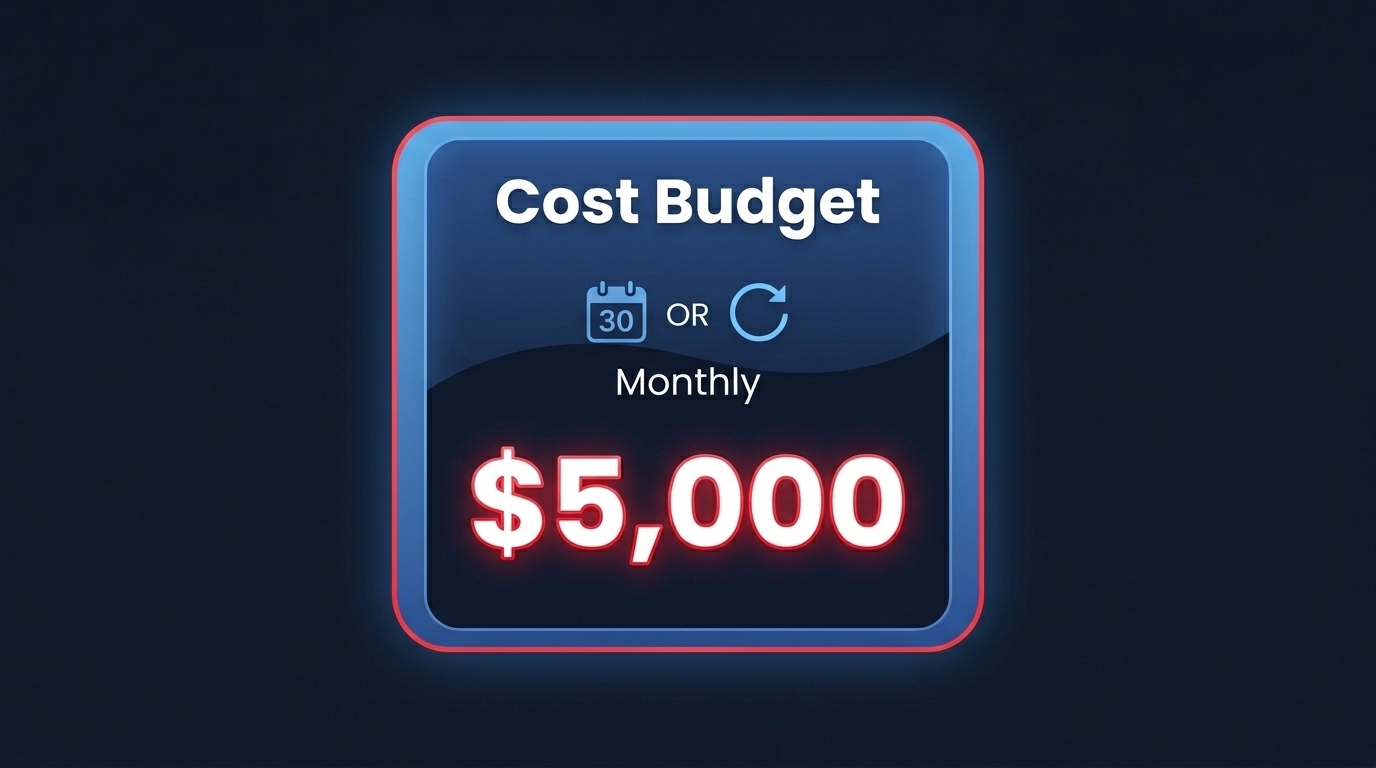
The process begins by navigating to the Budgets section and selecting a “Cost budget” type. This choice allows you to track actual and forecasted spend against a specific dollar amount. During the setup, you will define your renewal period – typically monthly to align with standard billing cycles – and enter your budgeted amount. To maintain granular control, you can filter these budgets by specific cost allocation tags, services, or linked accounts. This ensures that a spike in a development sandbox doesn’t trigger an alarm meant for production.
Configuring alert thresholds is the most critical stage of the setup. A layered defense usually includes at least three distinct triggers:
- 80% of actual spend to provide an early warning for the finance team.
- 100% of forecasted spend to proactively notify you if your current trajectory will exceed the limit by the end of the month.
- 100% of actual spend to signal a critical breach that requires immediate intervention.
Once these thresholds are set, you must assign notification channels. You can add up to 10 email recipients or utilize an Amazon SNS topic to push alerts directly into Slack or Microsoft Teams via the AWS Chatbot.
Moving from static alerts to automated remediation
Static alerts tell you there is a problem, but automated cloud cost optimization requires the system to take corrective measures. AWS Budgets Actions allow you to trigger specific responses automatically when a threshold is breached, reducing the time-to-resolution from hours to seconds.
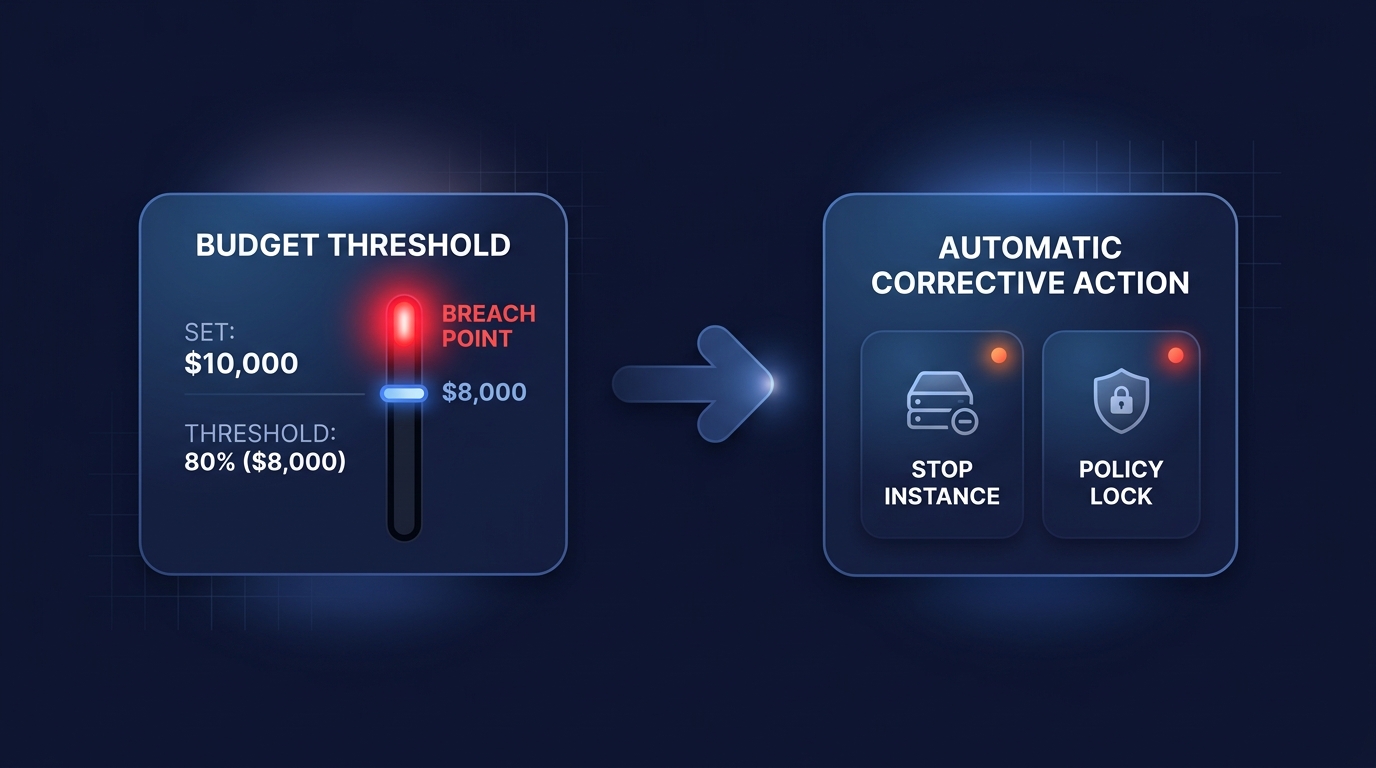
For large organizations, enforcement often happens via Service Control Policies (SCPs). You can configure a Budget Action to attach a restrictive SCP when spending hits a critical level, such as 110% of the budget. This policy can prevent engineers from launching new, expensive instance types until the overage is investigated. In non-production environments, automated instance shutdowns are a common safeguard. If a sandbox environment exceeds its monthly limit, a Budget Action can automatically power down EC2 or RDS instances via a target IAM role, effectively “capping” the financial risk.
Why manual budgets are only the first step
While AWS Budgets are excellent for catching known costs, they rely on static thresholds and can miss subtle shifts in spending patterns. To catch “runaway” costs that do not hit a specific dollar limit but represent inefficient spikes, you should layer your budgets with AWS cost anomaly detection and alerting. This machine-learning-driven tool identifies unusual behavior based on your unique historical patterns.
Furthermore, manual budget management does not address the underlying “rate” you pay for services. Even with perfect alerts, you may still be paying On-Demand prices for workloads that should be covered by commitments. This is where AWS rate optimization becomes necessary, ensuring your baseline spend is minimized through AI-driven commitment planning before your alerts ever have a reason to trigger.
Scaling your cloud financial governance
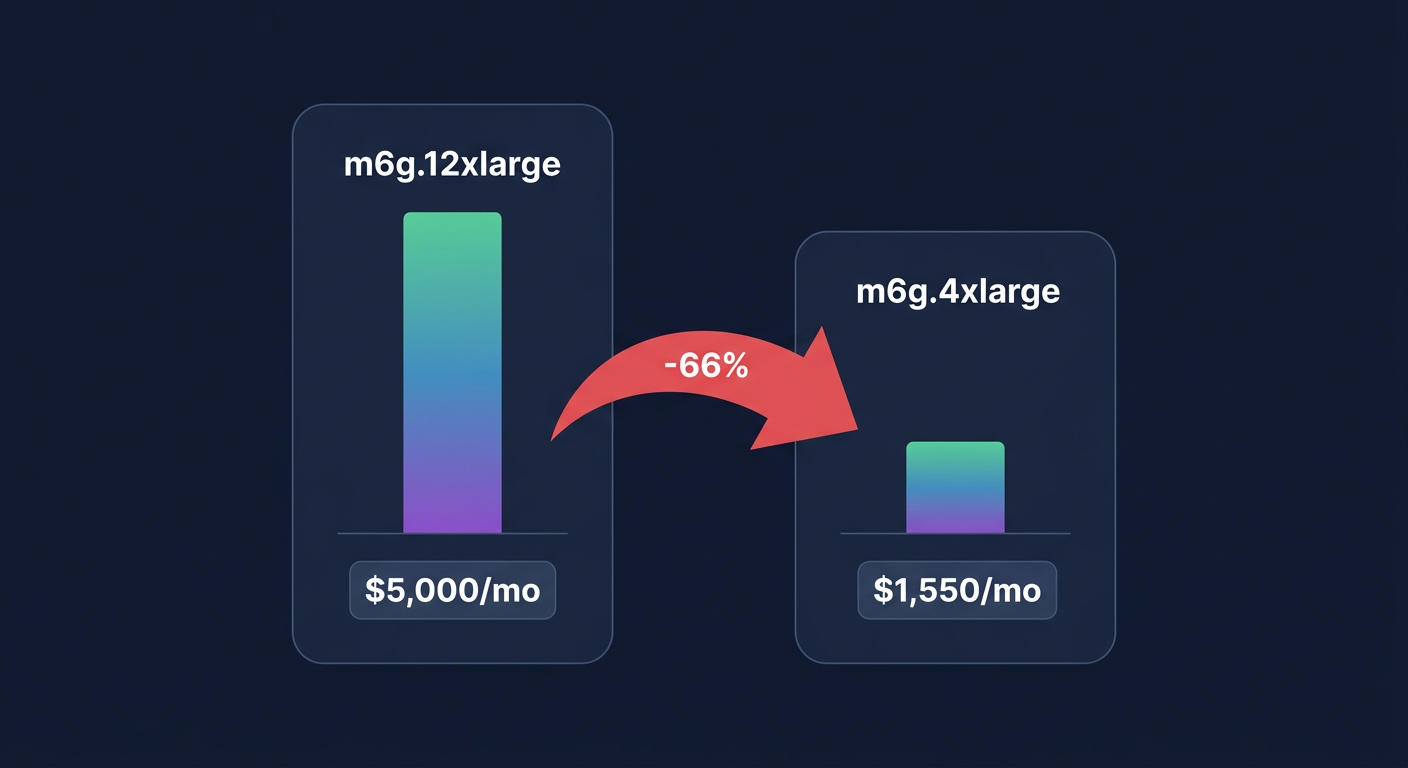
As your infrastructure grows beyond 500 instances, managing individual budgets and manual remediation becomes an administrative burden. High-growth companies often transition to automated optimization engines that handle the heavy lifting of commitment management, resource rightsizing, and orphan resource elimination on autopilot.
Hykell helps businesses eliminate the manual toil of cost management by automating the optimization of your AWS bill. By using AI-driven commitment planning and real-time monitoring, we typically reduce cloud costs by up to 40% with zero engineering effort. If you are ready to stop chasing alerts and start seeing automatic savings, use our AWS cost savings calculator to see exactly how much you could be saving today.