
Are your logs costing you more than the applications they monitor? For many engineering teams, CloudWatch Logs ingestion fees represent up to 90% of total observability spend, often due to a single misconfigured debug level or a lack of retention policies.
Understanding the mechanics of CloudWatch pricing is the first step toward reclaiming your budget. While AWS provides the infrastructure, the responsibility for implementing AWS billing best practices falls on you to ensure you aren’t paying for data you’ll never read.
The three pillars of CloudWatch Logs pricing
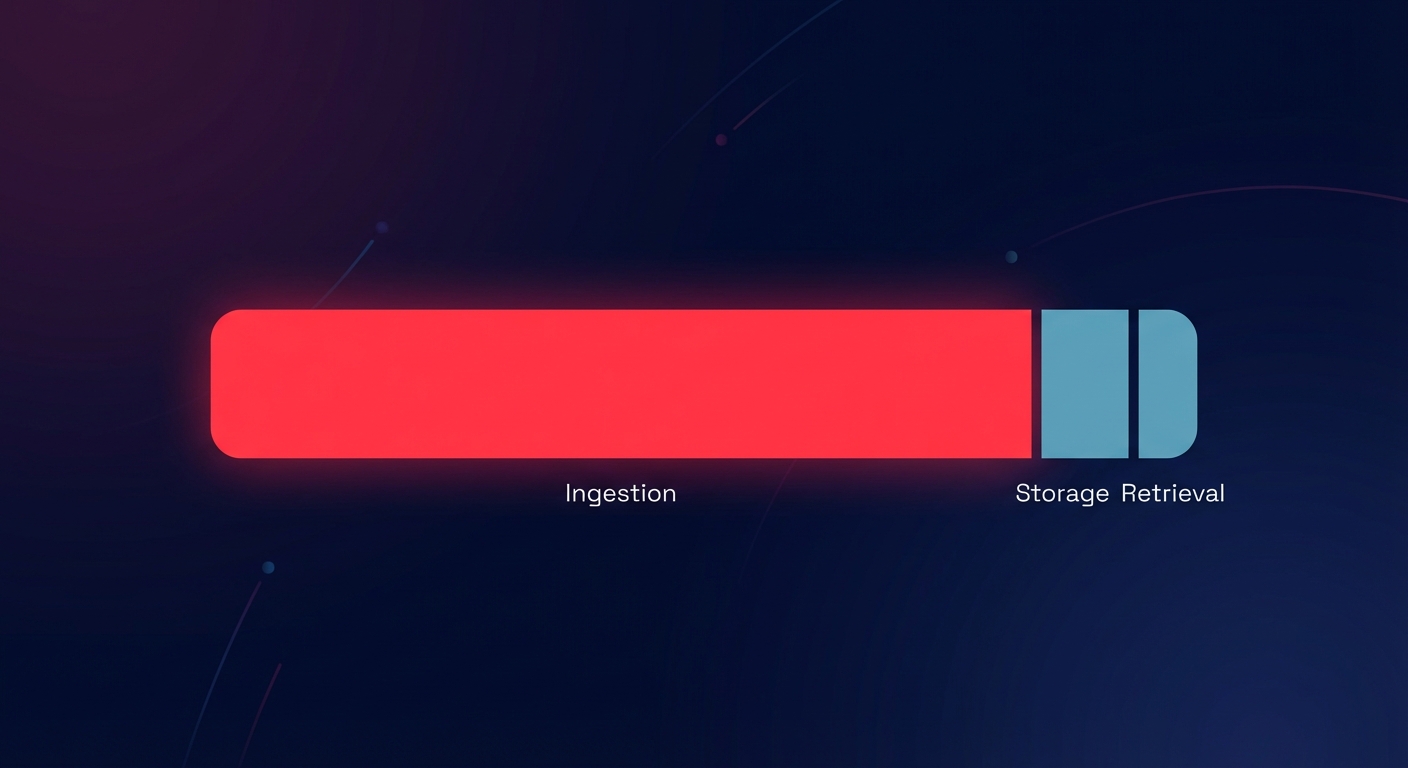
AWS breaks down CloudWatch Logs costs into three primary categories: ingestion, storage, and retrieval. Because these costs scale linearly with your traffic, high-volume APIs and microservices can quickly generate five-figure bills if left unmonitored.
Ingestion: The primary cost driver
Data ingestion is almost always the largest expense on your observability bill. In standard regions like US East (N. Virginia), AWS charges $0.50 per GB of data collected. If your distributed system generates 100 GB of logs per day, you are looking at $1,500 per month just to get that data into CloudWatch. This does not include the additional $0.12 per GB surcharge if you enable Data Protection for sensitive data masking.
Storage: The long-term archive
Once ingested, logs are stored at a rate of $0.03 per GB per month. While this seems negligible compared to ingestion, the costs are cumulative. Without a strict retention policy, you will pay for every log ever generated by your system. Many teams accidentally leave their log groups set to “Never Expire,” leading to thousands of dollars in “zombie” storage costs that haunt your budget for years.
Retrieval and analysis
If you use CloudWatch Logs Insights to query your data, you will pay $0.005 per GB of data scanned. A single complex query over a terabyte of historical data could cost you $5.00. Similarly, using the Live Tail feature to debug in real-time incurs hourly usage charges that can surprise developers during long troubleshooting sessions, especially when multiple team members are monitoring the same stream.
The 2025 Lambda log tiering revolution
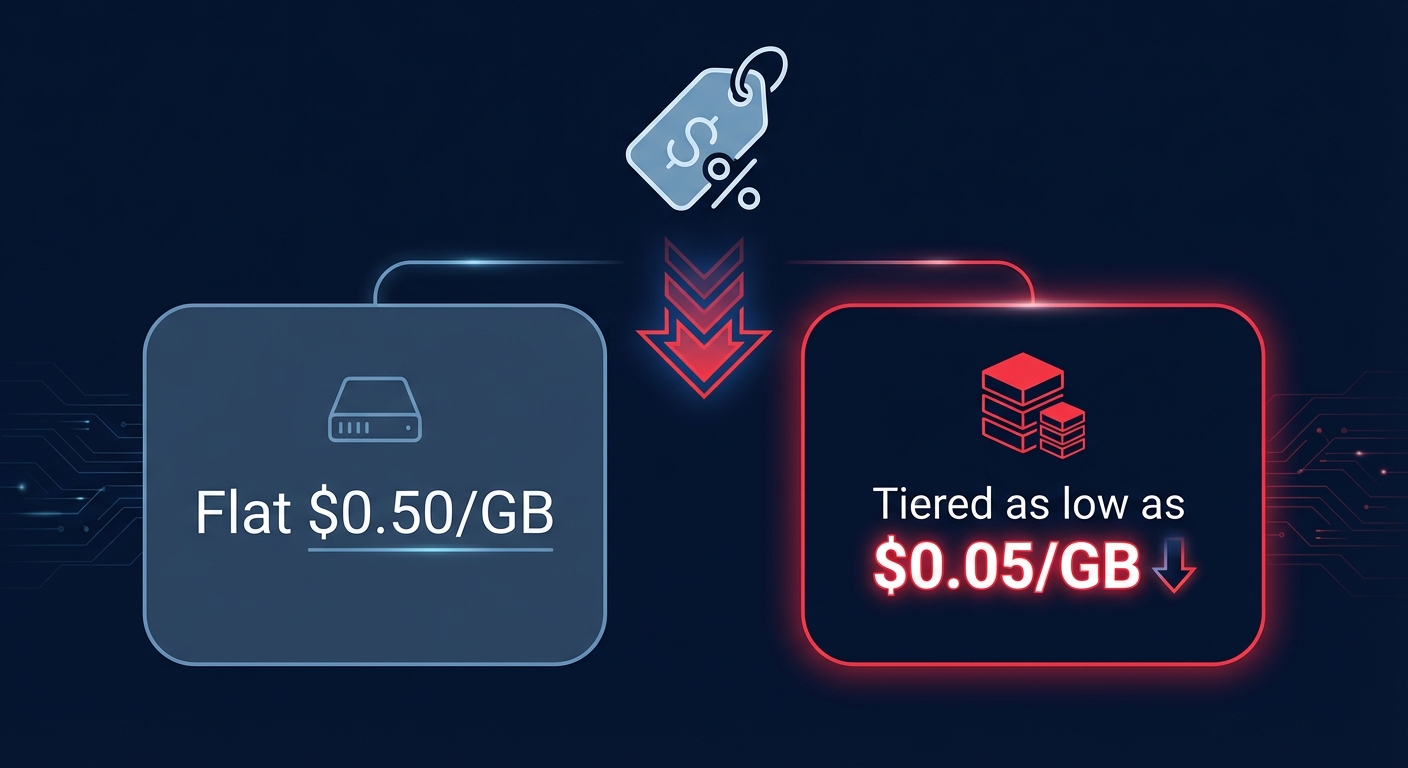
Effective May 2025, AWS is introducing tiered pricing for Lambda function logs that significantly benefits high-volume users. Under this new model, costs in US East (N. Virginia) can drop from the flat $0.50/GB down to as low as $0.05/GB as your monthly volume increases. For a company generating 60TB of Lambda logs monthly, this tiering can reduce the bill from $30,000 to roughly $12,500 – a massive 58% reduction.
However, you must account for two critical caveats when forecasting these savings. First, tiering applies per individual AWS account; if you use a multi-account structure for security, you cannot aggregate usage across sub-accounts to reach higher discount tiers. Second, these discounts apply specifically to Lambda-generated logs. Standard application logs running on EC2 or EKS do not currently benefit from this tiering, meaning your containerized workloads will still face the standard flat rate.
Why your CloudWatch bill is higher than expected
Surprise charges in CloudWatch are rarely the result of a single catastrophic event. Instead, they usually stem from structural inefficiencies and visibility gaps. One common culprit is the use of Multi-Account Structures. As noted in research by Duckbill Group, the inability to aggregate usage across accounts means many enterprises pay the maximum “first tier” price multiple times over, rather than hitting volume discounts that could save them thousands.
Another major factor is Data Protection Scanning. While masking PII is essential for compliance, applying it across all log groups – including those with no sensitive data – adds a 24% surcharge to your ingestion fee. You can model these variations using the AWS Pricing Calculator to see how specific configurations impact your bottom line before you deploy new logging heavy services.
Practical tactics to reduce log spend
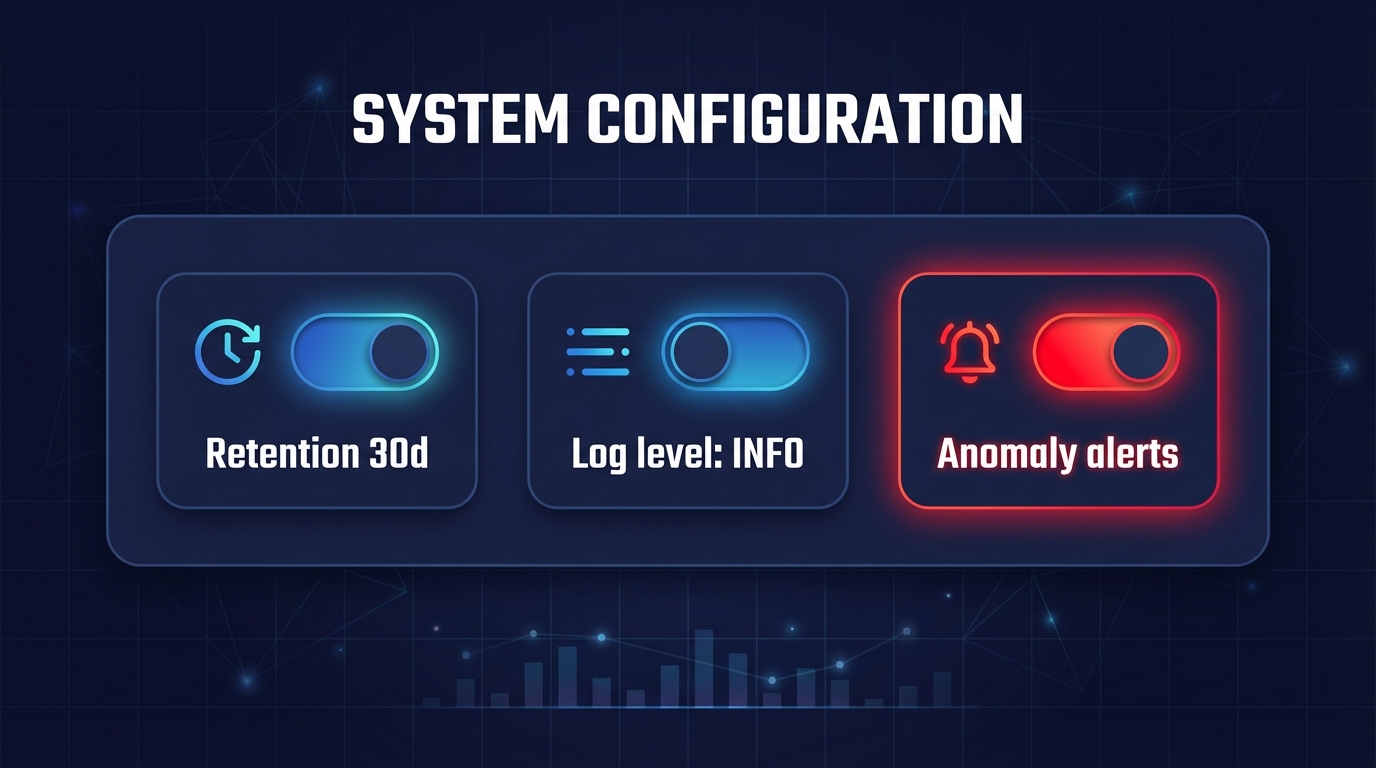
Optimizing CloudWatch requires a mix of technical guardrails and cultural shifts within your engineering team. Start by implementing strict retention policies; you should never leave log groups on the default “Never Expire” setting. Instead, set production logs to 30 or 60 days and move older data to S3 Glacier, which costs significantly less than native CloudWatch storage.
Refining your log level control is equally vital for application monitoring. You must ensure your applications aren’t running in “Debug” or “Trace” mode in production environments. Use environment variables to toggle log verbosity so you only ingest what is necessary for troubleshooting. Furthermore, certain vended logs, such as VPC Flow Logs, are eligible for lower ingestion rates if they are sent directly to S3 or Kinesis Data Firehose rather than CloudWatch.
Finally, shift from reactive to proactive management by using cost anomaly detection. Rather than logging every single event to catch rare errors, implement automated alerts that notify you when spending spikes due to a logging loop or misconfiguration. This allows you to kill runaway processes within hours rather than waiting for the end-of-month invoice.
Moving beyond visibility to automated savings
Understanding your CloudWatch bill is essential, but it is only one component of a mature FinOps framework. While you optimize your logging levels manually, your compute and storage costs continue to fluctuate. This is where most engineering teams lose the battle against cloud waste – they simply don’t have the time to manage every micro-optimization across their entire infrastructure.
Hykell solves this by providing automated cloud cost optimization that goes deeper than simple alerts. We specialize in rate optimization and resource rightsizing for EBS and EC2, ensuring that your underlying infrastructure is as lean as your log groups. We act as a silent partner that optimizes your environment in the background, freeing your developers to focus on building features instead of auditing bills.
By using Hykell, you can reduce your total AWS spend by up to 40% on autopilot. We operate on a performance-based model, meaning we only take a slice of the savings we actually generate for you. If we don’t find savings, you don’t pay a cent. Calculate your potential savings with Hykell today and stop overpaying for cloud resources you don’t need.

