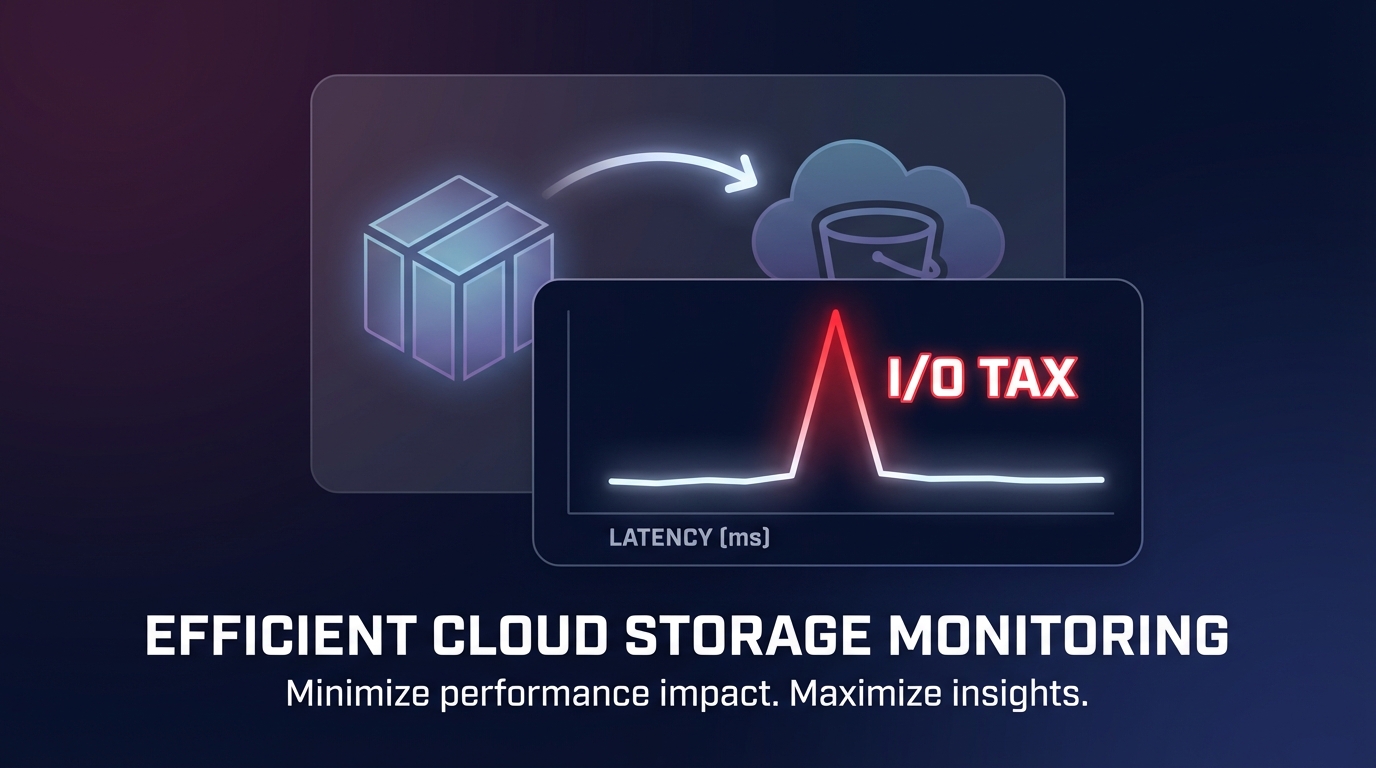
Did you know a simple backup can trigger a performance cliff for your high-throughput applications? While EBS snapshots are non-blocking, the underlying data transfer often hides a measurable “I/O tax” that can destabilize sensitive workloads and spike latency.
The mechanics of snapshot-induced performance degradation
When you initiate a snapshot, AWS captures a point-in-time state of your volume. While the volume remains available for I/O immediately, the actual data transfer to S3 happens in the background. For SSD-backed volumes like gp3 and io2, this impact is usually negligible for standard workloads. However, during periods of heavy write activity, redirect-on-write or copy-on-write tracking can increase volume queue depth and I/O wait times, as documented in the Amazon EBS Performance documentation.
The situation is more severe for HDD-backed volumes, such as st1 and sc1. During a snapshot, performance on these volumes often drops to their baseline value. If your application relies on burst credits to maintain performance, the snapshot activity can accelerate credit depletion, leading to a sustained performance cliff that lasts long after the backup started. You might see throughput restricted to the baseline MiB/s, causing a significant bottleneck for sequential workloads like ETL processes or data logging.
Crash-consistent vs. application-consistent snapshots
By default, EBS snapshots are crash-consistent, meaning they capture data that has been successfully written to the disk but ignore data held in application memory or OS buffers. While this is efficient, it can lead to integrity issues for high-transaction databases. To avoid this, you may need application-consistent snapshots, which require “quiescing” the application – temporarily pausing I/O and flushing buffers to disk. This coordination ensures a clean state, but the process of pausing and resuming I/O adds a temporary layer of latency that infrastructure engineers must carefully time to avoid production impact.
The first-read penalty and lazy loading
The most significant performance hit often occurs during restoration rather than creation. Volumes created from snapshots use “lazy loading” from S3, meaning that when your application first attempts to access a block of data, EBS must pull that block from S3 before it can be read. This “first-read penalty” can cause Amazon EBS latency to spike from single-digit milliseconds to hundreds of milliseconds.
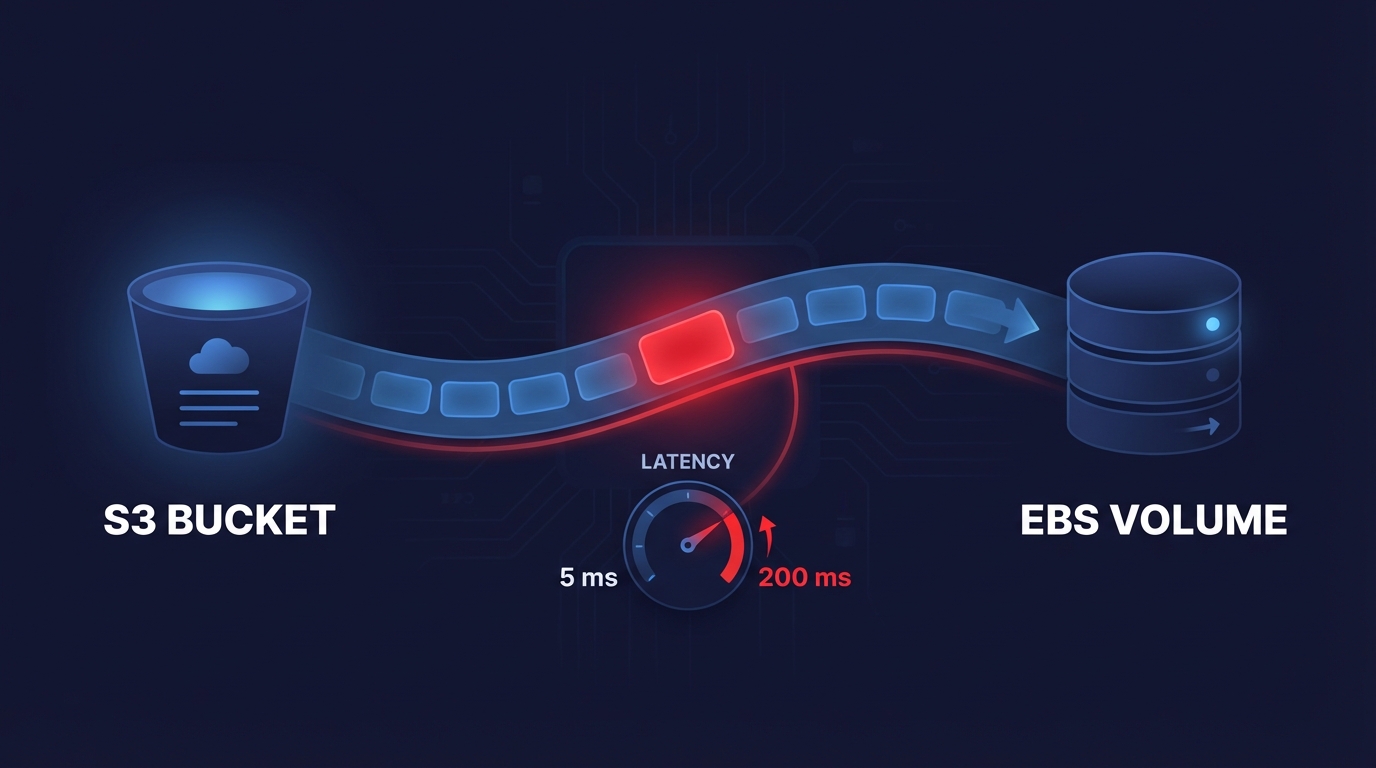
For a database, this results in connection queuing and timeouts. You can mitigate this through manual pre-warming by using tools like `fio` or `dd` to read every block, though this is time-consuming and incurs standard I/O costs. For mission-critical workloads where this delay is unacceptable, Fast Snapshot Restore (FSR) is the preferred solution. FSR ensures that volumes are fully initialized at the moment of creation, though it is billed per Data Service Unit per Availability Zone.
Monitoring and diagnostic steps
To diagnose snapshot-related degradation, you must look beyond basic CPU metrics and dive into CloudWatch EBS metrics. Key indicators of snapshot stress include VolumeQueueLength, where a consistent spike above your baseline during backup windows indicates that I/O requests are backing up. For gp2 or HDD volumes, you should specifically watch the BurstBalance for rapid depletion that coincides with your snapshot schedules.
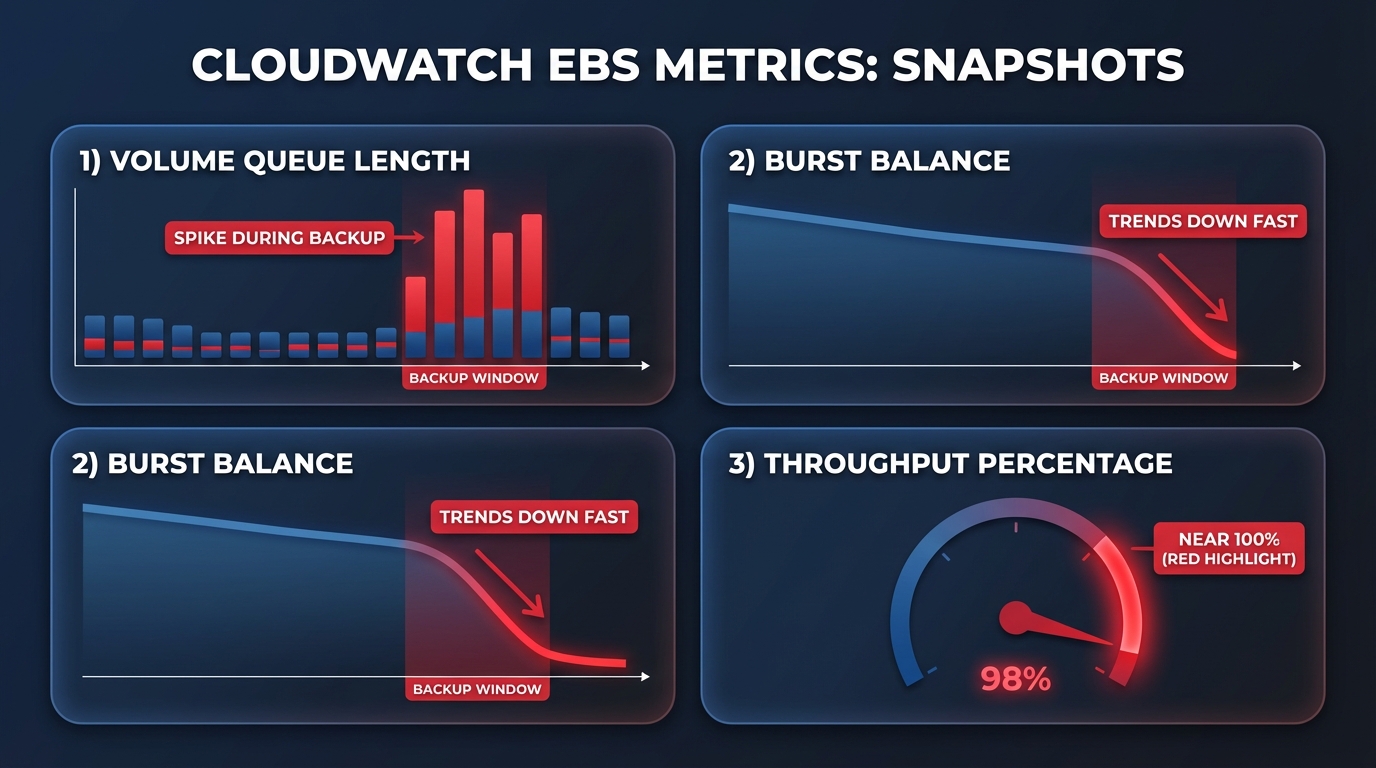
Furthermore, you should correlate VolumeReadOps and VolumeWriteOps with application-level latency to see if throughput is being throttled. If your ThroughputPercentage metric nears 100%, your volume is maxed out, and background snapshot activity will inevitably steal cycles from your primary workload. Utilizing AWS Storage Blog insights on “EBS Volume Performance Exceeded” statistics can also reveal microseconds where your workload attempted to drive more IOPS than provisioned. Effective AWS application performance monitoring ensures that these backup windows do not overlap with automated maintenance or heavy batch processing jobs.
Best practices to minimize performance impact
To maintain high performance while ensuring data durability, DevOps teams should adopt a tiered approach to EBS best practices. Standardizing on gp3 volumes is often the most effective first step because gp3 allows you to decouple IOPS and throughput from storage capacity. This allows you to provision extra performance specifically to handle background snapshot overhead without overpaying for storage you do not use. Migrating from gp2 to gp3 typically yields a 20% cost reduction while providing more predictable performance baselines.
Scheduling snapshots during off-peak windows via AWS Data Lifecycle Manager (DLM) is another critical strategy to minimize impact on active users. For environments with strict recovery time objectives (RTOs), implementing Fast Snapshot Restore for mission-critical volumes eliminates the first-read penalty entirely. Additionally, you should implement proper tagging and lifecycle policies to prevent orphaned snapshots from accumulating costs, while ensuring production volumes have snapshots taken within the last 24 hours for reliable point-in-time recovery.
Automate your EBS optimization with Hykell
Manually tracking the performance impact of every snapshot across hundreds of volumes is a significant engineering burden that often leads to either expensive overprovisioning or performance instability. Hykell provides a fully automated solution to this balancing act by continuously monitoring your actual IOPS and throughput usage patterns via CloudWatch to identify snapshot-induced bottlenecks.
The Hykell platform automatically executes gp2-to-gp3 migrations and right-sizes provisioned IOPS based on real-time usage data, ensuring your applications have the headroom they need to survive backup windows without manual intervention. This approach typically yields a 40% reduction in storage spend while maintaining or even improving application responsiveness. Because Hykell is fee-aligned, you only pay a portion of what you save – if there are no savings, there is no cost. You can calculate your potential savings today to see how automated rate and resource optimization can eliminate the “I/O tax” from your AWS infrastructure.