AWS Cost Explorer vs AWS Budgets: Which tool should you use?
Most AWS teams use Cost Explorer and Budgets interchangeably – until they hit a wall trying to diagnose a spike or prevent one before it happens. The reality is that these tools serve fundamentally different purposes, and understanding the distinction can mean the difference between reactive fire-fighting and proactive cost control.
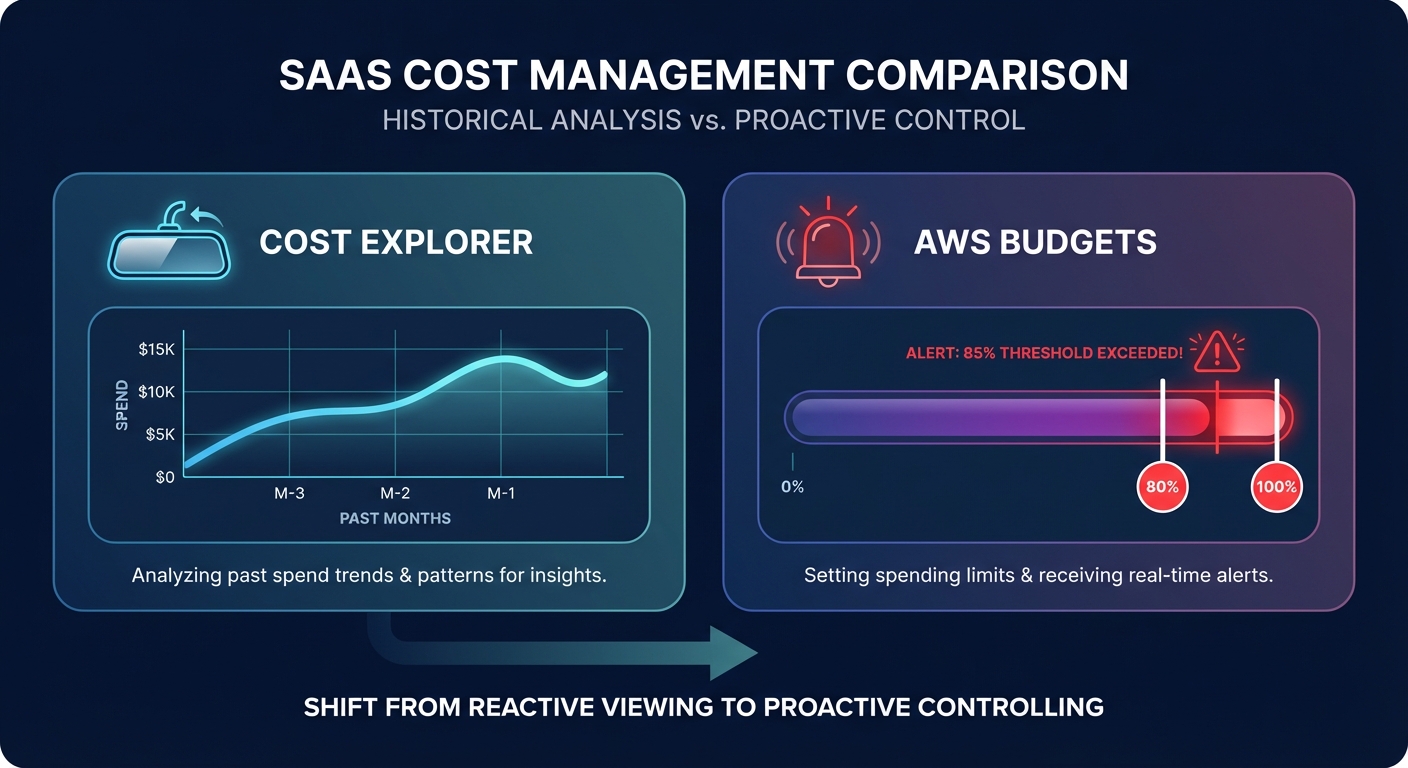
AWS Budgets focuses on future spending with alerts, while Cost Explorer focuses on past spending for analysis and optimization. Yet over 30% of organizations waste cloud infrastructure spend due to poor governance and inadequate monitoring. The question isn’t whether to use one or the other – it’s knowing when and how to deploy each tool to capture maximum value.

What AWS Cost Explorer actually does
AWS Cost Explorer is your after-action analysis dashboard. It ingests billing data and transforms it into visual insights that answer one core question: what happened and why?

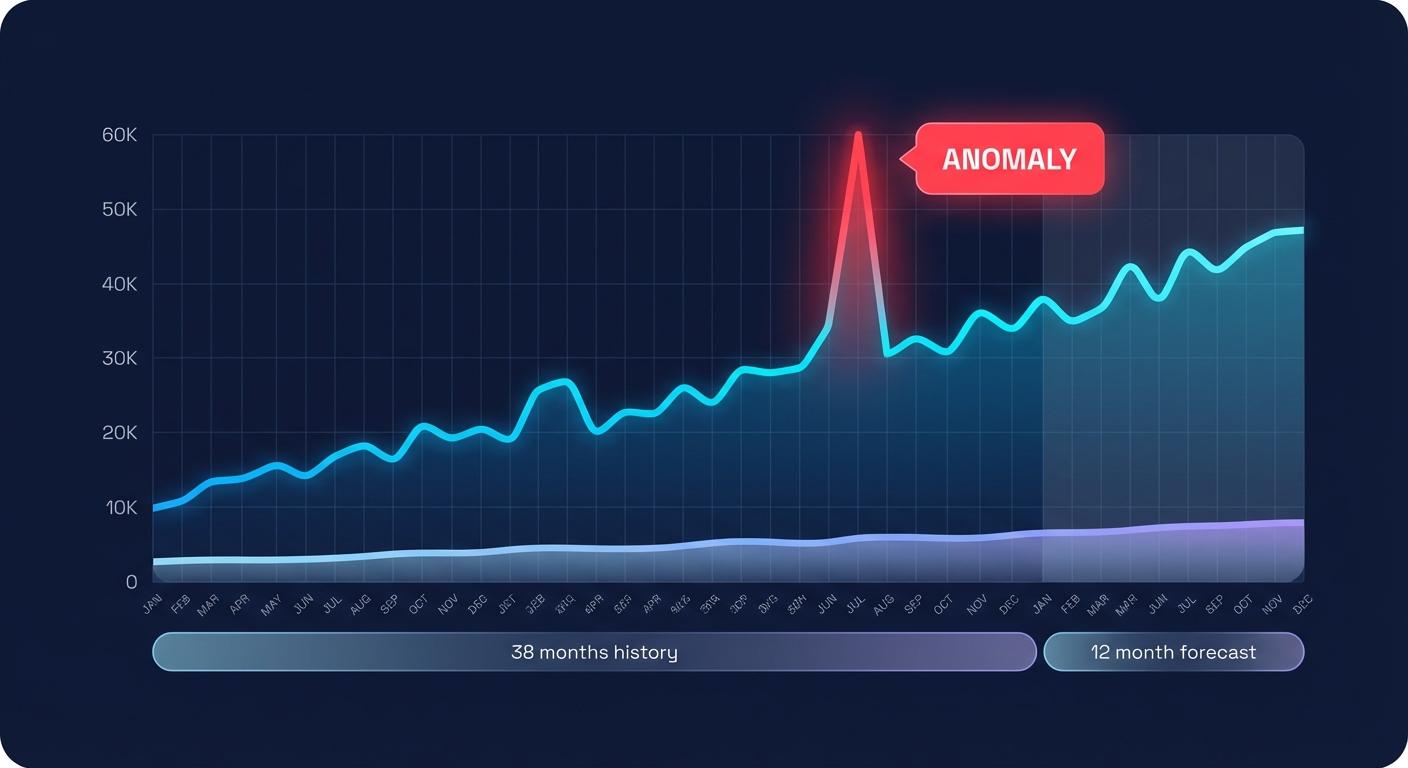
The tool provides 38 months of historical cost data with hourly granularity for the past 14 days, giving you the depth to trace spending patterns over nearly three years. You can filter by up to 18 dimensions – service, region, instance type, tag, linked account – and view spending at granular levels through tags and linked accounts for accurate cost allocation.
Cost Explorer’s forecasting engine delivers three-month projections with confidence intervals, and its automatic recommendations identify Savings Plans and Reserved Instance opportunities based on actual usage patterns. When combined with Cost and Usage Reports, Cost Explorer becomes the foundation for custom analysis and multi-dimensional reporting.
But here’s what Cost Explorer doesn’t do: it won’t alert you when spending is about to breach a threshold. It won’t stop a runaway Lambda function before it racks up thousands in charges. Cost Explorer is designed for cost analysis with complex filters and visualizations – not governance controls.
A practical example: when AWS Cost Explorer serves as a primary dashboard for tracking instance expenses, you can filter by instance family and visualize spending trends in real time. This makes it invaluable for identifying that your m5.2xlarge fleet is consuming 40% more budget than forecasted – but only after the fact.
What AWS Budgets is built to do
AWS Budgets operates in the opposite direction. It’s a forward-looking control plane that answers: are we about to exceed our limits, and what should we do about it?
The tool focuses on tracking spending against predefined limits with custom alerts when spending exceeds thresholds. You can set budgets for cost, usage, Reserved Instance utilization, Savings Plans coverage, and more. AWS Budgets sends proactive alerts when spend or usage is trending high – think of it as prevention rather than investigation.
What makes Budgets particularly powerful is its ability to enable multi-dimensional tracking across services and trigger automated actions when budgets are breached. For example, you can configure a budget to watch EC2 spending for the “Development” environment tag and automatically apply an IAM policy restricting instance launches when spend hits 90% of the threshold.
AWS Budgets supports various budget types including cost, usage, and reservation budgets. Operationally, this means you can configure alerts for metrics like “RI Utilization drops below 70%” or “Uncovered EC2 Spend exceeds 30%” – signals that indicate commitment coverage gaps before they compound into wasted spend.
The catch? AWS Budgets has limited analytics capabilities and is not designed for detailed cost analysis. You won’t use Budgets to understand why your EBS costs doubled last quarter; you use it to get a Slack notification the moment EBS spend crosses $5,000 so you can investigate with Cost Explorer.
The cost of each tool
Both tools are free at a baseline level. You can create up to two free budgets in AWS Budgets, and basic Cost Explorer usage via the AWS Console costs nothing.
Where charges appear: AWS Budgets charges for automated actions and delivered reports, while Cost Explorer charges for API requests beyond the free tier and for storing high-granularity data. If you’re running dozens of budgets or making heavy API calls to Cost Explorer for custom dashboards, you’ll see line items – but for most teams, the incremental cost is negligible compared to the visibility gained.
When to use AWS Cost Explorer
Use Cost Explorer when you need to answer investigative questions: Which services drove the 20% month-over-month increase in our AWS bill? How much are we spending on EC2 instances tagged “Production” vs “Development”? What’s our Reserved Instance utilization, and are we targeting the recommended 85% or higher? Should we commit to a Savings Plan based on the last 90 days of usage?
Cost Explorer excels at analyzing usage and cost trends with detailed filters, making it the go-to tool for cost allocation, chargeback workflows, and optimization planning. When you need to identify spending trends by service and resource, Cost Explorer is the primary interface.
One common workflow: quarterly cost reviews. Pull three months of Cost Explorer data grouped by service and tag, identify the top cost drivers, and use the rightsizing recommendations to build an optimization roadmap. Organizations implementing robust forecasting alongside budgeting typically achieve 20-30% more accurate financial planning for cloud resources.
For ongoing monitoring, AWS Cost Explorer combined with Cost and Usage Reports gives detailed spending visibility for creating custom reports that feed into BI tools like QuickSight or Tableau. This is particularly valuable when building executive dashboards or showback reports that attribute costs to business units.
When to use AWS Budgets
Use AWS Budgets when you need proactive governance: Alert the DevOps team when staging environment costs exceed $10,000/month. Notify finance when overall AWS spend is trending toward 90% of the quarterly allocation. Automatically restrict new EC2 launches in non-production accounts when spend hits 100% of budget. Track Reserved Instance coverage and alert when it drops below 70%.
AWS Budgets is preferable for real-time budget monitoring and immediate response to spending changes. It updates up to three times daily, giving you faster visibility than Cost Explorer’s typical 24-hour refresh cycle. When a developer accidentally launches 50 m5.8xlarge instances instead of five, Budgets can catch the anomaly and alert within hours – not days.
The automation capabilities set Budgets apart. Using AWS Budgets Actions, you can integrate with IAM to restrict access or target specific EC2/RDS instances when thresholds are reached. This transforms a passive alert into active cost control without manual intervention.
AWS Budgets is generally more user-friendly and requires less financial analysis knowledge, making it suitable for teams without dedicated FinOps analysts. You don’t need to understand complex filtering or data aggregation – just set a number, define the alert recipients, and let the tool watch your spend.
One caution: AWS Budgets becomes unwieldy for large organizations with complex multi-account setups. If you’re managing hundreds of accounts, maintaining individual budgets at scale requires orchestration – often via Infrastructure as Code or third-party platforms.
Using both tools together
The most effective AWS cost management strategies use Cost Explorer and Budgets in tandem, with each tool reinforcing the other.
Start by setting high-level budgets that align with your financial planning: total monthly AWS spend, per-account limits, and service-specific caps for your largest cost drivers like EC2 and RDS. Configure alerts at 50%, 80%, and 100% thresholds with escalating notification paths – team lead at 50%, finance at 80%, automated action at 100%.
When a budget alert fires, immediately pivot to Cost Explorer. Use Cost Comparison, a feature that identifies cost drivers by comparing two time periods and ranking differences. If your November alert shows a 30% spike, Cost Comparison will surface that the increase came from EC2 in us-east-1, driven by a new m6i.4xlarge Auto Scaling group tagged “DataPipeline.”
From there, drill into the resource-level detail. Cost Explorer’s granular filtering lets you isolate the specific instances, view their runtime patterns, and assess whether they’re candidates for rightsizing, scheduling, or commitment-based discounts.
Cost Explorer integrates with AWS Budgets and CUR to provide deeper visibility and reporting consistency. You can export Cost Explorer data to validate budget forecasts, ensuring that your budget thresholds reflect actual usage trends rather than static estimates that drift over time.
A practical cadence: set up weekly cost review meetings with stakeholders during initial optimization phases, then monthly once steady-state efficiency is achieved. Use Budgets for real-time alerts between meetings and Cost Explorer to prepare the analysis deck.
What these tools don’t solve
Neither Cost Explorer nor Budgets will automatically fix your cost problems. They provide visibility and alerts, but implementation is manual.
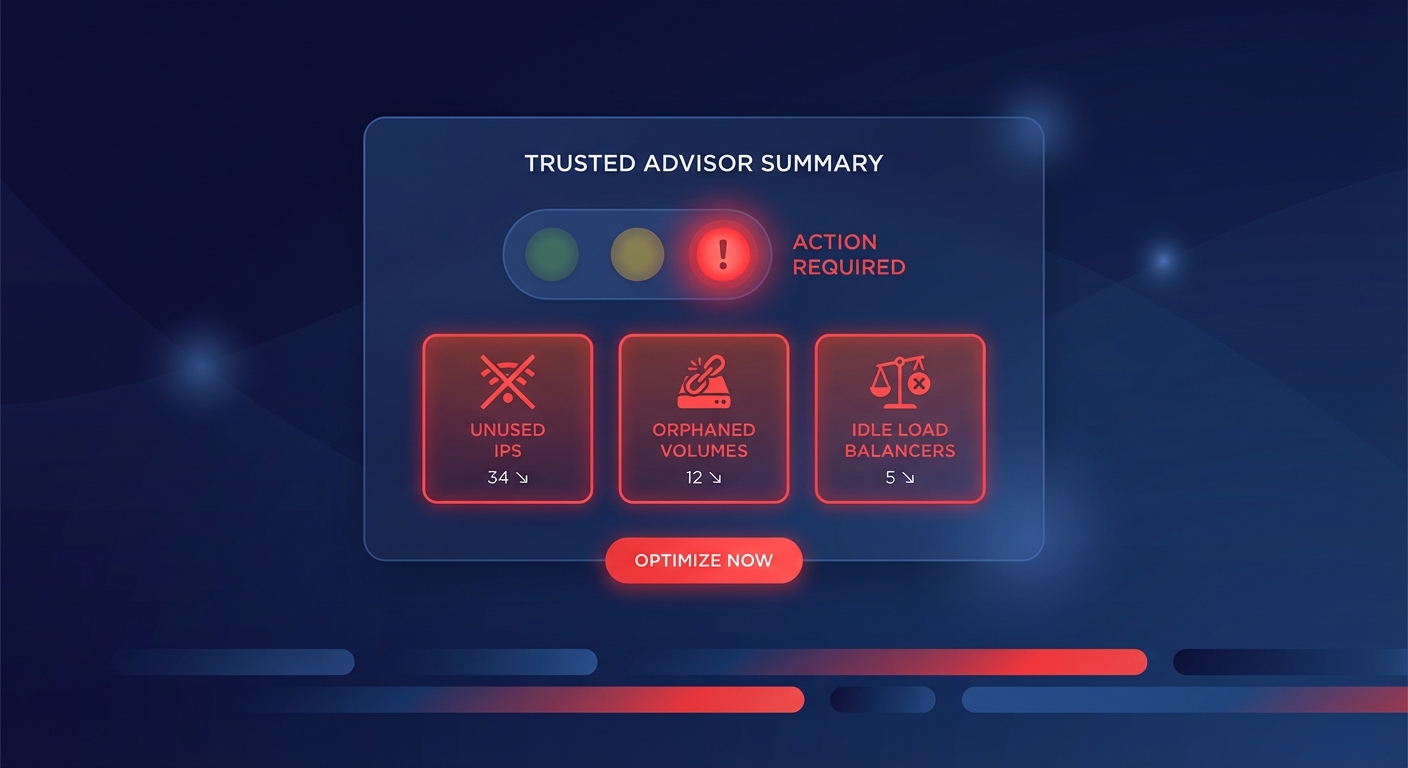
When Cost Explorer flags 40% of your EC2 instances as candidates for rightsizing, you still need to schedule the downsizing, coordinate with application owners, test the changes, and monitor performance post-modification. When Budgets alerts you that EBS spending is 120% of target, you have to investigate which volumes are over-provisioned and execute the remediation.
For anomaly detection, AWS Cost Anomaly Detection uses machine learning to identify unexpected spending patterns regardless of budget status. Unlike Budgets, which maintains fixed thresholds regardless of usage patterns, Cost Anomaly Detection establishes dynamic thresholds based on historical spending patterns. However, even this requires at least 2 months of historical data to establish accurate baselines.
Tagging is another prerequisite. Cost Explorer requires detailed tagging for full functionality, meaning you need to implement a comprehensive tagging strategy before you can build meaningful cost allocation reports. Without tags, your Cost Explorer views will be limited to service-level aggregation – useful, but far less actionable than understanding costs by team, project, or application.
Moving from visibility to action
The gap between identifying savings opportunities and realizing them is where many AWS optimization initiatives stall. A case study showed one e-commerce platform reduced AWS budget by 75% through systematic monitoring and resource optimization – but this required dedicated engineering effort to implement each recommendation.
Automated cost optimization platforms close this loop. Where Cost Explorer and Budgets provide the what and the when, automation platforms provide the how and the execution. These tools ingest the same billing data but add continuous rightsizing, commitment optimization, and resource lifecycle management that runs without manual tickets or change requests.

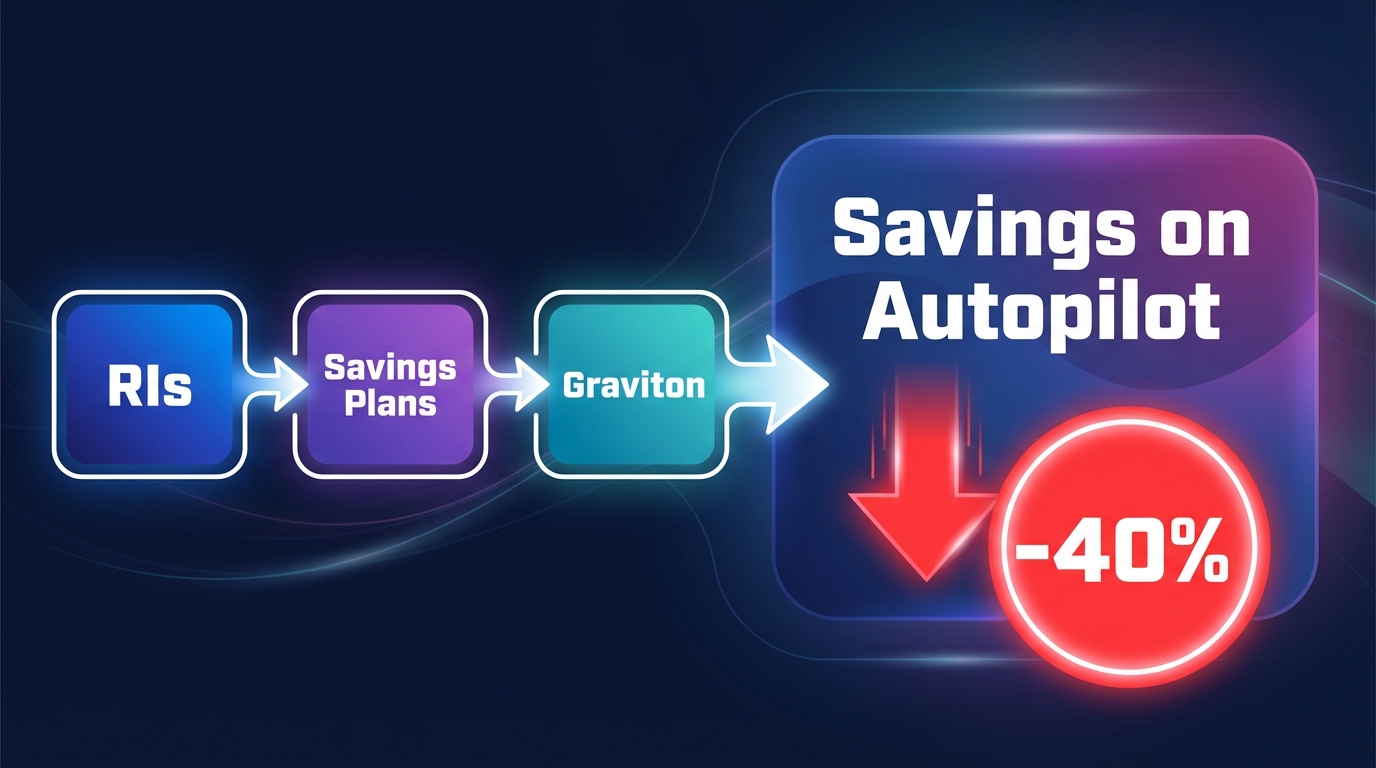
Hykell’s automated AWS cost optimization integrates directly with Cost Explorer and AWS APIs to transform recommendations into executed changes. Instead of generating a report that shows 200 under-utilized instances, the platform automatically rightsizes them during low-traffic windows, validates performance, and rolls back if metrics deviate. For commitments, it continuously rebalances Reserved Instances and Savings Plans as workloads shift, capturing effective savings rates that often reach 50-70%+ on compute.
The result: visibility from Cost Explorer, governance from Budgets, and systematic savings delivery from automation – without adding headcount or ongoing manual work. For teams managing complex, dynamic AWS environments, this combination transforms cost optimization from a quarterly project into a continuous, performance-safe process.
Choosing your approach
If your AWS environment is small (under 50 instances, predictable workloads, limited multi-account complexity), Cost Explorer and Budgets may provide sufficient visibility and control. Set budgets for your major cost categories, review Cost Explorer monthly, and manually action the high-impact recommendations.
If you’re running 50-500 instances with moderate growth, combine native AWS cost monitoring tools with targeted automation for your largest cost drivers. Use Cost Explorer to identify optimization opportunities, Budgets to enforce spending guardrails, and consider specialized tools for Kubernetes cost allocation or automated tagging enforcement to improve attribution.
Beyond 500 instances or in high-growth scenarios, manual processes don’t scale. Organizations implementing robust forecasting alongside budgeting typically achieve 20-30% more accurate financial planning, but capturing the full savings potential – often 40%+ of cloud spend – requires systematic, automated optimization that operates continuously across rightsizing, commitments, storage, and compute selection.
Start with the fundamentals
Whatever your scale, effective AWS cost management starts with the same foundation: visibility, governance, and action.
Use Cost Explorer to understand where your money goes. Filter by service, tag, and linked account to build accurate cost attribution. Create saved views for your most important reports – EC2 by environment, RDS by project, S3 by data classification – and review them regularly.
Deploy AWS Budgets to catch anomalies before they compound. Set thresholds that reflect your financial planning and configure alerts that reach the right people at the right time. Don’t wait for the monthly bill to discover that a misconfigured Auto Scaling policy doubled your compute costs.
Then close the loop with action. Whether you implement recommendations manually, build custom automation, or deploy a platform like Hykell to handle optimization at scale, the goal is the same: convert cost visibility into realized savings without compromising performance.
Ready to move beyond monitoring to systematic cost reduction? Hykell’s automated AWS optimization delivers up to 40% savings with zero engineering lift and performance-based pricing – you only pay a percentage of what you save. Connect your AWS account in minutes and let us show you what automated cost optimization looks like in practice.