Auditing Reserved Instance utilization: A complete guide to maximizing AWS commitment value
Your Reserved Instances are sitting at 68% utilization. You’re bleeding money on unused capacity while simultaneously paying on-demand rates for workloads that should be covered. The data is buried somewhere in AWS Cost Explorer, but by the time you extract it, analyze it, and convince stakeholders to act, usage patterns have already shifted.
Most AWS-focused FinOps teams discover they’re leaving 20% or more on the table when managing Reserved Instances and Savings Plans. The problem isn’t commitment discounts themselves – it’s the execution gap between purchasing capacity and actually using it effectively. This guide walks you through the complete process of auditing Reserved Instance utilization and coverage, interpreting the metrics that matter, and implementing optimization workflows that turn underperforming commitments into consistent 30-40% cost reductions.
Understanding the core metrics: utilization vs. coverage
Before you can optimize Reserved Instances, you need to understand what you’re measuring. AWS tracks two distinct metrics that sound similar but reveal completely different problems.
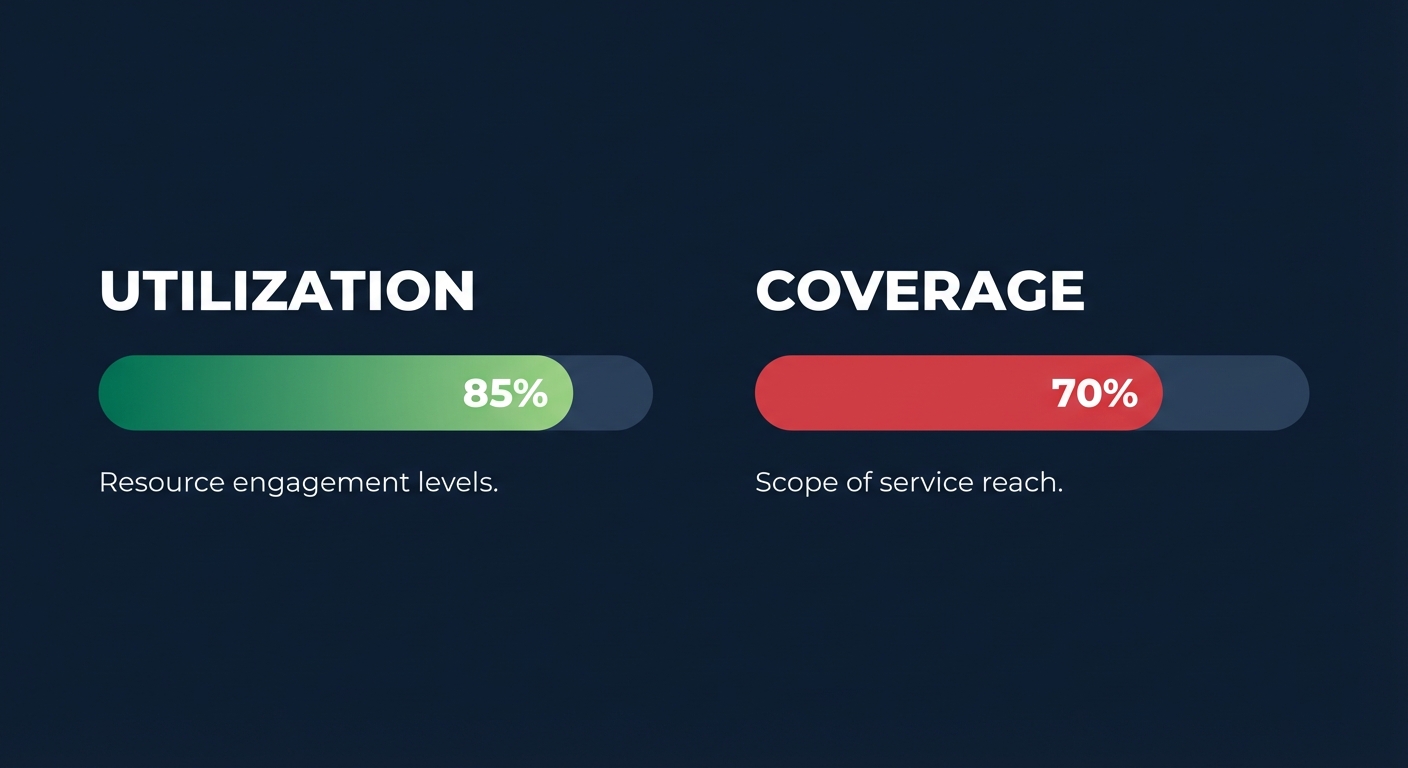
Reserved Instance utilization measures how much of your purchased reserved capacity you’re actually using. If you bought 100 hours of m5.large capacity but only ran instances for 80 hours, your utilization is 80%. Targets typically sit above 80%, and anything below 70% indicates you’ve over-committed. Low utilization means you’re paying for reserved capacity that’s going unused – essentially wasting the upfront discount you secured. You’re still on the hook for the commitment, but you’re not getting the cost benefit.
Reserved Instance coverage, on the other hand, represents what percentage of your eligible running usage is covered by commitments versus running at full on-demand rates. If you’re running 1,000 hours of EC2 instances and only 600 hours are covered by Reserved Instances or Savings Plans, your coverage is 60%. Target coverage ranges between 70-80%; below 60% indicates you’re missing significant savings opportunities. Low coverage means you’re paying on-demand prices when you could be getting up to 72% discounts. You have the workloads running – you just haven’t secured the right commitments to cover them.
Here’s the critical insight: you need both metrics high. High utilization with low coverage means you’re using your commitments efficiently, but you haven’t bought enough. High coverage with low utilization means you’ve purchased too much capacity for your actual needs.

Accessing your RI utilization data in AWS Cost Explorer
AWS Cost Explorer provides built-in reports specifically designed to track Reserved Instance performance. These reports aggregate data across your entire AWS organization, making them the natural starting point for any RI audit.
To access your RI utilization report, navigate to AWS Cost Management → Cost Explorer → Reserved Instances → RI Utilization Report. Set your time range to at least the past three months – shorter periods hide patterns and seasonal variations that impact commitment decisions. The report displays your utilization percentage over time, broken down by service (primarily EC2, RDS, ElastiCache, Redshift). You can filter by specific instance families, regions, or accounts to identify where underutilization is concentrated.
For each timeframe, Cost Explorer shows the InstanceUtilization metric – the percentage of reserved capacity instances currently in use. If you see consistent dips below 70%, you have either the wrong commitment type for your workload pattern or you’ve simply purchased too much capacity.
AWS applies Reserved Instance coverage before Savings Plan discounts when both mechanisms could apply to the same usage. This sequencing matters when interpreting your metrics – if you’re evaluating why a workload isn’t covered by your Compute Savings Plan, check whether an existing RI is already claiming that usage.
One limitation: Cost Explorer updates billing data at least once every 24 hours, with a possible 24-48 hour delay. This lag means you’re always looking at slightly historical data, which is fine for strategic planning but insufficient for real-time anomaly detection.
Interpreting RI coverage reports
The RI Coverage Report lives alongside the Utilization Report in Cost Explorer. Where utilization tells you how well you’re using purchased commitments, coverage reveals how much eligible usage is running without any commitment discount.
Access it via Cost Explorer → Reserved Instances → RI Coverage Report. Again, set a multi-month view to capture usage trends rather than point-in-time snapshots. The report shows what percentage of your total eligible instance hours were covered by Reserved Instances or Savings Plans. Anything not covered ran at on-demand rates – and that’s where the savings opportunity hides.
Organizations with compute coverage below 60% are missing significant savings opportunities. For context, achieving Effective Savings Rates (the blended discount across all pricing models) of 50-70%+ is feasible with proper optimization, but only when coverage is paired with strategic commitment selection.
Filter the coverage report by instance family and region. You’ll often discover that your us-east-1 m5 family has excellent coverage while eu-west-1 c5 instances are running completely on-demand. This granular view tells you exactly where to add commitments. Remember that coverage doesn’t differentiate between Reserved Instances and Savings Plans – both show up as “covered” usage. If you want to understand the mix, you’ll need to cross-reference with your active commitments list (EC2 → Reserved Instances and Billing → Savings Plans).
One nuance: Zonal Standard Reserved Instances provide capacity reservation in specific Availability Zones, which Savings Plans cannot offer. If you’re seeing coverage but still experiencing capacity constraints during peak demand, you may need to shift some flexible commitments to Zonal RIs for guaranteed capacity.
Identifying underutilized Reserved Instances
Underutilization shows up in your data as consistently low percentages in the RI Utilization Report, but the root causes vary. Identifying why utilization is low determines which optimization action to take.
Oversized reservations are the most common culprit. You purchased 50 r5.2xlarge instances based on projected growth that didn’t materialize. Now you’re stuck paying for capacity you don’t need for the remaining term. Standard Reserved Instances lock you into specific instance types, making this problem particularly painful.
Workload migration or shutdown also creates stranded reservations. A team decommissioned an old application, but the RIs covering it are still active. Or you migrated from m5 instances to Graviton-based m7g instances – a smart performance move that can reduce infrastructure expenses by up to 40% – but the old m5 RIs remain unused.
Scope misalignment happens when you purchase Regional RIs but your workloads are concentrated in specific Availability Zones, or vice versa. Regional scope provides flexibility to match instances anywhere in the region, but if your architecture pins resources to particular AZs for latency reasons, that flexibility goes unused.
Instance family mismatch is especially problematic with Standard RIs. You reserved c5 capacity assuming compute-intensive workloads, but actual usage patterns shifted toward memory-optimized r5 instances. Standard RIs can’t convert across families, so you’re paying for unused c5 commitments while running r5 instances on-demand.
To diagnose which scenario applies, pull a detailed RI inventory report from the EC2 console (EC2 → Reserved Instances). Export the list and cross-reference it against your actual running instance distribution from Cost Explorer or AWS Cost and Usage Reports. Look for Reserved Instances where the end date is still months or years away but utilization in Cost Explorer shows consistent underperformance. Those are your prime candidates for remediation – either through resale, conversion, or workload rebalancing.
Detecting over-commitment: the 95% utilization trap
If underutilization wastes money on unused capacity, why isn’t 95%+ utilization the goal? Because perfect utilization means you have zero buffer for growth or traffic spikes – and you’re likely under-covered elsewhere.
When you see consistently high RI utilization (above 95%) paired with low coverage, it typically means you bought too few commitments initially. You’re maxing out the Reserved Instances you have while the rest of your workload runs on-demand at full price. The financially optimal strategy targets 70-80% coverage with 80-95% utilization. This balance ensures you’re capturing most available discounts without locking yourself into inflexible commitments that can’t adapt when workloads shift.
Here’s a concrete example from a typical AWS environment: you have 1,000 hours of m5.xlarge usage per month. You purchased 700 hours of m5.xlarge RIs. Your utilization will show 100% (you’re using all 700 committed hours), but your coverage is only 70% – the remaining 300 hours run on-demand. The right move isn’t necessarily to buy more RIs immediately; it’s to evaluate whether those 300 hours represent consistent baseline usage or variable burst capacity.
One case study showed Reserved Instance utilization increased from 62% to 93% while right-sizing KPIs improved by 37%, resulting in 29% overall AWS bill reduction. Notice the utilization didn’t reach 100% – the team maintained headroom while dramatically improving coverage.
The trap is buying commitments to hit 100% utilization of your current over-provisioned infrastructure. AWS recommends right-sizing instances before committing to Reserved Instances or Savings Plans to avoid paying for unused capacity for 1-3 years. If your instances are sized at 40% average CPU utilization, purchasing RIs to cover them locks in that waste.
Building your RI audit dashboard
Cost Explorer provides foundational visibility, but serious RI optimization requires a purpose-built dashboard that brings utilization, coverage, and financial impact into a single view.
The most effective dashboards aggregate data from multiple sources: AWS Cost Explorer API for utilization and coverage metrics, AWS Cost and Usage Reports for granular allocation of RI charges across accounts and resources, CloudWatch for actual instance utilization patterns, and your RI inventory from the EC2 API.
Key dashboard widgets should include RI utilization trends over 90 days segmented by instance family and region – long enough to catch usage patterns but recent enough to guide immediate action. Coverage gap analysis showing the dollar value of on-demand spend that could be converted to discounted commitments helps prioritize where new commitments deliver the highest ROI. An expiring commitments timeline displays which RIs and Savings Plans will end in the next 90 days. AWS does not automatically renew RIs when they expire – if you don’t purchase replacements, those workloads immediately flip to on-demand rates.
Track your Effective Savings Rate – the blended discount across all pricing models (on-demand, RIs, Savings Plans, Spot). The median AWS Compute Effective Savings Rate rose from 0% in 2023 to 15% in 2024, with mature optimization programs achieving 50-70%+. Include an underutilized commitment heatmap highlighting specific RI or Savings Plan IDs with utilization below 70%, ordered by monthly cost impact. This turns vague utilization percentages into prioritized remediation targets.
For visualization, Amazon QuickSight integrates natively with AWS data sources and offers pre-built Cost Intelligence Dashboard templates. Alternatively, Grafana provides customizable dashboards that many teams find more cost-effective than enterprise BI tools while offering deeper integration with infrastructure monitoring.

Set up automated alerting for sudden utilization drops. If an RI that historically ran at 85% utilization suddenly drops to 40%, that’s a signal that the underlying workload has changed – either scaled down, migrated, or shut down entirely. Catching this within days rather than weeks prevents unnecessary spending.
Optimization workflow: turning insights into action
Data without action is just expensive reporting. Once your audit reveals underutilized commitments and coverage gaps, you need a systematic workflow to remediate both.
Start by categorizing your underutilized RIs into three buckets. Convertible RIs with flexibility needs can be exchanged for different instance types or families. If you have underutilized c5.xlarge Convertible RIs but your workload has shifted to memory-optimized patterns, convert them to r5.xlarge to match actual usage. Standard RIs can be traded on the AWS Reserved Instance Marketplace. If you can’t repurpose the capacity internally, selling unused commitments recovers some value rather than letting them sit idle. Mismatched scope or term issues arise when a Zonal RI purchased for us-east-1a doesn’t help workloads running in us-east-1b. These require architectural adjustments or scope modifications if available.
For workloads running on-demand that should be covered, evaluate the stability of usage patterns over the past 90 days. Cost Explorer generates RI recommendations by identifying on-demand usage patterns and simulating RI combinations, but these recommendations assume historical patterns continue unchanged.
Instead of blindly following automated recommendations, reserve only proven steady-state usage. If an instance family has run consistently for 90+ days with minimal variation, it’s a candidate for commitment. Seasonal or project-based workloads are not. Choose the right commitment type: Compute Savings Plans offer maximum flexibility across instance families, regions, and services, making them ideal for evolving environments. EC2 Instance Savings Plans lock to a specific family but still allow size and region flexibility. Standard RIs provide the deepest discounts but the least flexibility. Start with shorter terms – one-year commitments reduce risk compared to three-year locks, especially for organizations with changing infrastructure patterns.
Before buying new commitments, analyze actual utilization through AWS Compute Optimizer, which analyzes CloudWatch metrics and recommends instance type changes to identify oversized instances. A typical finding: 40% of instances run below 10% CPU utilization at peak, indicating significant right-sizing opportunity. Target 60-70% average utilization for production workloads to provide headroom for traffic spikes while avoiding waste. Then purchase commitments to cover the right-sized baseline, not the bloated current state.
Don’t rely on a single commitment type. A balanced combination yields the best cloud value: use Compute Savings Plans for maximum flexibility across your dynamic workloads, layer in EC2 Instance Savings Plans or Convertible RIs for stable instance families where you want deeper discounts, and add Zonal Standard RIs only for capacity-critical workloads that require guaranteed availability. Combining Reserved Instances for baseline with Spot for burst capacity can reduce overall compute costs by 60-90% compared to pure on-demand. Reserve commitments should cover 70-80% of steady-state usage, with Spot and on-demand handling the variable layer.

Usage patterns and instance types evolve, and ideal windows to commit are missed while teams debate internally. Set quarterly reviews where you evaluate utilization trends, coverage gaps, and expiring commitments as a batch. If utilization on specific RIs has dropped below 70% for two consecutive quarters, that’s a signal to convert, sell, or reallocate. If coverage has fallen below 60% on a consistent workload, calculate the monthly on-demand overspend and prioritize new commitments accordingly.
Advanced techniques: Cost and Usage Reports for deep analysis
Cost Explorer provides aggregated views, but optimizing at scale requires the raw granularity of AWS Cost and Usage Reports (CUR). CUR delivers hourly usage data with resource-level tags, allowing you to track exactly which instances consumed which Reserved Instance hours.
Enable CUR in your billing console and configure delivery to an S3 bucket. Use AWS Glue to catalog the data and Amazon Athena to query it with SQL. This infrastructure is required for anything beyond basic Cost Explorer analysis.
Key queries for RI optimization start with identifying which accounts or teams are consuming shared RIs. In AWS Organizations, RIs can be shared across linked accounts. A query filtering on lineItem/LineItemType = ‘DiscountedUsage’ and grouping by lineItem/UsageAccountId reveals who’s actually benefiting from organization-wide commitments.
Detect usage pattern changes before they impact utilization by querying hourly EC2 usage for the past 90 days, grouped by instance family. Look for downward trends that haven’t yet surfaced in monthly Cost Explorer reports. Early detection allows proactive RI adjustments rather than reactive fixes.
Calculate the financial impact of unused RIs by joining RI inventory data with CUR to determine the dollar value of unutilized commitments. Filter for reservation/ReservationARN with low utilization percentages and multiply by the hourly RI rate to quantify waste.
If you’re running a chargeback or showback model, CUR lets you allocate RI discounts to the teams actually using the capacity. This ensures engineering teams see accurate costs rather than inflated on-demand rates that don’t reflect organizational commitments.
The setup overhead for CUR analysis is significant, but for organizations spending $100K+ monthly on AWS, the insights justify the investment. Automating these queries via scheduled Athena jobs and feeding results into dashboards eliminates manual analysis while maintaining deep visibility.
Automating RI management to eliminate manual overhead
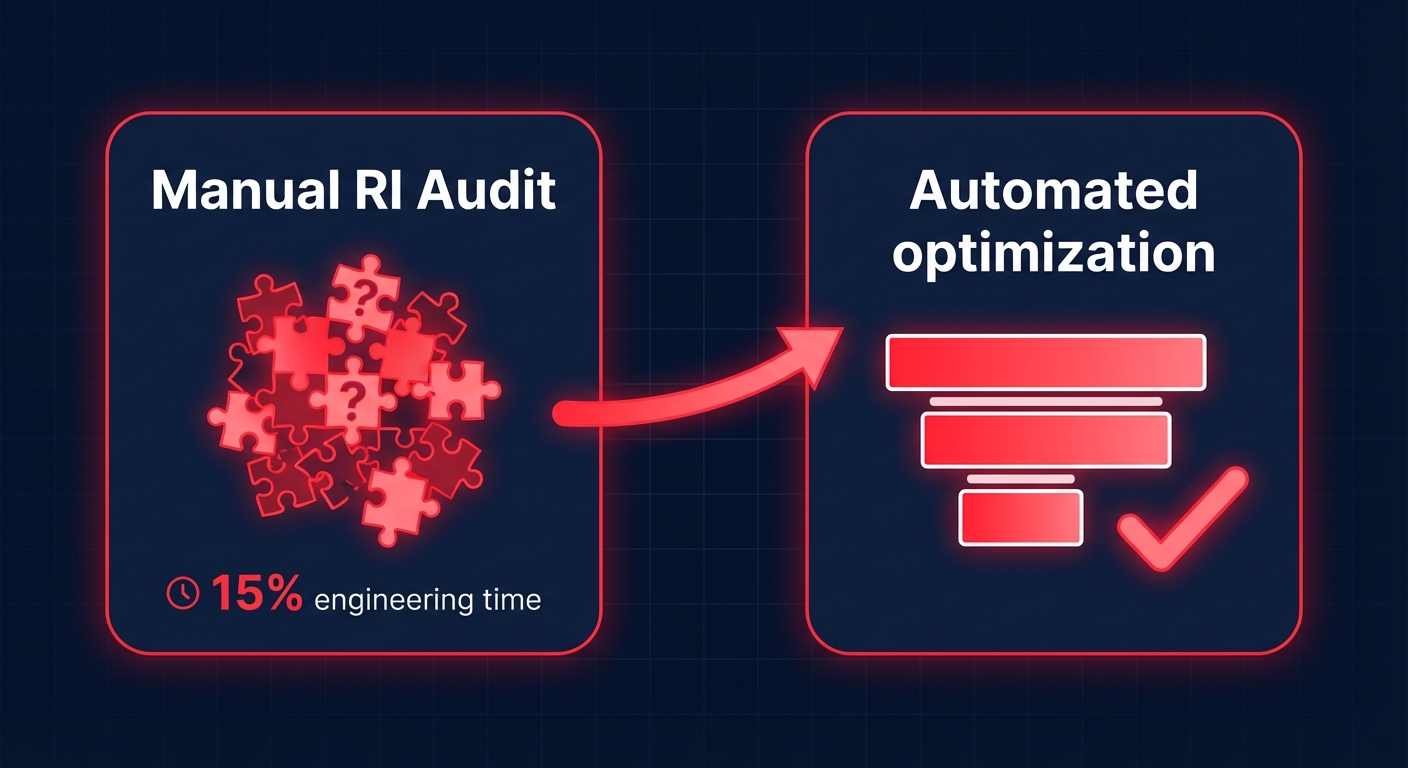
Manual RI management is complex and inefficient, leading to only 15-20% of potential savings realized. The problem isn’t technical difficulty – it’s the opportunity cost. FinOps and engineering teams spending 10-15% of their time on cloud cost management aren’t building product features or driving revenue.
Automation shifts the workload from continuous manual monitoring to initial configuration with algorithmic management. Continuous utilization monitoring means that instead of quarterly audits that catch problems late, automated tools analyze actual usage patterns continuously. When utilization drops below target thresholds, the system flags it immediately rather than waiting for your next scheduled review.
Strategic portfolio balancing through automation balances Standard RIs, Convertible RIs, and Savings Plans to maximize discounts while maintaining flexibility. Think of it like a diversified investment portfolio – you’re not betting everything on a single commitment type but spreading risk across instruments with different flexibility and discount characteristics.
Marketplace trading optimization means automated systems optimize selling unused RIs by timing listings to peak demand and adjusting prices in real time. For example, us-east-1 instance types sell better on weekday mornings when procurement teams are actively shopping.
Rather than locking in annual commitments upfront, automated platforms favor incremental commitments that adapt as workloads shift. This reduces risk while maintaining high coverage.
Hykell’s automated approach manages commitments across AWS by analyzing historical usage, growth trends, marketplace conditions, and pricing changes to determine optimal purchase timing. The system operates with zero code changes and no active effort from DevOps teams – it runs in the background continuously optimizing your commitment portfolio.
Real-world results show customers typically achieve 30-40% AWS compute cost reductions while cutting engineering time spent on cost management by 95%. Rather than monthly meetings debating which RIs to buy, teams validate automated recommendations quarterly and focus engineering resources on product development. The financial model aligns incentives: Hykell only gets paid a slice of the savings achieved – if you don’t save, you don’t pay.
Integrating RI optimization with broader AWS cost management
Reserved Instance management doesn’t exist in isolation. The most effective optimization strategies integrate RI auditing with right-sizing, Graviton migration, storage optimization, and Kubernetes cost management.
As mentioned earlier, committing to oversized instances locks in waste. Sequence your optimization: first right-size, then purchase commitments to cover the optimized baseline. Organizations achieve up to 40% reduction in AWS costs through automated rightsizing combined with proper instance sizing.
Migrating to Graviton instances typically achieves 25% better performance alongside 30% lower compute costs. When you stack Graviton savings with Reserved Instance or Savings Plan discounts, the compound effect can exceed 70% reduction versus x86 on-demand. However, this requires planning – ensure your commitment strategy accounts for Graviton migration so you’re not stranded with x86 RIs for workloads you’re moving to ARM.
RIs cover compute, but storage often represents 20-30% of total AWS spend. Auditing EBS volumes for unattached resources and over-provisioned IOPS can reveal thousands in monthly savings that don’t require commitment management – they’re just waste elimination.
For Kubernetes environments, ensure cluster sizing aligns with RI utilization to avoid committing to node capacity that Kubernetes doesn’t fully schedule. Track pod-level utilization and allocate costs by namespace to understand whether your RIs are covering actual workloads or idle node overhead.
The integration point: build a comprehensive dashboard that surfaces RI metrics alongside instance utilization, storage efficiency, and commitment coverage in a single view. This holistic perspective prevents optimizing one dimension while ignoring waste elsewhere.
Common pitfalls and how to avoid them
Even with solid audit processes, several common mistakes derail RI optimization initiatives.
Teams analyze current usage and buy RIs to match it – without questioning whether current usage is itself efficient. If your instances are running at 25% CPU utilization, purchasing RIs to cover them simply locks in that inefficiency at a discounted rate. Always right-size first.
Development and staging environments follow different utilization patterns than production. Development and test environments can run at 80% utilization as occasional slowdowns have lower impact, but purchasing RIs for environments that only run 40 hours/week wastes 76% of the commitment. Use scheduling instead.
Hitting 100% RI utilization sounds ideal but leaves zero buffer for growth. When traffic spikes or you need to scale quickly, you’ll immediately hit on-demand rates. The optimal target is 80-95% utilization with 70-80% coverage – balancing efficiency with flexibility.
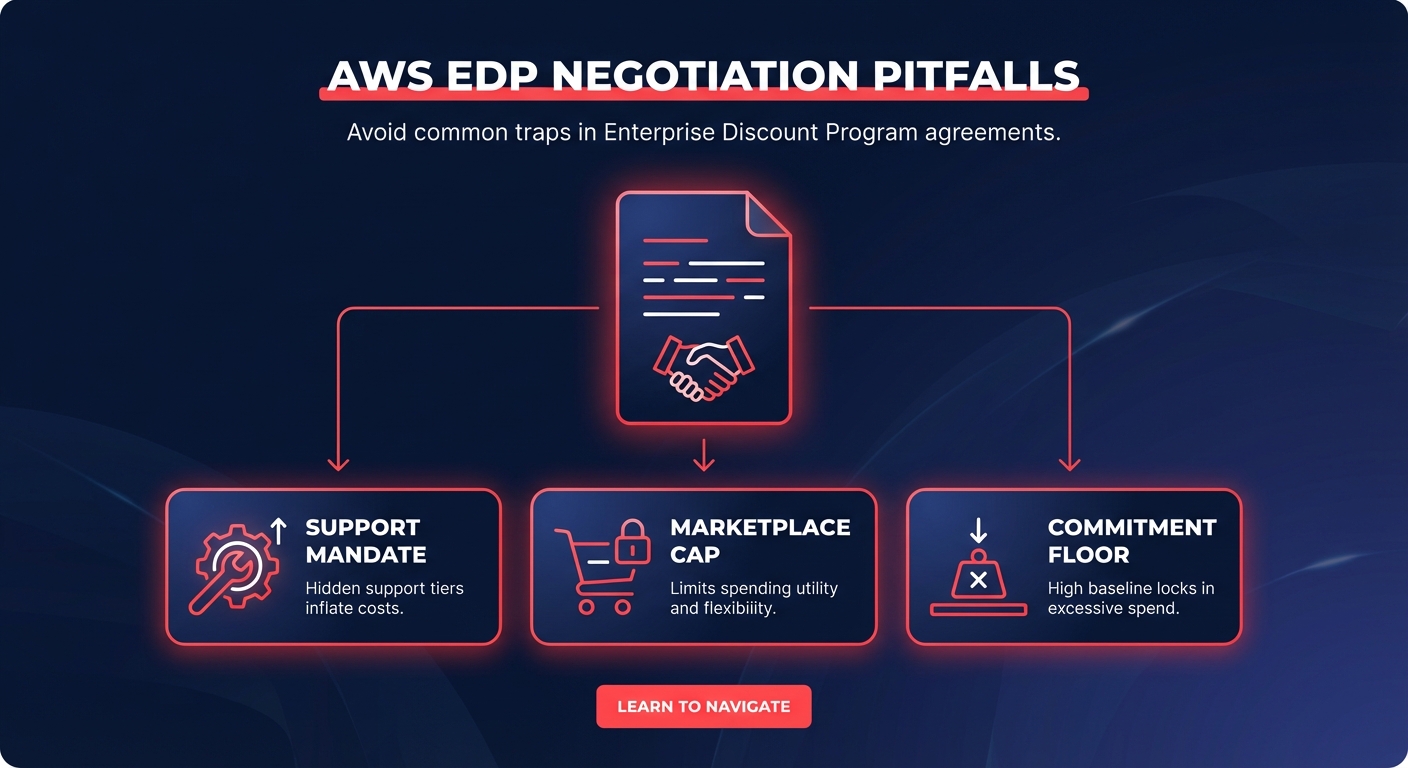
AWS is implementing changes to RIs and Savings Plans effective June 1, 2025, restricting them to single end customer usage. If your optimization strategy relied on reselling heavily discounted RIs purchased under an Enterprise Discount Program, those tactics will no longer work. Stay current on policy changes.
Commitments are not set-and-forget. Usage patterns evolve, instance types shift, and optimal windows to commit are missed while teams debate. Build quarterly reviews into your FinOps calendar and treat RI management as an ongoing process, not a project.
Moving from reactive audits to proactive optimization
Most organizations start with reactive RI management: they purchase commitments, check utilization quarterly, and scramble to fix problems when they surface. The audit-then-react cycle creates a permanent lag where you’re always optimizing for last quarter’s usage patterns.
Proactive optimization inverts this model. Instead of auditing historical performance, you continuously analyze usage trends and adjust commitments in real time as workloads shift. This requires either significant internal tooling investment or leveraging automated platforms designed for continuous optimization.
The transition path typically follows three stages. Manual auditing using Cost Explorer and quarterly reviews establishes baseline visibility and captures the most obvious savings (typically 10-15% reduction). Most small to mid-sized AWS users operate here.
Enhanced dashboards and scheduled analysis using QuickSight or Grafana with CUR data feeding automated reports catches issues faster and pushes savings toward 20-25% reduction. Organizations with dedicated FinOps teams typically reach this stage.
Fully automated optimization means algorithms manage commitment purchases, conversions, and marketplace trades with minimal human intervention. This delivers the full 30-40% savings potential while eliminating ongoing operational overhead.
The decision between stages depends on scale and organizational priorities. If your AWS spend is under $50K monthly, manual auditing may suffice. Between $50K-$500K monthly, enhanced dashboards and targeted third-party tools deliver the best ROI. Above $500K monthly or in high-growth scenarios, automated platforms become essential because manual management can’t keep pace with the rate of change.
Start auditing your Reserved Instances today
The gap between what you’re paying for AWS and what you should be paying is wider than you think. A typical enterprise AWS environment has 35% of its resources underutilized, and even organizations that believe they’ve optimized often leave 20% or more on the table through inefficient commitment management.
Begin with a baseline audit: pull your RI utilization and coverage reports for the past 90 days, identify commitments below 70% utilization, and calculate coverage gaps where on-demand spend exceeds targets. This initial analysis takes a few hours but typically reveals six figures in annual savings potential for organizations spending $500K+ on AWS.
Then establish a systematic workflow: quarterly reviews at minimum, preferably continuous monitoring if you can build or buy the automation. Treat RI management as an ongoing financial optimization, not a one-time infrastructure decision.
For organizations where RI complexity outpaces internal capacity – or where engineering teams shouldn’t be spending 10-15% of their time on cloud cost management – Hykell provides automated AWS cost optimization that handles auditing, recommendation, and implementation continuously. The platform manages over $10 million in monthly AWS spend with customers reporting 30-40% cost reductions without code changes or active DevOps effort.
Get the visibility, implement the fixes, and turn underperforming commitments into consistent, measurable savings that fund the initiatives that actually move your business forward.