
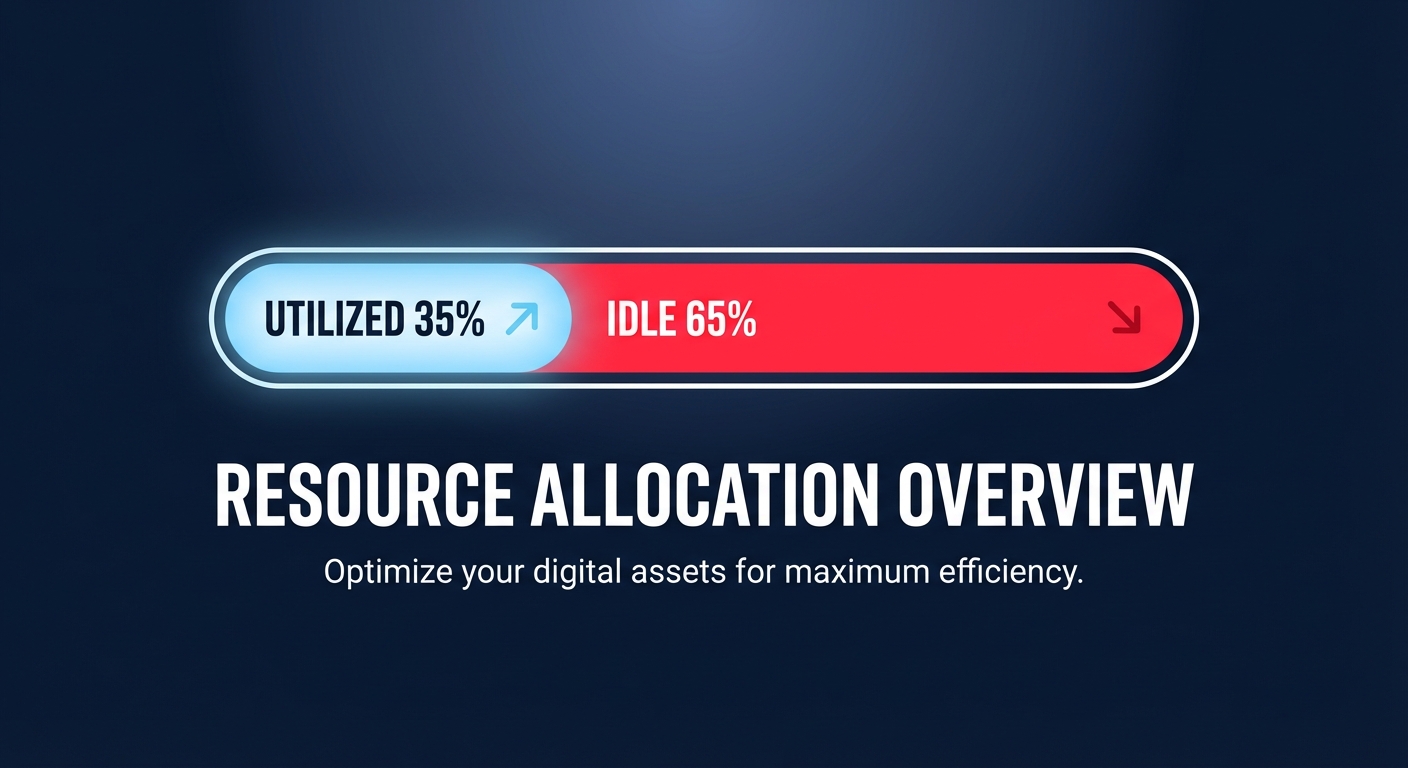
Did you know the average cloud environment runs at just 30–40% utilization? This means nearly two-thirds of your budget pays for idle silicon. For platform engineers, the challenge is navigating the unique configuration thresholds and pricing nuances across AWS, Azure, and GCP to stop this waste.
Mapping service equivalents across the big three
To optimize effectively, you must first understand how core resources translate across providers. While the underlying hardware might look similar, the abstraction layers differ. For instance, AWS Elastic Compute Cloud (EC2) maps to Azure Virtual Machines and GCP Compute Engine, yet AWS provides a more granular EC2 instance type selection guide that includes custom silicon like Graviton. Similarly, AWS Elastic Block Store (EBS) is the counterpart to Azure Disk Storage and GCP Hyperdisk. On AWS, switching from gp2 to gp3 volumes is a standard “quick win” that often reduces costs by 20% while allowing you to provision throughput independently of capacity.
When looking at relational databases, RDS and Aurora compete with Azure SQL and GCP Cloud SQL. While GCP’s AlloyDB touts high transactional speeds, AWS Aurora remains a leader for scaling instantly without dropping connections. Navigating an AWS vs GCP pricing comparison reveals that while GCP is often praised for transparency through Sustained Use Discounts, AWS offers deeper potential savings – up to 72% – for those who master commitment-based optimization.
AWS-specific right-sizing: the 70% threshold
In the AWS ecosystem, cloud resource right-sizing involves matching instance types to your actual workload performance. Many teams maintain a “safety buffer” of 50%, which is essentially a tax on your agility. Just as you wouldn’t wear shoes three sizes too big, you shouldn’t run applications on instances that are unnecessarily large. A high-performance baseline requires monitoring CloudWatch metrics for at least two to four weeks. If your average CPU and memory utilization stays below 40% during that period, you are a prime candidate for downsizing.
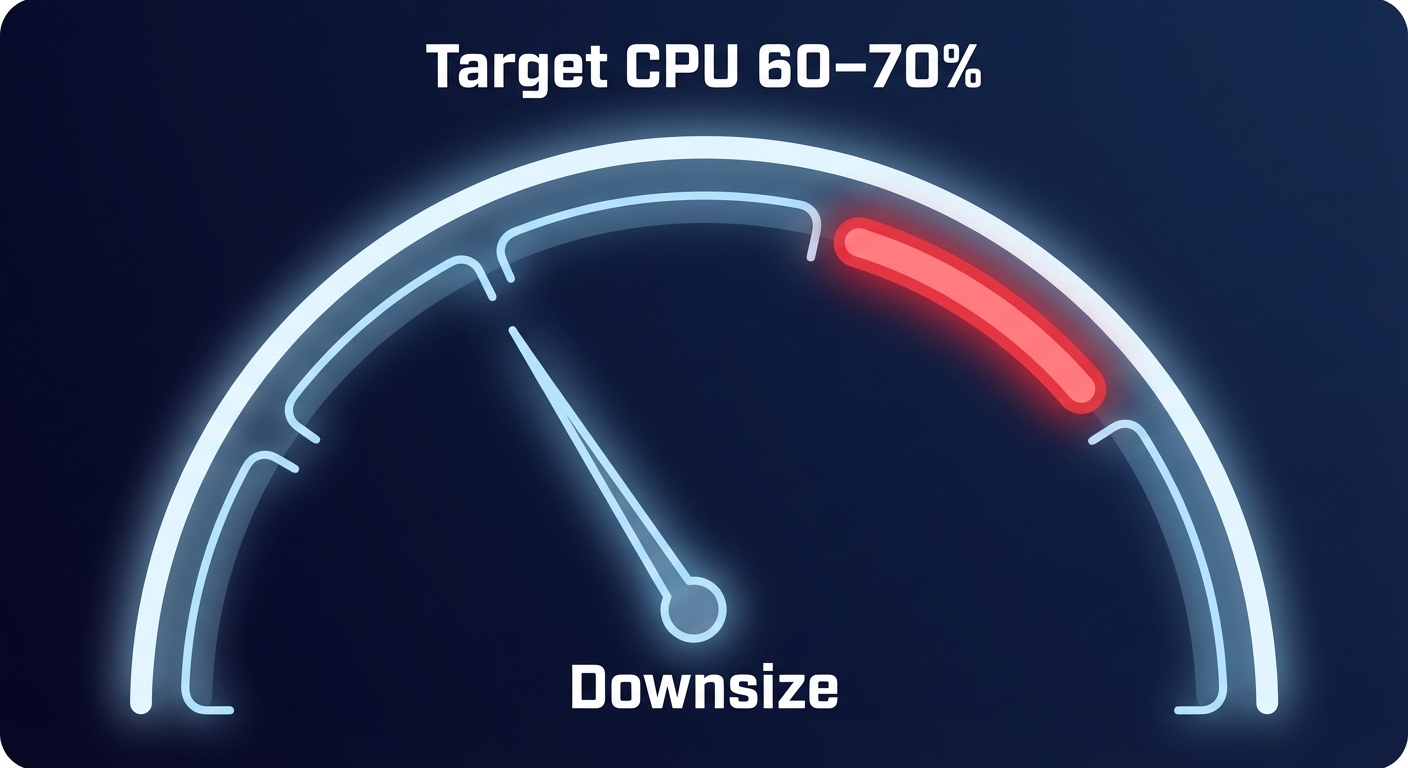
You should aim for a 60–70% average CPU utilization for production workloads, leaving enough headroom for P99 spikes without overpaying for the troughs. For compute-heavy tasks, migrating to a different family, such as moving from m7i to c7i, can lower costs by 15–20% if you do not require high memory ratios. Furthermore, you can accelerate your Graviton gains to unlock an additional 10–20% lower cost per instance compared to Intel or AMD equivalents, often while improving performance.
Storage and serverless configuration nuances
Optimization must extend beyond the instance level to include storage and serverless configurations, which are often the “silent killers” of a cloud budget.
EBS and IOPS optimization
Many engineers mistakenly overprovision block storage volume size just to gain more IOPS. AWS gp3 volumes solve this by decoupling performance from size, helping you better manage AWS EBS throughput and pay only for the exact performance you need. This shift alone can reduce your storage bill by nearly 30%. Additionally, you must regularly audit for “zombie” volumes – unattached EBS disks that continue to rack up charges long after their associated EC2 instances have been terminated.
Lambda memory tuning
In the serverless realm, AWS Lambda memory optimization is often counterintuitive. Because CPU scales linearly with memory, increasing a function’s allocation from 128MB to 1GB can actually reduce your total bill. This happens because the function executes significantly faster, lowering the “GB-second” duration charge that makes up the bulk of Lambda costs. Finding this “sweet spot” ensures you aren’t paying for idle execution time.
Navigating pricing and commitment models
Every provider rewards long-term commitments, but the mechanisms differ. AWS utilizes Reserved Instances (RIs) and Savings Plans to offer significant discounts. Azure provides a unique Hybrid Benefit for those with existing Windows Server or SQL Server licenses, while GCP uses Committed Use Contracts that are straightforward but often less flexible than AWS’s Convertible RIs.
The danger of manual commitment planning is the “lock-in” risk. If you over-commit to a specific instance family and your architecture changes, you end up paying for capacity you no longer use. This makes automated AWS rate optimization critical, as it uses AI to blend RIs and Savings Plans. This approach helps you reach Effective Savings Rates (ESR) of 50–70% without the risk of manual miscalculation or the burden of manual portfolio management.
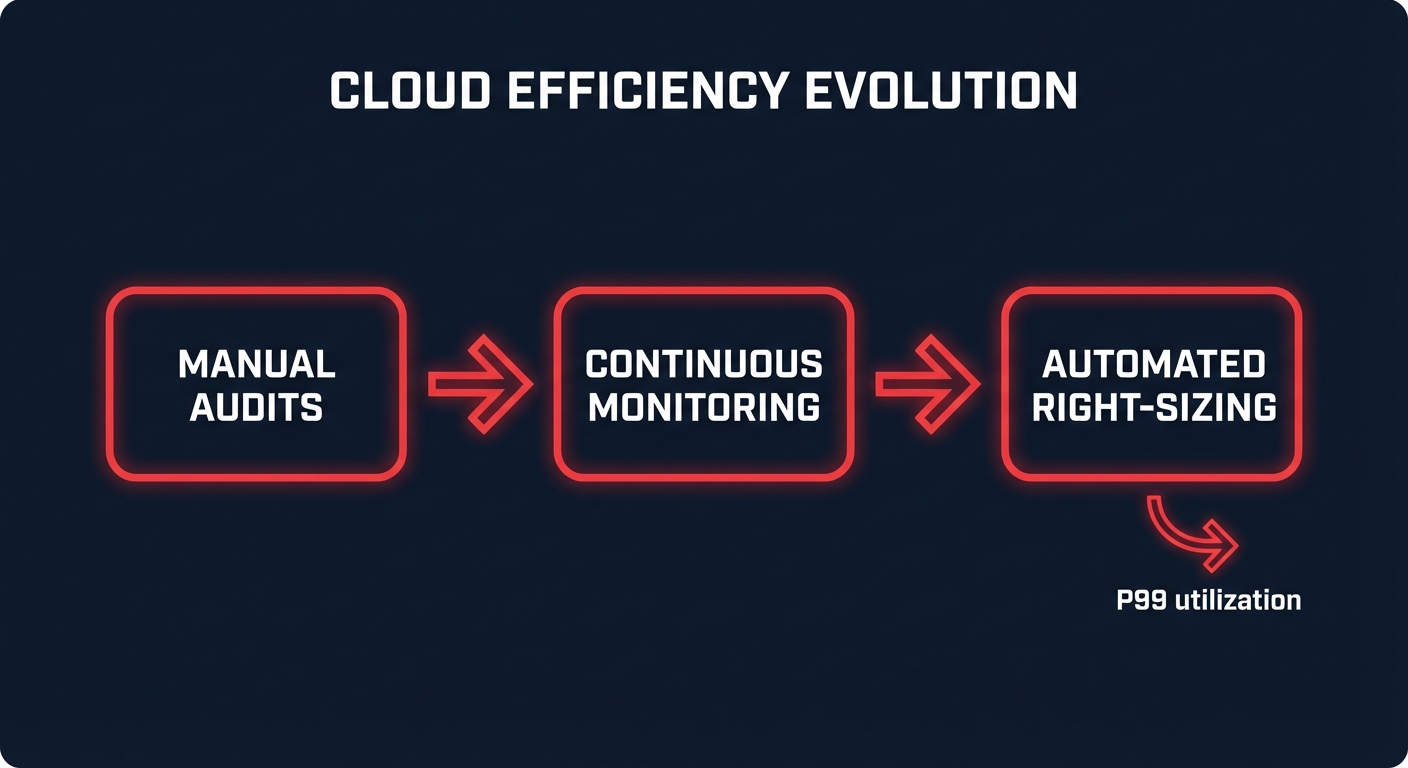
Moving from manual audits to automated efficiency
Manual right-sizing is a losing game because workload patterns shift faster than a human can audit. By the time you implement a change, your traffic has likely already evolved. To maintain a truly lean infrastructure, you need automated AWS right-sizing that continuously monitors P99 utilization and adjusts resources in real-time.
At Hykell, we help engineering teams reclaim up to 40% of their AWS spend by putting these optimizations on autopilot. We dive deep into your infrastructure to optimize EC2, EBS, and Kubernetes configurations without requiring a single line of code change from your developers. Our model is simple: we only take a slice of what we save you. You can review Hykell pricing and see that if we don’t find savings, you don’t pay. Stop overpaying for idle capacity and start running your cloud with surgical precision by calculating your potential savings today.

