
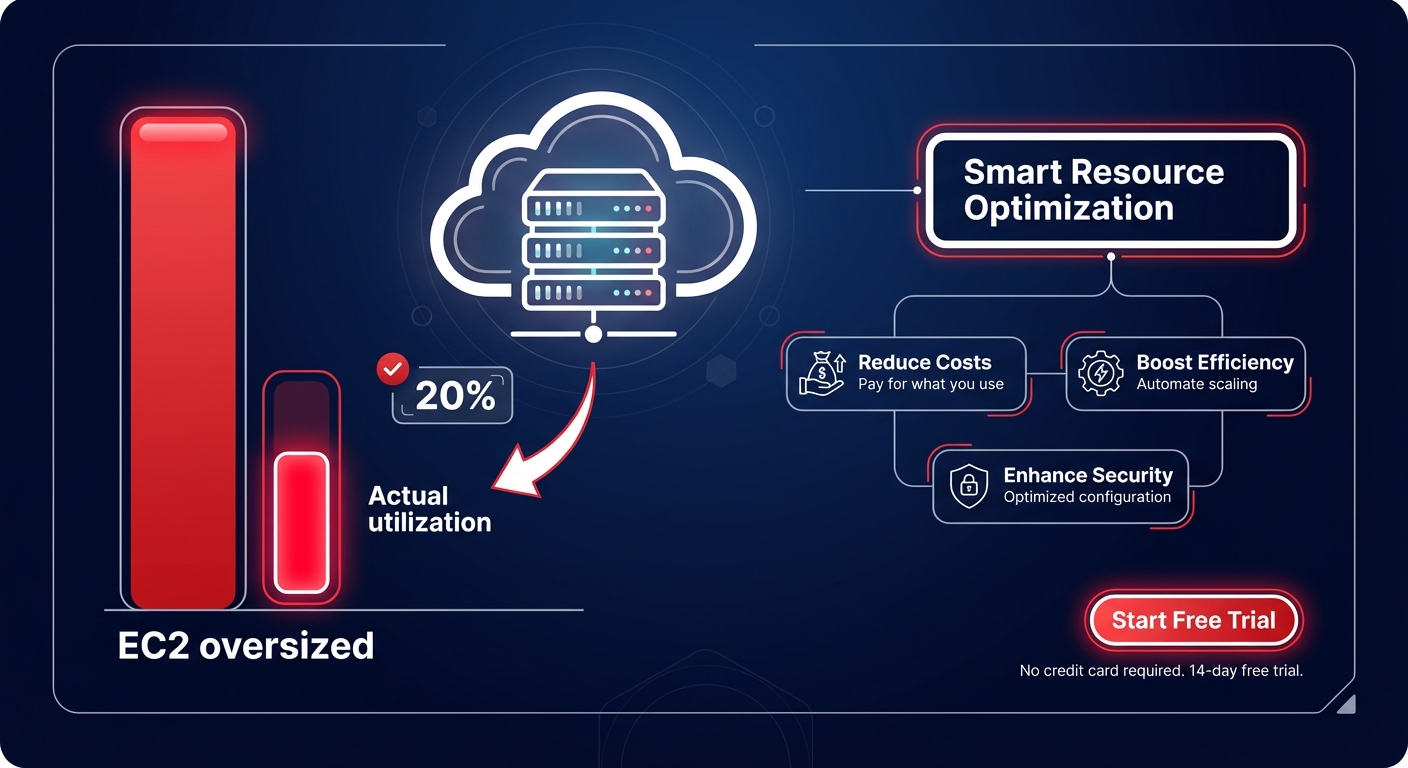
Are you paying for a Ferrari but only driving it 20 miles per hour? With 60–70% of EC2 instances typically oversized, most engineering teams are subsidizing AWS data centers with unused capacity. Identifying this waste is the first step toward reclaiming your budget without sacrificing performance.
Identifying the anatomy of compute waste
Most AWS environments drift toward excess capacity because resources are often sized during initial deployment and rarely revisited. To stop the leak, you must move beyond the total bill and analyze granular utilization patterns over a 30-to-90-day window. Research indicates that if an EC2 instance shows a sustained CPU utilization of less than 5%, it is effectively idle, costing between $30 and $200 per month for zero business value.
While safe utilization targets for production workloads typically hover between 60% and 80%, many instances consistently peak at only 10–20%. These are prime candidates for cloud resource rightsizing, a process that matches instance types to actual workload requirements. Beyond just changing sizes, you should consider architectural shifts; migrating to AWS Graviton instances can provide up to 40% better price-performance compared to comparable x86 instances, effectively lowering your unit cost for the same compute power.
Uncovering hidden storage and IOPS inefficiencies
Storage often accounts for 25–30% of a total AWS bill, yet it remains one of the most overlooked areas for optimization. Many teams continue to use gp2 volumes, missing out on the roughly 20% cost reduction offered by migrating to gp3. The primary advantage of gp3 is the ability to decouple IOPS and throughput from volume size, ensuring you only pay for the performance you actually use.
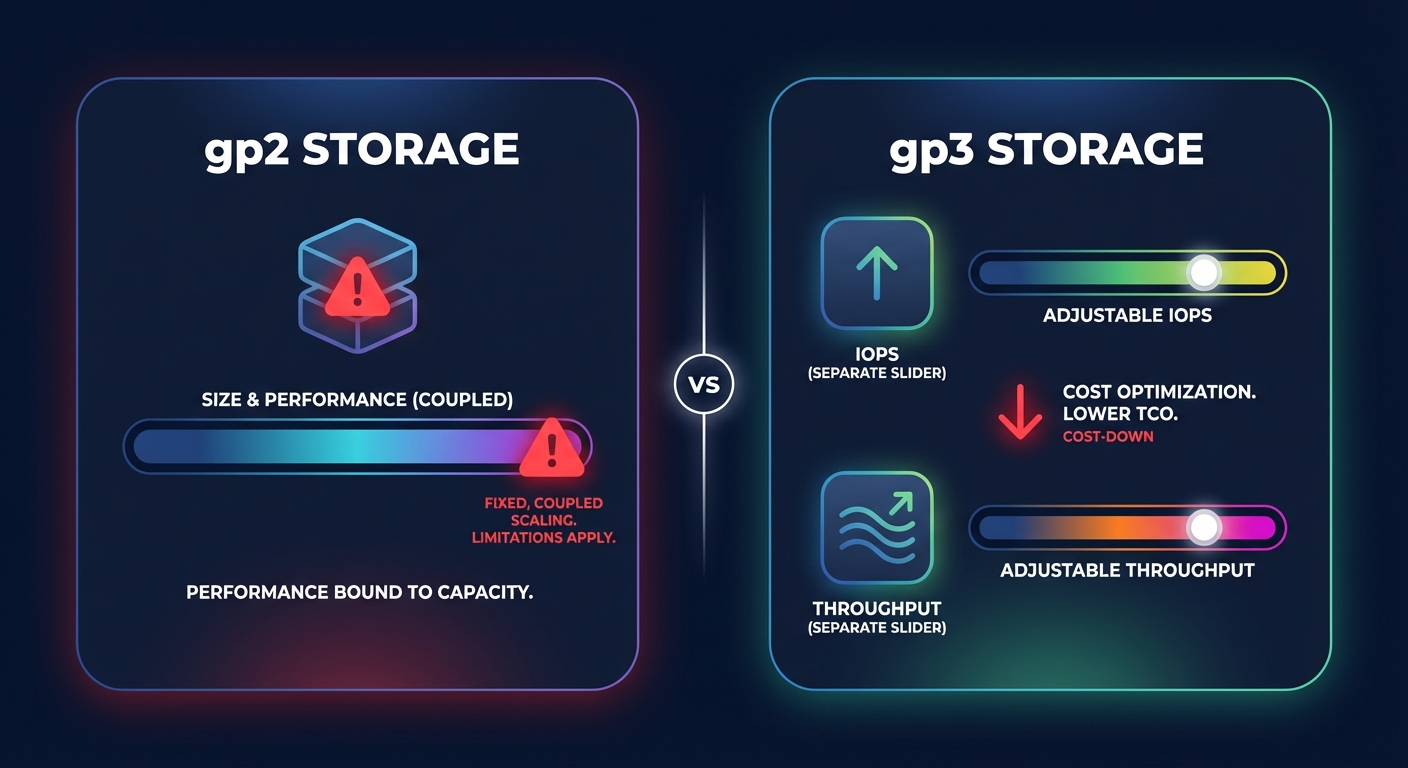
A thorough analysis of AWS EBS performance requires monitoring metrics like VolumeQueueLength and BurstBalance. If you are paying for Provisioned IOPS (io1 or io2) but your usage never hits the provisioned ceiling, you are essentially throwing money away. Conversely, gp2 volumes can hit “performance cliffs” when burst credits deplete, leading to unexpected latency. Identifying these mismatches, along with unattached EBS volumes and stale snapshots, is a core component of conducting a cloud cost audit that can recover thousands in monthly waste.
Solving visibility gaps for memory-bound workloads
One of the most significant hurdles in AWS utilization analysis is that memory metrics are not available in CloudWatch by default. Without installing the Unified CloudWatch Agent, engineering teams are effectively flying blind. This lack of visibility often leads to defensive over-provisioning – selecting larger instance sizes simply to avoid “Out of Memory” (OOM) errors.
By implementing AWS CloudWatch application monitoring to track memory usage, you can determine if a workload is CPU-bound or memory-bound. This data is critical for accurate EC2 instance type selection. For example, moving a memory-heavy database from a general-purpose M-family instance to a memory-optimized R-family instance can save 15–20% while providing more stable headroom for the application.
Optimizing Kubernetes and container density
Kubernetes on AWS (EKS) introduces additional layers of potential waste, particularly in the gap between pod “requests” and actual usage. When developers over-request RAM or CPU for a service, it creates “zombie” capacity – resources that are reserved and paid for but never used. Effective Kubernetes optimization on AWS requires a shift toward intelligent autoscaling and high-density node management.
To minimize this waste, consider these strategies:
- Use Karpenter for real-time, intelligent node provisioning that matches specific pod requirements.
- Leverage Spot Instances for non-critical or fault-tolerant workloads to achieve up to 90% savings over on-demand pricing.
- Standardize on gp3 storage for persistent volumes to lower storage overhead.
- Set accurate pod-level resource limits to prevent a single service from monopolizing node resources.
By continuously tuning EC2 performance at the cluster level, organizations can often reduce their container costs by 30–60% without impacting application availability.
Transitioning from visibility to automated savings
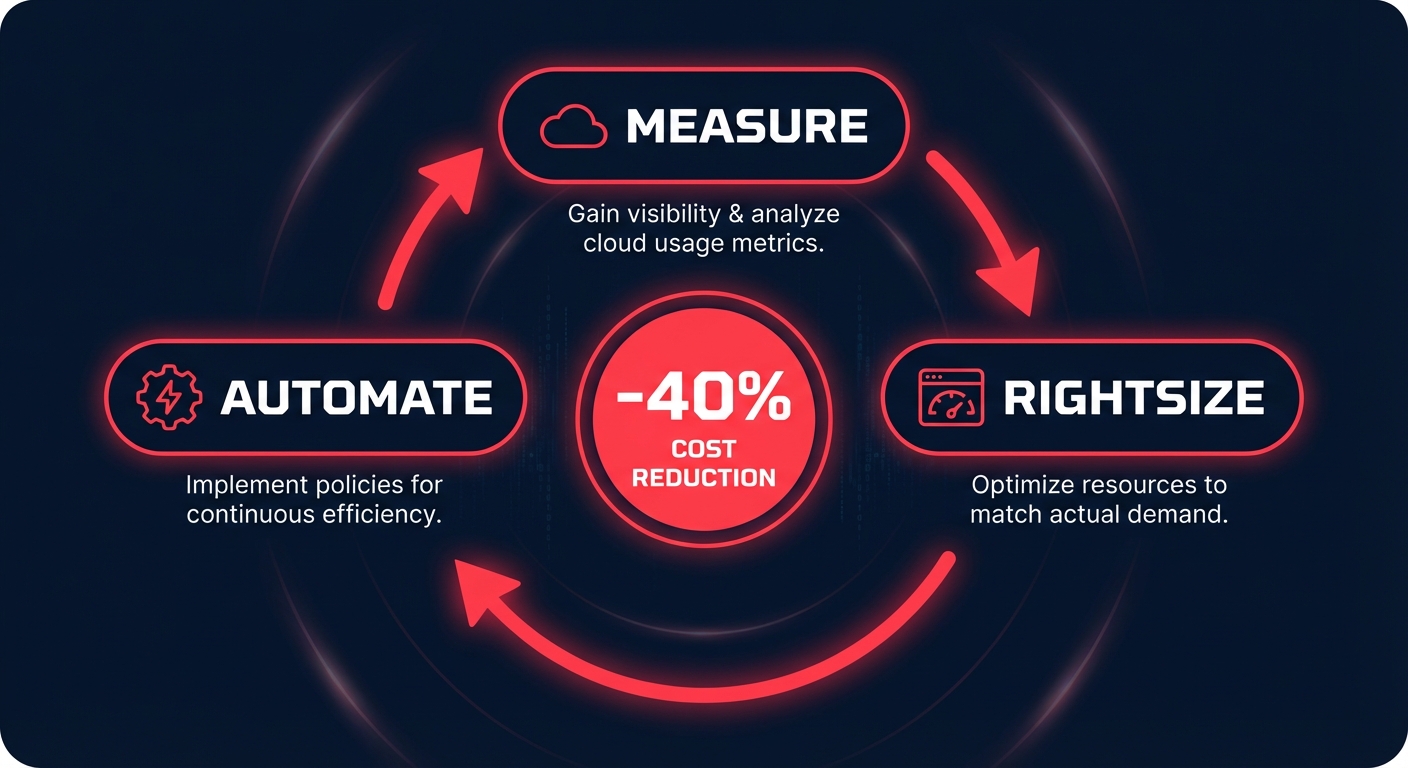
While native tools like AWS Cost Explorer and Compute Optimizer provide valuable recommendations, they do not execute changes. For busy engineering leaders, the manual effort required to implement every rightsizing suggestion often outweighs the immediate financial gain. This is where automated cloud cost optimization changes the equation by shifting from manual reviews to continuous, real-time adjustments.
Hykell solves this by putting AWS rate optimization and resource rightsizing on autopilot. The platform analyzes utilization in real-time and automatically adjusts your infrastructure, ensuring you run at peak efficiency without manual intervention. This approach typically reduces the total AWS bill by up to 40% with zero ongoing engineering effort.
The “set it and forget it” mentality of cloud provisioning is the primary driver of wasted spend. When you align your resources with actual demand, you create a more resilient, high-performing infrastructure. If you are ready to stop guessing and start saving, calculate your potential savings with Hykell today. We only take a slice of what you save – if you don’t save, you don’t pay.

