
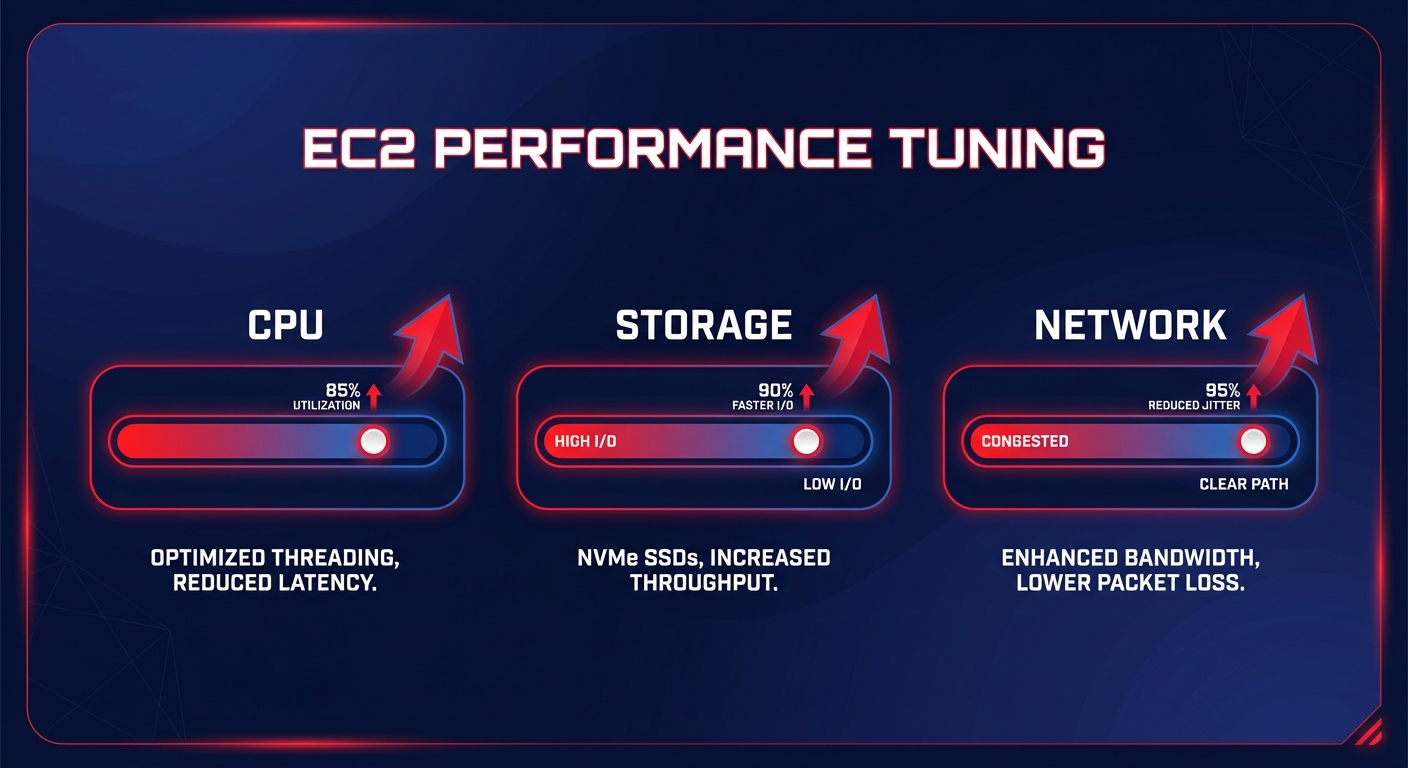
Is your AWS environment leaking performance while draining your budget? Most cloud infrastructures are over-provisioned by up to 40%, yet they still suffer from latency and bottlenecks. Systematic tuning is the only way to align your resources with your actual workload demands.
Matching instance families to workload profiles
Systematic performance tuning begins with selecting the correct instance family. For steady, predictable workloads like enterprise applications or databases, choosing the right EC2 instance type selection guide for cost efficiency involves prioritizing families like the M7i, which provides a balanced mix of CPU and memory. However, many teams default to these general-purpose instances and miss the 15–25% performance-per-vCPU gains available by moving to compute-optimized (C7) or memory-optimized (R7) families tailored to specific architectural needs.
The most significant performance-to-cost lever available today is the migration to custom AWS silicon. You can accelerate your Graviton gains by moving to Arm-based processors, which deliver up to 40% better price-performance compared to x86 alternatives. Because Graviton3-based instances, such as the C7g, are purpose-built for the cloud, they offer higher compute density and lower power consumption. This makes them the ideal standard for modern microservices and data processing tasks that require high throughput without the premium price tag of legacy architectures.
Eliminating storage bottlenecks and the hidden bandwidth cap
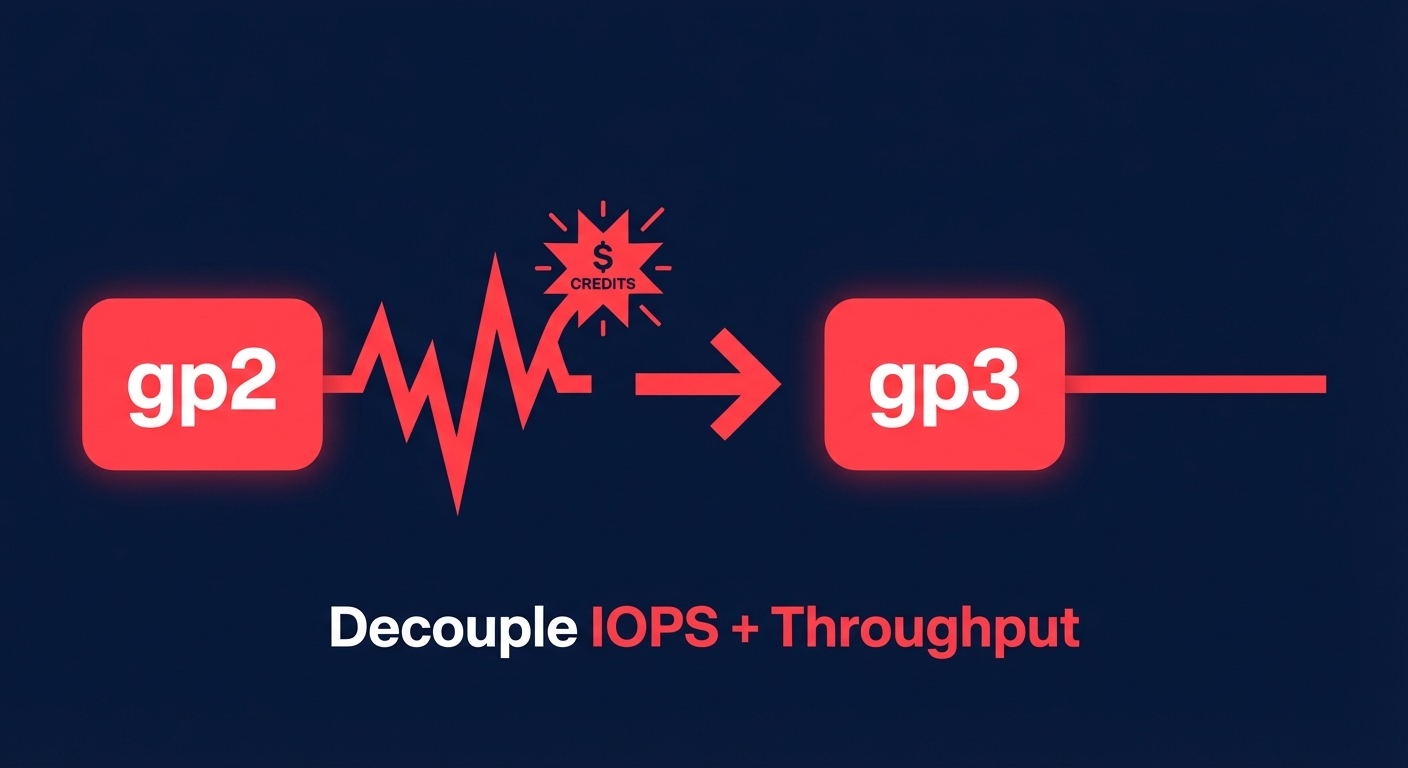
Storage performance is often the primary culprit behind underperforming workloads. If you are still running gp2 volumes, you are likely dealing with unpredictable burst-credit depletion that creates performance cliffs during peak I/O. Transitioning to gp3 volumes allows you to decouple IOPS and throughput from disk capacity. This migration typically yields a 20% cost reduction while providing a consistent baseline of 3,000 IOPS and 125 MiB/s.
However, even the fastest EBS volume will underperform if your EC2 instance lacks the necessary EBS-optimized bandwidth. For example, a t3.medium instance caps out at roughly 2,085 Mbps. If you provision a gp3 volume for 1,000 MiB/s, the instance itself becomes the bottleneck, leading to increased Amazon EBS latency metrics and high queue length in your CloudWatch metrics. You must align your instance’s throughput capacity with your aggregate storage needs to avoid paying for provisioned performance that your “pipe” cannot actually handle.
Optimizing networking and reducing tail latency
High tail latency in distributed systems often stems from inefficient network configurations. You should ensure that Enhanced Networking is enabled via the Elastic Network Adapter (ENA) on all current-generation instances. This reduces jitter and provides higher throughput with lower CPU overhead. For workloads requiring sub-millisecond latency, leveraging Nitro-based instances is essential as they offload network and storage I/O to dedicated hardware, preventing the host CPU from becoming overwhelmed by background tasks.
Beyond the instance level, you can reduce cross-AZ latency by implementing strategic cloud latency reduction techniques like optimizing placement groups and VPC endpoints. If your application relies on heavy inter-service communication, switching from REST to gRPC can reduce communication latency by 30–50%. Furthermore, implementing Global Accelerator or CloudFront can shave hundreds of milliseconds off page load times by routing traffic through the AWS global edge network rather than the public internet, ensuring your users experience the same speed regardless of their physical distance from the origin.
Rightsizing as a continuous performance strategy
Performance tuning is not a one-time event; it is a continuous feedback loop. Research suggests that 40% of EC2 instances run at less than 10% CPU utilization. This over-provisioning isn’t just a waste of money – it often hides application inefficiencies that only surface when resources are right-sized. By following AWS EC2 auto scaling best practices, you can implement target tracking policies that keep your metrics at a healthy 50-60% utilization, acting like a smart thermostat for your cloud resources.
By monitoring P95 and P99 metrics over a four-week window, you can identify instances that are prime candidates for downsizing. This systematic approach to cloud resource rightsizing can cut your compute costs in half without impacting user experience. You should always right-size your footprint before applying AWS rate optimization strategies, such as Savings Plans or Reserved Instances. Committing to a lean, efficient footprint is far more effective than paying to reserve unused capacity. To maintain peak performance, you should track the following metrics:
- VolumeQueueLength (ideally hovering near 1 for latency-sensitive apps)
- CPUUtilization (aiming for a 60-70% average in production)
- BurstBalance (to identify volumes approaching a performance cliff)
- MemoryUtilization (requires the CloudWatch Agent for accurate monitoring)
Achieving automated performance at scale with Hykell
Manually tuning every instance, volume, and networking rule across a complex AWS environment is an impossible task for most DevOps teams. This is where Hykell transforms infrastructure management by acting as an extension of your team. Hykell provides an automated, no-compromise solution that systematically identifies underperforming resources and eliminates waste on autopilot.
By integrating deep cloud observability with AI-driven commitment management, Hykell helps you achieve up to 40% savings on AWS without requiring a single line of code change or ongoing engineering effort. The platform monitors your actual usage patterns in real-time, executing rightsizing and storage optimizations – such as gp2 to gp3 migrations – while balancing your portfolio of Savings Plans and RIs to maximize your effective savings.
Stop letting over-provisioned instances drain your budget and hidden bottlenecks throttle your application. Use the Hykell cost savings calculator today to see exactly how much waste you can trim from your AWS bill while actually improving your infrastructure’s performance.

